Workout Notes App: 10 Features That Turn a Basic Log Into a Training Journal
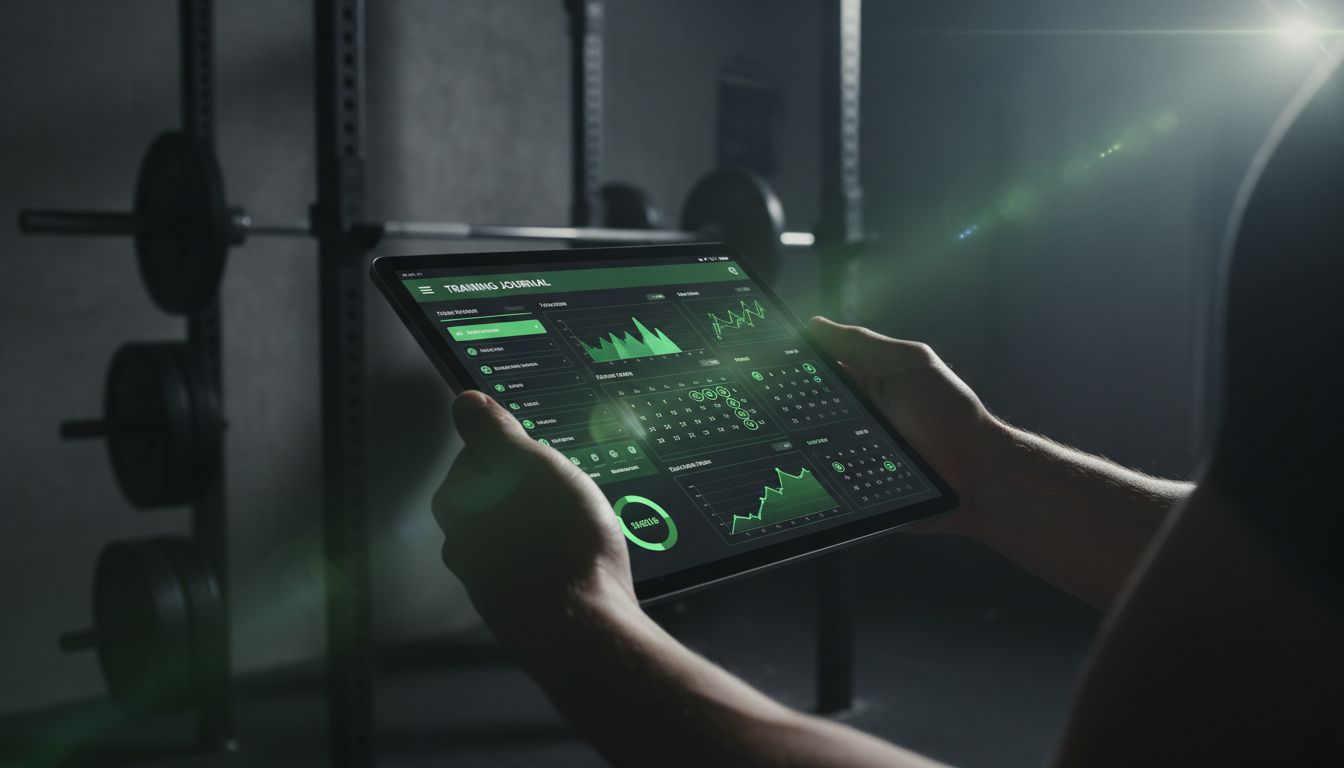
A good workout notes app should do more than store numbers. It should help you remember what happened during the set, what your body felt like, and what to change next time. The best options make logging fast enough to use in the gym, then give you a place to add exercise cues, session reflections, routines, history, timers, and exportable data instead of forcing everything into a generic note field. If you want one example of that notes-first approach, Setgraph is built around quick logging, history, and notes. (setgraph.app)
10 features to look for in a workout notes app
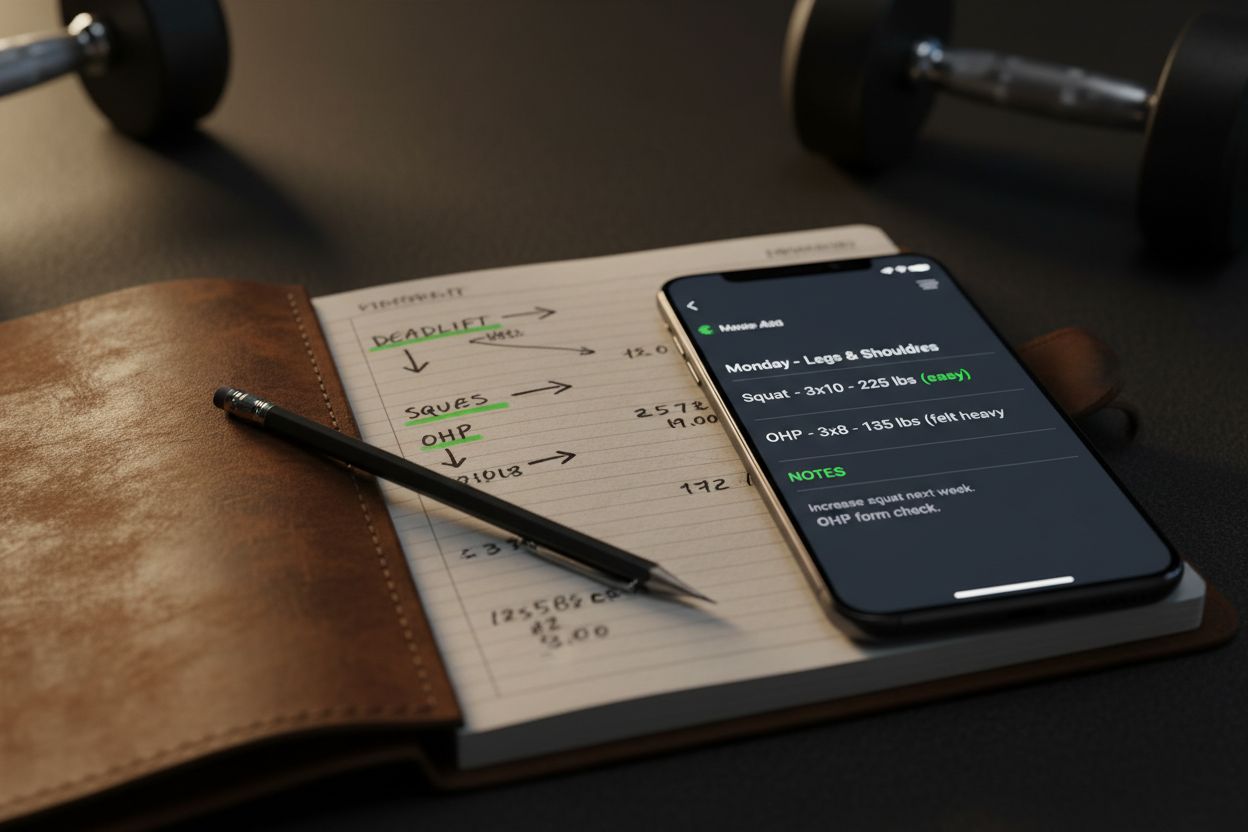
1. Fast logging that does not break your focus
The best workout notes app makes it easy to record reps, weight, and context in a few taps. Setgraph says you can swipe to log reps and weight, pull straight from history, or add notes, which is exactly the kind of low-friction flow that keeps logging realistic during a busy session. (setgraph.app)
2. Notes attached to exercises and sessions
A single blank note field is not enough. Setgraph distinguishes exercise notes, which stay attached to a movement and can hold cues, equipment settings, or pain notes, from list notes, which summarize the whole workout. Hevy also places a custom note area inside the workout flow, just above its rest timer, which shows how notes can live where you actually train instead of off to the side. (setgraph.app)
3. Templates and routines that save time
If you repeat the same lifts every week, templates save a lot of friction. FitNotes lets you create workout routines for frequently used sessions, Hevy offers a customizable routine builder, and Setgraph says its planner can build structured routines with notes, cues, and instructions. If you want help turning that kind of structure into a repeatable plan, the Setgraph training guide is a natural follow-up. (fitnotesapp.com)
4. History and progress comparisons
Notes are most valuable when you can compare them against previous sessions. Setgraph says you can compare today with the last session in real time and see how weight and reps evolve over time, while FitNotes supports pre-planned workouts with auto-select next set and recordkeeping features that make repeated sessions easier to review. That is the difference between “I think this worked” and “I know this worked.” (setgraph.app)
5. Rest timers and pacing
A rest timer sounds small, but it changes what you notice and note. Hevy offers an automatic rest timer for live workouts and routines, FitNotes can keep the screen on so you can track remaining rest time, and Setgraph reviews mention an automatic timer when recording a set. If pacing matters to your training, this feature is more useful than it looks on paper. (hevyapp.com)
6. Export and backup options
A serious workout notes app should let you take your data with you. FitNotes supports CSV export of workout or body tracker data, Google Drive automatic backup on Android, and Android DB export or restore options, which matters if you switch phones or want to analyze trends elsewhere. A note app that traps your training history is useful until the day you need your history. (getfitnotes.com)
7. Custom exercises and flexible organization
Your training probably changes over time, and your app should keep up. Hevy lets you create custom exercises, Setgraph says its folder system is customizable and that you can create your own exercises, and FitNotes routines let you add notes and predefined sets to repeated workouts. That flexibility matters if you train with machines, specialty bars, bodyweight work, or a program that changes often. (setgraph.app)
8. Charts, PRs, and summaries
A workout notes app gets more useful when it shows whether your notes match your results. Setgraph highlights correlation analysis, rep and weight trends, and daily progress views, while FitNotes can notify you about personal records. Those features make it easier to tell whether a cue, rest change, or exercise swap actually helped. If you like turning data into better sessions, the Setgraph fitness tips section is worth keeping around. (setgraph.app)
9. A search or calendar view for old sessions
The whole point of notes is being able to find them later. Setgraph’s review article says its calendar helps users return to any workout date, and FitNotes provides routines, logs, and calendar-based workflows that support repeated tracking. If your app makes old sessions hard to find, your notes will slowly stop being useful. (setgraph.app)
10. A simple interface you can use between sets
The best notes system is the one you will actually use while tired and distracted. Setgraph’s homepage describes a swipe-based flow for logging reps and weight with notes, and Hevy and FitNotes both build around quick in-workout actions rather than long form journaling. Simplicity is not a nice extra here, it is the difference between a real log and abandoned good intentions. (setgraph.app)
What to write in your workout notes
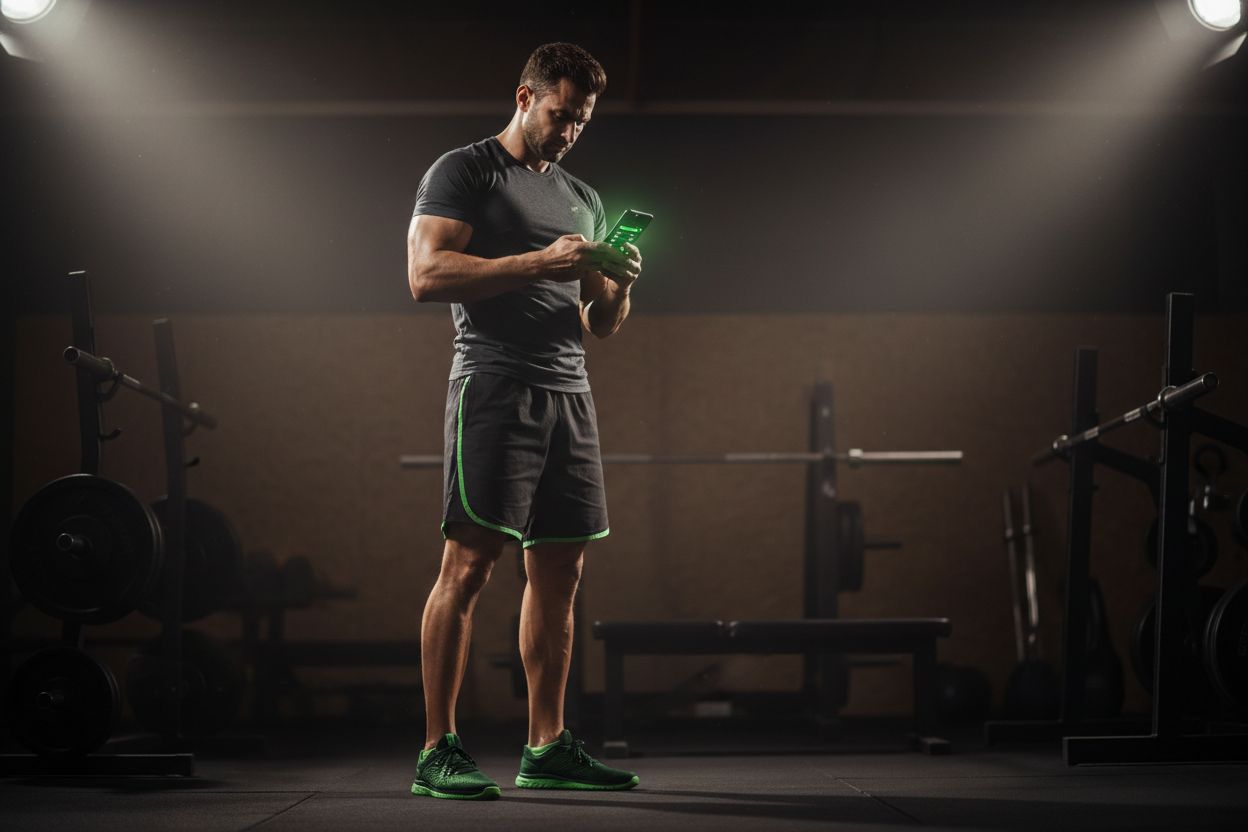
If you are not sure what belongs in a workout note, start with the details that change the next session. Setgraph’s notes guide points to form cues, adjustments from prior workouts, equipment settings, pain or discomfort, plus session-wide summaries of recovery, fatigue, energy, and pre-workout reminders. Those are the details that are easy to forget and genuinely helpful later. (setgraph.app)
A few useful prompts:
What form cue helped most today?
Did any exercise feel unusually hard or unusually easy?
Was the setup different, such as bench height, grip width, or machine setting?
Did pain, tightness, or fatigue affect the set?
What should stay the same next time?
What should change next time?
If you keep your notes this simple, they stay readable. If you make every entry feel like a journal essay, you will stop doing it.
How to choose the right app for your training style
For strength training, prioritize quick history comparisons, PR tracking, and rest timers. For bodybuilding or general fitness, look for routines, custom exercises, and easy notes. For coaching or research-minded lifters, export and backup matter most because they keep the log portable. Setgraph, Hevy, and FitNotes each cover parts of that workflow, but they emphasize different strengths, so the right choice depends on how you train and how much structure you want. If you want a deeper programming angle, Optimize Your Training is a good next stop, and the broader Fitness & Workout Tips section can help you turn notes into better sessions. (setgraph.app)
A simple rule helps here: if an app makes you log more often, it is probably the better app. The fancy one you do not open is not actually helping.
A notes-first example worth checking out

Setgraph is a clear example of how a workout notes app can stay simple without feeling barebones. Its homepage says you can record sets your way, swipe to log reps and weight, pull straight from history, and add notes. Its planner page says routines can include notes, cues, and instructions, and its notes guide explains the difference between exercise notes and list notes. The tracking page adds correlation analysis, set filters, and daily progress views, so notes can sit alongside real progress data instead of replacing it. (setgraph.app)
If you want user feedback before trying it, the Setgraph app reviews page is a helpful place to start. That kind of real-world feedback matters because the best workout notes app is not the one with the longest feature list, it is the one you will actually keep using after the first week. (setgraph.app)
FAQ
Should I track every set in a workout notes app?
For main lifts, yes. Setgraph’s benefits article recommends logging date, exercise name, weight, reps, sets, and notes, while still keeping the system simple enough that you will use it consistently. For smaller accessories, you can keep the notes lighter if that makes the app easier to stick with. (setgraph.app)
Are exercise notes or workout notes better?
Use both if the app supports it. Setgraph separates exercise notes from list notes, which is useful because exercise notes can carry forward movement-specific cues while session notes can capture how the workout felt that day. That split makes the log more practical than a single long text field. (setgraph.app)
Can a spreadsheet replace a workout notes app?
Sometimes, but not always. FitNotes and Setgraph show why apps are popular, since they make logging, routines, progress views, and rest timing easier mid-workout. At the same time, FitNotes also supports CSV export and backups, so you can still move the data into a spreadsheet later if you want to analyze it there. (hevyapp.com)
What is the biggest mistake people make with workout notes?
Trying to record too much. The most useful notes are usually the ones you can read in two seconds before your next set. A short cue, a recovery note, or a setup reminder will help more than a long paragraph you never revisit.
A workout notes app works best when it feels like part of training, not homework. Keep the logging fast, keep the notes useful, and make sure you can find old sessions when you need them. That is what turns a basic log into a training journal.
Article created using Lovarank