Setgraph App Review: Logging Features and Workflow
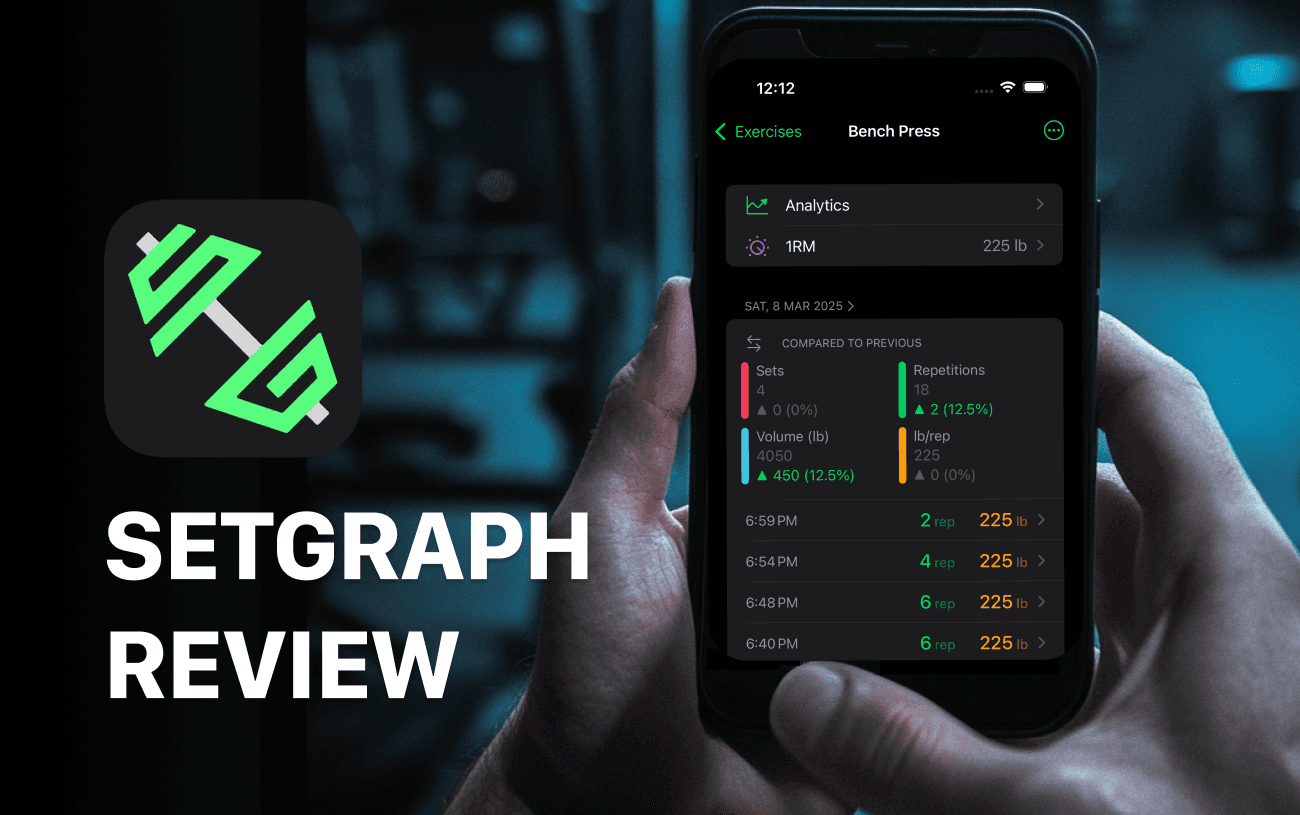
Setgraph is a workout tracker for recording exercises, sets, reps, and load, then reviewing that history. This review is published on Setgraph’s own website. The feature discussion below describes the product workflow; it should not be read as an independent test or evidence that the app causes a particular strength or physique result.
The main decision is whether an exercise-centered log fits how you train. If you want a record that is easier to summarize than free-form notes, Setgraph’s exercise history and charts are worth considering. If you prefer a plain text log, that can still work.
Start with an ordinary task: add an exercise, record the sets you actually perform, correct one entry, and find the previous session. This is a suggested evaluation for the reader, not a test we claim to have carried out.
Feature review: recording your training
Setgraph organizes training around exercise records and workout lists. The detailed examples here use the released iOS workflow; Android availability does not establish identical features or access.
Record reps and load in pounds or kilograms, organize exercises into workout lists, and create an exercise when you need a distinct variation. For example, use separate entries for different pulldown machines or grips if combining them would make comparisons misleading.
The AI Workout Generator accepts goals and preferences to produce a starting plan. Review the exercises, workload, schedule, and equipment before using it. The generator does not take responsibility for technique, recovery, or deciding whether a session is appropriate for you.
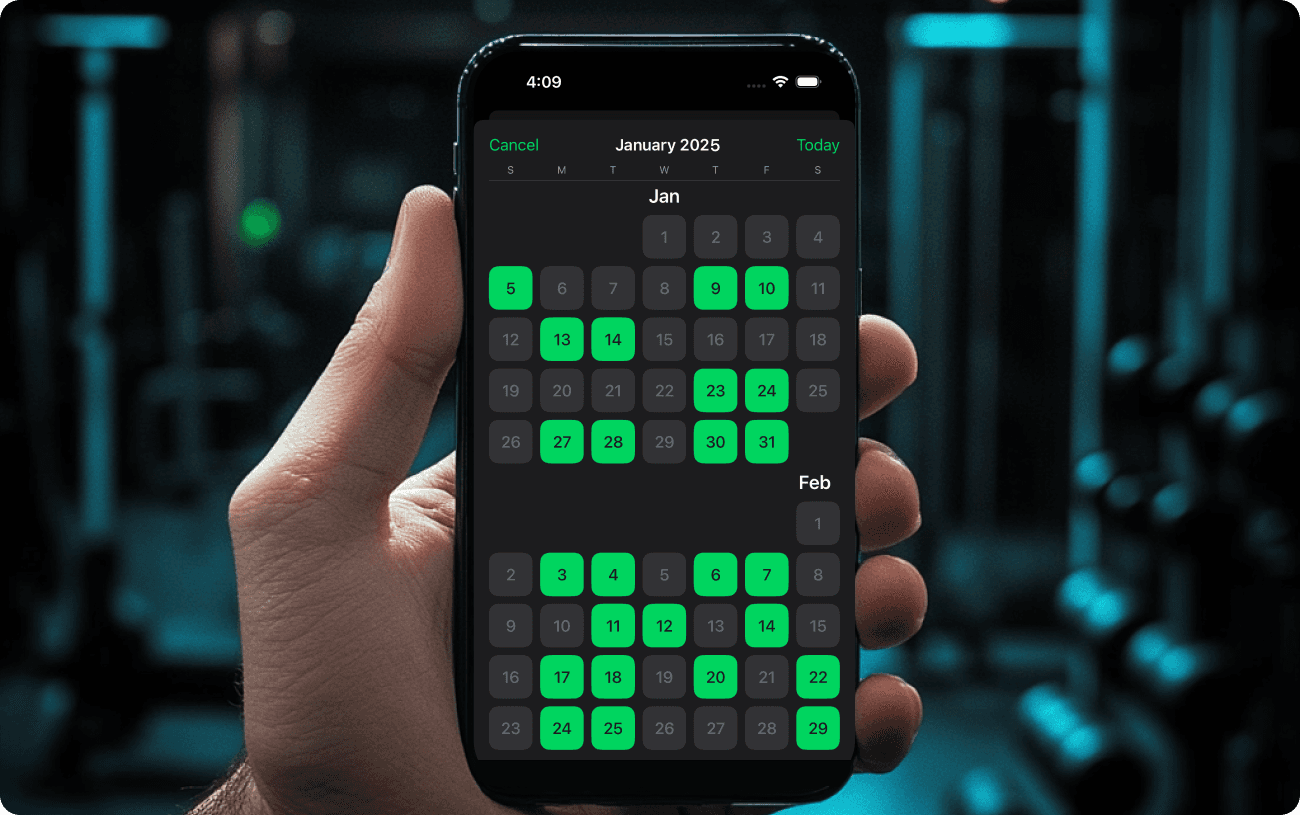
Existing promotional illustration of the calendar; it is not evidence of a measured training result.
Features to evaluate
• Analytics: Review trends in recorded load, reps, and volume. Use comparable exercises and technique; a rising volume chart is not direct evidence of muscle growth.
• Custom exercises: Keep materially different variations separate and name them clearly. A note such as “neutral-grip attachment, seat 4” can make a future comparison more useful.
• Calendar and history: Find earlier training days and inspect their sets. History availability and feature access should be checked in your installed version rather than assumed to be unlimited for every account.
Getting Started with Setgraph
Where Can I Download the App?
Setgraph has official listings on the Apple App Store and Google Play Store. Availability on both platforms does not by itself establish cross-platform purchase sharing, sync, or feature parity.
Set up a first exercise
Follow the account prompts shown in your version, then add an exercise you already perform. Use the correct load unit and enter a recent set only if you label it with its actual date. Training-goal and equipment questions belong to planning features; they are not proof that every account setup automatically creates a suitable program.
Check access before choosing
A free download, a logging allowance, and a store trial are different things. Do not assume that every new user receives five full workouts or the same feature access.
If a PRO trial is offered, use the duration, eligibility, renewal terms, and cancellation information shown for your account in the app or store. This review does not promise a universal seven-day trial.
Before relying on a particular feature, check these practical questions:
• Can you use the logging and history views needed for your routine?
• Are the analytics or planning tools you want available under the access shown to you?
• If an offer renews, do you understand how and when to cancel it?
These checks keep the decision tied to your actual account and device. No subscription price or universal entitlement is asserted here.
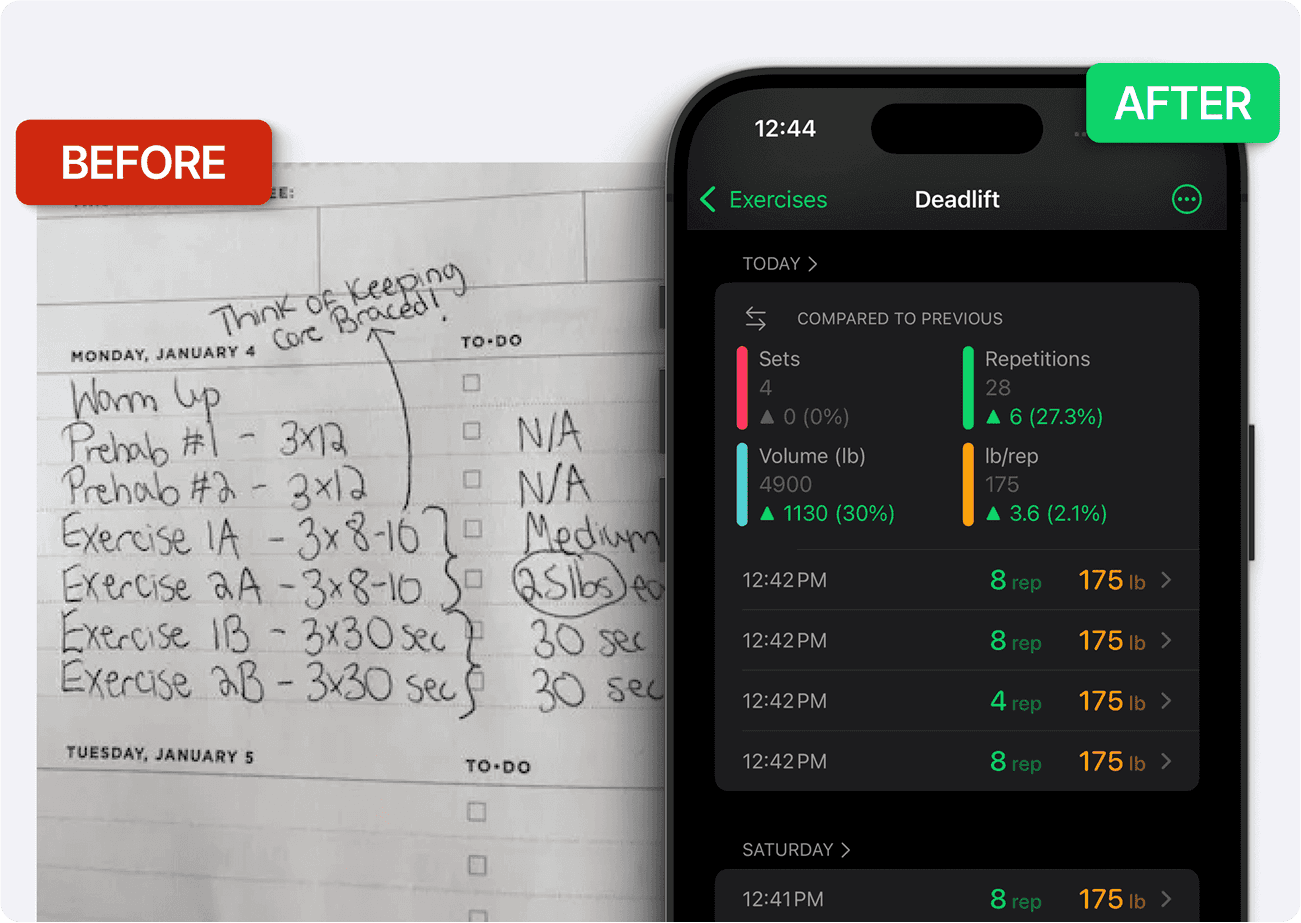
Illustrative comparison of logging formats, not a before-and-after performance result.
Setgraph vs Notes
A Notes app can hold a useful training log. Use a consistent structure such as “Bench press, 80 lb: 10 / 10 / 9, same bench setup.” A dedicated logger separates that information into fields and can summarize it automatically.
The practical advantage to evaluate is retrieval: can you find the last comparable set, correct a typo, and review several weeks without manually sorting entries? That is a workflow difference, not evidence that installing an app immediately improves a lift.
For example, record three actual sets and preserve the equipment and units. On the next comparable session, follow your program and use the record as context. Changes in strength also depend on training, technique, recovery, and other factors; a chart alone cannot assign the result to Setgraph.
Is Setgraph a good fit for your workout log?
Consider Setgraph if you want structured set entry, exercise history, workout lists, and charts. Keep a plain text log if that already meets your needs and you do not want another app.
The most useful choice is the one you can maintain accurately. You do not need a personal record every session or a promise of constant motivation to benefit from keeping records.
Try the core logging workflow before moving important old records or relying on optional planning tools. Preserve access to your previous log during the transition.
To explore the app’s logging approach, see the Setgraph workout tracker overview. Choose based on your training task and the access available on your device.
Frequently asked questions
What can I log in Setgraph?
The released iOS workflow records an exercise’s enabled properties, such as reps, load, or duration, with notes for context. Workout lists help organize exercises and their history.
Does this review prove Setgraph improves training results?
No. It describes features on the publisher’s own site. No independent comparative test or verified outcome dataset is presented here. Training results depend on more than the app used to record them.
Is every Setgraph feature available free?
This review does not establish universal free access. Check the specific features and any eligible PRO offer shown for your account and device.
