Workout Log Free Printable: 12 Ready-to-Use Templates and How to Use Them
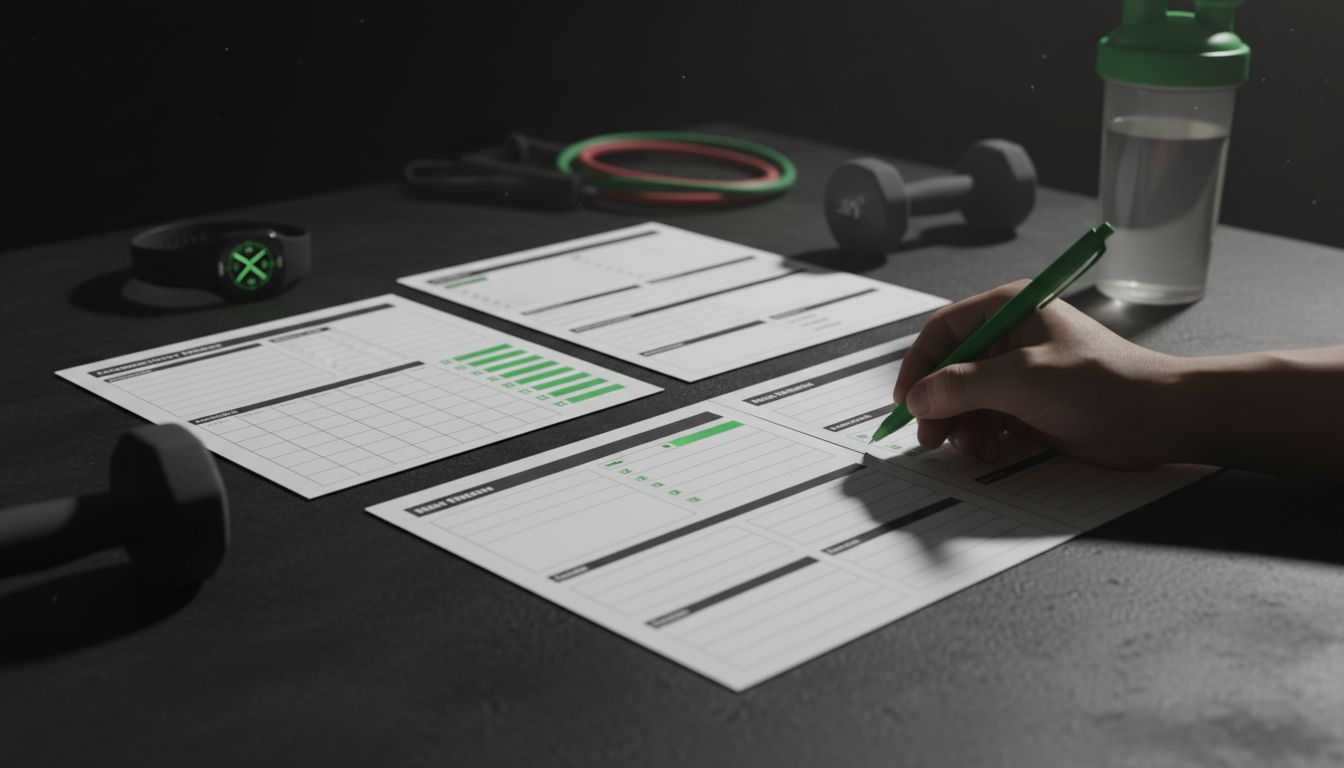
Tracking your workouts changes how you train. A simple pen-and-paper log or a printable sheet can reveal trends, prevent plateaus, and keep motivation high—without paying for an app. Below are 12 practical free printable workout log templates, plus clear instructions on how to use them, common mistakes to avoid, and printing and organizing tips so your tracking becomes a system, not a chore.
Top 12 Free Printable Workout Logs (and when to use each)
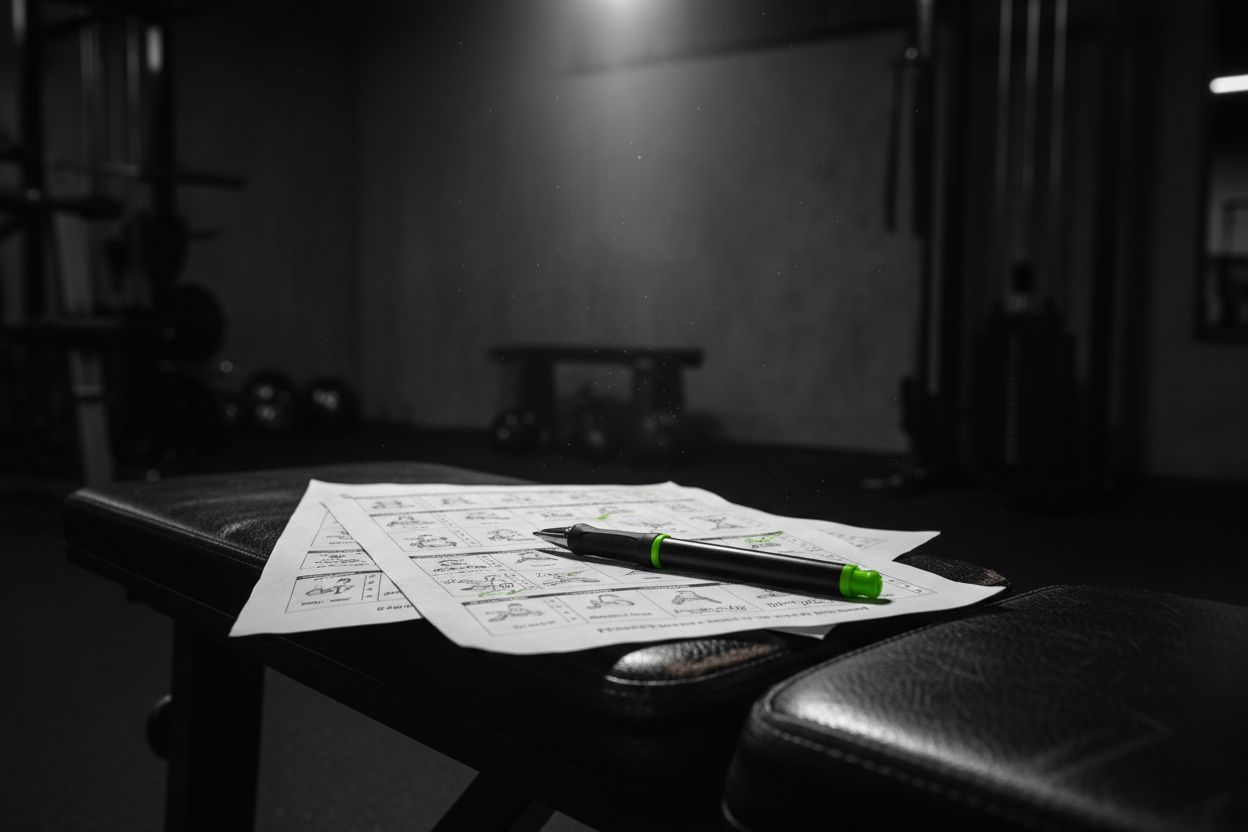
Here are 12 printable templates organized by purpose. Each entry includes what the sheet tracks, who it’s best for, and a quick customization tip.
1) Daily Strength Training Log
What it tracks: Date, exercise, sets, reps, weight, RPE or form notes, rest time.
Best for: Lifters who prefer session-by-session detail.
Customization tip: Add a column for tempo or pause reps if you do controlled eccentrics.
2) Weekly Workout Planner
What it tracks: Workout type per day, main lifts, accessory work, cardio slot, priorities.
Best for: People planning 3–6 gym days a week.
Customization tip: Leave a small box for a weekly focus like "speed" or "volume."
3) 30-Day Challenge Tracker
What it tracks: Daily habit checkboxes, cumulative totals, personal notes.
Best for: Habit building or bodyweight challenges.
Customization tip: Use a weekly mini-goal to keep momentum.
4) Running/Cardio Log
What it tracks: Date, distance, time, route, pace, heart rate, perceived exertion.
Best for: Runners and cyclists wanting progress metrics.
Customization tip: Add a field for surface (trail/road/treadmill) to spot patterns.
5) Powerlifting/One-Rep Max (1RM) Template
What it tracks: Top working sets, estimated 1RM (Epley or Brzycki formula), attempt notes.
Best for: Strength athletes tracking max lifts.
Customization tip: Include a small deload week planner below the log.
6) Hypertrophy/Bodybuilding Split Sheet
What it tracks: Primary muscle group, exercise order, sets, reps, drop sets, rest.
Best for: Volume-focused training.
Customization tip: Add a "time under tension" column for slower reps.
7) Home Workout Log (No Equipment)
What it tracks: Exercise, sets, reps, difficulty, modifications.
Best for: At-home trainees and travelers.
Customization tip: Include a substitution list (e.g., chair squat -> goblet squat).
8) Rehab and Physical Therapy Tracker
What it tracks: Mobility drills, reps, pain scale, ROM measurements, notes for clinician.
Best for: People recovering from injury under guidance.
Customization tip: Add a daily symptom checkbox to track inflammation trends.
9) Body Measurement & Progress Photos Log
What it tracks: Weight, waist/hip/chest/arm/leg measurements, date of photo.
Best for: Tracking physique changes alongside training.
Customization tip: Use the same lighting and clothing for consistency.
10) Bullet-Journal Style Minimalist Sheet
What it tracks: Checkbox for workout done, short note for intensity, one-line takeaway.
Best for: Minimalists and busy people.
Customization tip: Make months printable in A5 size for planner inserts.
11) Trainer/Client Session Sheet
What it tracks: Client name, date, exercises, coach notes, home program, follow-up.
Best for: Personal trainers carrying quick paper notes between clients.
Customization tip: Add a signature line and space for client feedback.
12) Holistic Wellness Log (Sleep, Hydration, Nutrition)
What it tracks: Sleep hours, water intake, pre/post workout meals, energy level, mood.
Best for: Athletes who want to correlate lifestyle with performance.
Customization tip: Add a menstrual cycle note field for female athletes tracking training phases.
How to use your printable workout log effectively

A printable becomes powerful only when used consistently. Follow this short system to make tracking simple and meaningful.
Choose a primary template
Pick one template that matches your training style. If you’re strength-focused, start with a daily strength log. If you’re building consistency, use the 30-day tracker.
Standardize entries
Use consistent abbreviations and units. For weight use pounds or kilograms, not both. For running use miles or kilometers. This makes trend analysis possible.
Track what's actionable
Record data that informs decisions: weights, sets, reps, RPE, rest. Avoid logging fluff that you won’t review later.
Review weekly
Spend five minutes at the end of each week scanning for trends: Are weights increasing? Is cardio pace improving? Do you need an extra rest day?
Convert to a plan
Use your logged top sets and feelings to set the next week’s targets. For instance, add 2.5% to main lifts or increase rep targets on accessories.
Use the log for problem-solving
If energy dips or soreness spikes, check sleep, hydration, and recent volume. Logs reveal root causes faster than memory.
For digital alternatives and tips on transferring paper logs into an app, see the Setgraph page about tracking workouts: Setgraph - Workout Tracker Gym Log App.
Quick formulas and trackers to add to your printables
Estimated 1RM (Epley formula): 1RM = weight * (1 + reps/30). Add a column to calculate this automatically in Excel.
Weekly volume: total sets x reps x weight for each lift. Sum per week to monitor progression.
Percent-based templates: include a small chart with percentages of your 1RM for easy program adherence.
These simple additions turn a basic sheet into a planning tool.
Common mistakes people make when using printable logs (and how to avoid them)
Logging inconsistently: Keep the log where you train or in a small binder. Storing it at home often leads to gaps.
Recording too much noise: Only write metrics you review; too many fields increase friction.
No review habit: A log without weekly reviews is just a journal. Block 5–10 minutes weekly to interpret the data.
Not adjusting after plateaus: If your numbers stall for 3–4 weeks, adjust volume or intensity using the data in your log.
Skipping context: Add short notes on sleep, stress, or nutrition when a session felt off—context saves time later.
Which printable is right for you? A quick flow to decide
Want strength gains and max tracking? Choose the Powerlifting/1RM template.
Want volume and muscle growth? Use the Hypertrophy/Bodybuilding sheet.
Training primarily at home? Use the Home Workout Log.
Building consistency and habit? Use the 30-Day Challenge Tracker.
Recovering from injury? Use the Rehab and PT Tracker.
If you still aren’t sure, start with the Weekly Workout Planner combined with the Holistic Wellness Log and refine from there.
For detailed guidance on structuring training phases and periodization that pairs well with these printables, see Optimize Your Training | Expert Tips and Workout Guides.
Printing, organizing, and digital alternatives
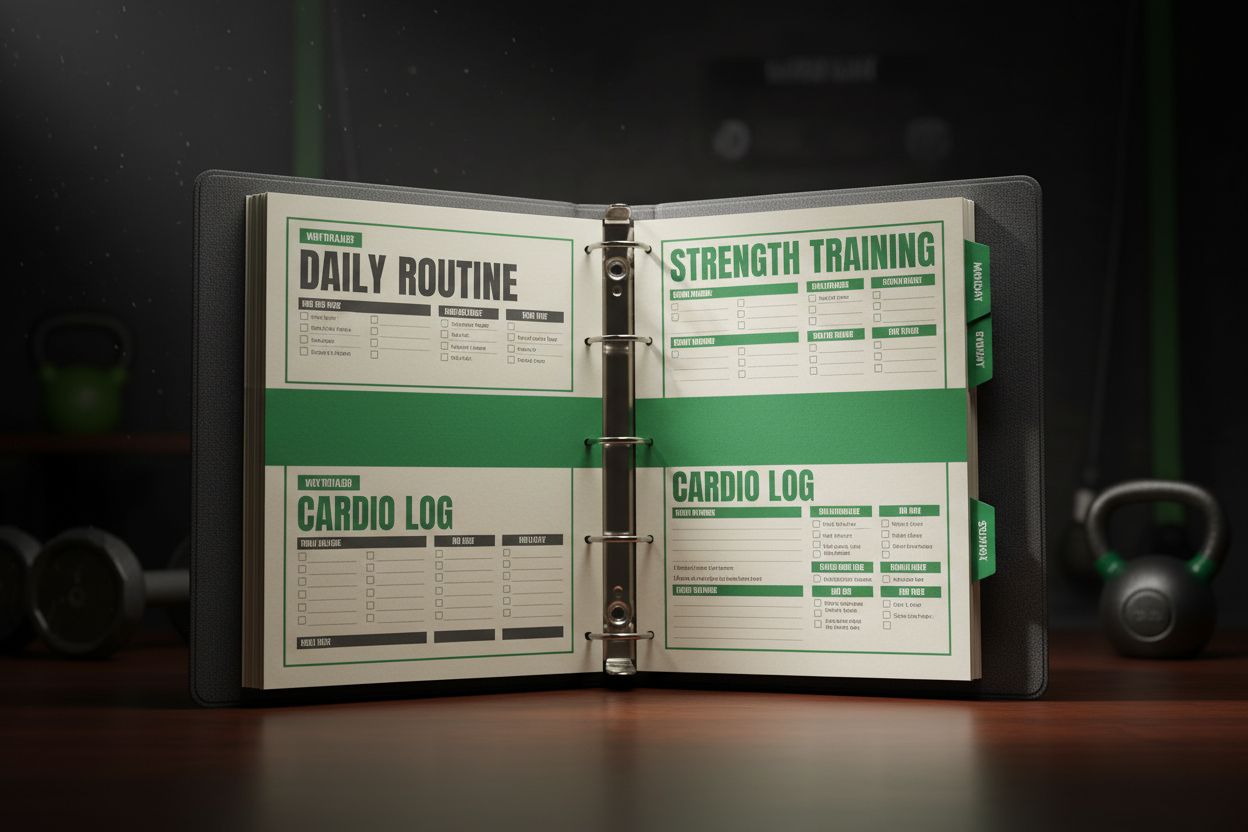
Practical tips for printing and storing your free printable workout logs:
Paper size: Use A4 for standard prints or half-letter/A5 for planner inserts.
Lamination: Laminate a weekly template and use dry-erase markers for reusing weekly plans.
Binders and dividers: Keep monthly or program-based logs in a three-ring binder with tabs for quick access.
Punch and clip: Use a clipboard for gym use so sheets don’t get lost or crumpled.
QR codes: Add a QR code linking to a video demo of the workout for each day if you share sheets with clients.
Digital vs paper pros and cons
Paper advantages: Tangible, quick to jot, no battery needed, easier to spot patterns visually.
Digital advantages: Searchable, backupable, auto-calculations, and mobile convenience.
If you want a hybrid approach, log heavy metrics on paper and transfer weekly summaries to an app or spreadsheet. For more on digital tracking options and reviews, check the Setgraph reviews page: Setgraph App Reviews (2025): User Ratings for Tracking Sets, Reps & Workouts.
Advanced printable features to consider adding
Progressive overload calculator: Add a mini table that suggests micro-increases based on performance.
Deload week planner: Schedule lighter sets and reduced volume every 4–8 weeks.
Periodization blocks: Include a small calendar to map phases like accumulation and peaking.
Rehab notes and flags: Color-code exercises that are contraindicated or modified for injury.
If you want templates that teach technique or house quick cues for lifts, the Setgraph training guides are a useful reference: Setgraph Training Guide | Maximize Your Workout.
How to customize the free printables (Excel/Word/PDF tips)
In Excel: Use data validation for exercise names to keep entries consistent and formulas to compute weekly volume or estimated 1RM.
In Word: Use tables and fixed-width fonts to make printed columns align neatly.
In PDF: Export from Word or Excel; if you want an editable PDF, create form fields for the repeatable entries.
Reuse: Leave margins and print two copies per sheet for small-card formats when traveling.
For quick practical tips and workout ideas to pair with your templates, see Fitness & Workout Tips | Setgraph.
Sample weekly review checklist (use at the end of each week)
Did I increase load, reps, or both on key lifts? If yes, record it.
Any persistent pain or recurring fatigue? Note and consult a pro if needed.
Did sleep or nutrition correlate with performance dips? Record adjustments.
Are program goals still realistic for the coming week? Adjust sets or intensity.
Real-world setups: how trainers and clients use printable logs
Personal trainers often carry a stack of session sheets to quickly record client sessions and homework. Trainers prefer a session sheet that includes space for coach notes and client feedback. If you’re a trainer, consider laminating a master template to reuse and recording client history in a binder.
For a digital-first trainer who still wants paper backups, create a printable summary that mirrors the fields in your app for consistent records. Learn more about mixing paper and app tracking with practical tips from Setgraph’s guides: Setgraph App: Insights, Tips & Training Guides.
Frequently asked questions
Q: Are printable logs better than apps?
A: Neither is inherently better. Paper is faster for immediate jotting and visible trend spotting. Apps help with backups, charts, and quick calculations. Many people use both.
Q: Can I make a reusable printable?
A: Yes. Laminate a weekly plan and use a dry-erase marker or insert templates into a plastic sleeve for gym use.
Q: How often should I update my printable plan?
A: Review weekly and adjust monthly. If you’re training for a competition, plan in phases and log key benchmarks.
Final checklist before you print
Choose the template that matches your primary goal: strength, hypertrophy, cardio, rehab, or habit building.
Standardize units and abbreviations so your historical data is comparable.
Commit to a short weekly review to turn logged numbers into training decisions.
Organize prints in a binder or clipboard to reduce friction.
If you want additional reading about technique and core training principles that pair well with logging, check this resource: Core Principles & Techniques for Every Lifter - Setgraph.
Tracking has a small upfront cost in time and a large payoff in results. Start with one printable, use it consistently for six weeks, and you’ll already have data to guide your next program. If you prefer a digital-first route later, you can migrate your notes and summaries into an app—many athletes use a hybrid approach that keeps the best of both worlds.
Article created using Lovarank


