Keeping Track of Workouts: A Practical Guide to Logging Progress and Staying Consistent

Keeping track of workouts is one of the simplest habits that can make training feel more organized and a lot more effective. A good log shows what you did, what felt hard, what improved, and what to change next time. Public health guidance from the CDC and NHLBI also points out that physical activity has immediate and long-term benefits, and that having a record can help you stay on track and see your progress. (cdc.gov)
The trick is not to build a perfect system. It is to build a usable one. If logging your training takes too long, you will stop doing it. If it is too vague, it will not help you improve. The best approach is usually the one that captures enough detail to guide your next session without slowing down the one you are in.
What you should actually record in a workout log
A practical workout log does not need to be complicated. The CDC’s activity log suggests tracking your minutes of activity each day, and it also leaves room for extra details like the activity you did, pace, weight used, steps, and calories when those details matter. For strength training, the most useful entries are usually the exercise name, sets, reps, load, rest time, and a short note about how the session felt. (cdc.gov)
Here is the minimum set of fields worth tracking most of the time:
Date, so you can compare sessions over time.
Workout type, such as upper body, lower body, run, HIIT, or mobility.
Exercise name, so you know exactly what you did.
Sets, reps, and load, which are the core numbers for most lifting sessions.
Rest intervals, especially if you want repeatable strength or hypertrophy work.
Notes, such as energy level, pain, equipment issues, or a form cue that helped.
That is enough for most people. Once you are consistently logging those basics, you can add more detail if it actually helps you make decisions. The point is to leave the gym with a record that makes the next workout easier to plan.
A simple minimum viable log
If you want the smallest possible system, use this structure:
Field | What to write |
|---|---|
Date | April 3, 2026 |
Session | Push day |
Exercise | Bench press |
Sets x reps | 3 x 8 |
Load | 185 lb |
Rest | 2 min |
Note | Last set felt tough, good bar speed on first two sets |
This format works because it is fast. It also gives you enough context to tell whether you are improving, stalling, or just having an off day.
Choose the tracking method that fits your routine
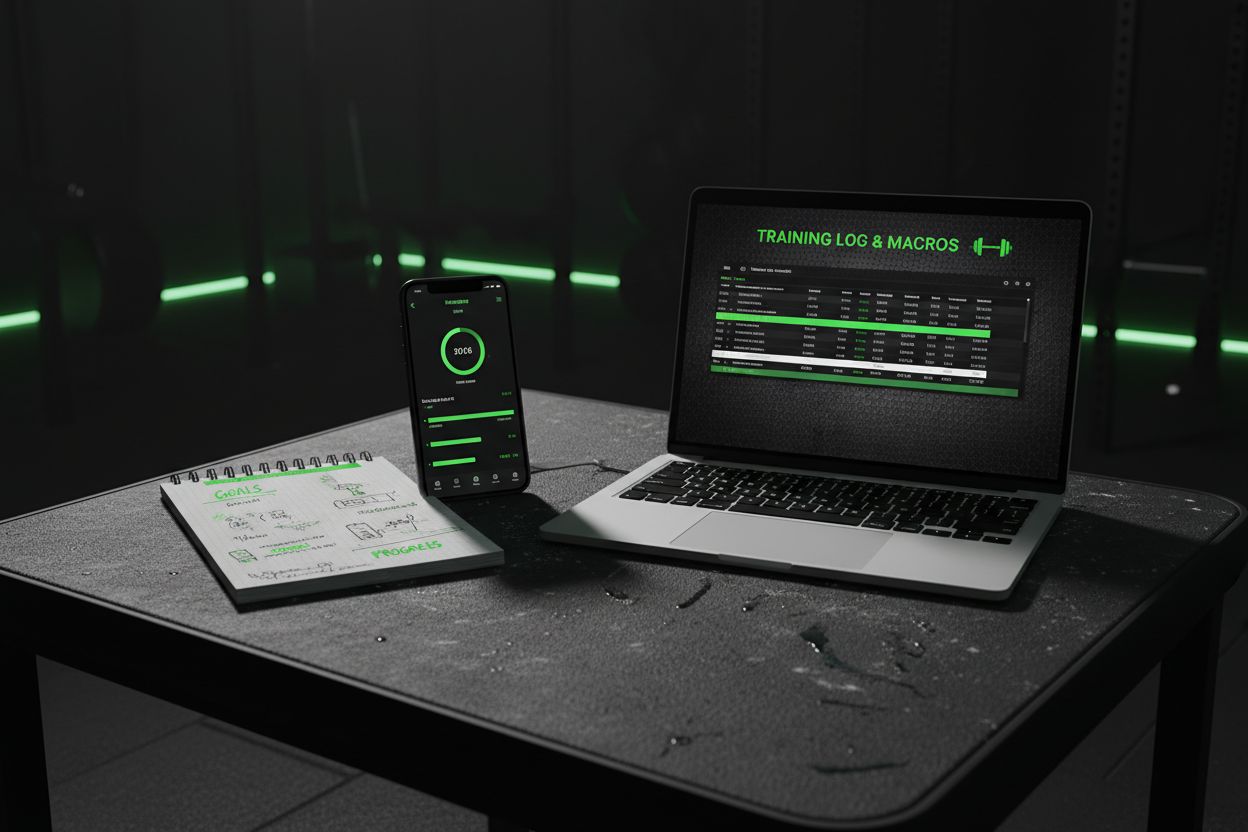
There is no single best way to keep track of workouts. A notebook is simple and low-friction. A spreadsheet is excellent if you like sorting, filtering, and calculating totals. An app is best if you want quick entry, automatic comparisons, and a cleaner view of progress. The right choice depends on how often you train, how much detail you want, and whether you review your data regularly. If you are still deciding, it can help to look at a dedicated tool like Setgraph’s workout tracker app and compare it with your current system.
Setgraph’s official site describes the app as a workout log and tracker that lets you record sets your way, swipe to log reps and weight, pull from history, and add notes. The site also says its tracker shows how weight and reps evolve over time through correlation charts and other tools. That makes it a useful example of the kind of app people look for when they want fast logging without giving up progress visibility. (setgraph.app)
A good rule of thumb:
Notebook if you want the fastest, most flexible option with almost no setup.
Spreadsheet if you like control and want to analyze trends later.
App if you want to log quickly in the gym and see prior performance instantly.
Wearable or timer-based tools if rest timing and workout pace are especially important to you.
If you want to compare real user feedback before choosing an app, Setgraph app reviews can give you a sense of how people evaluate a tracker for day-to-day use. Reviews are especially helpful when you care about ease of logging, not just a long feature list.
Turn your workout log into better training decisions
The value of tracking is not the log itself, it is what you do with it. Once you have a few weeks of entries, look for patterns. Are your reps rising at the same weight? Is your form breaking down when rest gets too short? Are some sessions consistently weaker than others? A record makes those trends much easier to see, and that is part of why written activity logs are so useful in the first place. The NHLBI log specifically says that having a record can help you stay on track and see your progress. (nhlbi.nih.gov)
Here are the most useful ways to read your log:
1. Look for progression, not perfection
If you lifted 135 lb for 8 reps last week and 135 lb for 9 reps this week, that is progress. If your weight stays the same but your reps, control, or total volume improve, you are still moving forward. Tracking makes those small wins visible, and those small wins are often what keep training sustainable.
2. Keep rest intervals consistent when possible
Rest matters more than many people realize. Setgraph’s rest timer guide says the timer starts automatically after a logged set and can be adjusted globally or per exercise, which is useful if you want repeatable pacing from session to session. Consistent rest makes it easier to tell whether a better performance came from actual progress or simply from taking longer breaks. (setgraph.app)
3. Use the log to decide the next step
A good workout record helps you answer questions like these:
Should I add weight next time?
Should I keep the same weight and add a rep?
Do I need another set?
Was the session too easy, too hard, or just right?
Do I need to reduce volume for a week?
If you want more structured programming ideas, Optimize Your Training is a helpful place to explore how workout data can shape better decisions over time.
4. Review weekly, not only when you feel stuck
Many people wait until they hit a plateau before looking back. That is too late to catch some of the smaller patterns. A short weekly review is usually enough. Check which lifts moved, which ones stalled, and whether sleep, stress, or rest time seemed to affect performance.
Sample workout log templates for different training styles
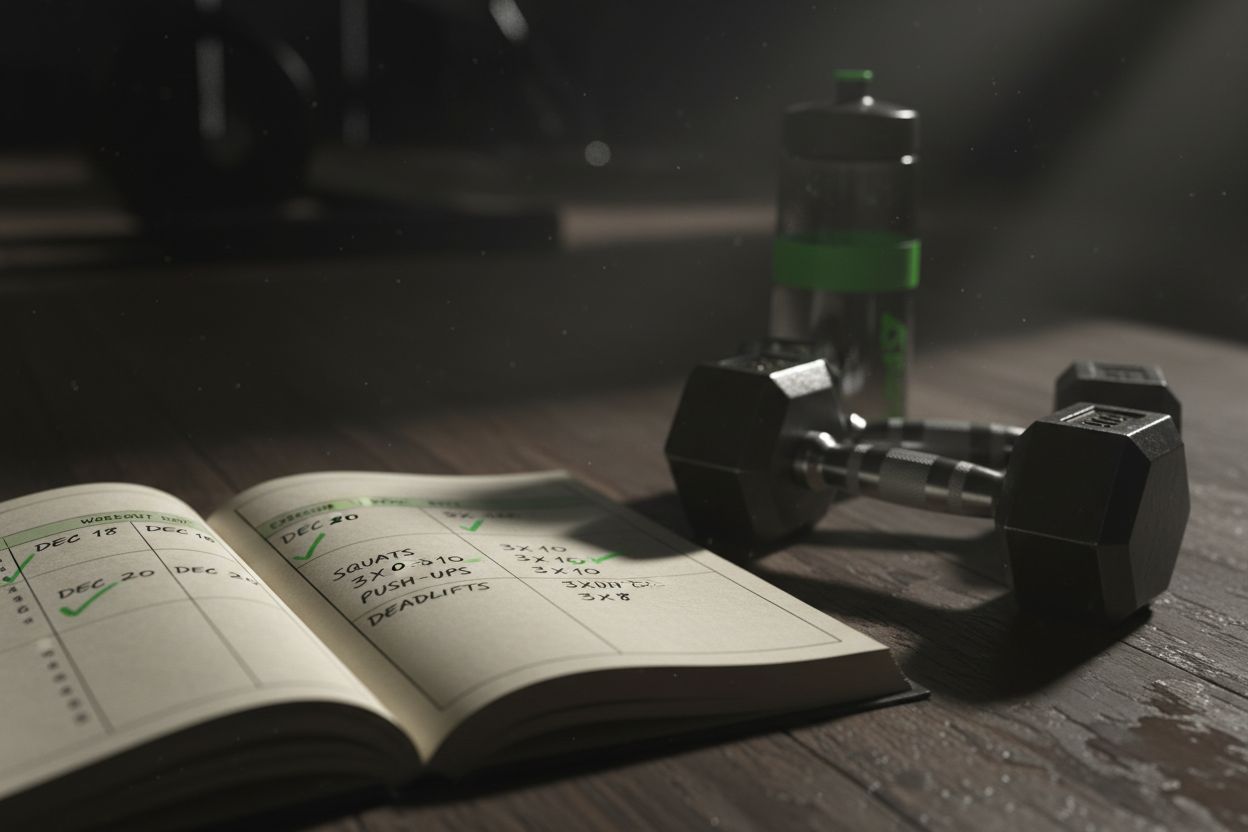
The CDC’s activity log is flexible enough to track minutes, pace, weights, steps, and calories, while the NHLBI log also encourages daily records and weekly reflection. That is useful because not every workout should be logged the same way. A strength session needs different data than a run, a circuit, or a mobility day. (cdc.gov)
Strength training day
Use this template for lifting sessions:
Field | Example |
|---|---|
Date | April 3 |
Session | Upper body |
Exercise | Incline dumbbell press |
Sets x reps | 4 x 10 |
Load | 50 lb dumbbells |
Rest | 90 sec |
Notes | Left shoulder felt fine, last two reps on set 4 were slow |
This format works for powerlifting, bodybuilding, and general strength training. If your workouts follow a repeatable structure, you can pair this with a larger plan from Setgraph’s training guides so each session has a clear place in the week.
Cardio session
For runs, cycling, rowing, or incline walks, focus on duration, pace, distance, and effort:
Field | Example |
|---|---|
Date | April 4 |
Session | Easy run |
Time | 30 min |
Distance | 3.1 mi |
Pace | 9:40 per mile |
Effort | Moderate |
Notes | Felt smooth, slight fatigue in last 5 minutes |
HIIT or circuit workout
For interval sessions, track the work and the recovery:
Field | Example |
|---|---|
Date | April 5 |
Session | 20-minute HIIT |
Work interval | 40 sec |
Rest interval | 20 sec |
Rounds | 10 |
Exercises | Bike sprint, kettlebell swing, burpee |
Notes | Heart rate stayed high, needed more recovery after round 7 |
Bodyweight or home workout
For calisthenics or home training, load is not always the main metric. Track progress by reps, tempo, or harder variations:
Field | Example |
|---|---|
Date | April 6 |
Session | Home upper body |
Exercise | Push-up |
Sets x reps | 5 x 15 |
Variation | Feet elevated |
Rest | 60 sec |
Notes | Clean reps until final set, core stayed tight |
Mobility or recovery day
Recovery work is easy to ignore, but it still belongs in your log if it helps you train better:
Field | Example |
|---|---|
Date | April 7 |
Session | Mobility |
Duration | 20 min |
Focus | Hips and thoracic spine |
Notes | Less stiffness before squats the next day |
If you want a broader look at how workout structure and habits fit together, Core Principles & Techniques for Every Lifter is a useful companion resource.
Common mistakes to avoid when keeping track of workouts
A workout log only helps if you can keep using it. The biggest mistakes are usually simple:
Trying to track too much at once. If your log feels like homework, it will not last.
Writing things down hours later from memory. Small details disappear fast.
Changing rest time every session without noting it. That makes comparisons less useful.
Tracking numbers but never reviewing them. Data only helps when you act on it.
Forgetting to note pain, fatigue, or skipped sets. Those details explain a lot.
Setgraph’s own tracking guide also emphasizes common issues like overtracking, inconsistent logging, and not reviewing logs often enough, which is another reason to keep the system focused and easy to repeat. (setgraph.app)
A better rule is to log just enough to make the next workout easier. If you do that consistently, the habit becomes sustainable and the data starts to matter.
How detailed should your log be?
A lot of people ask whether they should track everything. The short answer is no. Track what helps you make better decisions. For many lifters, that means exercise, sets, reps, load, and rest. For runners, it might mean distance, pace, and effort. For beginners, the most important thing is simply learning to record each session consistently.
If you are new to this, start with only the basics for two to four weeks. Once the habit sticks, add one extra field at a time. That might be rest, warm-up notes, or a simple energy rating. This keeps the system useful without making it exhausting.
Frequently asked questions about keeping track of workouts
Should I track every workout?
Usually yes, especially if you are trying to build consistency or improve a specific lift. If you train often, log at least the main work sets. The more consistent your training goal, the more useful your log becomes.
Should I track warm-ups too?
Only if they matter for your goal. For most people, warm-ups do not need to be recorded in detail. If you are managing a technical lift or rehabbing an injury, then they may be worth noting.
What if I do not know my weights in advance?
That is normal. Write down what you actually used. A workout log is not only for planning, it is also for capturing what happened so you can make a better plan next time.
Is a spreadsheet better than a notebook?
Not always. A spreadsheet is better for sorting and analysis. A notebook is better for speed and simplicity. The best tool is the one you will actually use after every session.
Can an app replace a paper log?
Yes, if the app is easy enough to use under real gym conditions. A good app should make logging fast, not more complicated. Setgraph’s official pages describe features built around quick set logging, notes, and progress comparisons, which is the kind of design that helps people stick with the habit. (setgraph.app)
The bottom line
Keeping track of workouts works best when the system is simple, repeatable, and tied to action. Start with the essentials, log your sessions as they happen, and review the pattern every week. Over time, that record makes it easier to add weight, add reps, manage rest, and spot the difference between a good day and real progress.
If you want to keep learning, explore more practical training resources like Setgraph’s workout tips, the training guide collection, and user reviews of the app to see how different people use workout tracking in real life.
Article created using Lovarank


