How to Keep Track of Workout: Practical Systems to Log Progress and Stay Consistent
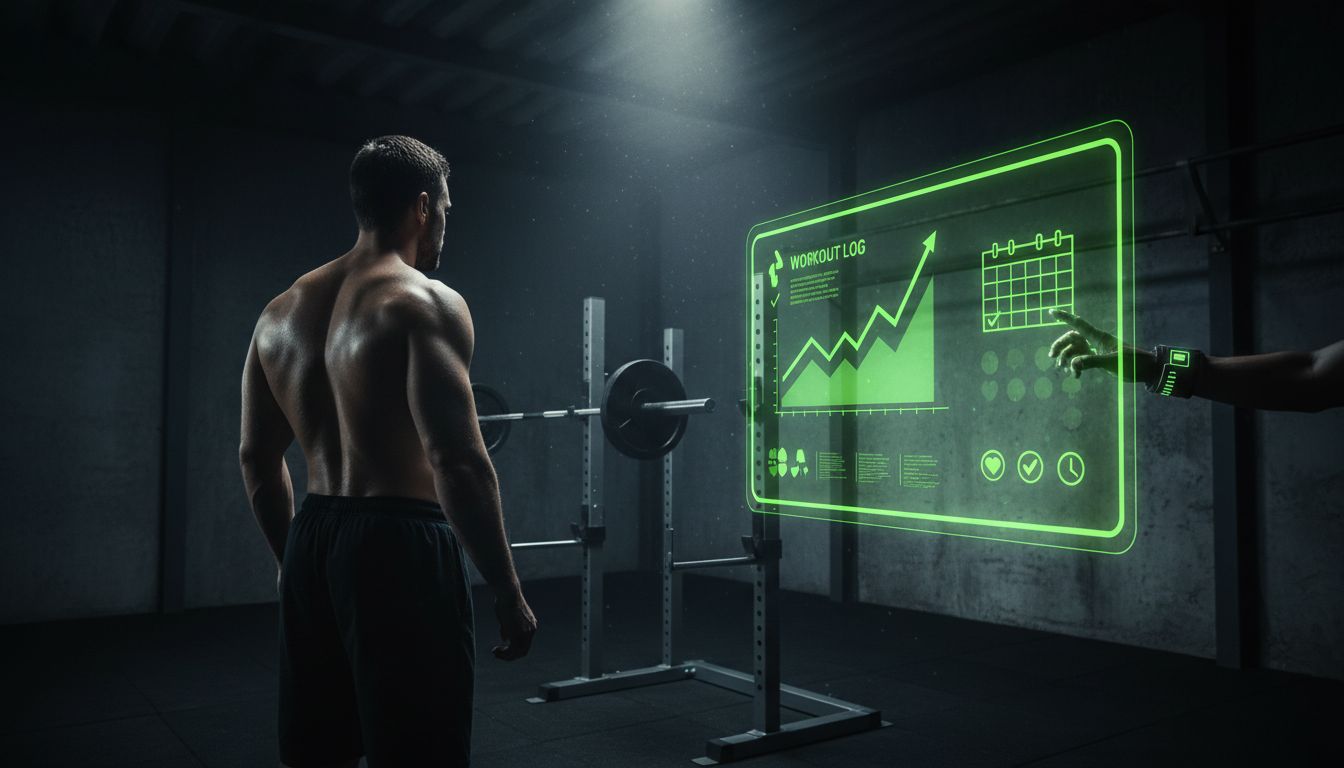
Tracking your workouts turns guesswork into clear, actionable progress. Whether you're new to exercise or a seasoned lifter, a consistent logging habit helps you measure gains, avoid plateaus, and make smarter decisions about training, recovery, and program changes.
Why tracking workouts matters

Logging workouts isn't just for obsessive lifters — it’s the difference between repeating the same session and building measurable progress. Here’s why tracking consistently helps:
Understand progress: Seeing trends in weight, reps, or times proves whether your program works.
Enable progressive overload: Without logs, you can't reliably increase volume, intensity, or frequency.
Improve decision-making: Data shows when to deload, switch focus, or address weaknesses.
Build accountability: A log provides a visual record that keeps you motivated.
Spot patterns early: Consistent soreness, decreasing volume, or missed workouts are clues to overtraining or lifestyle conflicts.
Beyond these physical benefits, tracking helps you reflect on how external factors (sleep, stress, nutrition) affect performance. That makes your training smarter, not just harder.
What to track in every workout
A good log balances detail with speed. Track enough to be useful, but not so much that you avoid logging. Here are essential and optional fields:
Essential fields (every session)
Date and session number
Main goal (strength, hypertrophy, endurance, skill)
Exercises performed (clear names)
Sets × reps × load (e.g., 3×5 @ 185 lb)
RPE or effort for key sets
Warm-up sets and progression notes
Rest duration for main lifts
Time spent (optional for time-limited sessions)
Optional, high-value fields
Total volume (sum of weight × reps across exercises)
Time under tension for muscle-building sets
Velocity numbers (if using a device)
Heart rate and recovery metrics (for endurance or conditioning)
Energy and sleep rating (1–5)
Nutrition notes (pre-workout meal timing)
Pain or movement issues (location, intensity)
Modifications or technique cues
Beginner tips: if you don’t yet have a program, start with basic movement categories (push, pull, hinge, squat, carry, cardio) and record minutes or sets. That gives a baseline to build from.
How to Keep Track of Workout: 3 proven methods

Choose a method that fits your lifestyle. Here are three reliable systems with step-by-step setup and who they’re best for.
The paper notebook (fast, flexible)
Setup: Use a small dedicated notebook or printed log sheet. Create columns for date, exercise, sets, reps, load, and notes.
How to use: Before each session, write the planned exercises and target sets/reps. During the workout, update with actual numbers and short notes (RPE, rest).
Pros: Low friction, no battery, tactile. Ideal for people who dislike screens in the gym.
Cons: Harder to analyze over long periods unless you transfer data to a spreadsheet.
Quick template (write across a row): Date | Exercise | Sets | Reps | Load | RPE | Notes
Spreadsheet (customizable, powerful)
Setup: Create an Excel or Google Sheets file with columns matching the fields above. Add formulas for volume (Load × Reps × Sets), weekly totals, and conditional formatting to highlight PRs or drops in performance.
How to use: Log each session as a new row. Use filters to view only a specific exercise or timeframe. Build summary sheets (weekly volume, 4-week rolling average).
Pros: Flexible data analysis, free, sync across devices with Google Sheets.
Cons: Requires initial setup; logging in real time can be slower without a smartphone template.
App-based tracking (fast, analytical)
Setup: Choose an app that fits your goals — some focus on strength, others on bodybuilding or cardio. Popular features to look for: easy set logging, templates, history, PR tracking, and export options.
How to use: Pre-program workouts or use the app’s library. Record sets as you go, use built-in timers, and review session history after workouts.
Pros: Most frictionless for in-the-moment tracking; apps often provide charts, graphs, and reminders.
Cons: Subscription costs for premium features; some apps require manual customization for advanced metrics.
If you want a modern app with user reviews and ongoing updates, see Setgraph App Reviews (2025): User Ratings for Tracking Sets, Reps & Workouts for user perspectives and features.
Best tracking fields and sample entries
To make this concrete, here are three sample log entries for different goals.
Strength-focused (squat day)
Date: 2025-04-02
Goal: Strength
Squat: Warm-up 2×5 empty bar, 1×3 @135, Working: 5×5 @265, RPE 8 on last set, Rest 3 min
Accessories: Romanian deadlift 3×8 @185, Lunges 3×8/leg
Notes: Felt strong, knee tweak at rep 3 on set 4 — reduce stance slightly next session
Hypertrophy-focused (upper body)
Date: 2025-04-04
Goal: Hypertrophy
Bench press: 4×8 @155 (TUT ~2s down, 1s up)
Incline DB press: 3×10 @45s
Lat pulldown superset with face pulls: 3×12 each
Volume: total chest volume = sum(weights×reps)
Notes: Keep tempo strict; energy 4/5
Endurance-focused (run)
Date: 2025-04-06
Goal: 10K prep
Session: 6×800m @ target 4:00/km pace, recovery 2 min
HR peak: 165bpm
Notes: Last interval slower; check sleep and carb intake before next interval session
Goal-specific tracking strategies
Not all goals require the same metrics. Tailor your log to the primary adaptation you want.
Strength
Key metrics: 1–5 rep sets, top working set load, RPE, bar speed (if available), heavy singles/PRs.
Frequency: Track attempts at 90%+ and monitor readiness via RPE and sleep.
Hypertrophy
Key metrics: Total weekly volume per muscle group (sets × reps × load), time under tension, proximity to failure (RPE 7–9).
Frequency: Track per-week totals and the distribution of volume across muscle groups.
Endurance
Key metrics: Distance, pace, interval splits, heart rate zones, perceived exertion, training stress score (if wearable provides it).
Frequency: Track weekly mileage and intensity distribution (easy vs. tempo vs. intervals).
Sport performance
Key metrics: Power output, velocity, skill-specific drills, mobility scores, and fatigue markers.
Frequency: Track both skill quality and volume — poor-quality reps should be logged separately.
Women-specific considerations
Track menstrual cycle phase and note performance differences. Many athletes see predictable shifts in strength and endurance across the cycle — logging this helps plan hard vs. easy phases.
How to analyze your workout data (so it actually changes your training)
Analysis separates the log-keepers from the progress-makers. Spend 10–20 minutes weekly reviewing trends.
Look at 4–6 week trends, not single sessions
Short-term dips are normal. Compare rolling averages to judge meaningful change.
Track volume and intensity separately
If volume is rising but performance is stalling, consider recovery or nutrition. If intensity rises without volume, expect different adaptation patterns.
Use simple metrics: weekly volume, PRs, and average RPE
Weekly volume (sum of weight×reps) shows workload changes. PRs show peak performance. Average RPE signals accumulated fatigue.
Flag warning signs
Consistent drop in weight or reps for an exercise, rising RPE for the same load, or frequent missed sessions suggest a need to deload or adjust lifestyle factors.
Make one actionable change per review
If data shows declining volume, pick one fix (add more sleep, reduce accessory sets, or deload for a week) and reassess next review.
Best tracking tools & apps compared
Apps are fast and can automate analysis; spreadsheets are customizable; notebooks are low friction. If you want a dedicated app option, check the main app page and article resources for tips and guides: Setgraph - Workout Tracker Gym Log App and Setgraph App: Insights, Tips & Training Guides.
What to look for in an app
Quick set logging and templates
Export/import options (CSV)
Progress charts and PR tracking
Support for RPE, volume calculations, and warm-up sets
Integration with wearables (optional)
If you prefer to read user feedback before choosing, the Setgraph review page collects ratings and common user experiences: Setgraph App Reviews (2025): User Ratings for Tracking Sets, Reps & Workouts.
Common tracking mistakes and how to avoid them
Trying to track everything: Keep the log simple and goal-focused. Too much detail reduces consistency.
Logging inconsistently: Pick a time — immediately after sessions — and make it routine.
Confusing planned vs. actual: Always note the difference; don’t overwrite planned numbers with what you intended.
Ignoring recovery and lifestyle data: Energy, sleep, and stress matter; add brief ratings to correlate performance.
Not reviewing logs: Data is only helpful if you interpret it and act.
Quick spreadsheet template (copy-paste)
You can create this in Google Sheets with the following columns:
Date | Session Type | Exercise | Sets | Reps | Load | RPE | Rest (s) | Volume | Notes
Formula tip: Volume = Sets * Reps * Load. Use SUMIFS to total volume per exercise across a date range.
Free templates & resources
To get started faster, look for downloadable templates and guides that match your goal. For structured programming and practical tips on maximizing workouts, the Setgraph training guides are a helpful resource: Setgraph Training Guide | Maximize Your Workout.
If you want general training optimization advice (how to structure sessions and periodize), see Optimize Your Training | Expert Tips and Workout Guides.
FAQ
Q: Should I track every workout?
A: In most cases yes — especially early on. Tracking every session builds habit and provides the data needed to progress. For seasoned athletes, you might track main sets and spot-check accessory work.
Q: How often should I review my log?
A: Weekly quick checks and a deeper monthly review work well. Use weekly reviews to tweak short-term programming and monthly reviews to evaluate trends.
Q: Is RPE necessary?
A: RPE is optional but valuable. It captures effort independent of load and helps with autoregulation, especially when readiness varies.
Q: How do I know when to deload?
A: Look for rising RPEs for the same loads, drops in weekly volume or performance across multiple sessions, poor sleep, or persistent soreness. When multiple markers align, schedule a deload week.
Q: Can tracking help prevent injury?
A: Yes. Recording pain, movement issues, and performance drops helps spot patterns early so you can modify load or technique before an injury escalates.
Conclusion
How to keep track of workout boils down to choosing a simple, sustainable system and using the data to make one change at a time. Start with the essential fields (exercise, sets, reps, load, and notes), pick a method that fits your routine (notebook, spreadsheet, or app), and review regularly. Over weeks and months, those small, consistent tracking habits compound into measurable progress and smarter training decisions.
Ready to put a system in place? Try one logging method for six weeks, review your trends, and adjust. If you want structured templates and training guidance as you build the habit, explore the practical resources available in the Setgraph articles and guides: Setgraph App: Insights, Tips & Training Guides.
Article created using Lovarank


