How to Track Your Workout: A Complete, Practical Guide

Tracking your workouts changes guessing into evidence. Whether your goal is to get stronger, build muscle, run farther, or simply stay consistent, a reliable tracking system makes small gains visible and plateaus fixable. This guide shows what to record, how to record it, and how to use that data to make smarter training decisions.
Why track workouts, and what the research shows
Tracking your training increases adherence and leads to better results because it creates accountability, clarifies progress, and highlights trends. Studies in exercise science show that structured monitoring helps athletes maintain progressive overload, avoid overtraining, and reach long term goals more reliably. Practically speaking, logging each session gives you a clear answer to the question, "Did I get stronger or fitter this week?"

Benefits at a glance:
Consistency, because you know what to do next session
Objectivity, because numbers remove memory bias
Progression, because you can plan incremental increases
Troubleshooting, because plateaus and fatigue patterns become visible
If you want to learn structured programming and how to fit tracking into a long term plan, see Optimize Your Training | Expert Tips and Workout Guides.
What to track: the essential metrics
Not every number matters for every goal. Focus on a compact set of metrics that answer the question most important to you. Below are prioritized lists by training focus.
Metrics for strength
Exercise name
Sets, reps, weight for each set
Working set intensity (RPE or % of 1RM)
Top set 1RM estimate or tested 1RM
Rest between sets
Notes about lifts (form, sticking points, assistive equipment)
Metrics for hypertrophy (muscle growth)
Exercise name
Sets, reps, weight for each set
Total weekly volume per muscle group (sets x reps x load)
Tempo when relevant (eccentric, pause reps)
RPE or proximity to failure
Body measurements and weight weekly or biweekly
Metrics for conditioning and endurance
Exercise or workout type (intervals, steady state)
Duration and distance
Average and peak heart rate
Pace or power output
Perceived exertion
General tracking items everyone should record
Date and time of session
Session duration
Energy level or sleep quality notes if they affect performance
Consistency flags (missed sessions, substitutions)
Recording this core set of data gives you the ability to answer four key questions: did I improve, did I maintain, what changed, and why did it change?
How to track effectively, step by step
Tracking is only useful if it is consistent and easy. Here is a simple workflow you can adopt today.
Pick your primary metric based on your goal. For strength, track working set weights and RPE. For hypertrophy, track weekly volume and RPE. For endurance, track pace and heart rate.
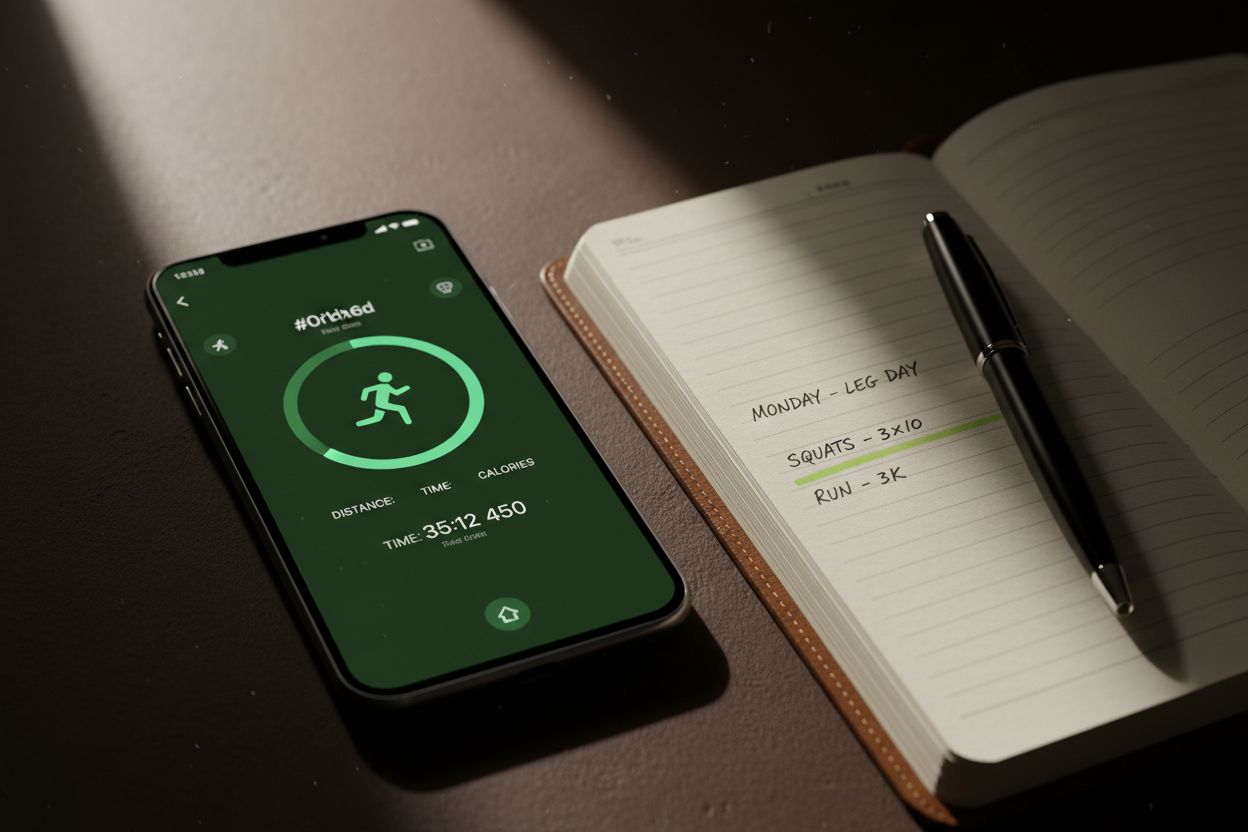
Use a single place to log (app, spreadsheet, or notebook) so your history is centralized.
Log every working set, not just the final set. Small regressions can be meaningful.
Add qualitative notes when a session is unusual (illness, poor sleep, new movement).
Review weekly trends instead of obsessing over daily variation.
Make a small, measurable change every 1 to 4 weeks based on trend data.
Daily logging template (example)
Date: 2026-02-01
Session type: Upper body strength
Duration: 60 minutes
Squat: 5x5 @ 225 lbs, RPE 8
Bench: 5x5 @ 165 lbs, RPE 8.5
Assistance: Rows 3x10 @ 95 lbs
Notes: Left knee stiff, reduce depth slightly
This format takes under two minutes once you get the habit, and it captures everything needed to judge progress.
Weekly review process
At the end of the week, total volume for key lifts (sets x reps x load)
Compare to prior week and prior month
Look for increasing trends over 4 to 12 weeks for long term progress
Flag any nonrecoveries or sudden drops in performance and check sleep, nutrition, and stress
For a deeper guide on training principles that pair well with structured logging, read Core Principles & Techniques for Every Lifter - Setgraph.
Methods: analog versus digital, pros and cons
Both work if you are consistent. Choose the method that fits your routine.
Notebook tracking
Pros:
Low friction, no battery required
Flexible format for notes and sketches
Minimal distraction
Cons:
Harder to analyze trends without manual aggregation
No automatic backups
Spreadsheet tracking
Pros:
Powerful data manipulation, charts, and formulas
Easy to export or back up
Great for customized progression calculations
Cons:
Setup time required
Manual entry can be slow on a phone
App-based tracking
Pros:
Fast entry with presets and templates
Built-in calculations for 1RM, volume, and progression
Cloud sync across devices
Cons:
Can be overfeatured for some users
Some apps store data behind accounts or subscriptions
If you want a simple digital option that focuses on logging without clutter, see the Setgraph - Workout Tracker Gym Log App.
How to use the data: make decisions, not just records
Logging is only half the job. Use your records to steer training decisions.
Progressive overload: Increase weight or reps when a target set is completed with available reps at target RPE for two consecutive sessions.
Volume management: Track weekly volume to ensure you increase volume gradually, generally 5 to 15 percent every two to four weeks depending on experience.
Auto-regulation: Use RPE trends to back off before an injury occurs. If RPE on a normal weight drifts up for three sessions in a row, consider deloading or reducing volume.
Deloads: Schedule planned deloads every 4 to 12 weeks based on fatigue trends, not only based on calendar time.
Examples:
Strength example: If squat 5x5 @ 225 lbs moves from RPE 8 to RPE 6 for two sessions, add 5 to 10 lbs next session.
Hypertrophy example: If weekly chest volume was 9,000 lbs (sets x reps x load) and you want more muscle, aim for a 10 percent volume increase over 3 to 4 weeks.
Tracking for different training styles and equipment
Powerlifting and maximal strength
Track top set weights, RPE, and 1RM estimates. Keep a log of accessory work and assistance volume because it affects recovery.
Bodybuilding
Prioritize total weekly volume per muscle, RPE, and tempo. Track body measurements and progress photos in addition to lifting data.
CrossFit and metabolic conditioning
Record workout type, time, calories if available, weights used, and scaling modifications. Consistency in recording time and Rx status is important for comparisons.
Calisthenics and bodyweight training
Log progressions (elevated feet, added weight, levers), reps, and sets. When exercises are not load based, record difficulty level or time under tension.
If you want structured plans for maximizing a workout, check the Setgraph Training Guide | Maximize Your Workout.
Common mistakes and how to avoid them
Tracking too much, which leads to burnout. Keep the core metrics small.
Changing tracking systems too frequently, which breaks trend continuity.
Ignoring qualitative notes. Context like poor sleep or soreness explains anomalies.
Overfocusing on short term fluctuations rather than weekly or monthly trends.
Tracking only final sets, which loses information about fatigue and session quality.
Avoid these pitfalls by picking one method, committing to it for at least 8 to 12 weeks, and doing weekly reviews.
Tools and apps: what to look for
Look for speed of entry, backup and export options, and features that match your priorities: RPE, volume calculations, or interval timers.
A few practical criteria:
Fast logging workflow (templates, favorites)
CSV export or backup for ownership of data
Basic analytics (weekly volume, PRs, trend lines)
Minimal friction on mobile devices
If you want a simple app focused on logging workouts, you can explore Setgraph - Workout Tracker Gym Log App. To see how users rate different tracking options, read Setgraph App Reviews (2025): User Ratings for Tracking Sets, Reps & Workouts.

Comparison: app versus notebook, quick summary
If you want speed, analytics, and sync, choose an app.
If you want minimalism and no distractions, choose a notebook.
If you want customization and deep analysis, use a spreadsheet or combine a notebook with monthly spreadsheet reviews.
Practical templates you can copy today
Strength session template (quick):
Warm up
3 working sets x target reps, record weight and RPE for each set
2 accessory movements, 3 sets each
Cool down, mobility notes
Hypertrophy week template:
Day 1: Push, Day 2: Pull, Day 3: Legs, Day 4: Rest or light conditioning
Track sets per muscle group, record weight and RPE, sum weekly volume
Cardio template:
Date, type, duration, distance, average heart rate, perceived exertion, comments
Use these templates in a notebook, spreadsheet, or app. If you want a place with more articles on workouts and tips, visit Fitness & Workout Tips | Setgraph.
Frequently asked questions
Q: How often should I review my workout log?
A: Do a quick check after each session, and a meaningful weekly review to assess volume and progress.
Q: What is the single most important thing to track?
A: For most lifters, the combination of weight, sets, and reps per working set gives the biggest signal about progress.
Q: Can I track workouts without an app?
A: Yes. A simple notebook or spreadsheet is sufficient if you are consistent.
Q: How long until I see meaningful trends?
A: Expect to see reliable trends over 4 to 12 weeks. Short term variation is normal.
Q: How do I track bodyweight progress?
A: Use a weekly weigh in, measurements every 2 to 4 weeks, and strength metrics as performance indicators.
Q: Should I track RPE?
A: RPE is a helpful autoregulation tool because it captures how a session felt, not only what numbers were used.
Final checklist to start tracking today
Choose one logging method (app, spreadsheet, or notebook)
Pick the essential metrics for your goal
Use a simple daily template and stick with it for at least 8 weeks
Review trends weekly and adjust training in small, measurable steps
Back up your data if you are using digital tools
Tracking your workouts removes guesswork, creates momentum, and turns small actions into measurable progress. If you are ready to try a simple app that focuses on logging and clarity, learn more about the Setgraph - Workout Tracker Gym Log App. For ongoing tips and updates, visit the Setgraph App: Insights, Tips & Training Guides.
Start today, and log this week's sessions. In a month you will be glad you did.
Article created using Lovarank


