Best Free Workout Apps: 5 Options and Their Limits

For a free lifting log, start with StrengthLog, Strong, Hevy or FitNotes on Android. For guided workouts, start with Nike Training Club. The best choice depends on whether you want to record an existing plan or follow sessions selected for you.
This guide is published by Setgraph, a workout-tracker maker. It compares documented features and access, not hands-on test scores. Free download, a continuing free tier and a limited trial mean different things.
Five free workout apps at a glance
App | Why shortlist it | Important boundary |
|---|---|---|
StrengthLog | Unlimited workout logging and a basic program builder | Advanced programs, statistics and RPE/RIR features are Premium |
Strong | Manual lifting log with reusable templates | Free template creation is limited to three; PRO expands templates and chart access |
Hevy | Lifting log with routines and social features | Free: four routines, seven custom exercises and a three-month stats window |
FitNotes for Android | Free, ad-free log for self-directed training | The Android product is distinct from similarly named iOS apps |
Nike Training Club | Guided sessions and programs | Nike membership and supported app/region apply; it serves a different job from a detailed set log |
Sources: StrengthLog, Strong templates, Hevy limits, FitNotes and Nike Training Club.
What “free” actually means
Continuing free tier: useful features remain available without starting a paid trial, within stated limits
Trial: temporary access to paid features; check the end date, renewal terms and what remains afterward
Feature or routine cap: a limit on templates is not the same as a cap on completed workouts
Ad-supported access: check the actual experience rather than assuming every free app shows ads between sets
Which free strength tracker should you try?

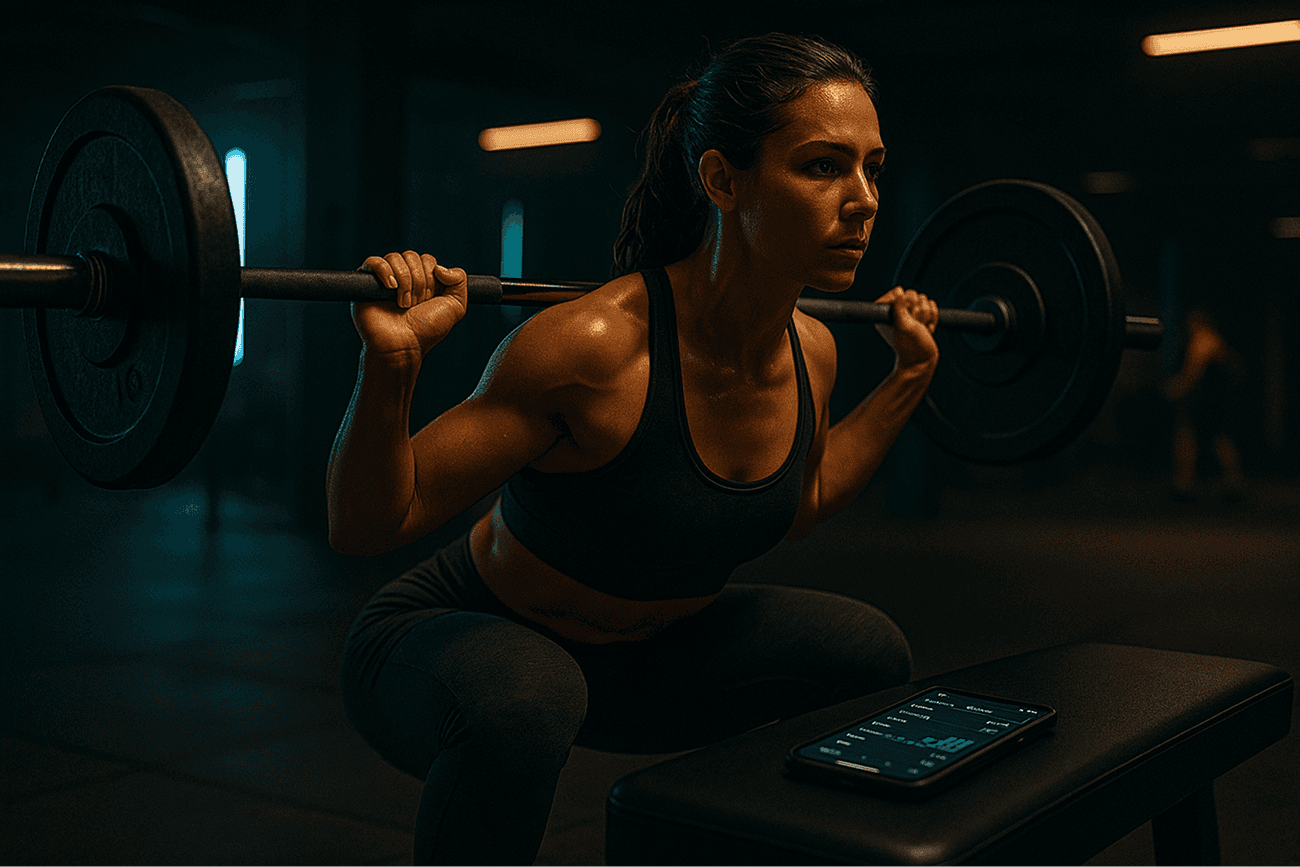
Illustration, not a screenshot of a reviewed app.
Choose StrengthLog if you want basic planning and unlimited workout records in one app. Choose Strong if up to three saved templates cover your program. Choose Hevy if four routines cover your split and social sharing appeals. Choose FitNotes on Android if you prefer a straightforward log. These are use-case recommendations, not a speed ranking.
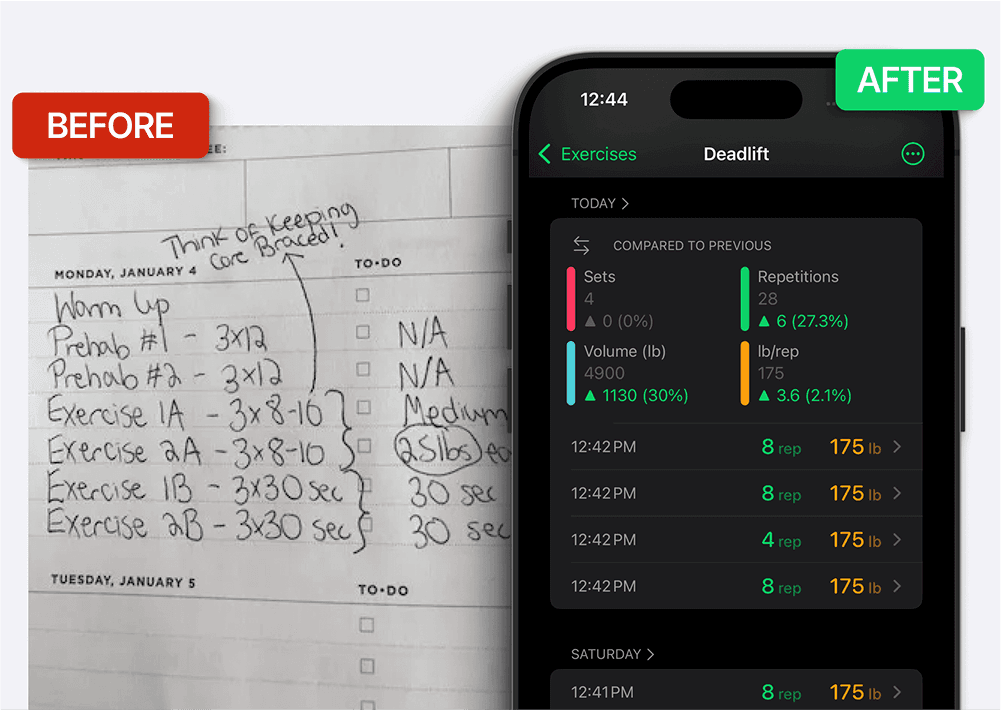
For any lifting log, the useful test is whether you can find the previous load and reps, record today’s actual work and compare like exercises later. A larger number is not required every session; fatigue, technique and the program’s goals matter. See progressive overload basics.
What if you want workouts to follow?
Nike Training Club is the clearest starting point in this shortlist for guided sessions. If you want to build your own repeatable plan instead, compare the routine allowance as well as logging. Our free workout routine app guide separates those jobs.
Where AI-generated plans fit
Generated plans can provide a starting point, but check the equipment, exercise choices, session length and progression before using one. You do not need an AI generator to keep a useful training log. A plan generator’s free download also does not establish ongoing access to all planning or tracking features.
Check the free tier with one representative workout
Create the number of templates your actual week needs, not just one sample
Log sets with the exercises and units you normally use
Close the session and reopen its history; distinguish workout history from the time range shown in charts
Try notes and rest timing if they matter to your workflow
Save an export if offered, and check the file before relying on it as a backup
This quick check can expose a mismatch, but it cannot prove months of reliability or permanent future access. For example, Hevy distinguishes the free stats window from stored workout history. A shorter chart range is not proof your older workouts have been deleted.
When a paid feature may be worth it
Upgrade only if a specific limit gets in your way, such as needing more saved routines or longer-range analysis. You can also keep using the free tier, a spreadsheet or a notebook. Compare the actual feature you need rather than assuming paid tools produce better training results.
Where Setgraph fits
Setgraph is another logging workflow to compare, but this guide does not classify every Setgraph feature as free. Its iOS listing advertises set recording, exercise history, charts, lists and timers. Check the current in-app access and any eligible offer on your own device; a free download is not a promise of unlimited access.
Before moving your log, try the workout-tracking workflow and confirm the logging, charts and export tools available to you. Setgraph’s iOS release notes document CSV export. If you need Android export or an import from another tracker, confirm that specific capability before moving your records.
Frequently asked questions
Are free workout apps good enough for strength training?
A free app can be enough to record a well-designed training plan. The app does not create results by itself; training, recovery and consistency still matter.
What is the catch with free workout apps?
Check the specific model: continuing free access, a feature or routine limit, advertising, or a temporary trial. A free download alone does not tell you what remains available.
Do I need to pay for a rest timer or progress charts?
Not necessarily. Several free tiers include basic tracking tools. Compare the timer and chart features you actually need; a separate timer or a simple record may also be enough.
Should a beginner choose a tracker or a workout generator?
Use a tracker if you already have a suitable plan. If you need a plan, consider guided programs or reviewed generated suggestions, then check that they match your equipment and experience.
Will I lose my data if I switch apps later?
An export can preserve a separate copy, but it does not guarantee import into another app. Keep the old records and verify dates, exercises, units and set counts before relying on a migration.
Ready to compare the Setgraph workflow? Explore Setgraph features and review the access shown in the app before committing.