Why Switch From Paper to a Workout Tracker App?
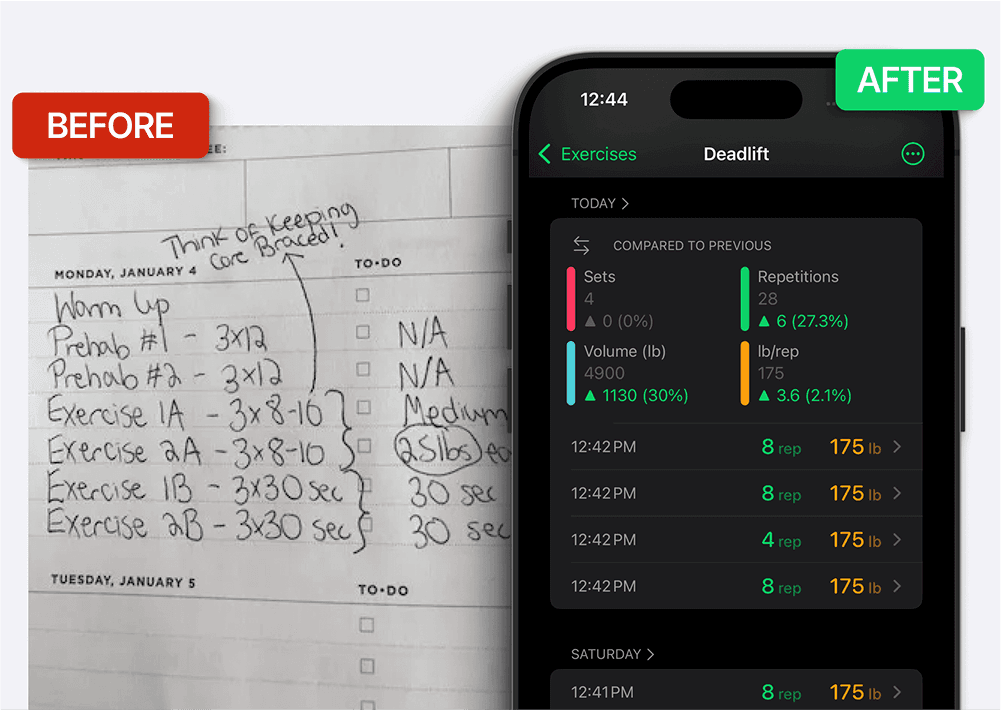
Switch from paper when searching past sessions, comparing trends or doing repeated calculations takes more effort than you want. Keep the notebook if it is convenient and you use it consistently. Both can record the information needed to review training; an app is a workflow choice, not a guarantee of better results.
Comprehensive Analytics and Insights
Paper gives you direct control over the record. An app can calculate totals and display charts from the entries you supply, which may reduce manual work. Check that the app supports the metrics and history range you actually want.
These analytics help you answer questions like:
Are you lifting more weight overall this month compared to last month?
Is your progress stagnating in specific exercises?
What is your average weekly training volume?
These questions can help you adjust a plan, but the numbers need context. More volume can reflect extra easy sets, different exercises or different technique, rather than better performance.
Setgraph’s iOS listing describes tools that can reduce repeated data entry and calculation:
Smart Plates: calculates weight totals from your plate inputs; verify the actual equipment and units
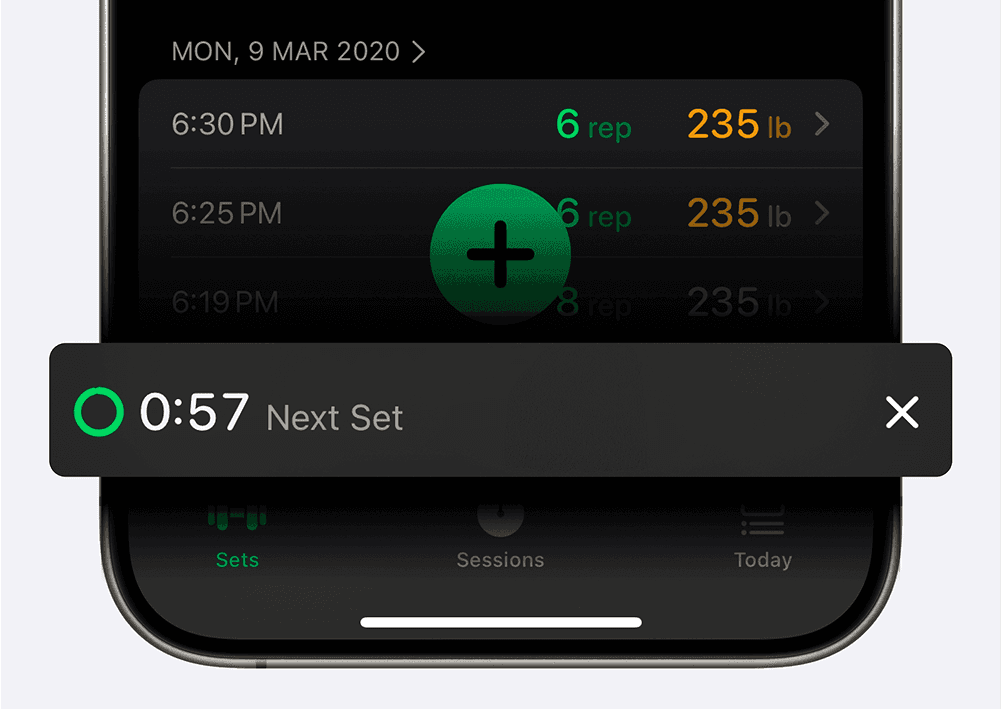
Rest timers: automatic timing with Lock Screen or Dynamic Island presentation on supported devices and when the relevant settings/access allow it
Compare those tools with your current notebook workflow and the features available in your installed app. No speed advantage was measured for this article.
Progress Visualization
Charts can make patterns easier to spot, but you can also summarize a notebook. Compare the same exercise, units and similar conditions over time.
Setgraph’s iOS listing describes exercise charts and filters for set history. This supports reviewing the record; it does not establish that the app optimizes recovery or prevents plateaus.
Illustrative comparison: if you record 8, 8 and 7 reps at the same load, you have a useful reference for the next comparable session. You might aim for another rep, repeat the work or reduce it if the plan or recovery calls for that. The log records the decision; it does not decide a safe increase for you.
Automatic Calculations
Automatic totals and estimated one-rep-max calculations can save manual arithmetic. Treat an estimated 1RM as an estimate, not a tested maximum or a safe loading instruction. Check the input units and formula when comparing results.
Program organization
Apps may make it convenient to reuse routines and rearrange exercises, but paper does not require rewriting an entire program every time it changes. Choose the format you find easier to maintain. Setgraph’s iOS listing documents lists and workout organization.
Generated plans can be a starting point. Review exercise choices, equipment and workload before using them; no app-generated plan is automatically optimal for every lifter.
Data Security and Backup
A notebook can be lost or damaged; a digital record can also be lost, inaccessible or incomplete. Check the app’s backup and export options rather than assuming cloud storage guarantees recovery. Setgraph’s iOS release notes document CSV export, but export is not proof of a complete restorable backup or Android parity.
A low-risk way to try an app
Keep the original notebook
Create only the exercises you currently use, with consistent names and units
Enter one representative session and inspect the saved record
Save an export if offered and confirm the file opens
Move more history only if you find the workflow useful and have checked the destination’s import capabilities
Conclusion
Choose an app if its history, charts or timers make your record easier to use. Stay with paper if it remains the tool you reliably maintain. Setgraph is one option to compare; review its platform-specific features and current access before moving your log.