App to Track My Workouts: 12 Essential Features and Top Choices for 2026
Tracking your workouts turns effort into progress. Whether your goal is getting stronger, losing fat, or building consistent habits, a good app to track my workouts removes guesswork: it records sets, reps, loads, rest, and trends so you can plan progressive overload and actually follow through.
This article is a practical listicle that helps you choose an app to track my workouts and then shows what to do with it. You will find a clear checklist of features, short reviews of leading options, step-by-step logging guidance for beginners, sample routines for common goals, and the technical details—privacy, offline use, exports, and migrating between apps.
How to choose the right app to track my workouts

Picking the right app starts with one question: what will you actually use every session. Consider these decision points before downloading and committing:
Goal and training style. Are you lifting for strength, hypertrophy, endurance, or general fitness? Look for apps that support your style: powerlifting-friendly features for strength, volume tracking for hypertrophy, or program generation for time-efficient workouts.
Ease of logging. The faster and clearer the logging interface, the more consistent you will be. Look for quick entry of sets, reps, and weight, plus templates for common sets like warm-ups, supersets, and drop sets.
Platform and device support. Do you want an Apple Watch or Wear OS companion, a web dashboard, or Android-only? Check that the app runs on the devices you actually take to the gym.
Integrations. If you track nutrition or health metrics elsewhere, choose an app that links to Apple Health, Google Fit, or MyFitnessPal, or that exports CSVs.
Offline and cloud sync. Offline logging matters when gym Wi-Fi is unreliable. Cloud sync keeps your history safe across phones.
Cost and features. Most apps are free with premium tiers. Decide which paid features are must-haves, such as auto-programming, advanced analytics, or unlimited custom exercises.
Privacy and data export. Read the privacy policy if you care about how workout data is handled. Export capability matters if you plan to switch apps later.
For practical guidance on structuring workouts and maximizing results, see expert training guides like Optimize Your Training | Expert Tips and Workout Guides.
12 must-have features any app to track my workouts should include
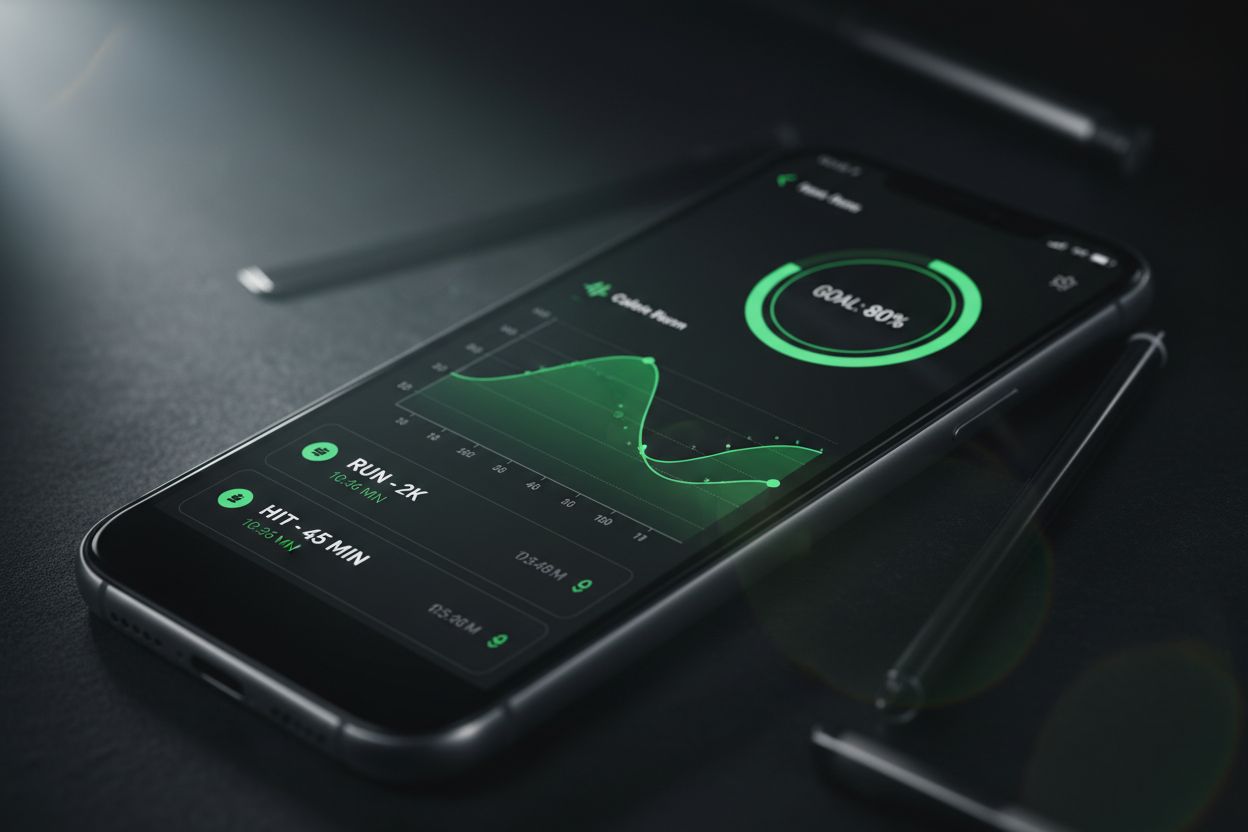
Simple logging interface for sets, reps, and weight. Speed matters.
Exercise library with clear naming and optional video or text cues.
Routine or template builder to save repeat workouts and cycle training phases.
Progress tracking and analytics: charts for PRs, weekly volume, and 1RM estimates.
Rest timers integrated into the session flow.
Apple Watch or Wear OS companion for hands-free logging.
Cloud sync and backups with CSV export.
Custom exercise creation for unique movements in home gyms.
Set types support: warm-ups, drop sets, AMRAPs, supersets.
Plate calculator or easy weight increments for barbell lifts.
Offline mode so logging never depends on network access.
Social or accountability features if community or coach access helps you stay consistent.
Each feature maps to a real pain point. For example, analytics help you identify plateaus, while templates save time when you repeat the same split. If an app claims all features, test the free tier first and confirm practical usability.
Top apps and who they suit
This shortlist focuses on different user needs rather than a single "best" app. Each name is widely used in the training community for the strengths described.
Strong: Best for minimalists who want a fast logging flow and solid smartwatch support. Strong is praised for a clean interface and fast entry.
Hevy: Best for community and guided programs. Hevy includes program templates and an AI-powered trainer option for personalized programs.
Fitbod: Best for algorithmic programming. Fitbod generates workouts based on previous sessions and available equipment, useful for gym-hopping.
JEFIT: Best for a large exercise library and routine sharing. JEFIT is a solid choice if you like exploring varied programs and tracking detailed metrics.
MyFitnessPal (with workout logging): Best for combined nutrition and workout tracking. If calorie balance is critical, a combined approach reduces manual syncing.
Setgraph: A straightforward option focused on keeping workout logging simple and accessible. See the official app for downloads and resources at Setgraph - Workout Tracker Gym Log App. For user impressions and ratings check Setgraph App Reviews (2025): User Ratings for Tracking Sets, Reps & Workouts.
Paper notebook: Best for simplicity and privacy. Some lifters prefer pen and paper for flexibility and zero data sharing.
When choosing among these, try two apps for a week each. The app you actually use consistently wins. For reading more about training fundamentals that pair well with tracking, consult Core Principles & Techniques for Every Lifter - Setgraph.
Beginner's guide: how to log workouts effectively
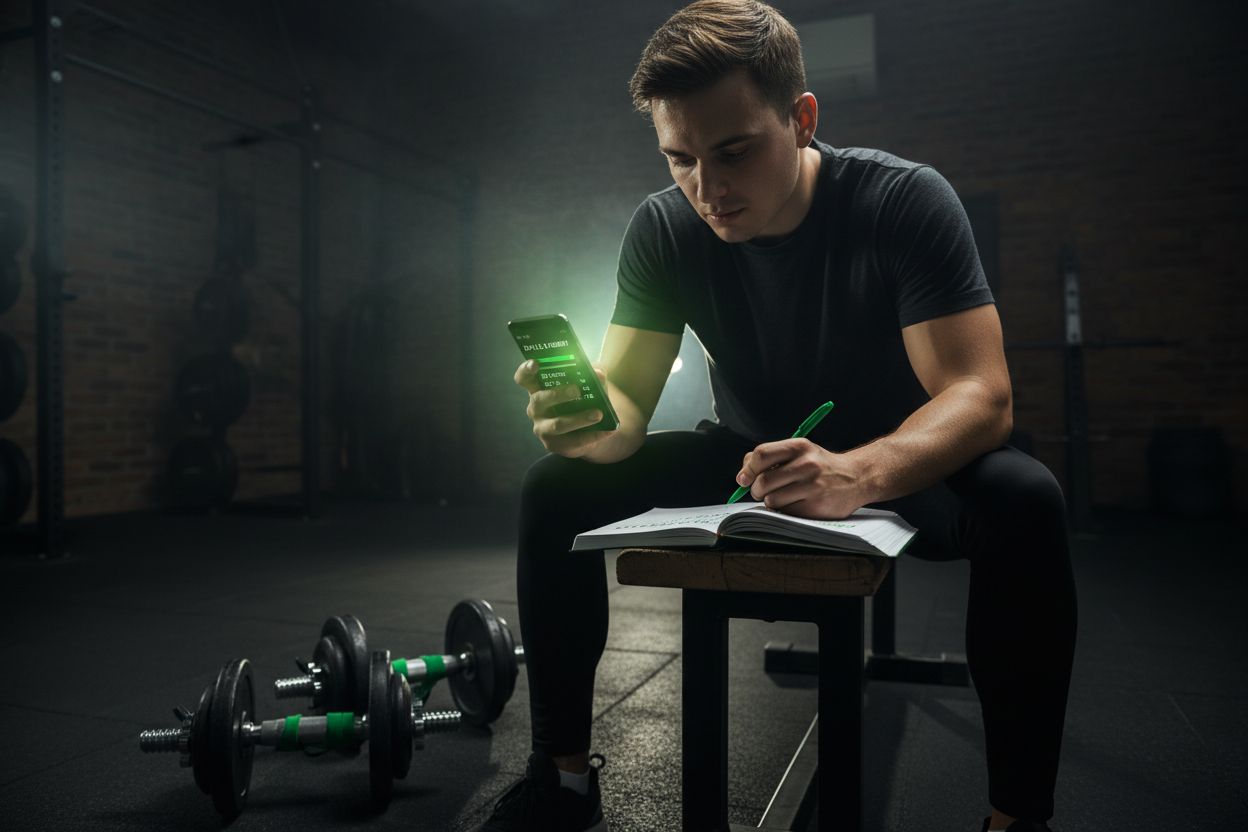
If you are new to tracking, here is a simple, repeatable workflow you can use every session.
Choose the right template. For a starter split, pick a full-body 3x per week plan or a push-pull-legs split. If the app has templates, select one and customize the warm-up and accessory choices.
Warm up and record warm-up sets. Logging warm-up sets helps track readiness and reduces injury risk.
Log every work set with reps and weight. For AMRAPs, write the number of reps and note technique breakdowns if needed.
Use set types. Tag sets as warm-up, working, drop, or failure so the app can calculate volume and intensity accurately.
Add notes. Record tempo, RPE, or soreness to inform the next session.
Sync daily. Let the app back up your sessions at the end of the day.
Sample beginner routine (simple full-body, 3x per week):
Squat 3 sets x 5 reps
Bench press 3 sets x 5 reps
Bent-over row 3 sets x 6-8 reps
Overhead press 2 sets x 6-8 reps
Accessory: Romanian deadlift 2 sets x 8-10 reps
Progression rule: increase weight by 2.5 to 5 pounds when you complete all sets and reps with good form two sessions in a row. This is progressive overload in practice.
For structured beginner programming and tips to maximize adaptation, see Setgraph Training Guide | Maximize Your Workout.
Common tracking mistakes and how to avoid them
Not logging consistently. Fix: make the app the first thing you open when you start a session. Use widgets or watch companions for faster entry.
Overcomplicating data. Fix: track what matters. For beginners, sets, reps, weight, and rest are enough.
Ignoring warm-up and assistance work. Fix: log these sets to get a complete picture of weekly volume.
Chasing small PRs without recovery. Fix: track sleep and soreness, and plan deloads in your app if supported.
Blindly following auto-generated workouts. Fix: inspect each session for suitability and adjust loads or exercises when needed.
Avoiding these mistakes keeps your history useful for real decisions rather than noise.
How to interpret your workout data: what the graphs actually tell you
Good apps supply three core insights: trend, peaks, and balance.
Trend: weekly or monthly volume shows whether you are increasing workload. A steady upward trend is good for hypertrophy, but spikes can indicate overreaching.
Peaks: personal records highlight one-rep max or top-set performance. Use PRs sparingly as a benchmarking tool.
Balance: look at exercise distribution to spot neglected areas. If leg volume is tiny compared to upper body, adjust programming.
Metrics to watch and why:
Weekly volume (sets x reps x weight) for hypertrophy.
Average intensity (percent of 1RM) for strength planning.
Frequency for each muscle group to ensure stimulus recurrence.
Rate of Perceived Exertion or RPE trends for autoregulation.
If the app supports CSV export, you can build custom dashboards in spreadsheets or use the export to share data with a coach.
Free vs paid: what you should expect
Free tiers usually cover basic logging, a small exercise library, and backups. Paid tiers commonly add:
Program generation or AI coach
Advanced analytics and long-term trends
Larger exercise libraries and video demonstrations
Unlimited custom exercises and routines
Cloud storage for large histories across devices
Decide based on the features you will use weekly. If you never open analytics, a paid subscription is not worth it. If personalized programming saves you hours planning each week, paid features can pay for themselves.
For a feature-focused breakdown and user reviews, check community resources such as Setgraph App Reviews (2025): User Ratings for Tracking Sets, Reps & Workouts.
Privacy, offline use, and integrations: technical considerations
Privacy: read the app's privacy policy to learn whether workout entries are used for ads or analytics. Some apps anonymize data for product improvement; others keep personal logs strictly private.
Offline mode: ensures you can log in a dead-spot gym. Look for apps that queue entries and sync once online.
Integrations: common integrations include Apple Health, Google Fit, heart rate monitors, and nutrition apps. Decide how important two-way sync is for you. If calorie tracking is central, an app that sends workout calories to your nutrition tracker reduces manual entry.
Export and data portability: verify CSV or JSON export if you imagine switching apps later. A clean export makes migration simpler and protects your training history.
Migrating between apps: a practical checklist
Export CSV from your old app if available.
Back up any photos or notes you want to keep.
Import custom exercises first into the new app.
Recreate or adapt your current program as a template in the new app.
Run both apps side by side for 1 to 2 weeks to ensure nothing is missing.
If a direct import is not supported, exporting CSV and using a spreadsheet to reformat data for the new app saves time for large histories.
Use cases: what to use each app style for
Algorithmic coaches (Fitbod style): best for time-squeezed gym-hoppers who want automatic workouts adapted to equipment and fatigue.
Minimalist loggers (Strong style): best for lifters who just want reliable set-by-set recording and PR tracking.
Community-driven apps (Hevy style): best if accountability from a social feed motivates you.
Nutrition-integrated apps (MyFitnessPal plus logging): best if calories and macros are central to progress.
For reading on optimizing workouts and the theory behind programming choices, see Optimize Your Training | Expert Tips and Workout Guides.
Quick checklist: download test and evaluation
Try the app for 7 workouts. If you log every session, it passes the consistency test.
Test cloud sync by logging on phone and checking on web or watch.
Try offline logging in airplane mode.
Export a CSV and open it to confirm useful fields are present.
Confirm the analytics you care about are accessible and understandable.
Final thoughts
An app to track my workouts is not magic. Its value comes from daily use, honest logging, and applying insights to progressively overload and recover. Pick an app that minimizes friction, supports your training style, and keeps your data accessible. If you want a simple starting place with resources and user feedback, explore Setgraph - Workout Tracker Gym Log App and read guides and reviews like Setgraph Training Guide | Maximize Your Workout and Setgraph App Reviews (2025): User Ratings for Tracking Sets, Reps & Workouts.
Choose an app, commit to logging for four weeks, and then reassess. The data will tell you more than a dozen guesswork sessions ever will.
If you want more practical tips on planning sessions or converting paper logs into app entries, see Fitness & Workout Tips | Setgraph and Core Principles & Techniques for Every Lifter - Setgraph.
Good luck with your training. Track honestly, progress patiently, and adapt deliberately.
Article created using Lovarank


