Workout App That Tells You What to Do: 7 Features Worth Having

A workout app that tells you what to do should remove decision fatigue before you even warm up. The best versions do not just show a giant exercise library. They ask about your goal, the time you have, your equipment, and your experience level, then turn that into a session you can follow right away. That matters because public health guidance recommends that adults combine aerobic activity with muscle-strengthening work, and that strength training should be done with good form and steady progression. (cdc.gov)
1. It should build a plan from your goal
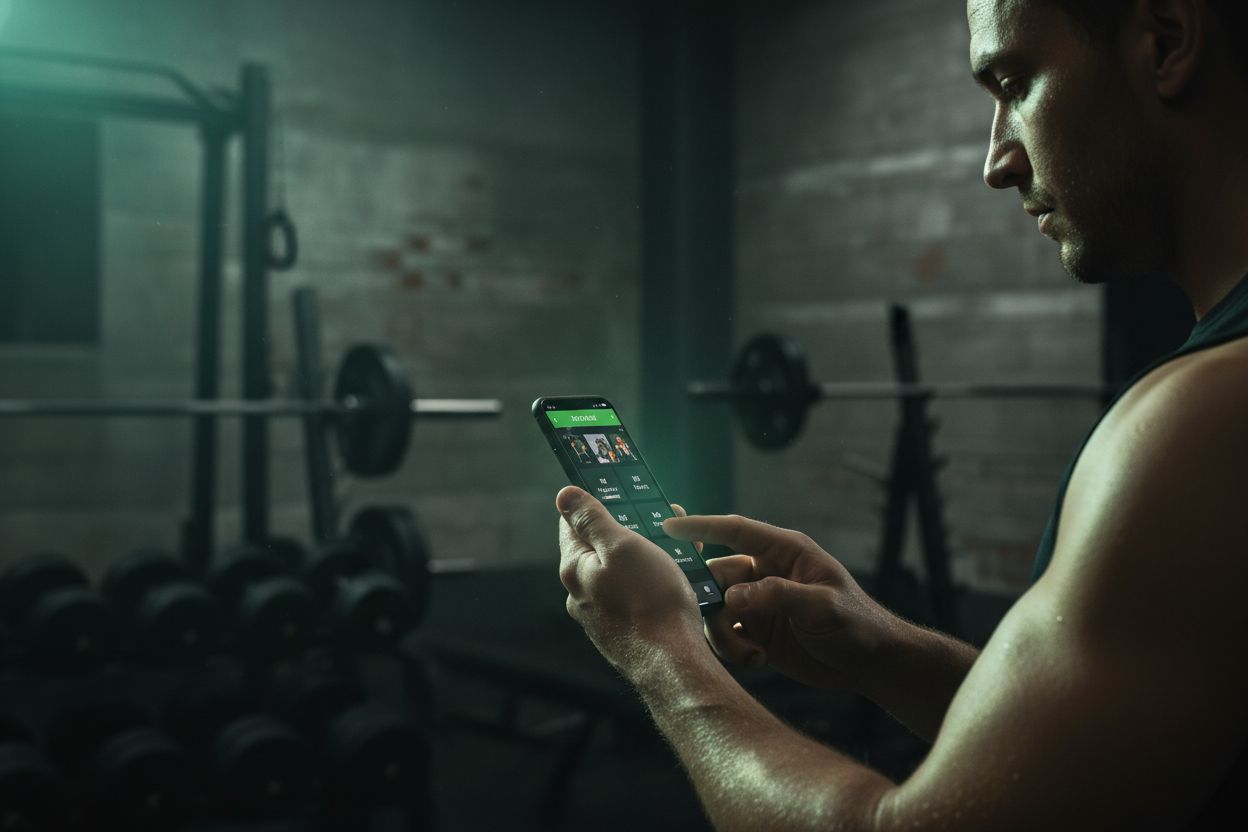
If you want muscle gain, fat loss, general fitness, or a sport-specific routine, the app should translate that goal into exercises, sets, reps, and rest. Setgraph says its AI adapts to your goals, schedule, equipment, and experience level, and its workout planner lets you build structured routines with notes, cues, and instructions. That is the core difference between a generic tracker and a workout app that tells you what to do. (setgraph.app)
A good app should also make the first setup quick. At minimum, it should ask:
What is your goal?
How many days can you train?
What equipment do you have?
How experienced are you?
For a real example, Setgraph's custom workout plan builder shows how guided input can turn goals, schedule, and equipment into a routine.
2. It should tell you the order of the workout
A good app should not leave you staring at ten exercises in random order. It should tell you what comes first, what comes next, and when to rest. Mayo Clinic advises using proper form, working all major muscle groups, and avoiding training the same muscles two days in a row. That kind of guidance is exactly what a useful app should reflect. (mayoclinic.org)
In practice, that means the app should give you a clear session flow instead of making you guess. A simple workout usually needs:
A warm-up or first movement to get you moving.
The main lift or hardest exercise while you are fresh.
Assistance work that supports the main lift.
Isolation work or lighter finishers if you still have time and energy.
A clear rest timer so you are not guessing between sets.
If you like a split-based structure, the PPL split guide is a useful companion because it shows one common way to organize training weeks.
3. It should explain form and substitutions
Many beginners do not need more exercise options. They need fewer options and clearer coaching. The app should show cues, setup notes, and easy substitutions when you do not have a machine, a barbell, or a pain-free range of motion. Setgraph’s planner says it can include notes, cues, and instructions, and its AI workflow can adapt to gym kit, bodyweight, or custom equipment setups. Setgraph also says users can create custom exercises, which is helpful when something is missing from the database. (setgraph.app)
That kind of support matters because a workout app that tells you what to do should also help you do it safely. If a movement is too hard, too crowded, or not a good fit for your body, the app should offer a simpler version instead of forcing you to stop.
If you want a deeper foundation before choosing an app, core lifting principles is a useful place to start.
4. It should track the numbers without slowing you down
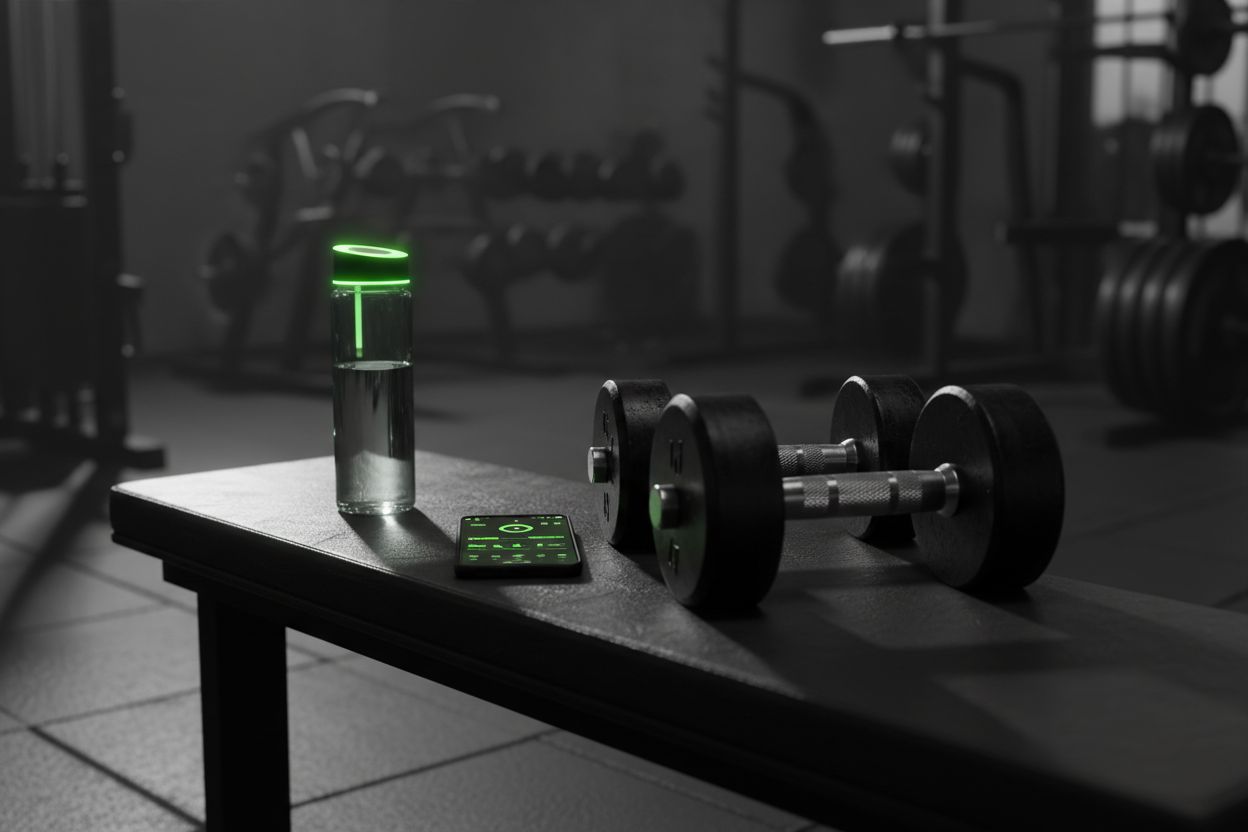
The best tracker does the boring part for you. Setgraph’s official pages say it compares the current session with the previous one and shows changes in reps, weight per rep, volume, and sets. Its log app also supports swipe-to-log, pull-from-history, and notes, which is exactly the kind of friction reduction that helps people keep using an app session after session. (setgraph.app)
That matters because a workout app that tells you what to do is only useful if you can log the workout fast enough to keep moving. If logging takes too many taps, people stop doing it. The strongest apps make the whole flow feel natural: open the workout, record the set, see the result, move on.
If you want to see how users describe that experience, the Setgraph App Reviews page is a useful place to start.
5. It should adapt when your schedule changes
Real life gets in the way. A useful app should make it easy to switch from a gym session to a home session, shorten a workout when you are busy, or move a day without rebuilding the whole plan. Setgraph says its AI can generate plans based on schedule and equipment, and its custom-plan flow supports gym kit, bodyweight, or custom setups. The CDC also notes that some physical activity is better than none, and that adults benefit from regular aerobic and muscle-strengthening work, so flexibility matters if you are trying to stay consistent week after week. (setgraph.app)
Here is the kind of variety a good app should be able to produce:
A 30-minute beginner full-body workout
A 20-minute dumbbell-only session
A no-equipment home workout
A push, pull, or legs day for a split routine
The exact exercises will change, but the logic should stay the same. If you only have a little time, the app should trim the session. If you only have bodyweight, it should swap in bodyweight moves. If your shoulder or knee is irritated, it should suggest a better fit instead of leaving you stuck.
If you want more structure once you have a routine you like, the Setgraph Training Guide brings together tools like its 1RM calculator, notes, activity calendar, swipe actions, rest timer, and Smart Plates. (setgraph.app)
6. It should make progress obvious
A workout app that tells you what to do today should also tell you what to do next week. If your lifts are moving up, the app should make that easy to see, and if they are not, it should help you adjust. Setgraph says its log shows real-time comparisons to prior sessions, and its planner and tracking system are built around progress monitoring. That kind of feedback is useful because it turns training into a repeatable process instead of a memory test. (setgraph.app)
This is where the best apps start feeling like a coach. They do not just say, “Here is today’s workout.” They help you answer the next questions too: Did I improve? Did I stay consistent? Should I add a little weight, a rep, or another set? That is the real value of a workout app that tells you what to do, because it also helps you understand what to do next.
7. The simplest app is usually the one you keep using

The ideal app is not the one with the longest feature list. It is the one that gives you a clear next step in seconds. Setgraph’s official site describes three useful pieces working together: the AI Workout Generator, the Workout Planner, and the Workout Log App. Its AI adapts to goals, schedule, equipment, and experience level, while the log app lets you record sets your way and pull from history. That is a strong model for any workout app that tells you what to do, because it combines planning and execution in one place. (setgraph.app)
If you are choosing between app styles, this simple rule helps:
Planner-first works best if you freeze when you have to make decisions in the gym.
Tracker-first works best if you already know your routine and just want to record it.
Hybrid works best if you want the app to choose the workout and remember your progress.
For most people, the hybrid option is the sweet spot. It gives you direction without forcing you to start over every time your schedule changes.
If you want the shortest path to consistency, look for an app that answers three questions fast: what should I do, in what order should I do it, and what should I change next time? That is the kind of workout app that tells you what to do without making training feel complicated. (setgraph.app)
Article created using Lovarank


