Track My Workout: The Easiest Way to Log Sets, Reps, and Progress
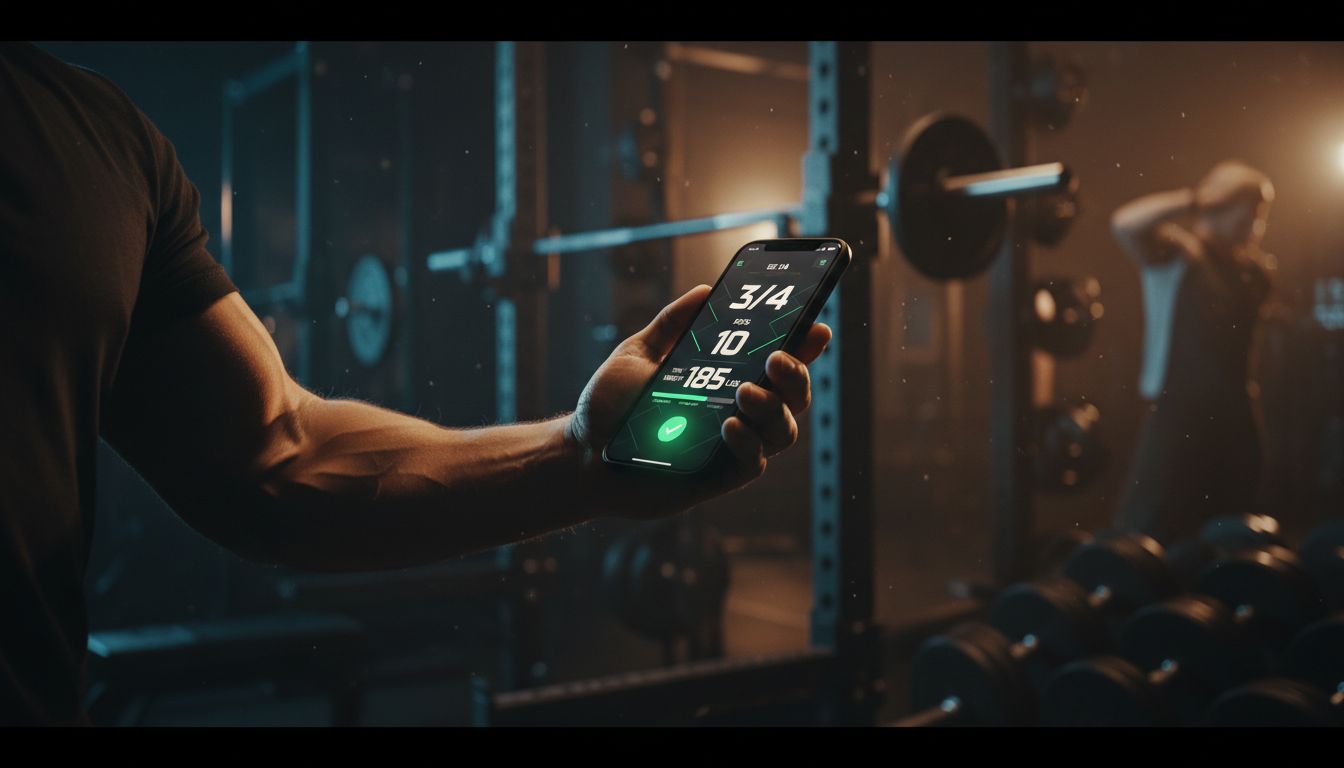
If you want to track my workout consistently, the best system is usually the simplest one. A good log helps you remember what you lifted, spot trends, and decide what to do next without guessing. Mayo Clinic notes that tracking progress can help you see whether you are meeting your goals and when it may be time to set fresh ones, and CDC fitness log templates show you can keep the record as basic or detailed as you need. If you prefer a dedicated digital option, the Setgraph workout tracker highlights fast logging, last-session comparisons, and a rest timer so you can stay focused in the gym. (mayoclinic.org)
What should you track in a workout?
For most people, the answer is fewer numbers than you think. Start with exercise name, sets, reps, weight, rest time, and a short note about how hard the set felt. ACSM materials for exercise professionals include monitoring intensity with RPE, reps, sets, load, and rest periods, while CDC fitness log templates show you can add optional details such as weight, steps, calories burned, or any other note that helps you stay consistent. (acsm.org)
A simple workout log usually works best when it answers one question: what should I do better next time? If a detail does not help you choose more weight, another rep, a better rest period, or a smarter exercise variation, you can leave it out.
Here is a practical starter list:
Exercise name
Sets and reps
Weight used
Rest time between sets
RPE or a short effort note
One form cue or observation
If you are new to lifting, the core lifting principles article is a good companion piece before you add more advanced metrics.
How to track my workout step by step
The easiest way to track my workout is to make the note before you lift, then fill in the results immediately after each set. That keeps the log accurate and prevents small details from disappearing by the end of the session. Mayo Clinic says you can record progress in a log of your own making or upload the information digitally, which is why the best method is the one you will actually use every week. (mayoclinic.org)
1. Pick one place to log
Choose a notebook, spreadsheet, or app, then stick with it for a training block. Constantly switching systems makes it harder to compare sessions.
2. Use the same template every time
Write the same fields in the same order so the log is fast to fill in. A repeatable format reduces friction and makes old sessions easier to scan.
3. Record each working set right after you finish it
Do not wait until the end of the workout. If you log immediately, you are less likely to forget the exact weight, rep count, or how the set felt.
4. Add one short note
A quick note about form, fatigue, or RPE is often enough. You do not need a long journal entry for every set.
5. Review the previous session before training again
Before your next workout, glance at the last time you did the movement. That tells you whether to repeat the load, add a rep, or make a small jump.
6. Change one thing at a time
Progress is easier to see when you adjust only one variable. Add a little weight, one rep, or a slightly shorter rest period, then see how the next workout goes.
That approach matches the way simple workout logging is described on Setgraph’s own log page, which emphasizes easy logging, progress tracking, and staying consistent. (setgraph.app)
If you want a structured walkthrough for building a training habit, the Setgraph Training Guide | Maximize Your Workout is a useful next stop.
Example workout log you can copy
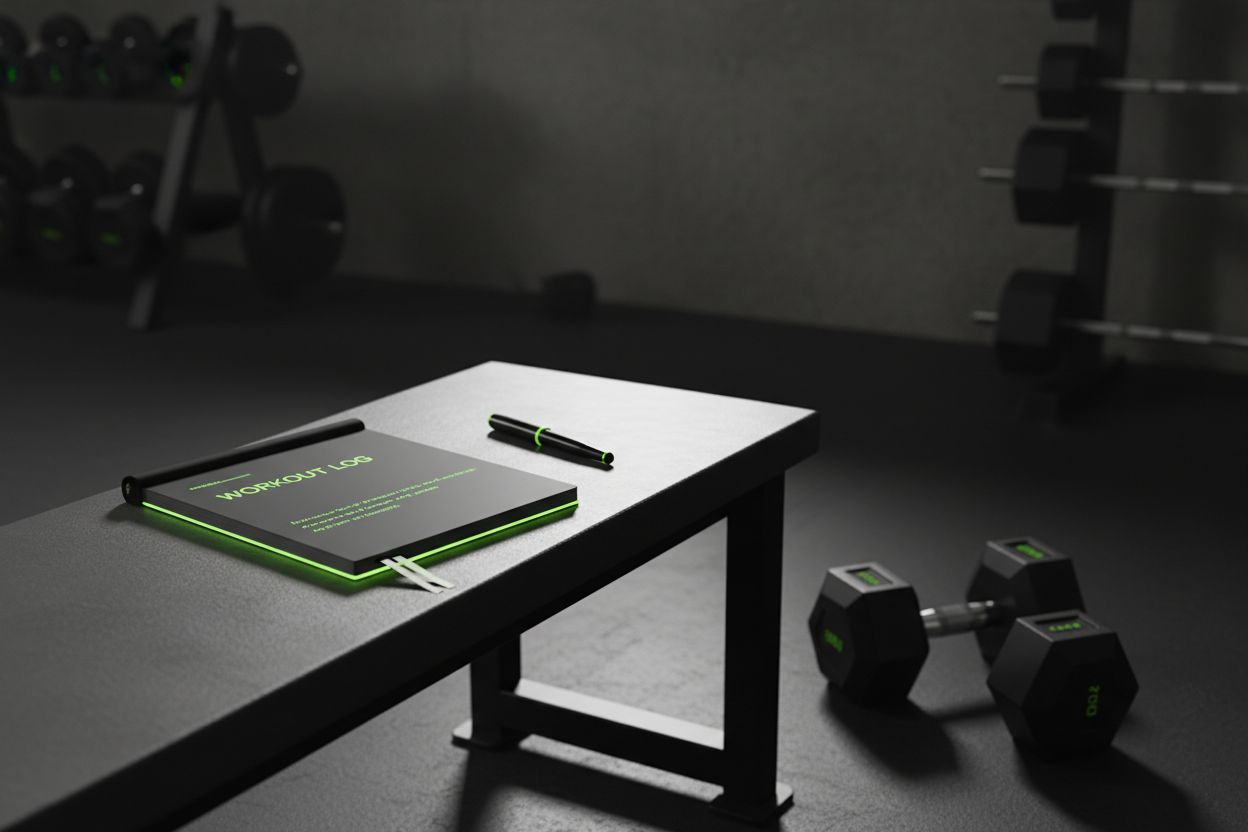
A short log is easier to maintain than a perfect one. Setgraph’s guides also encourage starting with the basics instead of tracking every possible variable on day one, because too much detail can make the log harder to use. (setgraph.app)
Push day example
Bench press, 3 x 8 x 135 lb, 90 sec rest, RPE 7, note: last two reps slowed down
Incline dumbbell press, 3 x 10 x 50 lb, 75 sec rest, note: stable shoulders
Cable triceps pressdown, 3 x 12 x 40 lb, 60 sec rest, note: good pump
Leg day example
Back squat, 4 x 5 x 185 lb, 2 min rest, RPE 8, note: depth felt solid
Romanian deadlift, 3 x 8 x 155 lb, 90 sec rest, note: grip was the limiter
Walking lunge, 2 x 12 each leg, bodyweight, 60 sec rest, note: balance improved
Deadlift day example
Deadlift, 1 top set of 5 x 225 lb, 3 min rest, RPE 8
Back-off set, 2 x 5 x 205 lb, 2.5 min rest, note: bar speed stayed consistent
Lat pulldown, 3 x 10 x 120 lb, 75 sec rest, note: better control than last week
You can copy this structure for any program, whether you train full body, upper lower, push pull legs, or a custom split. If your sessions follow a specific goal, Optimize Your Training | Expert Tips and Workout Guides has more ideas for shaping rest, effort, and progression.
Choose the right tracking method for your goal
Mayo Clinic points out that you can keep progress in a log of your own making or upload it digitally, which is a helpful reminder that there is no single perfect format. The right method depends on how much detail you want and how fast you need to log it. (mayoclinic.org)
Notebook
Best for people who want speed, simplicity, and zero setup. A notebook works well if you like writing by hand and do not need charts or search.
Spreadsheet
Best for people who enjoy organizing data. Spreadsheets are useful if you want to sort by exercise, calculate weekly volume, or compare training blocks.
Workout app
Best for people who want quick entry and easy history. An app is usually the most convenient option when you train at the gym and want to move from set to set without extra friction.
For many lifters, the decision is not about which tool is objectively best, it is about which one you will keep using after the first month. If you want more help choosing sets, reps, and rest for your goal, Optimize Your Training is worth a look.
Features that make workout tracking easier
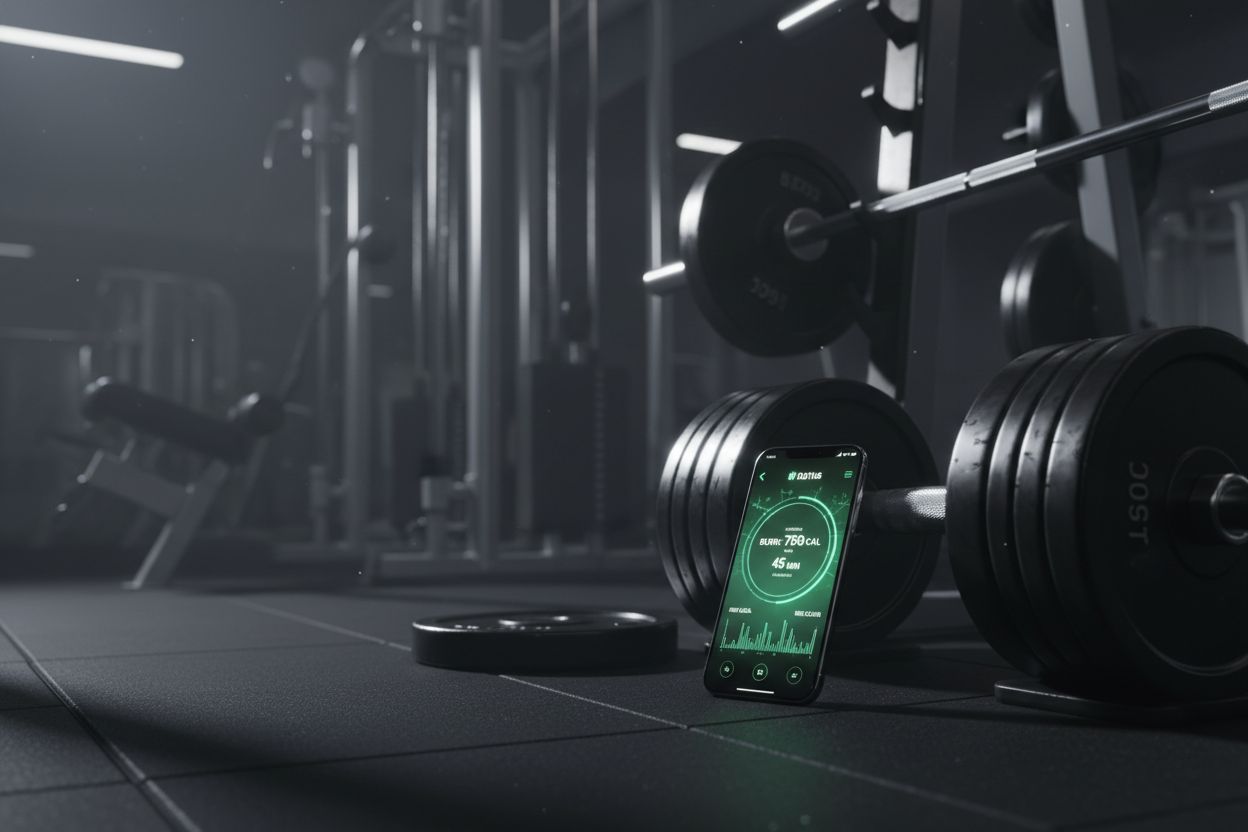
The best tools reduce friction. Setgraph’s official pages highlight fast logging, real-time comparison with your previous session, percentage changes in reps, weight per rep, volume, and sets, plus a rest timer and a 1RM calculator. (setgraph.app)
When you are choosing a tracker, look for features that support your actual training habits:
Fast set entry so you can log between sets
Session history so you can compare today with last time
A rest timer so your pauses stay consistent
A 1RM calculator if you train strength or use percentage-based loading
A layout that is easy to read under gym conditions
The goal is not to collect more data. The goal is to make the important data easy to capture. If logging takes too long, most people stop doing it.
If you want to see how users describe that experience in practice, the Setgraph App Reviews (2025): User Ratings for Tracking Sets, Reps & Workouts page is a useful read.
Common mistakes to avoid when you track my workout
One of the easiest ways to slow progress is to make the log so detailed that you stop using it. Setgraph’s workout tracking guide warns against tracking only final sets, because that hides fatigue and session quality, and it also emphasizes keeping rest consistent so the data is easier to compare. (setgraph.app)
Here are the mistakes that show up most often:
Tracking too many metrics too soon
Waiting until the end of the workout to write everything down
Changing fields every week, which makes comparisons messy
Only logging personal records and skipping normal working sets
Forgetting rest times, which can change how hard the session actually was
The fix is simple. Keep the same basic fields for a block of training, review them regularly, and only add more detail when your goal truly needs it.
FAQ
What is the easiest way to track my workout?
Start with the basics, exercise, sets, reps, and weight. The CDC and Mayo Clinic both show that simple progress logs are enough to monitor activity and see whether goals are being met. (cdc.gov)
Should I track RPE?
Yes, if you want a better read on effort and recovery. ACSM materials include RPE alongside reps, sets, load, and rest periods when monitoring exercise intensity. (acsm.org)
Do I need to track every workout?
You should log the sessions that matter most to your goal. For strength and muscle gain, that usually means your main lifts and the working sets that drive progress. If you are just getting started, keeping the log simple helps you stay consistent.
Is an app better than a notebook?
Either can work. The better choice is the one that stays in your routine, and a digital log can help if you want fast entry, history, and easy comparison. (mayoclinic.org)
What if my routine changes often?
Track the movement pattern and the variation name, such as barbell squat, pause squat, or goblet squat. That makes it easier to compare similar workouts even when the exact exercise changes.
How much detail is enough?
Usually, enough detail is whatever helps you make the next workout better. If a metric does not change your decision next time, it is probably optional.
The best way to track my workout is the way you will still use three months from now. Start with a simple template, keep the fields small, and make sure every entry helps you answer one question: what should I do next session? If you want a dedicated tracker that keeps logging fast and compares sessions automatically, Setgraph’s homepage and feature pages show that simple approach in action. (setgraph.app)
Article created using Lovarank


