How to Record Exercise on iPhone: Live Workouts, Missed Sessions, and Fixes
If you need to record exercise on iPhone, the easiest way is to decide whether you are logging a workout live, adding one after it already happened, or fixing a missing entry. Apple’s Fitness app can show your Activity rings, steps, distance, trends, sessions, and workout history, while the Health app stores health data and can accept manual entries from you or from other apps. If you want a separate workout log alongside Apple’s built-in tools, compare it with Setgraph workout tracker gym log app. (support.apple.com)
What iPhone can already track
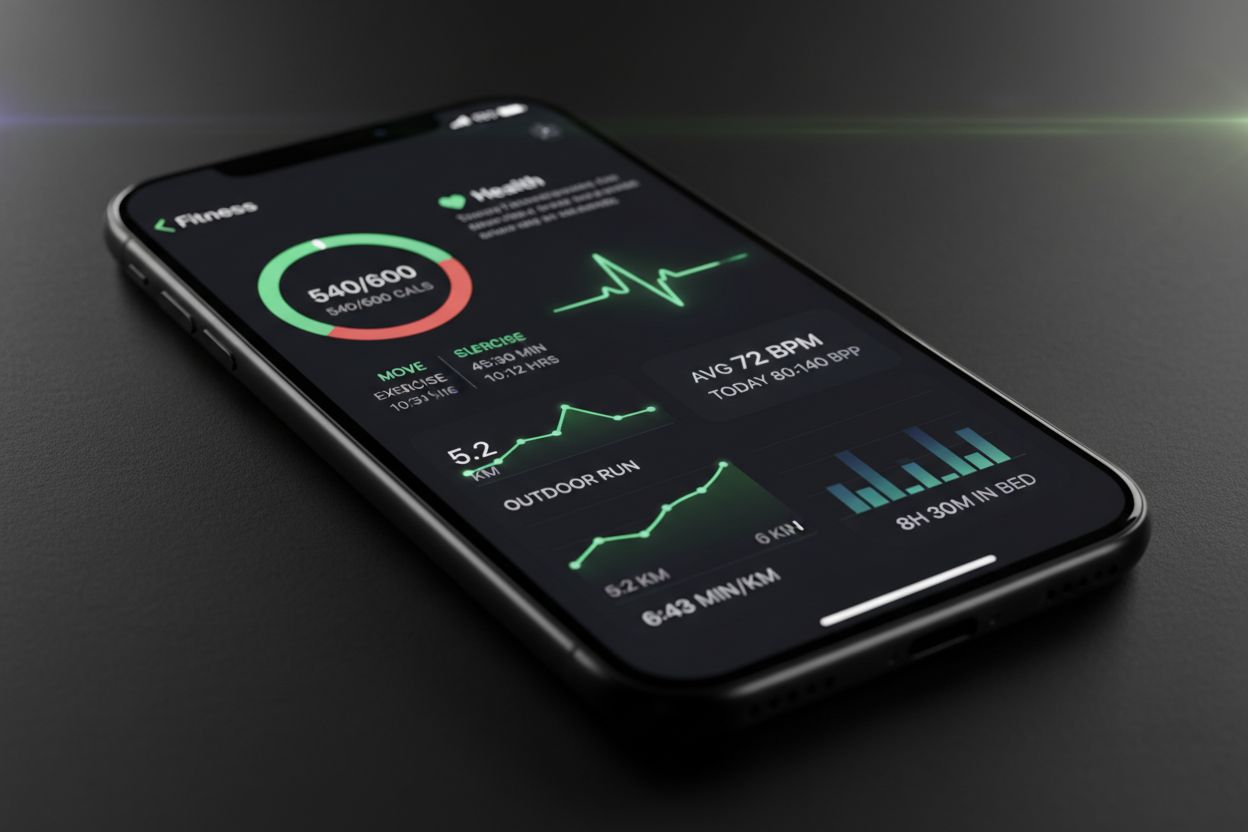
Before you tap anything, it helps to know which app does what. Fitness is where you see your daily activity summary, including Activity rings, steps, distance, trends, sessions, awards, and sharing. Health is the broader data hub, and Apple says it automatically counts steps, walking, and running distance even before you add anything manually. When data overlaps, Health prioritizes manual entries first, then data from your iPhone, iPad, or Apple Watch, and then apps and Bluetooth devices. (support.apple.com)
A simple way to think about it is this: Fitness is the place to review workouts, while Health is the place where the underlying data lives. If you like reading about training structure and logging habits, Fitness & Workout Tips | Setgraph is a helpful companion resource.
Record a workout live in Fitness on iPhone
If you are exercising right now, open Fitness and start the session there. Apple says Fitness can start individual workout sessions such as HIIT, Outdoor Run, Outdoor Cycle, Kickboxing, and strength-based workouts. If you only have an iPhone, Apple lists Outdoor Walk, Outdoor Run, Hiking, Outdoor Push Walking Pace, Outdoor Push Running Pace, and Outdoor Cycle as the workout types you can use on your own. When you connect an Apple Watch, AirPods Pro 3, Powerbeats Pro 2, or a compatible Bluetooth heart-rate monitor, you can see workout metrics displayed on screen. (support.apple.com)
Here is the basic flow:
Open the Fitness app on your iPhone.
Tap Workout.
Scroll to the workout type you want. Tap Add if you need to see more options.
Tap Start when you are ready.
When you finish, swipe up and tap End Workout, then review the summary and tap Done. (support.apple.com)
Apple also lets you autoplay music or podcasts before a workout, and you can pause, resume, mark segments, send a Check In, and lock the controls from the same screen. That makes the iPhone workout view more practical than many people expect. (support.apple.com)
If you like planning sessions before you train, Optimize Your Training | Expert Tips and Workout Guides is a useful follow-up.
Add a missed workout after the fact
The fastest backfill method depends on what you forgot. On iPhone running iOS 26.1 or later, Fitness lets you log workouts you previously completed and add details such as duration, start time, distance, and an estimate of active calories. If you forgot to start a workout with Apple Watch, the Health app also lets you add the workout afterward so your Activity rings update. (support.apple.com)
Option 1: Log a completed workout in Fitness
Apple’s iPhone logging flow is straightforward:
Open the Fitness app.
Tap Workout, then tap the Compose button.
Tap Select, scroll to a workout type, and edit the details you want.
Set the duration.
Set the start date and time.
Add an estimate of active calories if you want.
Tap Selected when you are done. (support.apple.com)
One detail matters here. Apple says the Effort field requires Apple Watch, so if you only want a basic record of a completed workout, duration, start time, and active calories are the key fields. The workout is then added to the Sessions card in your Activity summary. (support.apple.com)
Option 2: Manually add a missed Apple Watch workout in Health
If the workout happened but your watch never captured it, use Health:
Open the Health app on your iPhone.
Tap Search, then tap Activity.
Tap Workouts, then tap Add in the upper corner.
Enter your workout details.
To earn Move credit, enter the total calories burned.
To earn Exercise credit, enter the start and end time.
Tap Done. (support.apple.com)
Apple says this manual add flow updates your Activity rings, which is why it is the best fix when a watch died mid-workout or you simply forgot to start the session. If you want a structured training diary outside Apple’s ecosystem, Setgraph Training Guide | Maximize Your Workout can be worth a look.
How to keep workout data accurate
The biggest reason workout numbers look wrong is usually source order. Health lets you add data from other apps, and Apple says its default priority order is manual entries first, then data from your iPhone, iPad, or Apple Watch, and then apps and Bluetooth devices. If two sources record the same type of data, the source higher in the list wins, and you can change that order in Data Sources & Access. (support.apple.com)
That means a few habits go a long way:
Use the right workout type before saving. Apple lets you choose the type, then edit the duration, start time, and active calories in Fitness. (support.apple.com)
Enter calories if you want Move credit in Health, and enter start and end times if you want Exercise credit. (support.apple.com)
If the data comes from more than one app or device, check which source is being prioritized before you assume the workout failed. (support.apple.com)
If the entry is wrong, delete it rather than leaving bad data in the log. Health lets you delete manually entered records, and Fitness lets you delete a workout only or the workout and its health data. (support.apple.com)
Troubleshoot common issues
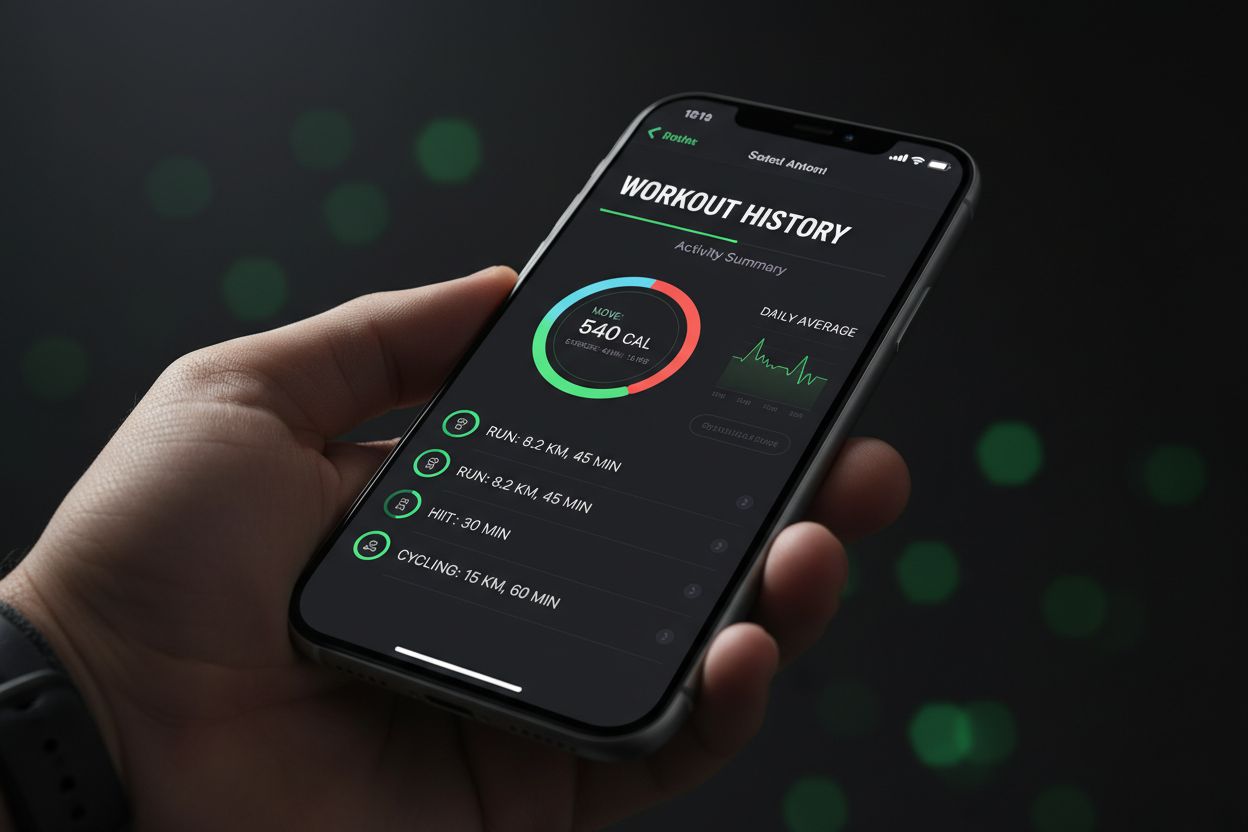
Most workout problems come down to visibility, sync, or a bad manual entry. If you can’t find a workout in Fitness, open Summary and tap Sessions. Apple notes that you may need to add the Sessions card to your activity summary first. Once the workout is there, you can tap it to review the details. (support.apple.com)
If Health is not tracking steps or other information from your Apple Watch, open Health, tap your profile, go to Devices, choose your watch, and turn on Fitness Tracking under Privacy Settings. Apple specifically calls this out as the fix when Health is missing data from a paired watch. (support.apple.com)
If you entered the wrong workout details, you do not need to live with them:
In Health, open the category, show all data, and delete the bad record. (support.apple.com)
In Fitness, swipe left on the workout in Sessions and choose whether to delete the workout only or the workout and health data. (support.apple.com)
If the data still looks off after that, check Data Sources & Access again. Apple says new apps or devices are listed at the top automatically, so a recent install can quietly take priority over the source you expected. (support.apple.com)
Which method should you use?
If you only want the shortest answer, use this:
Start a workout now on iPhone: use Fitness. Apple supports live workout sessions directly in the app. (support.apple.com)
Log a workout that already happened on iPhone: use Fitness on iOS 26.1 or later. (support.apple.com)
Fix a workout your Apple Watch missed: use Health to add it manually after the fact. (support.apple.com)
Compare a dedicated workout log app: look at Setgraph App Reviews (2025): User Ratings for Tracking Sets, Reps & Workouts.
The main trick is to stop thinking of “record exercise on iPhone” as one button. In Apple’s setup, there are different tools for live tracking, backfilling, and ring repair, and each one is useful in a different situation. (support.apple.com)
FAQ
Can I record exercise on iPhone without Apple Watch?
Yes, for certain workout types. Apple says you can do Outdoor Walk, Outdoor Run, Hiking, Outdoor Push Walking Pace, Outdoor Push Running Pace, and Outdoor Cycle with just an iPhone, and you can see more metrics if you connect a watch or supported heart-rate device. (support.apple.com)
Can I add a workout after it already happened?
Yes. Apple documents two ways. Fitness on iPhone can log previously completed workouts on iOS 26.1 or later, and Health can manually add a missed Apple Watch workout afterward so your rings update. (support.apple.com)
Can I delete a workout after saving it?
Yes. In Fitness, you can delete the workout only or the workout and health data. In Health, you can delete manually entered records from the relevant category. (support.apple.com)
Why didn’t my rings close?
If you added the workout manually in Health, Apple says the rings should update. If they did not, check that you entered the correct calories or start and end time, then verify that another source is not overriding the data. (support.apple.com)
What if I want a separate workout log?
A dedicated tracker can make it easier to keep workouts organized outside Apple’s built-in flow. If you are comparing options, Setgraph workout tracker gym log app and Setgraph App Reviews (2025): User Ratings for Tracking Sets, Reps & Workouts are good places to start.
Article created using Lovarank


