Best App to Track Your Workouts: 11 Top Workout Tracker Apps for 2026

Tracking your workouts changes how you train. Instead of guessing whether you are progressing you will see trends, set realistic overload targets, and make smarter program decisions. Choosing the right app to track your workouts saves time, reduces logging friction, and helps you turn consistency into results.
How to choose an app to track your workouts

When shopping for an app to track your workouts focus on three practical areas: ease of logging, features that match your goal, and how your data moves with you. Use these criteria to narrow the field before testing specific apps.
Ease of logging - Can you record sets, reps, and weights in seconds? Does the app offer quick templates or recent-activity shortcuts?
Progress tracking - Look for clear charts, PR tracking, and one rep max estimation if strength is your goal.
Program support - Does the app support prebuilt programs, custom routines, or coaching templates?
Device support - Do you need Apple Watch, Wear OS, or tablet support? Check cross-device sync.
Offline and export - Can you log without a connection and export CSV or backup data?
Community and coaching - Some apps include follow features, shared workouts, or coach access that may help with accountability.
Price and value - Decide which features you must have in the free tier and which are worth paying for.
A quick filter you can use: try any app for a week and test how fast it is to log a full workout. If it takes more than 90 seconds per session because of navigation, consider alternatives.
11 best apps to track your workouts (what each is best for)
Below are popular, well established apps that cover a range of goals. Each entry highlights what the app does well, typical features, and who will benefit most. Try the ones that match your training style.
Strong - Best for simple strength logging
What it does - Strong focuses on fast, reliable logging for weight training. It offers templates, a large exercise library, PR tracking, and a clean user interface.
Notable features - Quick add for sets, rest timers, 1RM estimates, Apple Watch companion.
Who it suits - Lifters who want a no nonsense gym log with clear progress graphs.
Jefit - Best for program templates and community
What it does - Jefit includes a big exercise library, shared workout routines, and planning tools for structured programs.
Notable features - Routine planner, exercise demonstrations, social features for comparing progress.
Who it suits - Users who follow specific templates and want community accountability.
Fitbod - Best for adaptive programming and recommendations
What it does - Fitbod builds workouts based on your logged sessions, available equipment, and recovery to recommend appropriate sets and loads.
Notable features - AI-driven session suggestions, equipment-aware programming, and clear statistics.
Who it suits - Gym goers who want program recommendations with minimal planning.
Hevy - Best free gym log with social features
What it does - Hevy offers a functional free tier with a clean logging interface and social sharing so you can follow friends and copy workouts.
Notable features - Workout feed, simple templates, and progress charts.
Who it suits - Beginners and casual lifters who like community motivation.
Strava - Best for running and cycling workouts
What it does - Strava is oriented toward cardio tracking. For runners and cyclists it offers route mapping, segment leaderboards, and social challenges.
Notable features - GPS tracking, training segments, in-app social feed.
Who it suits - Endurance athletes who want route data and peer challenges.
Apple Fitness / Apple Health integrations - Best for Apple Watch users
What it does - Apple Fitness and Health aggregate workout data across apps and devices, making it easy to see metrics and tie workouts to health records.
Notable features - Native watch tracking, automatic calorie and heart rate capture, cross-app data sharing.
Who it suits - People who use Apple Watch and want centralized tracking.
MyFitnessPal - Best when you want nutrition linked to training
What it does - Primarily a nutrition tracker, MyFitnessPal syncs with many workout apps to align calories and macros with logged activity.
Notable features - Large food database, macro tracking, integrations with fitness apps.
Who it suits - Users who want an integrated view of workouts and nutrition.
Gymshark Training or Nike Training Club - Best for guided workouts
What they do - These apps provide guided workout programs, video demonstrations, and structured plans for bodyweight and gym training.
Notable features - Program libraries, video-led sessions, skill progression plans.
Who they suit - People who want instructor-led routines rather than building their own.
StrongLifts / Starting Strength style apps - Best for linear progression programs
What they do - Apps built around a single program like 5x5 simplify logging and progression rules so you just follow the plan.
Notable features - Auto progression, rest timers, simple set structures.
Who they suit - Beginners and intermediate lifters who prefer proven templates.
Cronometer - Best for data focused users
What it does - Cronometer combines precise nutrition data with activity logging, focusing on micronutrients and detailed metrics.
Notable features - Advanced nutrient tracking, exportable data, integrations.
Who it suits - People tracking nutrition and workouts with an emphasis on analytics.
Setgraph - Best simple gym log and clean interface
What it does - Setgraph is a straightforward workout tracker and gym log app focused on simple, fast recording and clear progress views.
Notable features - Quick workout logging, straightforward exercise records, and a clean user experience.
Who it suits - Users who want a minimal distraction log with essential tracking features.
Read more about Setgraph and its approach to workout logging here: Setgraph - Workout Tracker Gym Log App. For user perspectives consult the reviews page: Setgraph App Reviews (2025): User Ratings for Tracking Sets, Reps & Workouts.
Which features matter for your goal
Strength and hypertrophy - Prioritize a robust logging interface, 1RM estimates, volume totals, and PR history. Program templates and CSV export are useful for coaches and long term analysis.
Fat loss and conditioning - Choose apps that combine activity tracking with calorie and nutrition tools or that integrate with a nutrition app like MyFitnessPal.
Endurance sports - GPS accuracy, route saving, and segment comparisons are the most valuable features.
Home workouts - A library of bodyweight and minimal-equipment movements, timers, and clear video demonstrations help you stay consistent.
If you are not sure which features you need, list the top three must-haves and the top two nice-to-haves before testing apps. That will simplify comparisons.
How to get started tracking workouts the right way
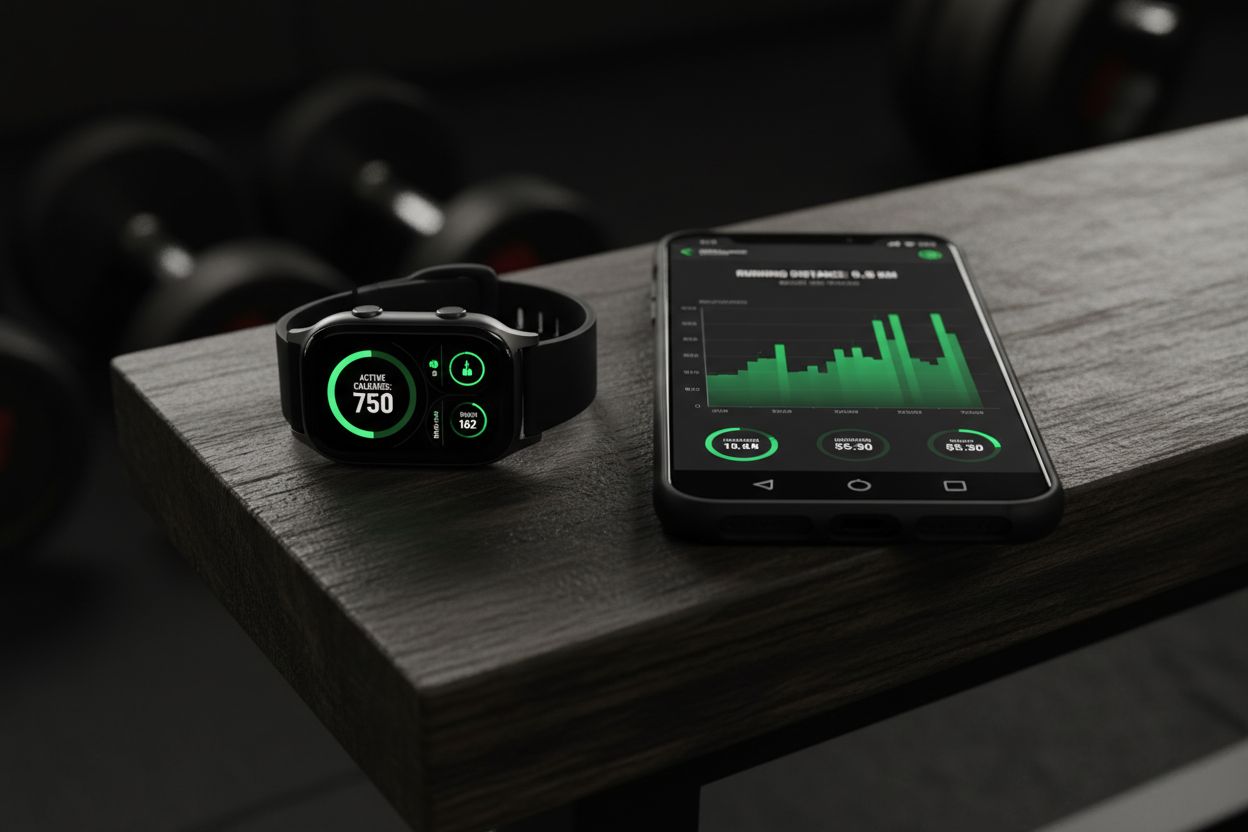
Follow this quick setup to make your logging sustainable.
Choose your app based on the three filters above - ease, features, and portability.
Create a simple routine template - include exercise name, sets, reps, and a column for notes.
Log every session for 4 to 8 weeks - consistency is how you build useful data.
Review weekly totals - check volume for each lift and note any PRs.
Adjust increment sizes - use percentage or fixed weight increases to apply progressive overload.
A minimal weekly review takes 10 minutes. Look for trends such as stalled volume, missed sessions, or sudden weight drops that indicate fatigue or recovery issues.
For practical training principles and technique resources consult the Setgraph training guide: Setgraph Training Guide | Maximize Your Workout. For optimization tips read: Optimize Your Training | Expert Tips and Workout Guides.
Migrating from paper or another app
Switching should be straightforward if you plan ahead.
Export if possible - Many apps let you export CSV or backup data. Export your existing logs and import when supported.
Start with a clean week - Begin fresh at the start of a week so you can compare new data to your old notes.
Recreate key workouts - Instead of migrating every past entry, recreate templates for your main programs and import PRs manually.
Keep old logs accessible - Keep a copy of your old spreadsheets or notes until you are confident the new app captures everything you need.
If the app you pick lacks direct import tools the easiest path is manual transfer of PRs and monthly totals. That preserves the insights you care about without spending hours digitizing every session.
Privacy, data export, and offline use
Data portability is a real concern. Before committing check these things in settings or on the app’s website:
Export options - Can you download CSV or JSON backups of workouts?
Account sync - Does the app store your data in the cloud? Is there an option for local storage only?
Third party integrations - Does it share data with Apple Health, Google Fit, or nutrition apps?
Offline logging - Can you record workouts without a connection and sync later?
If you want to switch apps later, exportable history is the most valuable feature. Apps that lock your data behind proprietary formats create friction when you change tools.
Common mistakes people make when tracking workouts
Logging inconsistently - Missed entries lead to noisy data. Make logging part of your cooldown routine.
Recording incomplete details - Save whether a set was AMRAP, technical failures, or paused reps. These notes explain odd data points.
Obsessing over minor PRs - Weekly and monthly trends matter more than single small increases.
Relying solely on one metric - Use volume, intensity, and frequency together to judge progress.
A practical habit is to spend one minute immediately after your last set to record numbers and a short note. That tiny action preserves accuracy and keeps your data valuable.
Advanced tips: getting more from your workout data
Track volume per muscle group - Sum sets, reps, and load across similar movements to ensure balanced development.
Use CSV export for deeper analysis - Import into a spreadsheet to calculate monthly totals, rate of change, and workout density.
Combine heart rate and RPE - For conditioning, pairing heart rate data with perceived exertion helps fine tune intensity.
Set notification rules for accountability - Use reminders and streak tracking to protect consistency without pressure.
For curated expert tips and ongoing training articles visit the Setgraph articles hub: Fitness & Workout Tips | Setgraph.
Final checklist to pick your app to track your workouts
Before you commit, run through this checklist:
Can I log a full workout in under two minutes? If not, test a different app.
Does it support my primary device like Apple Watch, Android watch, or tablet?
Is there a free tier that covers basics or a trial for premium features?
Can I export my data if I need to switch later?
Does the app match my training style - strength, hypertrophy, endurance, or mixed?
Try two apps back to back for a month each. The right app should feel like an extension of your training routine and not a chore.
Conclusion
An app to track your workouts is more than a log. It is the feedback loop that makes progressive overload possible, exposes recovery issues, and helps you build long term habits. Start simple, prioritize fast logging and data portability, and choose an app that supports the exact features you need for your goals.
If you want a minimal, fast gym log try Setgraph and read real user feedback on the reviews page: Setgraph App Reviews (2025): User Ratings for Tracking Sets, Reps & Workouts. For structured guides and optimization strategies see: Setgraph - Workout Tracker Gym Log App and the training guide: Setgraph Training Guide | Maximize Your Workout.
Pick an app, log your next workout right after you finish, and review your training weekly. Small consistency steps add up to measurable progress in months and years.
Article created using Lovarank


