App for Planning Workouts: 10 Features That Actually Matter
Finding the right app for planning workouts matters because a good plan is easier to follow than a vague goal. The current adult activity guidance recommends regular aerobic work plus muscle-strengthening activity, and both Mayo Clinic and NIDDK stress planning, scheduling, and gradual progress. If you also want one tool to both plan and log sessions, a workout tracker and gym log app can reduce app-hopping, and Setgraph's homepage describes that mix of tracking, planning, and AI workout support in one place. (cdc.gov)
10 features that matter most in an app for planning workouts

A strong workout planning app should make your week easier to execute, not harder to think about. The best ones help you decide what to do, when to do it, and how to adjust when life gets in the way.
1. Calendar scheduling that feels real
The best planner helps you put workouts on actual days, not just into a wish list. NIDDK says setting goals, writing them into a calendar, and setting reminders can help you stay on track, and Mayo Clinic Health System recommends treating workout time like any other appointment. (niddk.nih.gov)
2. Goal-based programming
Your app should let you build around the result you want, whether that means better health, more muscle, improved endurance, or simple consistency. CDC and Mayo Clinic both recommend that adults include aerobic activity and strength work in the week, so a good planner should make that balance easy to customize. (cdc.gov)
3. A balanced weekly structure
A planner should not trap you inside one workout type. Mayo Clinic says a well-rounded routine can include aerobic fitness, strength training, core exercises, balance training, and flexibility, which is why many people do better with an app that can map more than just lifting sessions. (mayoclinic.org)
4. Progress tracking that remembers the last session
If the app cannot remember what you did last week, it is only half a planner. Mayo Clinic recommends measuring your fitness before you start and checking progress again later, so your app should make previous sessions and personal bests easy to review. (mayoclinic.org)
5. Equipment filters and exercise substitutions
Real life changes, and your plan should change with it. NIDDK recommends starting slowly and choosing activities you enjoy, which is easier when your planner adapts to the equipment you actually have, whether that is a full gym, dumbbells, bands, or bodyweight only. (niddk.nih.gov)
6. Recovery-aware rest days
A smart app should protect recovery, not just fill the calendar. Mayo Clinic says you should not exercise the same muscle group two days in a row, so rest-day logic and split planning are real features, not extras. (mayoclinic.org)
7. Fast logging during the workout
Planning works better when logging takes seconds, not minutes. Setgraph's homepage describes itself as a workout tracker and gym log app, and it also highlights a workout planner and AI workout generator, which is a useful example of how planning and logging can live in one flow. (setgraph.app)
8. Reminders and flexible session length
You do not need a perfect week, you need a flexible one. NIDDK recommends starting with manageable chunks, writing plans down, and using phone reminders, while Mayo notes that activity can be broken into 10-minute blocks if that is what your schedule allows. (niddk.nih.gov)
9. Notes, cues, and exercise instructions
The more context an app can save, the easier it is to repeat the workout well. Setgraph's homepage says its planner lets users add notes, cues, and instructions, which is the kind of detail that can reduce guesswork when you are tired or distracted. (setgraph.app)
10. Variety that keeps the plan from getting stale
A planner should help you stay consistent without making every week feel identical. Mayo Clinic says cross-training can keep people from getting bored with an exercise routine, so an app that supports different training styles is usually a better long-term fit. (mayoclinic.org)
When an app for planning workouts does these things well, it becomes more than a digital notebook. It becomes a simple system for deciding what happens next, which is what most people need when they are trying to stay consistent over months rather than days. (niddk.nih.gov)
Who gets the most value from a workout planning app

Different people need different levels of structure. The best app for planning workouts is the one that fits your current routine, your equipment, and how much time you can actually protect each week.
Beginners
A beginner-friendly planner should reduce choices, not add them. NIDDK recommends starting slowly, adding time little by little, and choosing activities you enjoy, so a first-time user usually does best with simple templates, clear reminders, and easy exercise names. For more basics, Fitness & Workout Tips is a useful companion read. (niddk.nih.gov)
Home workout users
If you train at home, equipment flexibility matters more than flashy features. A planner should let you swap in bodyweight, bands, dumbbells, or short-session options without rebuilding the whole week, because the goal is to keep the plan realistic when your environment changes. (niddk.nih.gov)
Gym lifters
If you lift in a commercial gym, look for split planning, set history, and fast logging. A companion read like Core Principles & Techniques for Every Lifter can help you think through the basics, because progression is easier when the app remembers what you lifted last time. (mayoclinic.org)
Busy schedules
If your weeks change fast, pick an app that treats short sessions as progress, not failure. CDC says adults can spread activity through the week, and Mayo notes that activity can be broken into 10-minute blocks, which makes calendar flexibility a key feature for people with packed schedules. (cdc.gov)
People who want one workflow for planning and logging
If you do not want separate apps for planning and logging, look for one that combines both. Setgraph's homepage describes that combination through a workout planner, workout tracker, and AI workout generator, which shows the kind of single-workflow setup many people want. (setgraph.app)
Check reviews before you subscribe
Pricing and design matter, but user feedback tells you what the app feels like after the first week ends. The Setgraph App Reviews (2025): User Ratings for Tracking Sets, Reps & Workouts page is a useful example of the kind of review hub to scan because it focuses on tracking, progression, and ease of use. (setgraph.app)
If you want more guidance after your first few weeks, Optimize Your Training is a helpful next read.
How to build a weekly plan that actually gets done
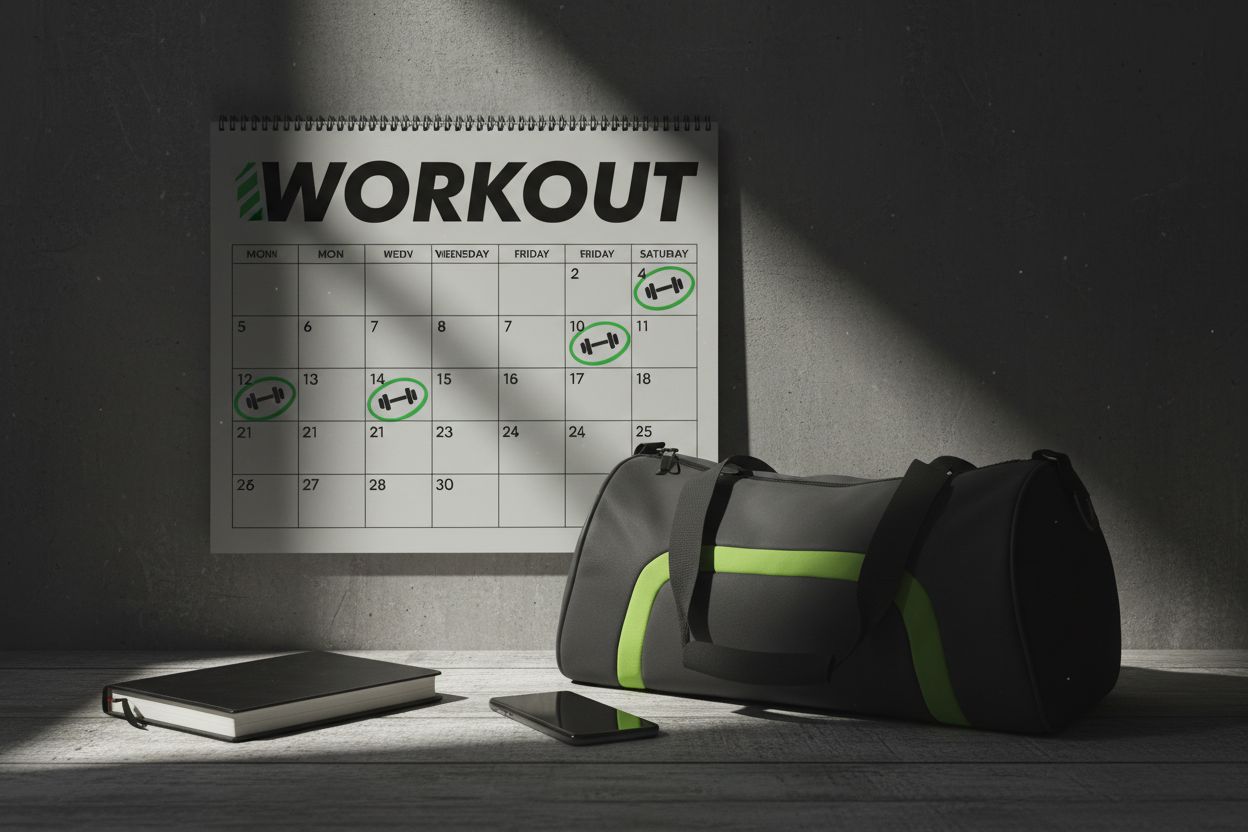
A workout planning app is only useful if the plan survives contact with your actual week. The simplest way to make that happen is to build around a realistic baseline, schedule the sessions, and leave room for recovery.
1. Start with a realistic weekly target
CDC says adults need at least 150 minutes of moderate-intensity activity each week, or 75 minutes of vigorous activity, plus at least two days of muscle-strengthening work. Use that as your baseline, then adjust the plan to your experience level and available time. (cdc.gov)
2. Put the sessions on the calendar
Write the workout into specific days and times. NIDDK says that setting goals and writing them into a calendar with reminders helps with consistency, and Mayo Clinic Health System recommends scheduling workouts like any other appointment. (niddk.nih.gov)
3. Leave space for recovery and variety
A week should include enough recovery to keep you progressing. Mayo Clinic says not to train the same muscle group two days in a row, which is one reason full-body, upper/lower, or push-pull-legs splits can work well when the app helps you manage the spacing. (mayoclinic.org)
4. Review the plan after a few weeks
Mayo Clinic recommends measuring fitness before starting and repeating those checks later, which makes a weekly planner better when it keeps old sessions visible. If the plan is not moving you forward, adjust volume, exercise selection, or frequency rather than starting from zero. (mayoclinic.org)
5. Use the app to simplify, not complicate
The best workout planner app should reduce decision fatigue. If it stores cues, remembers your history, and makes the next session obvious, you spend less time organizing and more time training. That is the real value of a good planner. (setgraph.app)
Frequently asked questions
Is a workout planning app good for beginners?
Yes. NIDDK recommends starting slowly, adding time in small steps, and choosing activities you enjoy, which is exactly the kind of support beginners need from an app. (niddk.nih.gov)
Can I use one for home workouts?
Yes. The best apps let you swap equipment-based exercises for bodyweight or band options so the plan still fits your space and schedule. NIDDK's advice to choose activities you can sustain makes that flexibility especially important. (niddk.nih.gov)
How many workouts should I plan each week?
A useful baseline is the CDC recommendation of 150 minutes of moderate activity per week, or 75 vigorous minutes, plus at least two strength days. You can spread that work across the week instead of forcing every session into one format. (cdc.gov)
Should a workout planner include rest days?
Absolutely. Mayo Clinic recommends not training the same muscle group two days in a row, so recovery is part of good planning, not time off from the plan. (mayoclinic.org)
What is the difference between a workout planner and a workout tracker?
A planner helps you decide what to do next, while a tracker records what you actually did. The best apps do both, and Setgraph's homepage shows that blend by describing itself as a tracker, planner, and AI workout generator. (setgraph.app)
What should I look for if I want one app for both planning and logging?
Look for calendar scheduling, progression history, quick entry, and notes that carry from one session to the next. That combination is what turns a basic app into a useful training system. (niddk.nih.gov)
The best app for planning workouts does not need to be packed with every possible feature. It just needs to make the next session clear, the weekly structure realistic, and the long-term progress easy to see. If it can do that, you are far more likely to stay consistent. (cdc.gov)
Article created using Lovarank