How to Start Tracking Workout Progress: A Practical Guide

Keeping a clear record of your workouts is one of the simplest habits that produces consistent gains. Whether your goal is to build strength, improve conditioning, or simply maintain fitness, tracking workout sessions turns vague effort into measurable progress. This guide walks through what to track, how to log it efficiently, common pitfalls, and how to use your data to plan better workouts.
Why tracking workout matters
Tracking your workouts unlocks two crucial benefits. First, it makes progress visible. Instead of relying on memory you can see trends, plateaus, and personal records. Second, it forces consistency. A simple log nudges you toward progressive overload and smarter recovery choices because the data highlights what worked and what did not.

Key reasons to track workout sessions:
Build accountability. Seeing weeks of training makes skipping sessions stand out.
Measure progress. Track sets, reps, weight, tempo, and rest to quantify improvements.
Reduce guesswork. Auto-populated previous sets or templates remove decision fatigue.
Identify trends. Notice when performance drops and link it to sleep, nutrition, or stress.
Tracking also helps when you need to share your plan with a coach or replicate a successful block of training. If you are curious how modern apps and tools compare to old-school notebooks this guide explains the tradeoffs and provides practical templates you can start using today.
What to record in every session
Not every detail needs to be captured. For most lifters and trainees a concise set of fields covers the essentials. Aim for a system you will keep using.
Core workout fields to record:
Date and time
Exercise name
Sets, reps, and load (weight) for each set
Rest interval between sets
RPE or perceived exertion where applicable
Notes on form, pain, or modifications
Optional but valuable fields:
Warm up sets and mobility work
Tempo or cadence for eccentric and concentric phases
Assistance work volume or time under tension
Bodyweight and brief nutrition notes for that day
Sleep quality or readiness score
A minimal entry might look like this: Squat 3x5@225, RPE 8, 2:30 rest. That captures enough to compare the session with previous ones and decide whether to increase load next time.
Tools and formats: app vs paper vs hybrid
There are three practical ways to track workout progress: a paper journal, a mobile app, or a hybrid approach using spreadsheets or simple digital notes. Each has tradeoffs.
Paper journal: Low friction and distraction free. Great for lifters who want no notifications and prefer pen and paper. Harder to visualize long-term trends unless you transfer data.
Mobile apps: Instant charts, autosave, rest timers, and exercise libraries. Many apps also sync across devices and let you export data. If you prefer automation and quick progress visualization an app is efficient.
Spreadsheets: Flexible and powerful for custom analysis. Good for advanced lifters who want to calculate volume, percentage-based progression, or periodization templates.
If you want to try a simple digital option focused on quick set logging and clean design you can explore tools like Setgraph to see how a minimal workflow fits your routine. Here are some places to learn more about app options and reviews: Setgraph - Workout Tracker Gym Log App, Setgraph App Reviews (2025): User Ratings for Tracking Sets, Reps & Workouts.
How to track every workout: a step-by-step system
This section describes a repeatable workflow you can use right away. The system prioritizes speed so logging does not interrupt the session.
Establish your goal before week one
Decide whether you are training for strength, hypertrophy, endurance, or skill work. Your goal determines which metrics matter most. For strength you will emphasize load and reps near maximal efforts. For hypertrophy total volume and proximity to failure matter more.
Pick a template for the week
Use a simple template like full body three times per week, push pull legs, or an upper lower split. Templates reduce decision fatigue and standardize comparisons.
Log every working set in one line
A fast format works best. Use a template such as: Exercise — sets x reps @ weight — RPE. For example: Bench press — 4x6@185 — RPE 7.
Add a short note if something changed
If you used a different grip, had lingering knee pain, or swapped machines record that change. Notes make your logs interpretable months later.
Review weekly and adjust
At the end of each week review the previous week and compare top sets. If you completed prescribed sets and reps with RPE below target then increase load by a small increment next session. If sets were missed or RPE was high keep weight stable or deload.
Track PRs and milestones
Record a one rep max attempt or any personal record. Marking milestones helps with motivation and future planning.
Export and back up regularly
If you use an app or digital log export a monthly CSV or back up your notes. Backups protect long-term data and make deep analysis easier later.
For more practical templates and sample programs you can reference curated guides and training plans which explain how to structure volume and intensity across weeks. See Setgraph Training Guide | Maximize Your Workout and the collection of training articles for ideas: Fitness & Workout Tips | Setgraph.
Sample logging templates for common programs
Below are compact logging formats you can copy into a notebook or app. Keep entries terse so logging is sustainable.
Starting Strength / Novice template (full body)
Day A
Squat: 3x5 @ 200
Bench: 3x5 @ 145
Deadlift: 1x5 @ 255
Notes: 2 warmup sets
Push Pull Legs (PPL) template
Push
Overhead press: 4x6 @ 95
Incline DB press: 3x8 @ 50
Triceps rope: 3x12
Rest: 90s between heavy sets
Upper/Lower template
Upper
Bench press: 5x5 @ 185
Barbell row: 4x6 @ 155
Accessory: face pulls 3x15
These formats maintain consistency and are easy to record in a single line per exercise.
Common tracking mistakes and how to avoid them
Even experienced trainees make avoidable errors when tracking workout sessions. Here are the most common mistakes and simple fixes.
Mistake: Logging too much detail
Fix: Keep it simple. Track the data you will actually use for decisions. Extra fields slow you down.
Mistake: No review routine
Fix: Schedule a weekly 10 minute review. Compare top sets and adjust weights or volume for the next week.
Mistake: Changing metrics mid-cycle
Fix: Choose key metrics at the start of a 4 to 8 week block and stick to them. Switching measures makes trends unreliable.
Mistake: Forgetting to note variations
Fix: Write short notes when you modify an exercise or reduce range of motion. Those small changes matter when interpreting a drop in performance.
Mistake: Relying on memory for PRs
Fix: Mark personal records clearly in your log and sync them to a separate PR list so they are easy to find.
Troubleshooting when things go wrong
If your training stalls or logging gets inconsistent here are troubleshooting steps that work across experience levels.
If you miss workouts frequently: simplify your plan. Fewer, higher-quality sessions are better than many half-hearted ones.
If numbers drop unexpectedly: audit sleep, stress, and nutrition for the prior two weeks. The problem is often recovery rather than programming.
If the app crashes or you lose data: keep a paper backup or export CSVs monthly. A hybrid paper+app workflow protects you.
If you feel pain during a lift: add notes and reduce load. Consult a coach or clinician for persistent problems.
Advanced tracking: data export, privacy, and long-term analysis
For athletes and coaches who want deeper insights tracking workout data over months and years can reveal patterns. Two practical areas to pay attention to are data export and privacy.
Data export and formats
Exporting your data to CSV or JSON lets you analyze training volume, intensity distribution, or calculate weekly tonnage. Simple analyses to run in a spreadsheet include:
Weekly tonnage per lift = sum(sets x reps x weight)
Monthly progression rate = percent change in top sets over time
Volume distribution = percentage of heavy vs moderate sets
If your app supports export use it monthly. If you track manually a weekly spreadsheet will provide the same results with slightly more work.
Privacy and data ownership
Understand how the tool you use handles data. If you rely on cloud syncing verify whether you can export or delete your data. Maintaining your own backups ensures portability if you change apps.
Record keeping for coaching and accountability
Organize your logs so a coach can quickly review the last 8 to 12 weeks. Include a short weekly summary line such as: Week 6: Increased squat volume 10 percent, sleep poor, deload next week. That one line saves time during coaching check-ins.
When to use an app and when to keep it analog
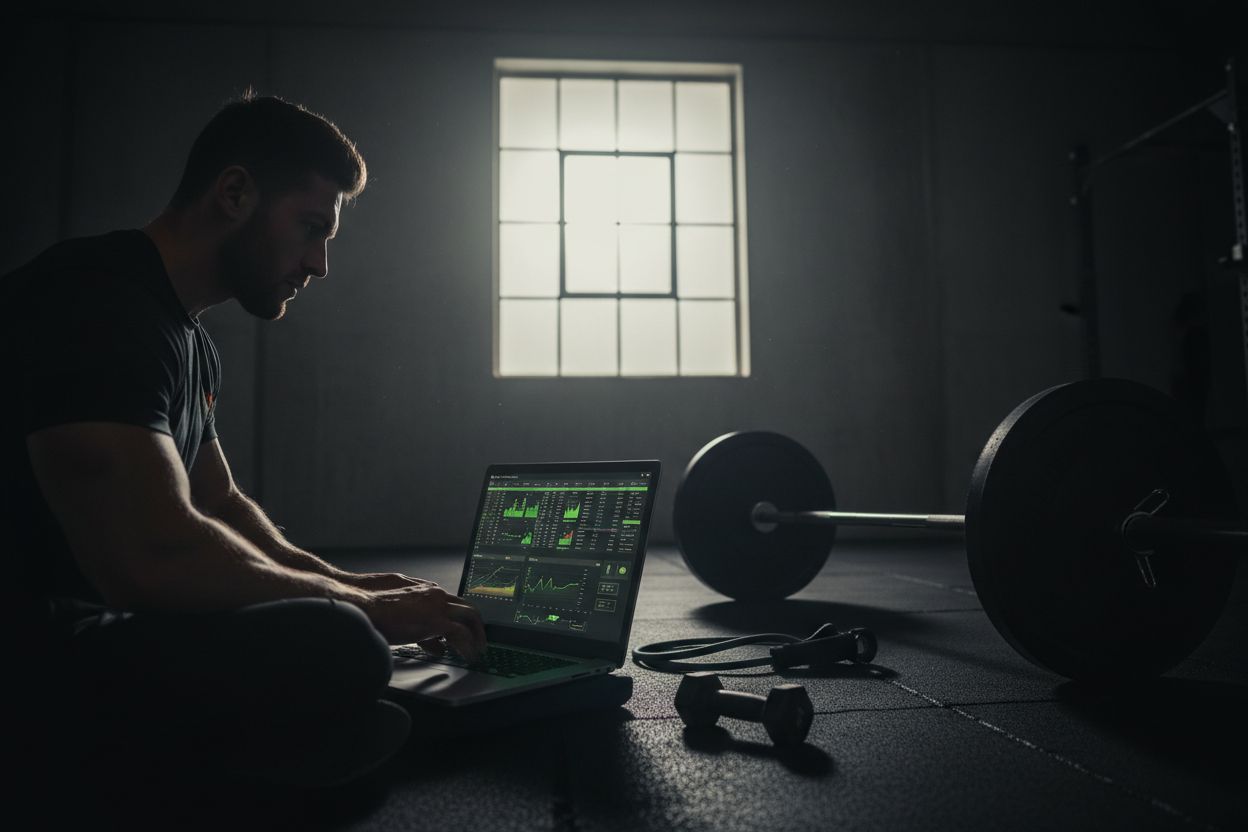
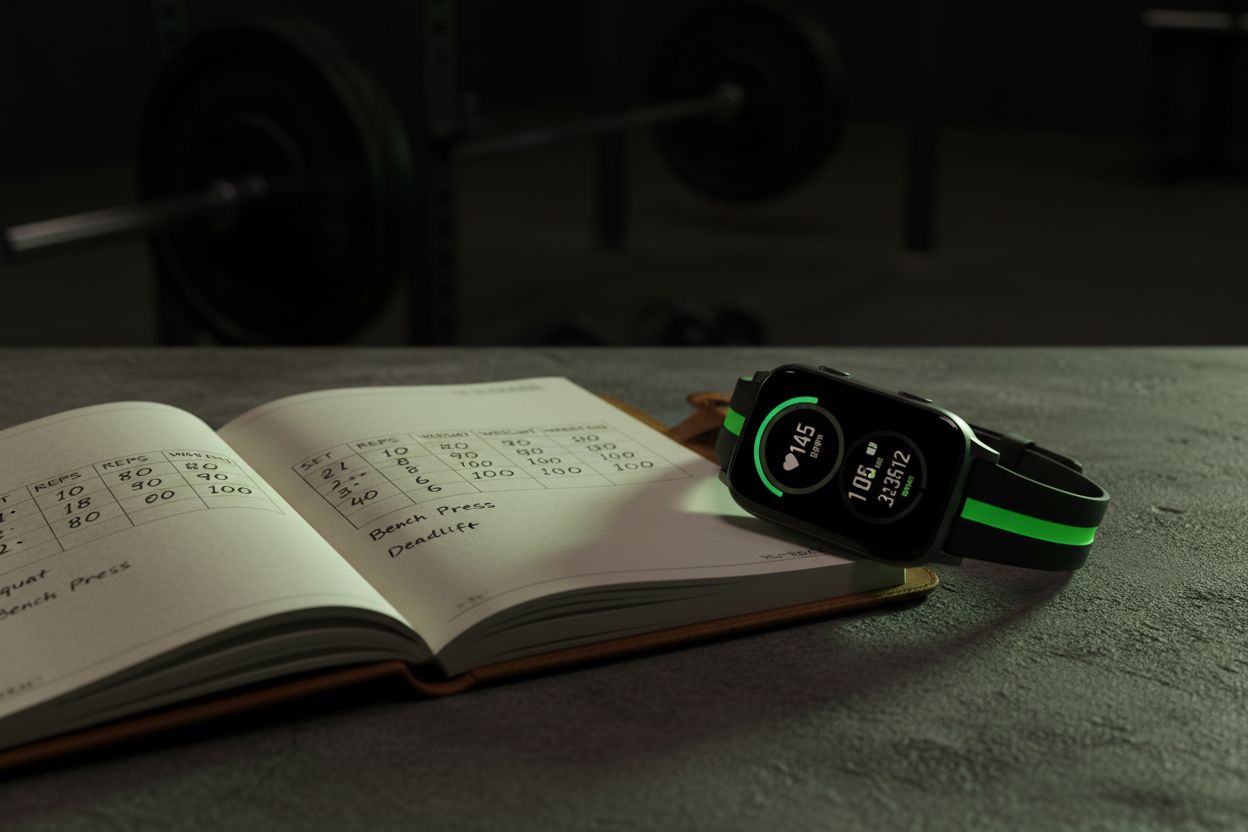
Use an app when you want automated charts, rest timers, and easy PR tracking. Choose paper when you want zero distractions and no learning curve. A hybrid approach works well for most people: log sets on paper during the workout and transfer summary lines to an app or spreadsheet after the session.
If you do decide on an app try a few in your real training environment for two weeks before committing. Look for speed of logging and how well the app handles templates and exports. You can read more about app features, updates, and tips to optimize your tracking workflow at Optimize Your Training | Expert Tips and Workout Guides and in the broader article collection here: Setgraph App: Insights, Tips & Training Guides.
Using tracked data to plan progressive overload
Progressive overload is the simplest principle behind long-term gains. Use tracked workouts to apply it reliably:
Increase load by small increments when you complete targeted sets with RPE below target.
Add a set rather than adding more reps when you want gradual volume increases.
Cycle intensity with planned deload weeks every 4 to 8 weeks to reduce injury risk.
Record each progression step so you can later identify which adjustments led to the best gains. Over time you will learn individual responses to volume and intensity which is more valuable than following someone else’s routine verbatim.
Final checklist to start tracking workout today
Choose your tracking method: paper, app, or spreadsheet.
Decide on the core fields you will record: exercise, sets, reps, load, rest, RPE.
Pick a weekly template that matches your goals.
Log every working set in a single line for speed.
Review weekly and export backups monthly.
Save clear PR records and short weekly summaries for coaching use.
Starting a consistent tracking habit is more important than choosing a perfect tool. Use a system you will stick with and the data will reward you. For further reading on training principles and templates check this practical guide: Core Principles & Techniques for Every Lifter - Setgraph.
If you want ready-made plans and examples to copy into your log see the training guides section here: Setgraph Training Guide | Maximize Your Workout. For user perspectives and reviews of logging apps visit this review roundup: Setgraph App Reviews (2025): User Ratings for Tracking Sets, Reps & Workouts.
Tracking workout sessions turns effort into insight. Start with a simple system, be consistent for eight weeks, and you will have the evidence needed to make smarter training decisions.
Article created using Lovarank


