Hevy vs Strong: Which Workout App Fits Your Training Style?
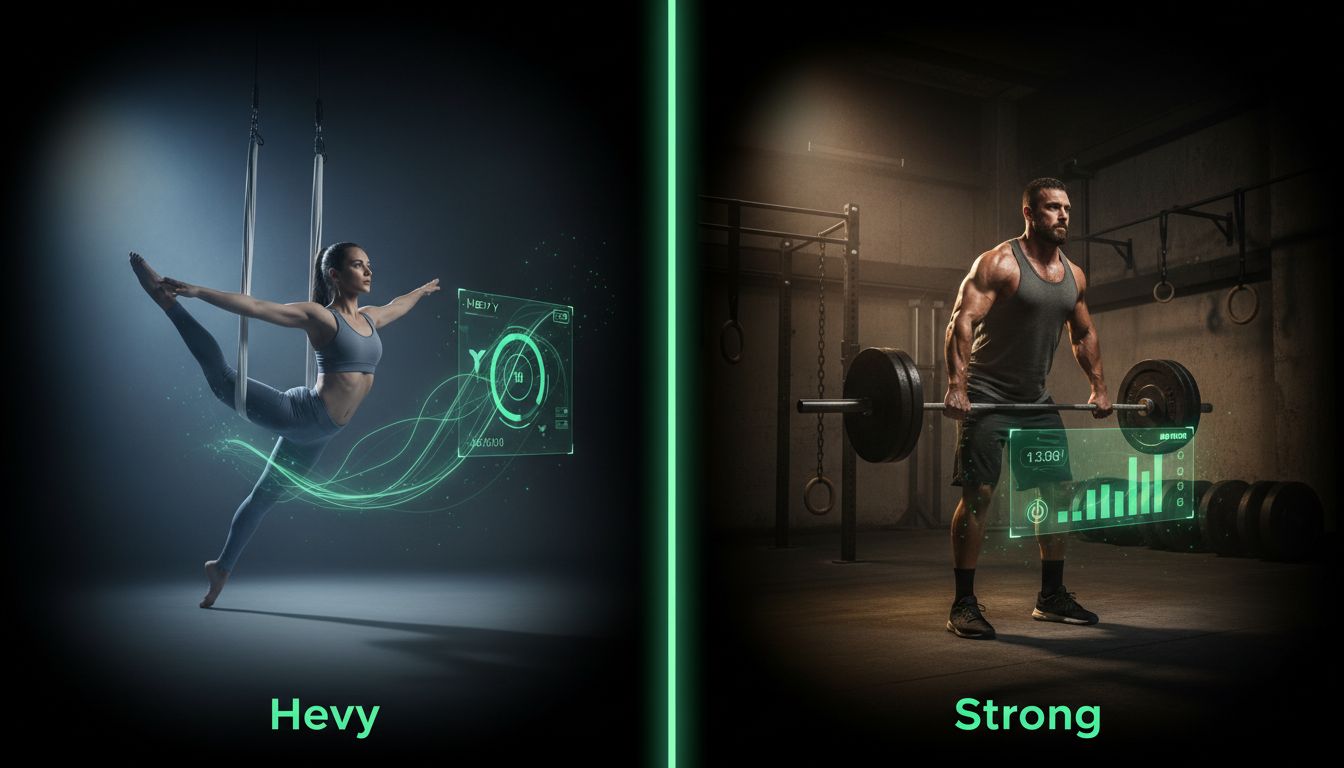
Choosing the right workout tracker can change how consistent and effective your training becomes. Between Hevy and Strong you'll find two popular options with different priorities: one emphasizes community and a modern interface, the other focuses on precision, exportability, and offline reliability. This comparison breaks down features, real-world tradeoffs, migration tips, and clear recommendations so you can pick the app that keeps you logging workouts for months, not days.
Quick comparison at a glance

Feature | Hevy | Strong |
|---|---|---|
Platforms | iOS, Android, Web | iOS, Android |
Logging (sets/reps/weight) | Yes, simple and fast | Yes, very granular and precise |
Progress analytics | Good charts, community PRs | Detailed charts, CSV export |
Timers & rest tracking | Built-in timers, easy-to-use | Built-in, customizable rest timers |
Apple Watch support | Available | Available, with offline-first design |
Offline functionality | Limited offline capabilities | Strong offline-first behavior |
Data export | Limited CSV/export options | Robust CSV export and backups |
Social/community features | Community feed, friend PRs | Minimal social features |
Pricing | Generous free tier, premium upgrades | Free version, paid unlocks for advanced features |
Best for | Social lifters, beginners, easy logging | Data-driven lifters, powerlifters, CSV users |
This table summarizes the core differences. Below we expand on each app, then compare features in depth and offer concrete recommendations for different types of lifters.
Strong overview

What Strong does well
Precision logging: Strong prioritizes detailed entries, including quick changes to set types, warmups, supersets, and accessory work.
Offline reliability: Many users report consistent offline behavior that syncs cleanly when a connection returns.
Export and backups: Strong supports CSV export, which is useful for powerlifters and data nerds who want to analyze progress externally.
Minimal, focused UI: The interface keeps distractions low so logging is fast once you learn the layout.
Limitations to know
Learning curve: The app can feel dense for brand-new users who want very simple logging.
Fewer social features: If you want community motivation, Strong keeps things private and sparse.
Price for advanced features: Some export and analytics features sit behind paid tiers.
Best for
Powerlifters and strength athletes who need precise records and CSV exports.
Data-focused lifters who plan to analyze sets, PRs, and periodization in spreadsheets.
Gym users who want reliable logging even with poor connectivity.
Hevy overview
What Hevy does well
Friendly, modern interface: Conversations and a community feed make progress feel social and motivating.
Fast logging for beginners: Hevy simplifies common workflows so new lifters can capture sets quickly.
Generous free tier: Many core features are available without a subscription.
Visual progress and streaks: Graphics and streak tracking help with consistency.
Limitations to know
Export limitations: CSV and external export options are less comprehensive than Strong's.
Advanced analytics: Charts exist, but depth and customization are more limited for power users.
Offline gaps: Some features expect a connection and can be less robust in offline scenarios.
Best for
Beginners, casual lifters, and people motivated by community features.
Lifters who prefer an approachable app with quick setup and social accountability.
Users who want attractive visuals and easy routine sharing.
Feature-by-feature comparison
Workout logging
Both apps capture sets, reps, and weights. The difference is in how they handle complexity. Strong offers custom set types, quick templating for supersets and circuits, and granular edit history. Hevy focuses on quick single-set input and easy duplicate sets for repeated movements.
If you run complex templates like PPL with supersets, Strong's workflow reduces friction once configured. If you want to log workouts quickly between sets without fiddling, Hevy is friendlier.
Progress tracking and analytics
Strong provides deeper analytics and exportable data for external analysis. It tracks PRs, detailed charts, and allows CSV downloads so you can graph progress in a spreadsheet or a third-party tool.
Hevy offers clear progress charts, lifting history, and a community-driven PR feed. The visuals encourage consistency, but advanced filtering or custom charting is limited compared to Strong.
User interface and ease of use
Hevy is more inviting for first-time users. Menus are simplified and common actions are one or two taps. Strong is minimal but involves more deliberate choices, which benefits users who care about accuracy and customization.
Customization and templates
Strong wins for template depth. You can build complex programs, include tempo notes, rest times, and special set types. Hevy supports templates and routine creation but leans toward simplicity.
Timers and rest tracking
Both apps include timers. Strong allows more customizable rest presets and integrates timers tightly with sets. Hevy's timers are straightforward and easy to start between sets.
Data export, privacy, and backups
Strong's CSV export and backup options are a major advantage if you want to keep a personal archive or migrate later. Hevy's export options are improving, but users who need full control typically choose Strong.
Both apps have privacy controls. If data storage and handling are primary concerns for you, check each app's current privacy policy before committing, and consider exporting any data before closing an account.
Wearables and Apple Watch support
Both apps offer Apple Watch integration. Strong emphasizes offline watch workflows to avoid dropped recordings when phone connectivity is spotty. Hevy offers watch logging and glanceable metrics that work well for casual sessions.
If you rely heavily on a wearable for on-the-fly logging, test each watch workflow for a week to see which fits your flow and battery expectations.
Stability and updates
Both teams update regularly. Anecdotally, Strong's focus on offline reliability tends to result in fewer in-gym logging complaints, while Hevy's social features sometimes introduce higher complexity and occasional bugs. Monitor recent changelogs and community feedback when choosing.
Pricing and value
Pricing changes over time, so treat this as guidance rather than a fixed fact. Both apps provide free tiers with basic logging. Paid plans unlock advanced analytics, templates, and backup/export features.
Hevy: Offers a generous free tier with premium options for advanced features and program templates.
Strong: Has a robust free experience with paid tiers for full export and extra analytics.
Value depends on your priorities. If export and deep analytics are worth the monthly fee, Strong tends to deliver. If community features and an easy free experience keep you consistent, Hevy can be better value.
Migration: switching from one app to the other
Switching costs are real but manageable. Here is a practical migration plan:
Export your data first. If available use CSV or built-in export tools.
Back up photos and notes manually, since some apps do not export media.
Import or recreate core templates: prioritize current macro cycles and weekly templates over entire history if import tools are limited.
Run both apps in parallel for 2 to 4 weeks to compare fit. Logging the same workout in both for short tests reveals friction points.
Keep a weekly backup. If you decide to abandon an app, export once more before deleting the account.
For guidance on structuring templates and making the most of a logging app, see this Setgraph Training Guide | Maximize Your Workout. For reviews and real user experiences that can inform a switch, check Setgraph App Reviews (2025). If you want to follow recent development notes before migrating, the changelog at Setgraph News | Discover New Features & Updates is helpful.
Use case recommendations
Powerlifting
Choose Strong if you need precise PR tracking, CSV export, and templates tailored to meet-and-block training.
Bodybuilding
Choose Hevy if you value quick logging, visual progress, and community motivation. Choose Strong if you prefer detailed volume tracking and custom accessory templates.
CrossFit and circuits
Strong handles supersets and circuits well with customizable set types. Hevy can be fast for WOD-style sessions, but check how the timer and rest features map to your needs.
Beginners and home lifters
Hevy usually wins for beginner experience and motivation. It simplifies setup and reduces decision fatigue.
Gym goers with poor WiFi
Strong's offline-first approach is advantageous in gyms with flaky connectivity.
Which should you choose: decision framework
Choose Hevy if
You want a friendly, modern app that makes logging simple and social.
You use the free tier and prefer fast setup with minimal configuration.
Visual streaks, community PRs, and easy sharing keep you consistent.
Choose Strong if
You need exportable data and detailed analytics for long-term progression analysis.
You run complex programs with supersets, tempo prescriptions, and deload cycles.
Offline stability and precise record keeping are critical in your gym environment.
Try both in parallel for two weeks if you are unsure. The right choice is the one that helps you log consistently.
Frequently asked questions
1. Can I use Hevy and Strong at the same time?
Yes. Many lifters run both in parallel for a short period to evaluate which matches their workflow. Parallel use is also a safe way to migrate while keeping an accurate archive.
2. Which app is better for powerlifting programs like 5/3/1 or nSuns?
Strong is typically a better fit for detailed powerlifting cycles because of its templating and export features. However, Hevy can still log the work effectively if you prefer its interface.
3. How easy is it to export my data?
Strong generally offers more robust CSV export and backup options. Hevy's export options are improving, but power users often prefer Strong when export is a priority.
4. Do either app track heart rate or integrate with other health platforms?
Both apps integrate with common wearables, particularly Apple Watch. Integration depth varies, so test integrations you rely on. Check recent release notes or support pages for current compatibility.
5. Will switching apps make me lose my progress tracking?
If you export your data and back up media and notes, you can preserve historical logs. Some granular details or app-specific metrics may not transfer perfectly. Running both apps side-by-side for a few weeks reduces the risk of losing valuable records.
6. What about privacy - do these apps share data?
Privacy policies change. Review each app's privacy statement before committing, and export your data regularly. If privacy is a top concern consider using an offline-first app and store backups locally.
Final verdict
There is no universal winner in the hevy vs strong debate. The better app depends on whether you prioritize social motivation and a gentle learning curve or precision, exportability, and offline reliability. For data-driven lifters and powerlifters Strong often wins. For newcomers and those motivated by community, Hevy usually provides more immediate value.
Practical next steps
Try both apps for 7 to 14 days with the same workout plan to measure real friction.
Prioritize consistency. The app that you actually open and use every session is more valuable than any feature list.
Back up your data before making a final switch.
If you want detailed guidance on building templates or optimizing your logging workflow once you choose an app, see Optimize Your Training | Expert Tips and Workout Guides. For general training resources and articles on tracking principles, visit Fitness & Workout Tips | Setgraph. To read more about user experiences and reviews before deciding, check Setgraph App Reviews (2025): User Ratings for Tracking Sets, Reps & Workouts.
Consistent logging beats perfect tracking. Pick the app that removes friction and keeps you coming back to the barbell, the rack, or the home setup week after week.
Article created using Lovarank


