Easy Plate Input With Smart Plate's New Look

This March 2025 update introduced a refreshed Smart Plates and manual weight-entry interface. The screenshots below document that version; your current app may look different.
Smart Plates calculates a weight from the plates you enter. Before logging, check the units, whether counts are per side and whether the bar’s weight is included. The result is only as accurate as those inputs.
With this update, we’ve made some clean and helpful interface upgrades:
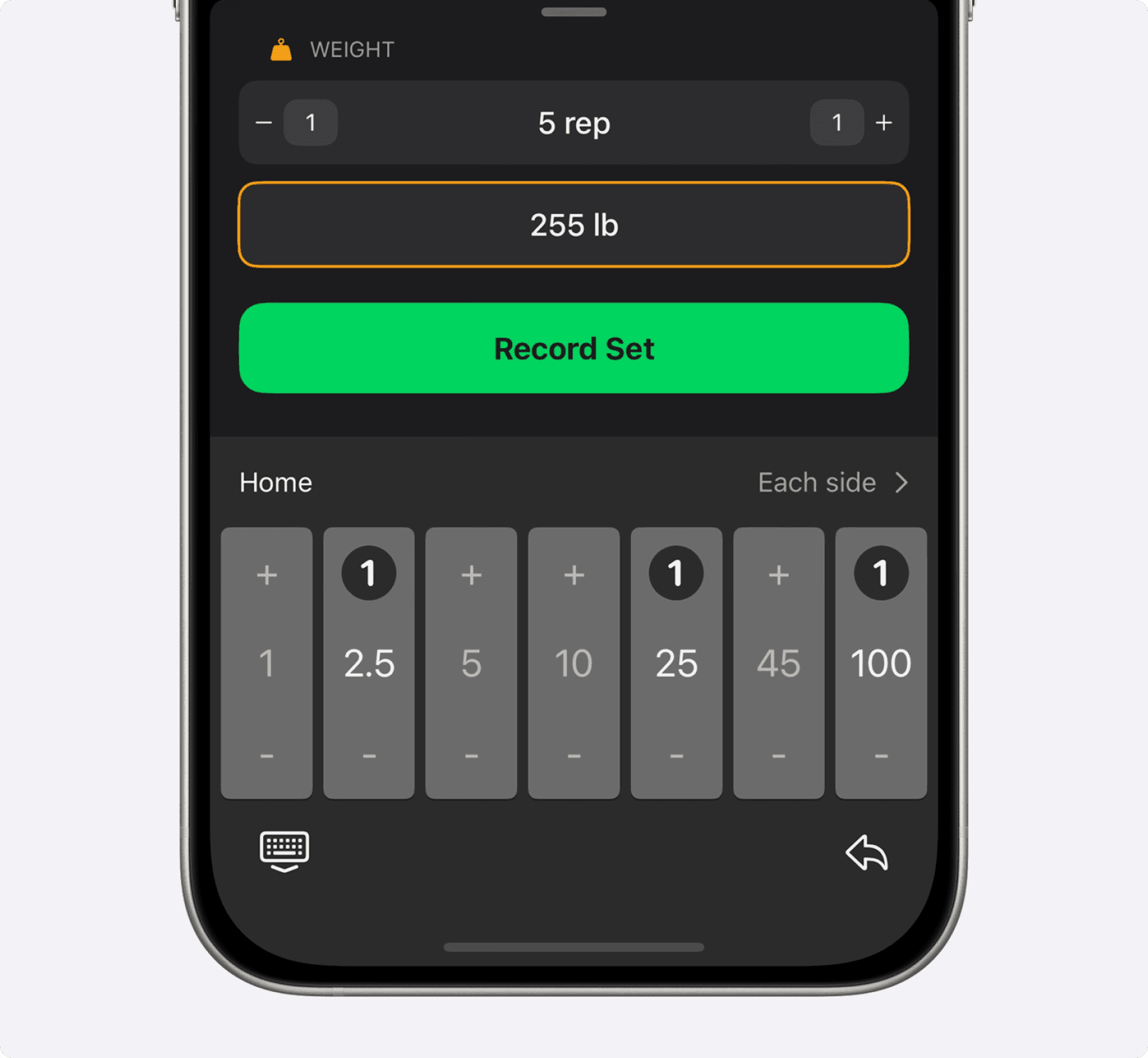
A Smoother Plate Picker
The pictured plate picker has plus and minus controls and an “Each side” setting. Use the relevant side-count mode, then check the displayed total before recording the set.
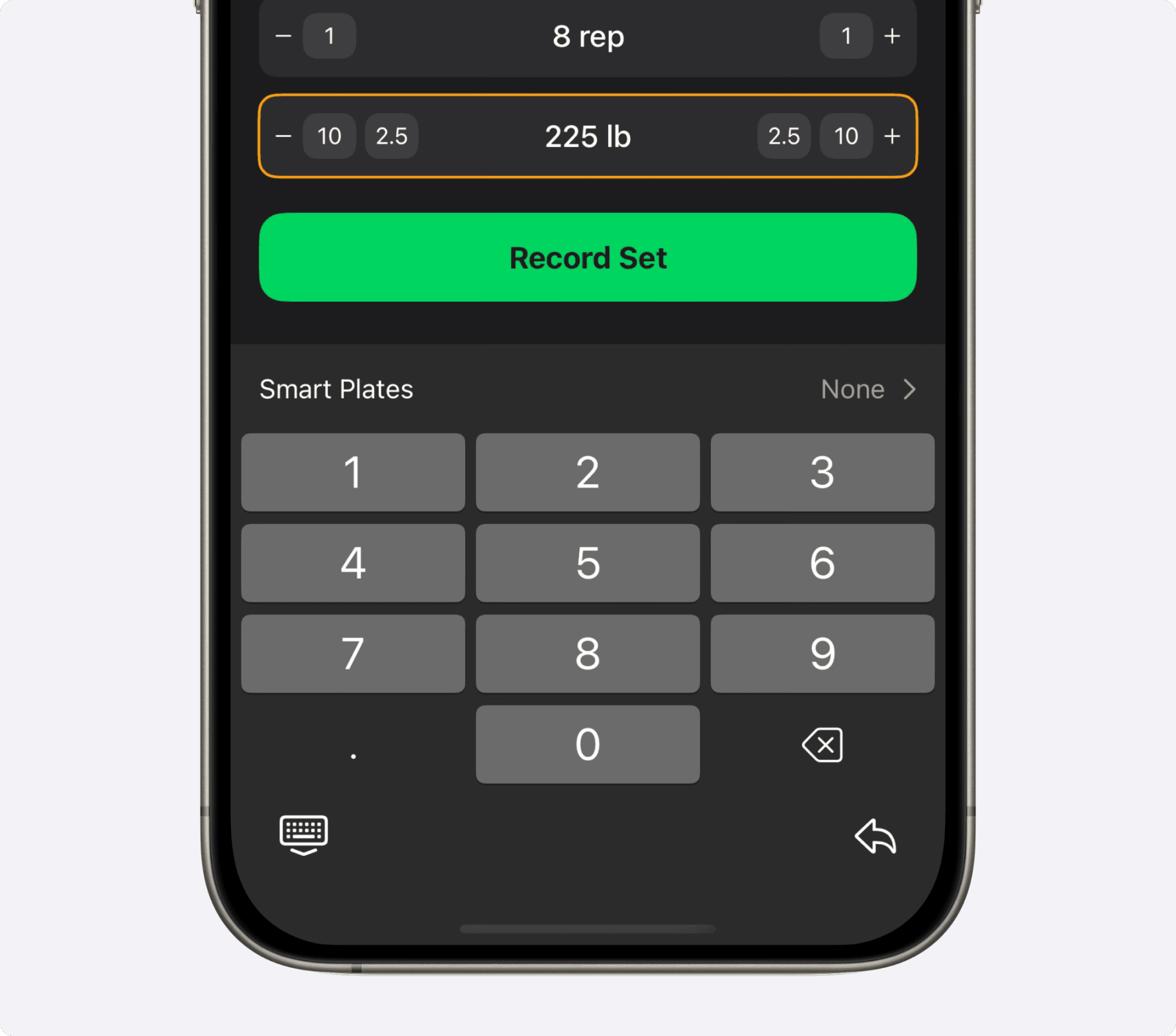
A Better Number Pad for Manual Entry
The manual-entry screenshot shows a numeric keypad for entering the total directly. The larger, spaced buttons were designed to make entry easier. Check the entered number and units before recording.
Choose plate entry or manual total-weight entry according to the information you have. In either mode, check the displayed total and units before saving the set.
New to Smart Plates? Check out our full guide here to see how it works.
We hope you love the new look. Let us know what you think, and keep crushing your goals!

