Tracking My Workouts: How to Log Every Session and See Progress

Tracking my workouts works best when the log is simple enough to use on a busy day and detailed enough to guide the next one. A notebook, spreadsheet, or app can all work, and the CDC notes that physical activity is often assessed through self-reports like diaries or with movement devices, while Mayo Clinic says activity trackers or a log can help you monitor progress over time. (cdc.gov)
If you lift weights, the most useful entries are usually the exercise itself, the load, how many sets and reps you completed, and a quick note about how the session felt. ACSM also notes that rating of perceived exertion, or RPE, is a practical way to monitor intensity because it is simple and cost free. (acsm.org)
Why tracking my workouts matters
A good log turns random gym visits into a pattern you can read. When you compare today’s session with the last one, it becomes easier to see whether the work is getting heavier, cleaner, or more consistent. Setgraph’s homepage says its app is built around logging workouts in seconds, comparing each set to the last session, and showing progress through charts, while Mayo Clinic recommends monitoring progress over time and using a log or tracker to know when it is time to set fresh goals. (setgraph.app)
Tracking also helps with accountability. If you know what you did last week, you are less likely to guess, and you are more likely to make a deliberate choice about adding weight, reps, or sets. That is the real payoff of tracking my workouts. It is not about collecting more data than you need. It is about making better decisions with the next workout.
See whether your training is actually progressing.
Notice plateaus before they drag on too long.
Plan the next session faster because the previous one is already written down.
Catch patterns like poor sleep, long rest gaps, or form breakdown.
What to record in every workout
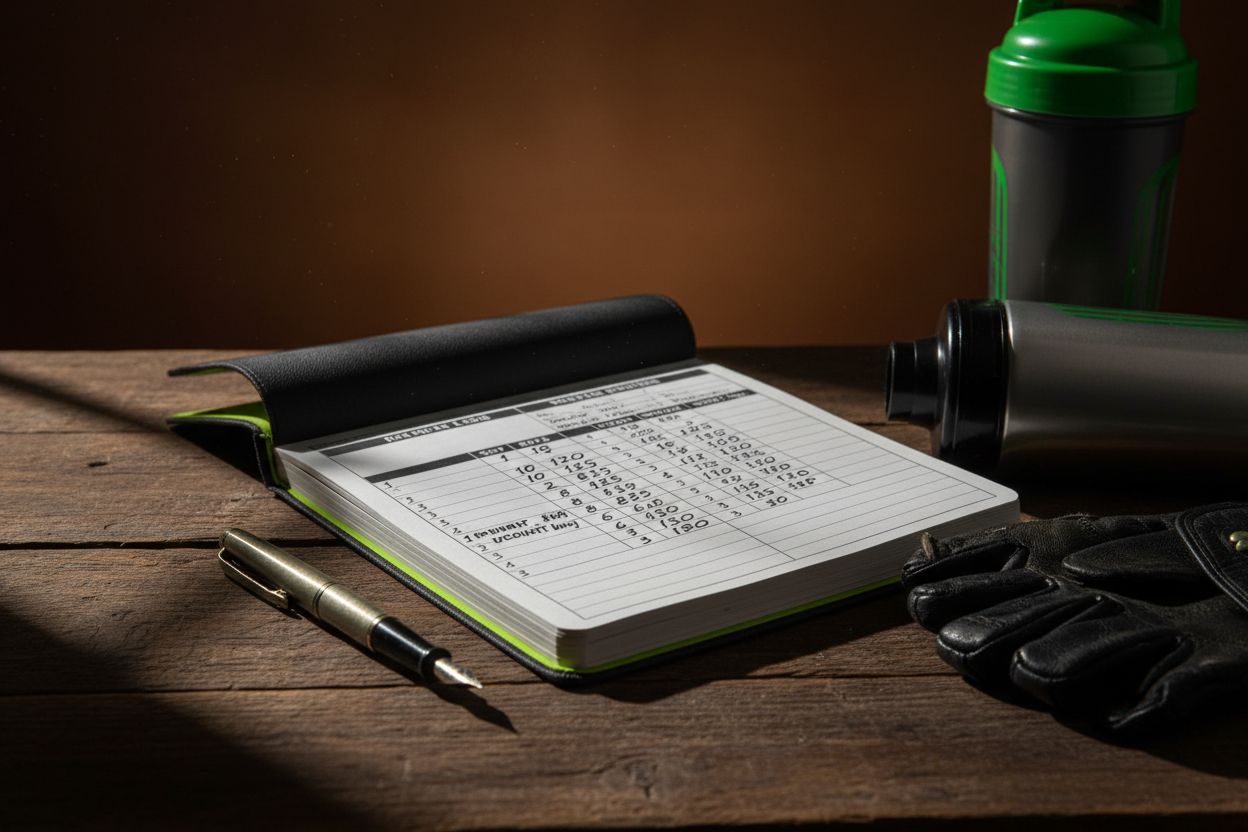
Your log should answer three questions: what did I do, how hard was it, and what should I change next time? For most lifting sessions, that means the exercise name, sets, reps, load, rest time, and a short note. CDC materials on physical activity tracking use diaries or logs, and ACSM explains that RPE is commonly used to judge intensity in exercise prescription. (cdc.gov)
Exercise name: Use one consistent name for each lift so your history is easy to search.
Sets and reps: Record what you actually completed, not just the plan.
Weight or resistance: Write the load for each working set if it changes during the session.
Rest time: This matters more than people think, especially on strength days.
Effort level: Use RPE, reps in reserve, or a simple note like hard but controlled.
Context notes: Add anything that explains the session, such as pain, equipment changes, or unusually bad sleep.
Cardio details: For runs, rides, or circuits, add duration, distance, pace, or rounds.
A useful rule is to keep the core record short and the optional notes even shorter. If it takes too long to enter, you will stop entering it. If you want to capture those context notes inside a digital log, Setgraph’s notes feature is described on its site as a place for form adjustments, progress insights, and personal reminders. (setgraph.app)
How to track my workouts step by step
Pick one system and keep it for at least a month. A notebook is great if you want speed and zero setup, a spreadsheet is useful if you like sorting and totals, and an app is best if you want fast entry inside the gym. The CDC notes that physical activity can be tracked through diaries or movement devices, so the key is consistency, not the format. (cdc.gov)
Write the plan before your first working set. List the exercises in order, the target reps, and the load or rep range you want to hit. That makes it much easier to compare the workout you intended with the one you actually completed.
Log each working set as soon as you finish it. The best entries are short enough to finish between sets. If a change happens, like you needed an extra rep or the weight felt too heavy, note it immediately.
Add one line of context. Sleep, stress, soreness, long rest periods, or a tweak in form can explain a big difference in performance. You do not need a paragraph, just enough to remember why the session felt the way it did.
Review the log before your next session. Mayo Clinic says tracking progress over time helps you see whether you are meeting goals and when it may be time to set fresh ones. (mayoclinic.org)
If you want a more structured place to keep those habits together, the Setgraph Training Guide collects planning and logging topics such as 1RM calculations, notes, swipe logging, and rest timers. (setgraph.app)
App, notebook, or spreadsheet: which method works best?
There is no single best format for everyone. A notebook is hard to beat when you want something simple you can open with chalk on your hands. A spreadsheet works well if you like totals, filters, and weekly summaries. A workout app shines when you want the log to be quick enough that you actually use it every session.
If you want a concrete example, Setgraph workout tracker app says it logs workouts in seconds, compares each set to the last session, and visualizes progress with charts. Its homepage also says it is trusted by 67,000+ lifters with a 4.8 average rating. (setgraph.app)
Its Setgraph App Reviews page shows users praising streamlined tracking, an automatic set timer, real-time data such as total reps and tonnage, and graphs that show progress over time. If your biggest problem is not knowing what to record quickly enough, that kind of setup can remove a lot of friction. (setgraph.app)
Example workout logs
A good example is easier to copy than a long explanation, so here are three simple ways to write sessions down.
Bench press day
Bench press, 4 x 5 at 185 lb, RPE 8, 2.5 minutes rest
Incline dumbbell press, 3 x 8 at 60 lb
Cable fly, 2 x 12 at 30 lb
Note: last set slowed, left shoulder felt fine
Leg day
Back squat, 3 x 6 at 225 lb, 3 minutes rest
Romanian deadlift, 3 x 8 at 155 lb
Leg press, 2 x 10 at 270 lb
Note: depth stayed consistent, conditioning was the limiting factor
Home workout
Push-ups, 3 sets of 15, 12, 10
Split squats, 3 x 10 each leg
Plank, 3 x 45 seconds
Note: bodyweight session, shorter rest between sets
The point is not to make the log pretty. It is to make the next decision easier. If you can glance at the record and know exactly what to repeat or change, the system is doing its job.
Match the log to your training goal
The metric you track should match the reason you train. That keeps the log useful instead of cluttered.
Muscle gain
For muscle gain, focus on the exercises, sets, reps, and weekly workload. The main question is simple, are you doing a little more quality work over time, or are you stuck at the same numbers?
Strength
For strength, track your top sets, load, RPE, and rest time. If you use percentage-based programming, a 1RM estimate can also help you plan the next block. Setgraph’s training guide highlights a free 1RM calculator, which makes that style of tracking easier to use in practice. (setgraph.app)
If you want more lifting fundamentals, Core Principles & Techniques for Every Lifter is a useful companion. (setgraph.app)
Fat loss or general fitness
For fat loss or general fitness, track frequency, duration, and consistency. You may not need as many set-by-set details as a strength athlete, but you still need enough information to know whether you are showing up and whether the sessions are getting easier to sustain. Mayo Clinic and the CDC both support tracking physical activity with logs, diaries, or devices so you can monitor progress over time. (mayoclinic.org)
Common mistakes to avoid
The biggest mistake is trying to track everything and learning nothing. The CDC’s use of diaries and device tracking, plus Mayo Clinic’s advice to monitor progress over time, point to the same idea, the log only works if it stays usable and gets reviewed. (cdc.gov)
Logging too much: If every session becomes a data dump, the habit gets slower and less useful.
Logging too little: If you only write the exercise name, you cannot tell whether you are progressing.
Changing formats every week: A new template every session makes comparison difficult.
Skipping notes: A small note about sleep, soreness, or equipment can explain a lot later.
Never reviewing old entries: The point of the log is to guide the next workout, not just archive the last one.
If you want to see how a lighter-friction system is framed in real user feedback, Setgraph’s reviews page repeatedly mentions simple tracking, graphs, and accountability. (setgraph.app)
FAQ
What should I track in a workout?
Track the exercise, sets, reps, load, rest, effort, and one note about how it felt. That core setup lines up well with CDC tracking examples and ACSM guidance on RPE. (cdc.gov)
Is a workout app better than a notebook?
Neither is universally better. A notebook is fine if you want the fastest possible start, but an app is often easier to stick with when you want quick logging and visual history. Mayo Clinic says logs and trackers can help you monitor progress over time, and Setgraph’s homepage says it focuses on fast logging and comparisons to the previous session. (mayoclinic.org)
How often should I update my log?
Update it during the workout, or at least before you leave the gym. The more you wait, the more likely you are to forget rest times, effort level, and small changes that matter later.
Do I need to use RPE?
No, but it helps. ACSM says RPE is cost free and commonly used when developing exercise prescriptions, so it is a simple way to make your log more informative without adding much friction. (acsm.org)
What is the simplest workout tracking method for beginners?
Start with exercise name, sets, reps, weight, and one note. Once that feels natural, add rest times, RPE, or weekly totals if you need them. For more training basics, Fitness & Workout Tips is a useful place to browse. (setgraph.app)
The best system for tracking my workouts is the one I will actually use when I am tired, rushed, or distracted. Keep the format steady, write down only what matters, and let the log tell you what to do next. That is usually enough to make progress visible.
Article created using Lovarank