How to Track a Workout on iPhone: Step-by-Step Guide
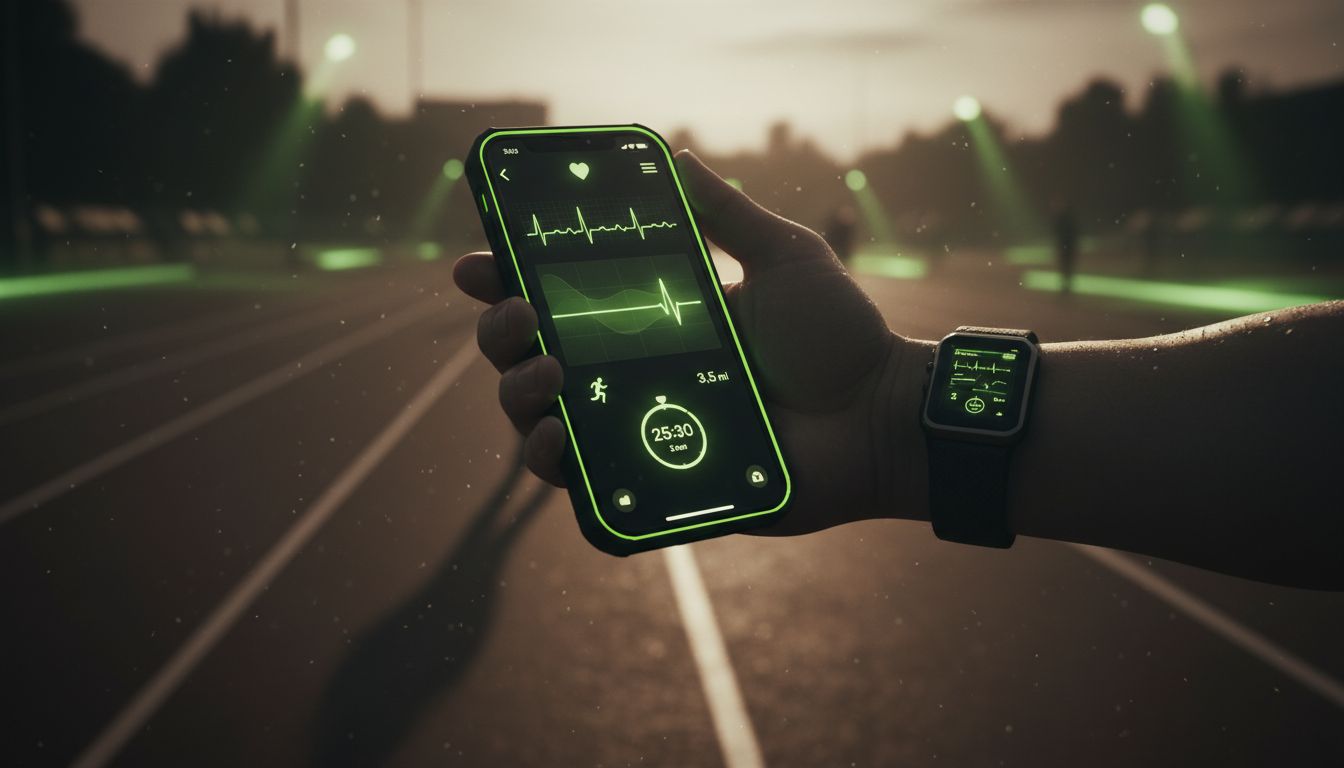
If you want to track workout on iPhone, the Fitness app is the easiest place to start. Apple says it can help you track progress, view completed workouts, change goals, and share activity, and if you carry your iPhone with you it can also record steps, distance, and flights climbed to estimate active calories burned. If you also like keeping a separate gym log, Setgraph's workout tracker app can complement the built-in Fitness workflow. (support.apple.com)
How to track a workout on iPhone
The basic flow is simple. Open Fitness, choose a workout, start it, then review the summary when you finish. Apple’s support guide also shows that you can pause, resume, mark segments, end a workout, and lock the workout controls while you are training. (support.apple.com)
Open the Fitness app on your iPhone, then tap Workout. (support.apple.com)
Scroll to the workout type you want. If you need more options, tap the Add button at the bottom of the tab. (support.apple.com)
Tap Start to begin the workout. (support.apple.com)
If you want live metrics on screen, connect an Apple Watch, AirPods Pro 3, Powerbeats Pro 2, or a compatible Bluetooth heart rate monitor before you begin. (support.apple.com)
When you finish, swipe up and tap End Workout, review the summary, then tap Done. (support.apple.com)
If you are using only an iPhone, Apple currently lists these supported workout types: Outdoor Walk, Outdoor Run, Hiking, Outdoor Push Walking Pace, Outdoor Push Running Pace, and Outdoor Cycle. With AirPods Pro 3 or a third-party heart rate monitor, you get access to more workout types, and with Apple Watch you get all workout types. (support.apple.com)
If you want more ideas for staying consistent, Fitness & Workout Tips is a helpful companion read.
What the Fitness app can track
The Fitness app is more than a start-stop screen. In the Summary tab, Apple shows your Activity rings, steps, distance traveled, trends, awards, and workout details, and you can customize which metrics appear there. (support.apple.com)
When you carry your iPhone with you, its motion sensors track steps, distance, and flights climbed to estimate active calories burned. Apple also says workouts completed in compatible third-party apps can appear in your activity summary and contribute to Move ring progress. (support.apple.com)
If you use Apple Watch or a compatible heart rate accessory, you can see richer workout data. Apple’s guidance and app listing mention metrics such as pace, distance, heart rate, calories burned, and, in some summaries, route and effort. (apps.apple.com)
Can you track workouts on iPhone without Apple Watch?
Yes, but with a few limits. Apple supports several iPhone-only workout types, and the workout screen becomes more useful once you connect a heart rate device. Apple says a compatible Bluetooth heart rate monitor, AirPods Pro 3, Powerbeats Pro 2, or Apple Watch unlocks more tracking options and live metrics. (support.apple.com)
That is where the distinction between Fitness and Health matters. The Fitness app is the place to review your activity summary, workout history, goals, and trends. The Health app is the broader place where Apple stores health information from your iPhone, Apple Watch, apps, and accessories. (support.apple.com)
For strength training, a separate log can still be useful if you want to record exercises, sets, and reps alongside Apple’s summary view. Core Principles & Techniques for Every Lifter is a practical companion if you prefer a more detailed training notebook.
How to view your workout history and trends
After a workout is done, the next step is to check your history. In Fitness, tap Summary, then use the Sessions area to see workout and meditation history. Tap an activity to open its details. (support.apple.com)
If you want a fuller dashboard, scroll down and tap See All Categories. Apple also lets you customize the Summary tab by tapping Edit Summary, where you can add, edit, move, or remove the metrics you want to see. (support.apple.com)
The Trends area is especially useful if you train regularly. Apple says it shows daily trend data for active calories, exercise minutes, stand hours, walking distance, stand minutes, cardio fitness, walking pace, and running pace, then compares your last 90 days with your last 365 days. (support.apple.com)
If you share activity with friends, tap Sharing to invite someone, see highlights, and get notifications when they meet goals or finish workouts. (support.apple.com)
If you like organizing workouts into repeatable blocks, Setgraph Training Guide is worth a look.
How to fix workout tracking issues
Most workout tracking problems come down to connection, permissions, or missing context. Here is the quickest way to check the usual suspects.
Make sure your heart rate device is connected before you start. Apple says you can connect an Apple Watch, AirPods Pro 3, Powerbeats Pro 2, or a Bluetooth heart rate monitor from the Workout area in Fitness. (support.apple.com)
If you use a third-party workout app, open it and grant permission to share data with Health. Compatible workouts then appear in Fitness and count toward Move ring progress. (support.apple.com)
If you use Apple Watch and your steps or other health data are missing, open Health and make sure Fitness Tracking is turned on for that watch. (support.apple.com)
If your calorie or distance numbers look too low, remember that iPhone sensors work best when the phone is actually with you during the activity. (support.apple.com)
If you forgot to start a workout on Apple Watch, you can add it manually in the Health app afterward to earn Activity credit. (support.apple.com)
If you are comparing logging tools before adding another app to your routine, Setgraph App Reviews (2025): User Ratings for Tracking Sets, Reps & Workouts is a good place to start.
When Apple Fitness+ makes tracking easier
Apple Fitness+ is a subscription service with trainer-guided workout videos, and Apple says you just need your iPhone to get started. The service includes 12 workout types, including HIIT, Yoga, Core, Pilates, Strength, Cycling, and Mindful Cooldown. (support.apple.com)
To begin a session, choose an activity and tap Let’s Go. If you have a compatible Apple Watch, AirPods Pro 3, Powerbeats Pro 2, or Bluetooth heart rate monitor, Apple says you can see metrics like workout time, heart rate, and calories burned during the workout. (support.apple.com)
If you turn Show Metrics off, Apple says the metrics are still recorded and available in your workout summary after you finish. That makes Fitness+ a useful option when you want guided workouts without losing the data trail. (support.apple.com)
FAQs
Can I track a workout on iPhone without Apple Watch?
Yes. Apple supports several iPhone-only workout types, and the Fitness app still tracks progress, completed workouts, and goals. The tradeoff is that live metrics and the full range of workouts are more limited without a watch or heart rate accessory. (support.apple.com)
What is the difference between Fitness and Health?
Fitness is where you check your activity summary, workouts, goals, trends, and sharing. Health is the broader repository for data from your iPhone, Apple Watch, apps, and accessories. (support.apple.com)
How do I change my activity goals?
In Fitness, tap Summary, tap the Activity rings, then tap Change Goals. Apple also lets you customize ring goals by day of the week. (support.apple.com)
Why do third-party workouts show up in Fitness?
If a compatible third-party app is allowed to share data with Health, Apple says those workouts appear in your activity summary and contribute to Move ring progress. (support.apple.com)
The easiest way to keep workout tracking useful is to make it routine. Start the workout, finish it cleanly, check the summary, and review your history every so often so the numbers actually help you train better.
Article created using Lovarank


