How to Record a Workout: A Simple Step-by-Step Guide
Recording a workout should be fast enough that you actually keep doing it. The best logs are simple, repeatable, and honest. They tell you what you lifted, how many reps you completed, how long you rested, and how the session felt. If you prefer a digital approach, Setgraph - Workout Tracker Gym Log App is built around quick set logging, notes, history comparison, and progress charts. (setgraph.app)
Why recording workouts matters

A workout log turns each session into data you can use later. ACE explains that training volume is the product of weight, reps, and sets, and that writing down workouts helps you monitor training stress and adjust future plans. CDC and NIDDK also point to diaries or activity logs as practical ways to track progress. (acefitness.org)
That matters because memory is unreliable once you are tired. If you do not record a session, it is easy to forget whether you added weight, cut a set short, or rested longer than usual. A simple record helps you see patterns such as which lifts are moving up, which sessions feel too hard, and whether you are recovering well enough to train again.
The point is not to collect every possible number. The point is to make future decisions easier. A good log helps you answer questions like: Did last week’s squat session feel better than this week’s? Did the added set help? Did the new rest interval hurt performance? If you want a deeper refresher on lifting basics, Core Principles & Techniques for Every Lifter is a useful companion.
What to include in a workout record
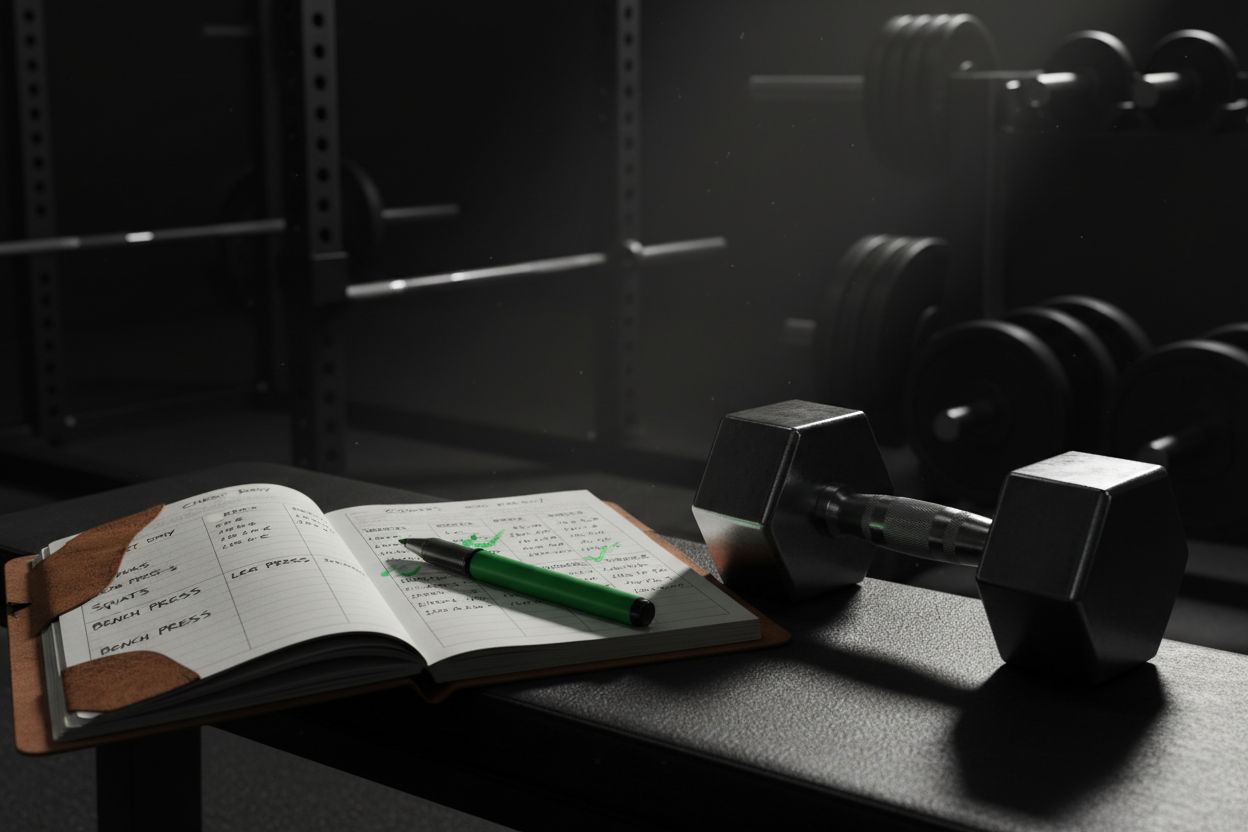
A solid record can stay very short. CDC’s fitness log suggests tracking minutes and, if helpful, details like the activity you did, distance, speed, how heavy your weights were, steps, and calories. NHS exercise diaries often add the date, type of exercise, duration, Borg effort, steps, and comments about how the session felt. (cdc.gov)
For most people, the essential fields are:
Date and time: helps you compare sessions that happened days or weeks apart.
Workout type: strength, cardio, circuit, mobility, or recovery.
Exercise name: squat, push-up, row, run, bike, and so on.
Sets, reps, and load: the core of a lifting log.
Rest time: especially useful when you follow a structured program.
Effort or RPE: a quick note on how hard the session felt.
Notes: sleep, soreness, pain, energy, or form cues.
If you are logging cardio, include duration, distance, pace, or steps. If you are logging rehab or mobility work, include symptoms or comments, since those details can matter as much as the exercise itself. If you are still learning the language of lifting, Setgraph Training Guide | Maximize Your Workout is a practical place to start.
Step by step: how to record a workout
The easiest way to record workout sessions is to log them while they happen, not after you leave the gym. The Setgraph official page says you can swipe to log reps and weight, pull from history, add notes, and compare your session with your last one, which is exactly the kind of low-friction system that makes logging stick. (setgraph.app)
Write the goal before the first set.
Note whether the session is for strength, muscle gain, conditioning, or recovery. One sentence is enough. For example: improve squat technique, hit a steady run, or complete a full-body circuit.Pre-fill the exercise list.
Before you start, write the exercises in order. That keeps you from guessing later and makes the session easier to follow when you are tired.Log the first set immediately.
Enter the reps, weight, and rest as soon as the set ends. If you wait until the end of the workout, details blur together fast.Repeat the same pattern for every set.
Use the same format every time so your history stays readable. Consistency matters more than perfection.Add one or two notes.
Note a rep PR, a form cue, a bad night of sleep, or a weight that felt too light. Small notes are often what make a log useful later.Review the session before the next workout.
A log is only valuable if you look at it. Check the last session before you train again so you can decide whether to repeat, increase, or adjust.
If a field does not help you make a decision next time, you probably do not need to track it today.
Sample workout records you can copy
A good example keeps the same core structure but changes the details to fit the session.
Strength session example
Bench press, 5 sets of 5 reps at 135 lb
Rest: 3 minutes
RPE: 8
Note: last set slowed down, keep the same load until bar speed improves
Bodyweight circuit example
3 rounds
12 push-ups
15 air squats
30-second plank
Rest: 60 seconds between rounds
RPE: 7
Note: core felt stronger than last week
Cardio example
Run, 30 minutes
Distance: 2.8 miles
Average pace: 10:43 per mile
RPE: 6
Note: hills raised effort, but breathing stayed under control
These examples show why one record can be enough when it is structured well. If you want more ideas for building a repeatable system, Optimize Your Training | Expert Tips and Workout Guides is a useful follow-up read.
How to record different training styles

Different workouts need different details, but the same principle applies: record the parts that change the result. ACE notes that strength work needs longer rest periods, while muscular endurance work usually uses shorter breaks. NIDDK also recommends at least one day of rest before training the same muscle groups again, and NHS exercise diaries commonly include Borg effort plus symptoms or comments. (acefitness.org)
Strength training
For barbell or dumbbell work, record the exact load, reps, sets, and rest. These are the numbers that tell you whether you are truly progressing. If your program uses planned volume, make sure you log every work set, not just the top set. That gives you a clearer picture of total work across the week.
Hypertrophy training
If your goal is muscle growth, track the total number of hard sets for each muscle group. You can still log weight and reps, but volume becomes especially important here. Keep notes about exercise order and how close to failure the last sets felt.
Bodyweight training
For calisthenics, record reps, round count, tempo, and the variation you used. A push-up with feet elevated is not the same as a standard push-up, so write the version down. That small detail keeps your records honest.
Cardio sessions
For running, cycling, rowing, and walking, track duration, distance, pace, and effort. If you use steps or heart rate, include those too. CDC’s fitness log specifically mentions minutes plus optional details like activity, distance, speed, weight, steps, and calories. (cdc.gov)
Mobility or rehab work
For rehab, prehab, or mobility sessions, write the exercise, time, effort, and any symptoms. A note like mild knee discomfort, felt easier than yesterday, or tight in the shoulders can be more useful than a rep count. NHS-style logs are a good model here because they mix effort with comments about how the session felt. (uhsussex.nhs.uk)
Common mistakes to avoid
The biggest logging mistakes are usually about consistency, not effort.
Waiting until after the workout: memory fades fast, and sets blend together.
Logging only the weight: without reps and sets, the record is incomplete.
Changing your format every week: the more your system changes, the harder it is to compare sessions.
Forgetting rest times: rest can affect performance as much as the load.
Writing notes that are too vague: tired is less helpful than slept five hours and felt flat.
Never reviewing past sessions: a log only works if it informs the next workout.
If your current system is too complicated, simplify it. A smaller log that you use every time is better than a perfect one you abandon after two weeks.
Paper log, spreadsheet, or app?
Paper is fast and flexible. A spreadsheet is good if you like sorting data and making your own templates. An app is usually the easiest option if you want quick entry and automatic history. The Setgraph official site says the app can compare each set with your last session, record reps and weight, pull from history, add notes, and show correlation charts over time, while user reviews mention easy tracking and real-time data like total reps, tonnage, and weight per rep. (setgraph.app)
There is no single right choice. CDC and NIDDK both treat diaries or activity logs as valid ways to track progress, and that same logic works for training logs too. The best format is the one you will actually open before, during, and after your workout. (cdc.gov)
If you are comparing app options, Setgraph App Reviews (2025): User Ratings for Tracking Sets, Reps & Workouts is useful because it shows what users say about the logging experience.
FAQ
How detailed should a workout log be?
Detailed enough that you can repeat the session later. For many people, date, exercise, sets, reps, load, rest, and one short note is enough.
Should I record RPE?
Yes, especially if you want to track effort across different workouts. NHS exercise diaries use Borg effort for that reason, and it helps you tell the difference between a heavy session and an easy one that just felt hard that day. (uhsussex.nhs.uk)
What if I forget to log a set?
Write it down as soon as you notice, and mark it as estimated if needed. It is better to have a mostly accurate record than none at all.
Can I use the same log for cardio and weights?
Absolutely. Just change the fields you emphasize. For weights, focus on load, reps, and sets. For cardio, focus on duration, distance, pace, and effort. CDC and NIDDK both support log-based tracking across activity types. (cdc.gov)
What is the simplest system that still works?
Use one line per exercise. If you can record the session in under a minute, you are much more likely to keep doing it.
A great workout record does not have to be complicated. It just has to be clear enough to help you make the next session better than the last one. Start with the basics, keep the format consistent, and add more detail only when the extra detail helps you train smarter.
Article created using Lovarank


