Fitness Tracking Calendar: How to Build One That Keeps You Consistent
Keeping a fitness tracking calendar is one of the simplest ways to make training feel less random. Instead of trying to remember what you did last Tuesday, you can see the week at a glance, spot patterns, and make better decisions about what comes next. The CDC recommends adults get at least 150 minutes of moderate-intensity activity each week and 2 days of muscle-strengthening work, and it notes that a physical activity diary might help when you are building the habit. Reviews of self-monitoring also suggest that tracking and feedback can improve adherence in some exercise settings. (cdc.gov)
What a fitness tracking calendar actually is
A fitness tracking calendar combines your plan and your log. On the plan side, it shows when you intend to train, rest, walk, stretch, or do cardio. On the log side, it records what actually happened so you can compare the two. That makes it easier to notice whether you are missing sessions, repeating the same workouts too often, or squeezing too much into one week.
A calendar also gives your training a place in time. That matters because the difference between a good week and a bad week is not always obvious while you are in the middle of it. A quick visual scan can tell you whether you trained three times, five times, or not at all. It can also show whether your hard sessions are spaced well enough to recover.
If you prefer digital tracking, a workout log app can keep sessions, reps, weight, duration, custom metrics, and a rest timer in one place. Setgraph’s official feature pages also describe a workout planner, workout tracker, and 1RM calculator, so the same tool can support both scheduling and progress review. (setgraph.app)
Why a calendar-based system works
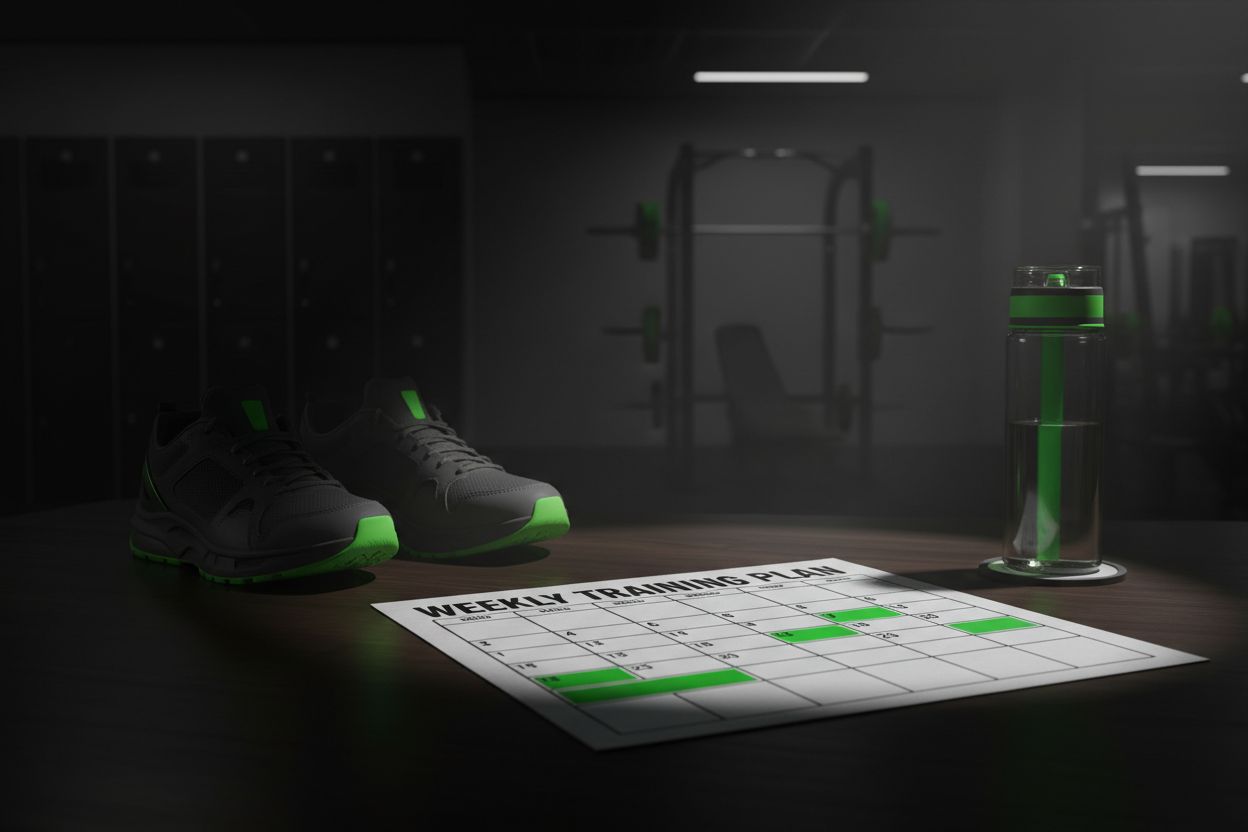
A calendar creates a visual commitment. When workouts live in time blocks, you stop asking, 'Did I work out enough this week?' and start asking more useful questions, like 'Did I hit my planned strength days?' or 'Did I leave enough recovery between lower body sessions?' That shift matters because fitness is cumulative. You are not just chasing isolated workouts, you are trying to build repeatable habits.
Self-monitoring helps because it turns vague effort into information you can use. If a week feels productive, the calendar can show why. If progress stalls, the calendar can show whether the issue is frequency, recovery, or consistency. That is easier to troubleshoot than memory alone.
A fitness tracking calendar is also good for decision fatigue. The less you have to improvise in the moment, the more likely you are to follow through. When the next session is already written down, you can just open the calendar and do the work.
For most people, the real benefit is not perfection. It is clarity. A calendar shows what you actually did, not what you hoped you did.
Paper, spreadsheet, or app?
There is no single best format. The right choice is the one you will keep using after the novelty wears off.
Paper works well if you like seeing the week physically in front of you. It is fast, simple, and hard to ignore.
Spreadsheets are useful if you want sort filters, formulas, or a long history of sessions. They are especially good for lifters who like comparing loads and volume over time.
Apps help if you want fast entry, session history, reminders, and built-in tools that reduce friction. That is where a dedicated training tool can be useful. Setgraph’s official pages describe a workout log app that records full sessions and custom metrics, a workout planner that organizes structured routines and targets, a workout tracker that analyzes reps and weight over time, and a 1RM calculator that estimates maxes from a hard set and breaks them into percentage-based loads. (setgraph.app)
If you like to plan ahead, an app can save time. If you like writing things down, paper can feel more natural. The best fitness tracking calendar is the one that fits your routine, not the one that looks most polished.
What to track in each entry
At minimum, every entry should answer four questions: when did you train, what did you do, how much did you do, and how did it feel?
A simple entry usually includes:
Date and time
Workout type or split
Exercises completed
Sets, reps, and load
Cardio time or distance, if relevant
Rest time, if that affects performance
Notes about form, energy, soreness, equipment, or pain
Personal records or estimated maxes when they matter
You do not need a huge template to make a fitness tracking calendar useful. In fact, the best calendars are usually the simplest ones. If you change the format every week, it becomes harder to compare one workout with the next.
A good rule is to keep the same basic fields for at least a few weeks. Once you know what actually helps you train better, you can add more detail. Before that, too much information can slow you down.
How to build your fitness tracking calendar

Start with the version you will actually use. A paper calendar, notes app, spreadsheet, or fitness app can all work. The best choice is the one that lets you record a session quickly enough that you will not skip it.
Then choose your weekly anchors. If you lift three or four days per week, mark those days first. If you are building general activity, block out walks, mobility work, or conditioning around your hardest training days. CDC guidance says to start slowly, build toward 150 minutes per week, and use a physical activity diary if it helps. That gradual approach makes the calendar feel manageable instead of all-or-nothing. (cdc.gov)
Next, decide what counts as a win. For some people, a win is completing every main lift. For others, it is simply showing up and logging something. This matters more than it sounds, because a calendar should encourage consistency, not perfection.
If you like to plan ahead, a workout planner can help you map a split, set targets, and keep the week organized before you arrive at the gym. Setgraph’s official planner page says it supports structured routines such as full body, upper/lower, and push/pull/legs, plus set targets and notes. (setgraph.app)
A practical build process looks like this:
Pick your format.
Choose your training days.
Add recovery days on purpose.
Decide which numbers matter most.
Review the calendar on the same day each week.
That last step is important. A fitness tracking calendar only works if you actually look at it again. Weekly review is where the plan becomes useful.
A simple weekly template you can adapt
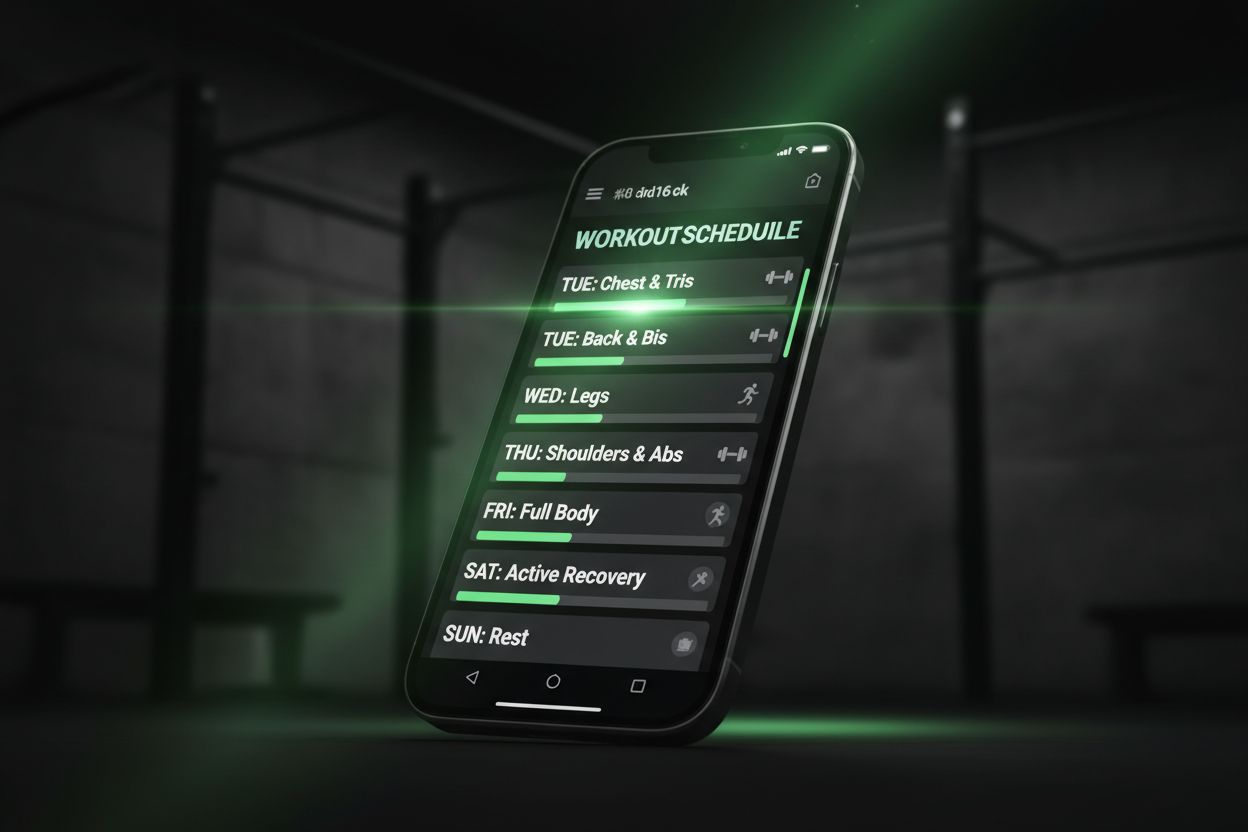
The right template depends on your goal, but a basic structure works for most people. Here is a straightforward version you can customize:
Day | Focus | Example |
|---|---|---|
Monday | Strength | Upper body or full body lift |
Tuesday | Recovery | Walk, mobility, or light cardio |
Wednesday | Strength | Lower body or push/pull session |
Thursday | Recovery | Rest or easy movement |
Friday | Strength | Repeat the main lifts |
Saturday | Conditioning | Cardio, sport, or accessories |
Sunday | Review | Check entries and plan next week |
If your goal is general health, this kind of layout fits the CDC recommendation for weekly activity and muscle-strengthening days without making every day a hard session. (cdc.gov)
If you train four or five days per week, you can make the template more specific. If you train three days per week, keep the same structure but shorten it. The goal is not to fill every square. The goal is to make the week realistic.
A calendar like this also helps you see whether you are stacking too many intense sessions back to back. If your performance drops every Thursday, the plan may need more rest. If you keep skipping Fridays, the problem may be scheduling, not motivation.
How to review progress without overthinking it
A fitness tracking calendar is most useful when you review it once a week. Look for a few simple signals:
Did I complete the sessions I planned?
Did I increase load, reps, distance, or duration anywhere?
Did recovery look adequate?
Did I miss anything because the plan was unrealistic?
This is where a workout tracker helps. Setgraph’s official tracker page describes analyzing reps and weight over time, filtering history by rep or weight ranges, and viewing daily progress with stacked graphs. If you train strength, a 1RM calculator can also estimate maxes from a hard set and break them into percentage-based loads, which is useful when you want your calendar to drive the next week’s numbers. (setgraph.app)
You do not need complicated analytics to make the system work. Usually, the most valuable insight is simple: did this week make next week easier to plan?
If the answer is yes, the calendar is doing its job. If the answer is no, you may need fewer metrics, clearer goals, or a more realistic training split.
Common mistakes to avoid
A fitness tracking calendar only helps if it stays easy to use. These are the mistakes that most often get in the way:
Tracking too many details too soon
Changing your template every week
Logging only best lifts and skipping normal sessions
Forgetting rest days, which makes the week look more productive than it really was
Letting missed workouts blank out the rest of the week instead of getting back on schedule
Making the system so elaborate that you stop opening it in the gym
If you tend to overcomplicate things, go back to the basics: date, workout, working sets, and one short note. You can always add detail later.
Another common mistake is treating the calendar like a scorecard instead of a planning tool. The point is not to prove you were perfect. The point is to make the next decision easier.
The bottom line
A good fitness tracking calendar does not need to look fancy. It needs to help you train with less guesswork, recover with more intention, and see progress before it disappears into memory. Start small, keep the format steady, and review it each week. If you want a digital setup, Setgraph’s official pages describe tools for workout logging, planning, tracking, and 1RM estimation that fit this kind of workflow. (setgraph.app)
Article created using Lovarank


