Best App for Logging Workouts: 5 Top Picks for Fast Gym Tracking
Sticking with a training log is easier when the app feels invisible. The NIH says having a record of your physical activity can help you stay on track and see your progress, which is exactly why a good workout logger matters. If you want a log-first example, Setgraph’s workout tracker and gym log app is built around quick set entry, notes, and progress comparison. (nhlbi.nih.gov)
The best app for logging workouts depends on whether you care most about speed, planning, analytics, watch support, or keeping costs low. The five picks below cover those needs without forcing you into the same workflow. (setgraph.app)
What to look for in an app for logging workouts
A good workout logging app should make the actual logging process fast enough that you will still use it when you are tired between sets. It should also make it easy to check your last session, compare progress over time, and repeat training structure without rebuilding everything from scratch.
A practical app for logging workouts usually needs a few things:
Fast set entry, so you are not tapping through menus while resting.
Workout history, so last session numbers are easy to find.
Templates or routines, if you repeat a program each week.
Progress charts or PR tracking, so the log turns into useful feedback.
Watch support or rest timers, if you like to keep your phone out of the way.
Export or data control, if you want long-term ownership of your training history.
If you want a deeper training foundation while you compare apps, Setgraph’s core principles and techniques guide is a useful companion.
The 5 best apps for logging workouts
1. Setgraph
Best for: lifters who want fast logging and a minimal workflow.
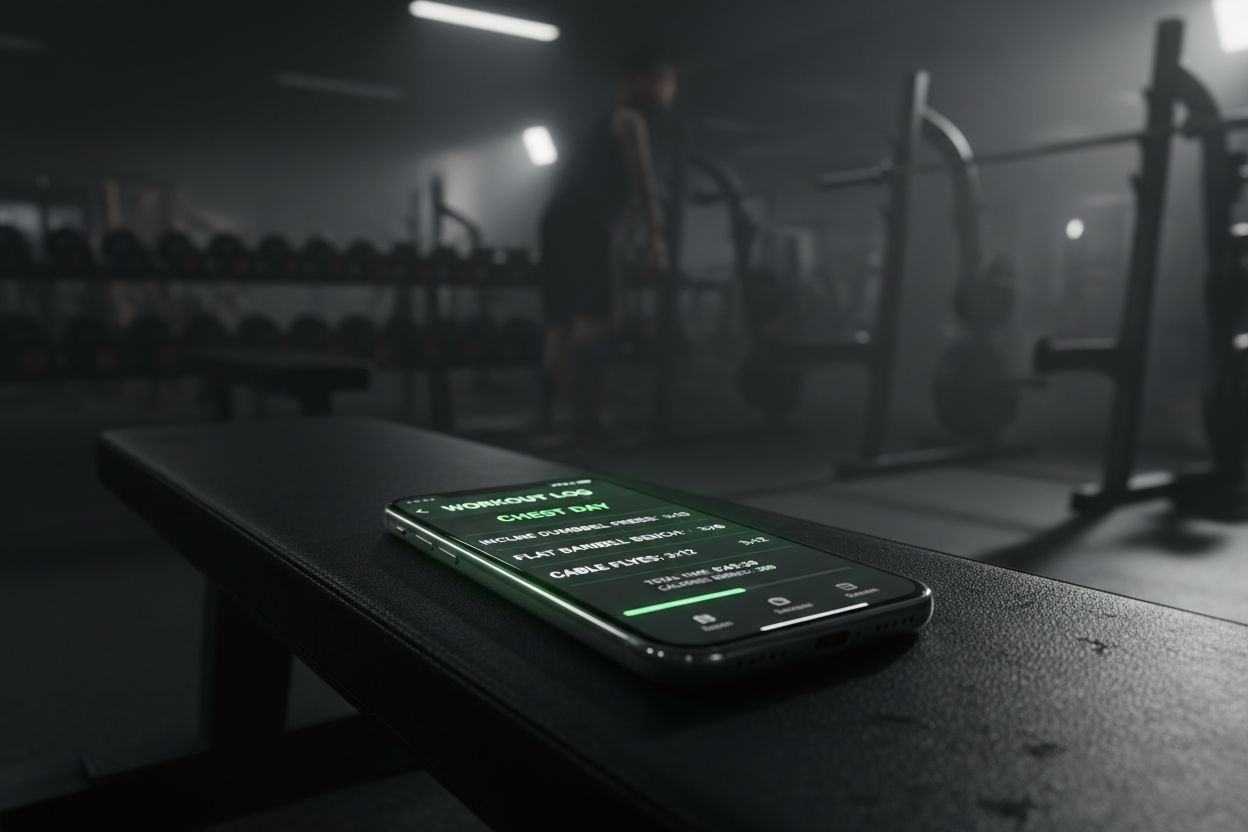
Setgraph’s own site describes it as a workout tracker and gym log app built around quick set entry. You can swipe to log reps and weight, pull from history, or add notes, and the product page says it helps you see how weight and reps evolve over time. The homepage also highlights an AI workout generator, so it can cover both logging and planning if you want a little extra guidance. For a sense of how users talk about it, see the Setgraph app reviews. (setgraph.app)
The biggest appeal here is the workflow. Setgraph is built for people who want to record a set quickly and move on, not sit there customizing a dashboard before every workout. If you repeat the same exercises often, the history-based logging is especially practical because it reduces the number of decisions you need to make in the gym. (setgraph.app)
2. Hevy
Best for: people who want a polished, cross-device workout log with strong progress tracking.
Hevy says it is a free workout tracker with Pro options designed for strength training enthusiasts. The app is available on iOS, Android, Apple Watch, and web, and it includes 400+ exercises, custom routines, rest timers, supersets, progress graphs, personal records, estimated 1RM, and body measurements. The free plan includes a 4-routine limit, 3 months of history, and 7 custom exercises, while Pro expands those limits and unlocks more advanced tracking. (help.hevyapp.com)
That combination makes Hevy a strong middle ground. It is structured enough for serious lifting, but it still feels approachable if you are just moving from notes or spreadsheets into an app. If you like seeing progress broken into stats and charts, Hevy leans heavily in that direction. (hevyapp.com)
3. Strong
Best for: lifters who want a simple interface with a deep feature set.
Strong says its accounts are free forever and that the app is available on iPhone, Android, and Apple Watch. Its feature list includes supersets, custom exercises, CSV export, Apple Health, warm-up calculator, Siri Shortcuts, advanced charts, body part measurements, workout scheduling, muscle heat map, workout sharing, and custom timers. If you want an app that gives you a lot of training tools without pushing you into a complicated onboarding process, Strong is a strong contender. (strong.app)
Strong is especially appealing if you like seeing the structure of a training log without giving up flexibility. It is broad enough for most lifting styles, and the free-account message makes it easy to test before deciding whether you need more. (strong.app)
4. JEFIT
Best for: people who want workout planning and logging in one place.
JEFIT says you can choose from 1,500+ exercises, build custom routines, set rep ranges, rest times, and exercise order, or start from pre-built programs for muscle building, strength, and general fitness. Its watch app adds interval and automatic rest timers plus real-time sync between watch and phone, and JEFIT also says you can log workouts in seconds and track volume, PRs, and 1RM. If you like structure before you walk into the gym, JEFIT is one of the most complete options on this list. (jefit.com)
This is the best pick for people who want the app to help plan the session as much as record it. JEFIT’s strength is the combination of a large exercise library, template-driven programming, and enough device support to make it useful in the gym. (jefit.com)
5. FitNotes
Best for: Android users who want a free, no-ads workout log.
FitNotes says it is a clean, simple, powerful workout tracking app only available on Android, and the official site says it is free to use with no ads ever. Its documentation shows support for routines, supersets, custom exercises and categories, exercise history with progress graphs, rest timer tools, body tracking, and progress metrics such as total volume and total reps. If you want a straightforward training log without a subscription push, FitNotes still makes a lot of sense. (fitnotesapp.com)
FitNotes is the most no-frills pick here, but that is the point. If you mostly want to get in, log the work, and get out, the simplicity can be a feature rather than a limitation. (fitnotesapp.com)
How to choose the right app for your training style
The right app is less about the biggest feature list and more about the workflow you will actually repeat. If you want to make the decision easier, start with the version of the app you are most likely to keep using on a busy day, not the one that looks best in a screenshot.
A few simple rules help:
Choose Setgraph or FitNotes if you care most about fast set logging and a low-friction feel.
Choose Hevy or Strong if you want a broader ecosystem with cross-device support and richer progress tracking.
Choose JEFIT if your training relies on templates, exercise libraries, and planned routines.
Choose FitNotes if you are on Android and want a free app with no ads.
Choose Strong if data export matters to you, because Strong says you can export your data any time. (setgraph.app)
If you like learning the training side as well as the tracking side, Setgraph’s training guides can help you make better use of any log.
Final take
A good app for logging workouts should make it easier to train consistently, not harder. For a log-first experience, Setgraph is worth a close look. For a feature-rich multi-device tracker, Hevy and Strong are both strong options. For planning-heavy lifters, JEFIT stands out. And if you just want a free Android logger with no ads, FitNotes still covers the basics well. (setgraph.app)
If you are still comparing options, bookmark Setgraph News so you can keep an eye on product updates and new features over time.
Article created using Lovarank


