Workout Routine & Exercise Generator | Custom Programs
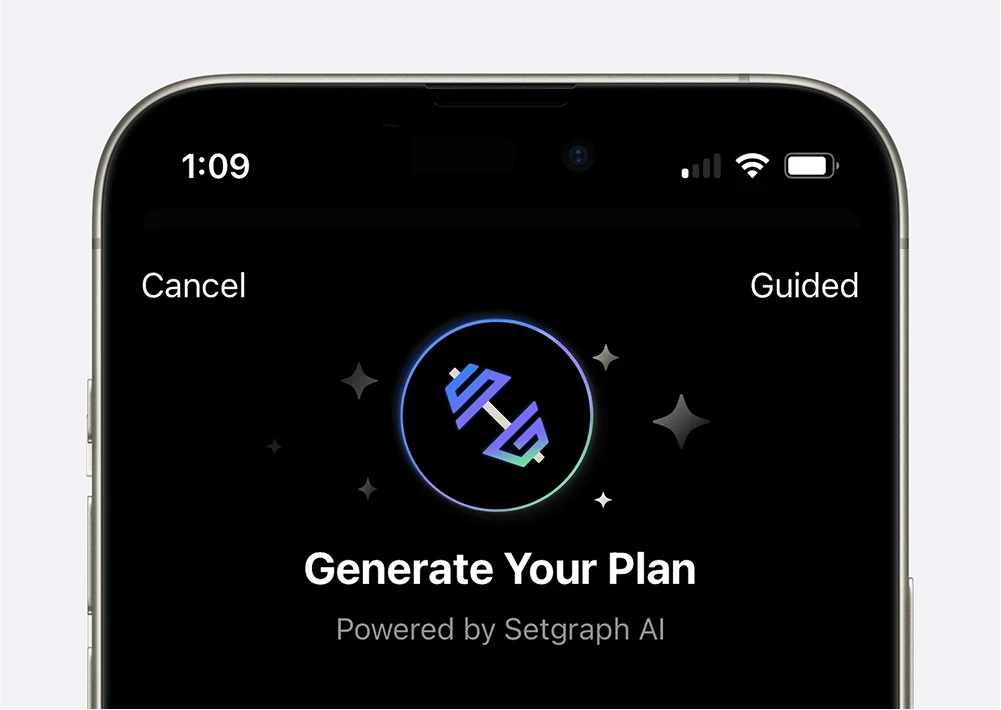
Setgraph’s AI workout routine generator can draft a routine using your goals, schedule and equipment. Review the proposed exercises and notes, then save the plan to your workout lists. The screenshots below show an earlier iOS interface; labels and access may differ by version and account.
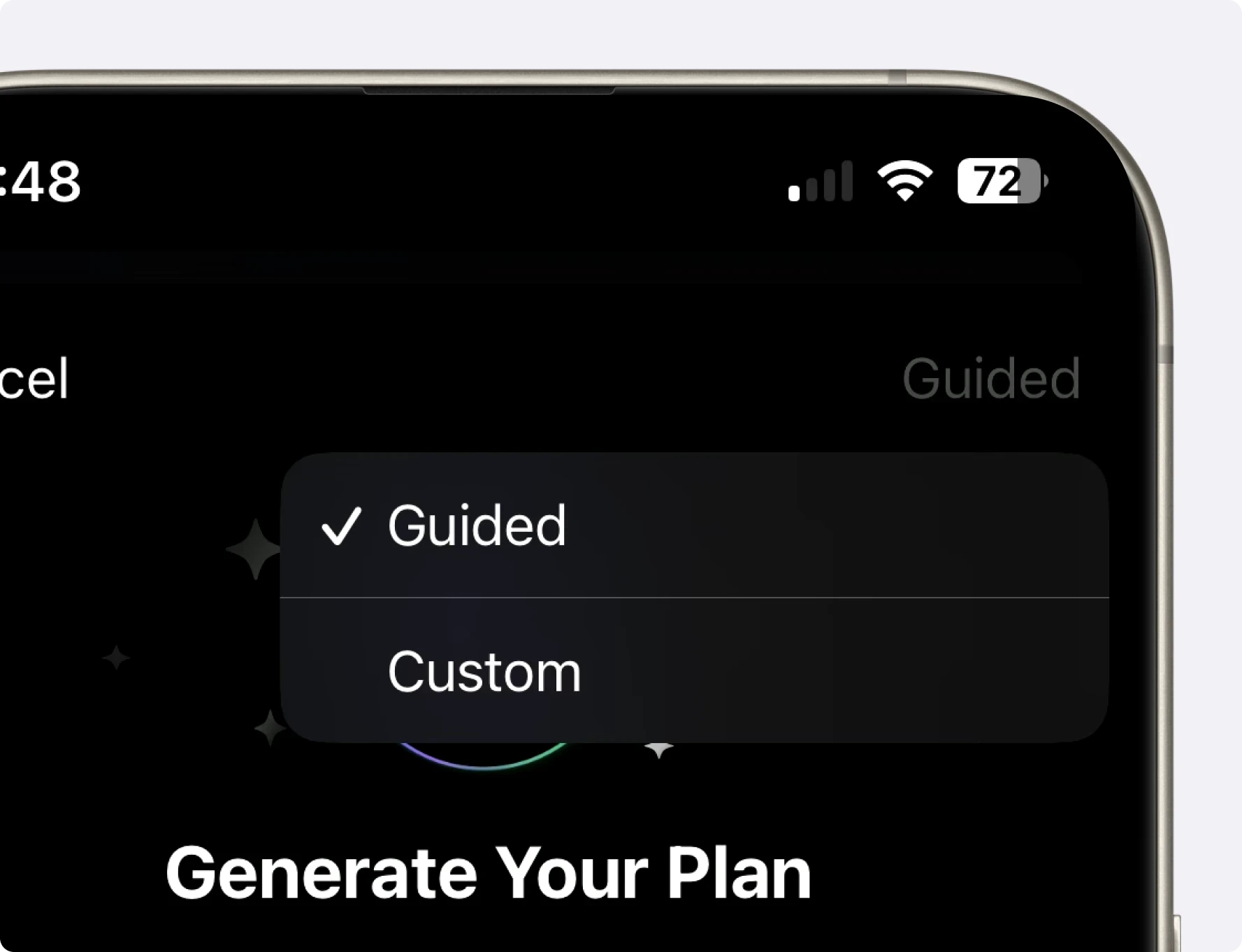
Make the Routine Fit Your Constraints
Before choosing a template or generating a routine, consider:
Your specific fitness goals
Available equipment
Time constraints
Exercise preferences
Experience level
Recovery capacity
The generator uses your inputs to propose a starting routine. Check the output against those inputs before training.
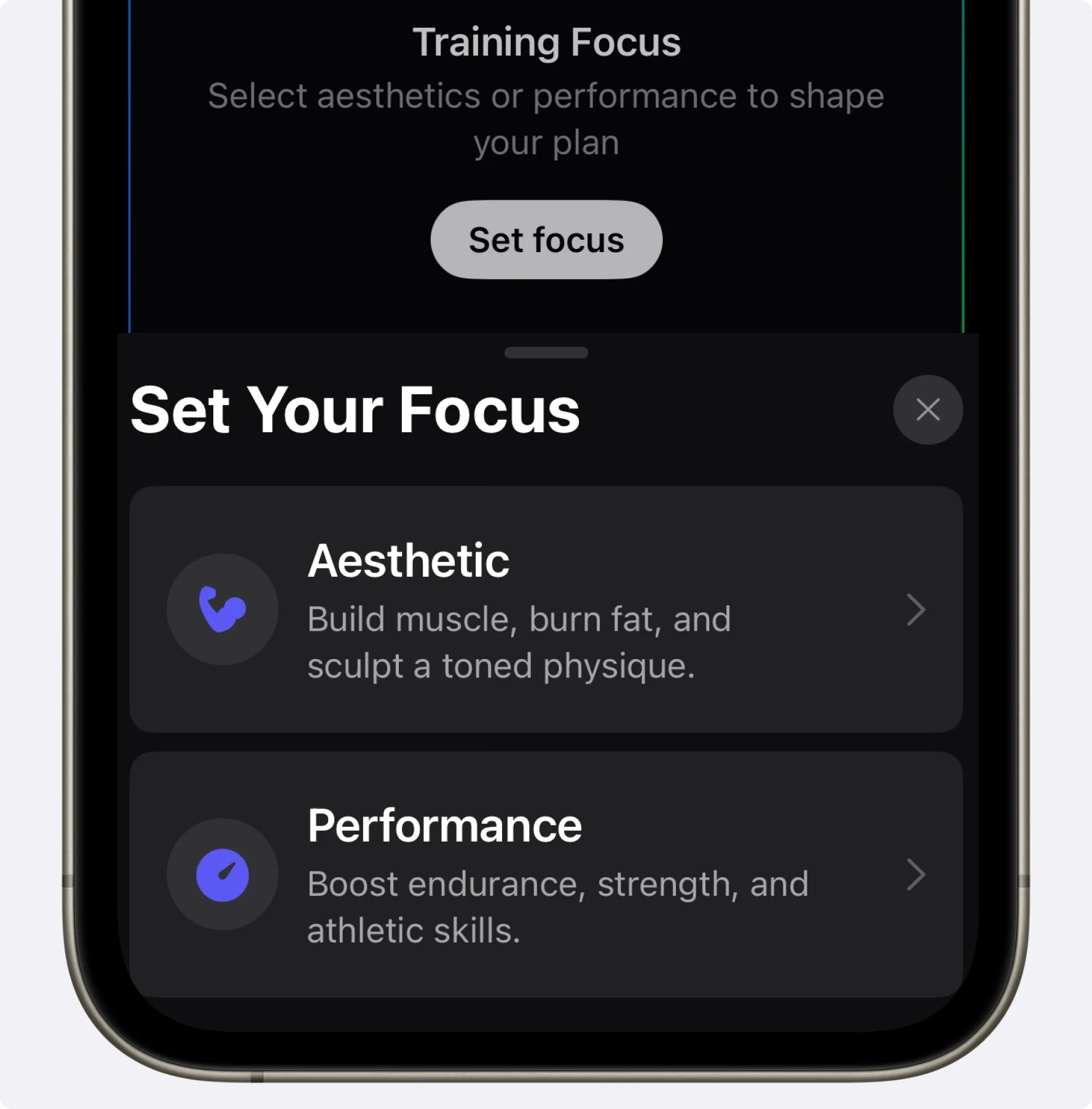
Custom Workout Routine Maker: Tailored to Your Specific Goals
Set your primary goal before reviewing the exercise choices:
For Aesthetic Goals
Choose the body areas you want to emphasize for muscle size or strength. Earlier screenshots show Define; iOS 26.6.1 renamed that goal Strengthen. A body-area goal does not selectively remove fat there. See progressive overload for muscle growth for training context.
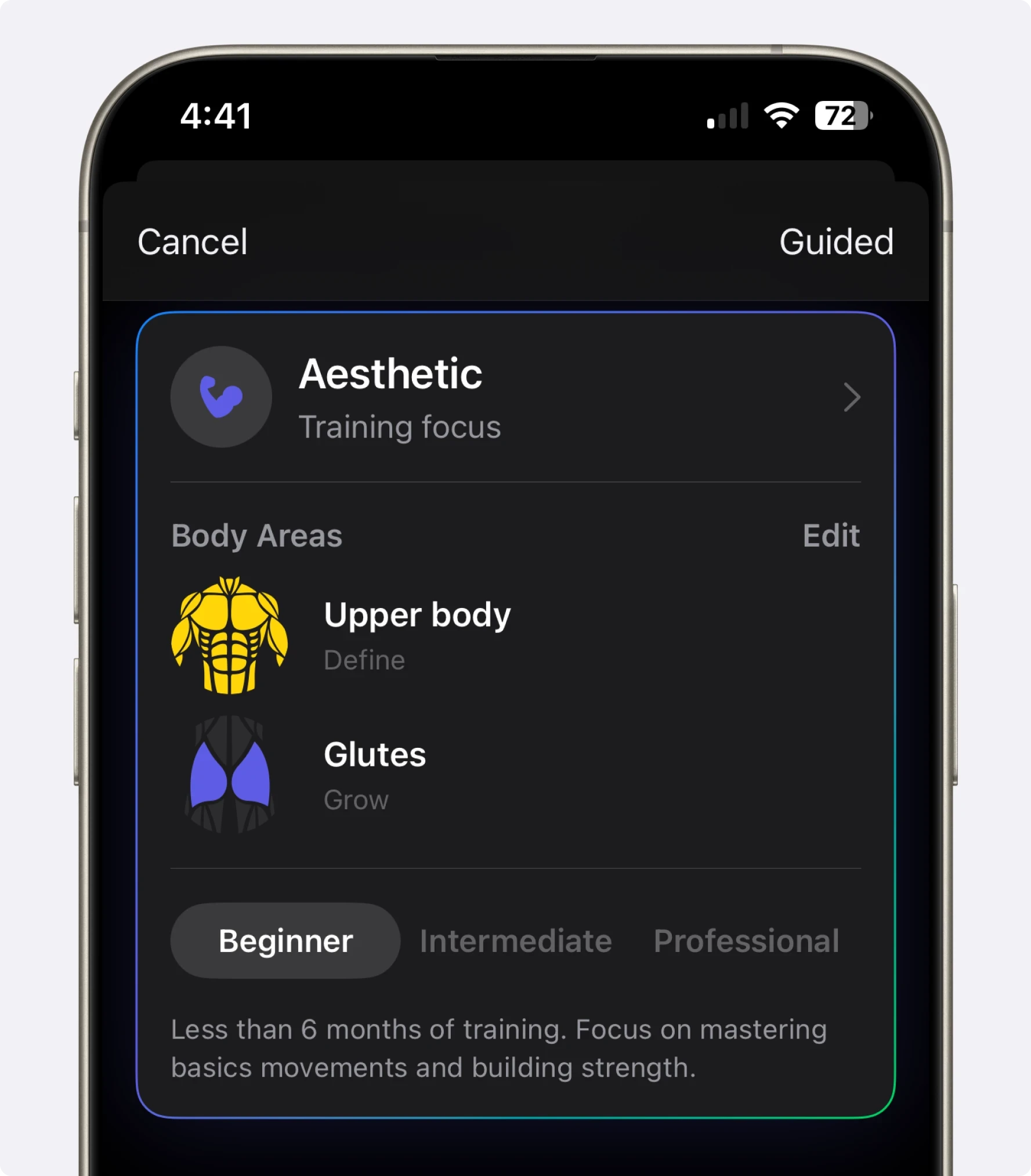
For Performance Enhancement
For sport-related strength training, describe your activity, objective and other practices. Review the draft against your sport program rather than assuming it covers competition preparation or injury prevention. For context, see how mental state can affect lifting performance.
How the Workout Routine Generator Works
Build the request in five steps:
1. Select Your Experience Level
Choose the experience level that reflects your current training; check the exercise difficulty and starting workload yourself.
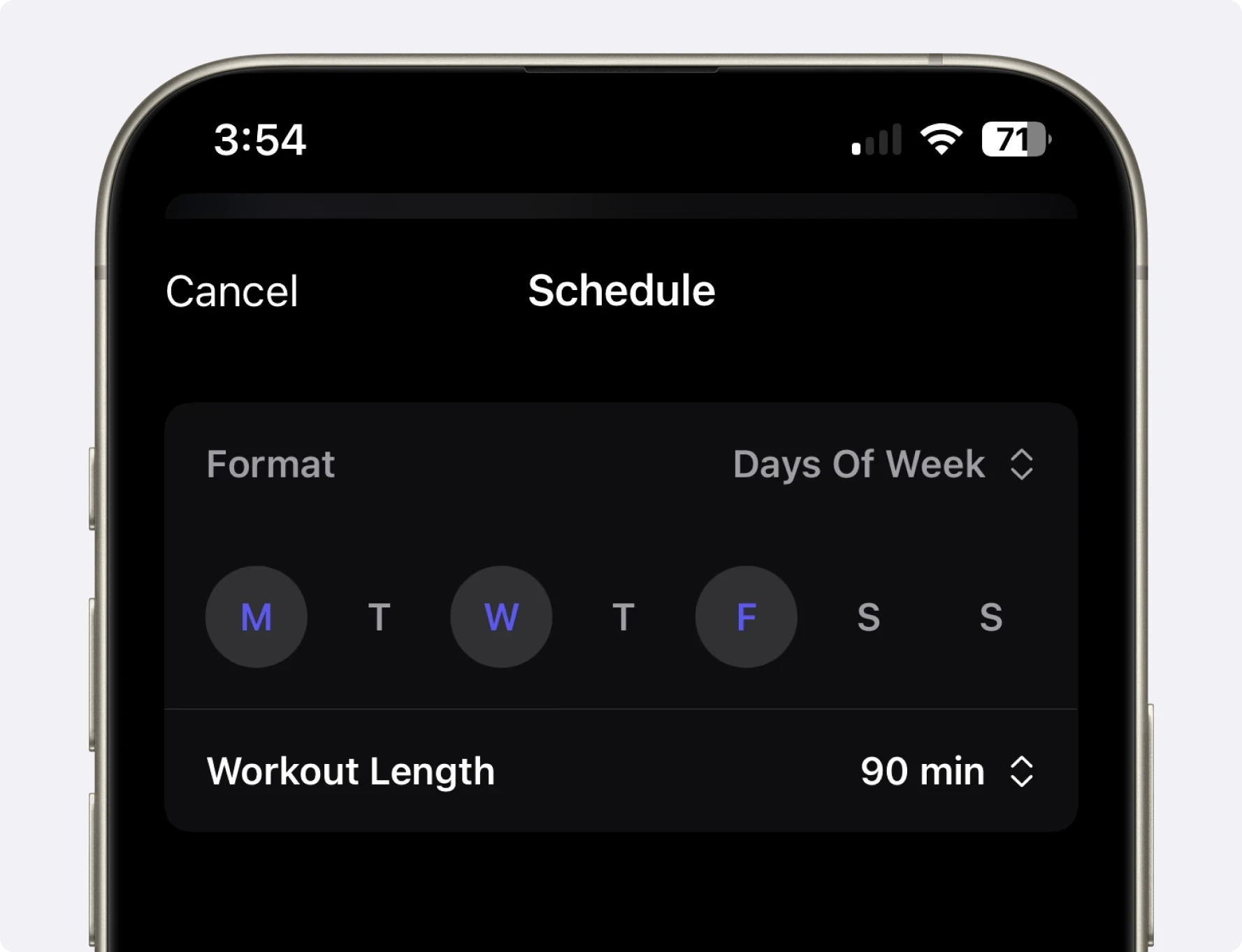
2. Set Your Schedule
Choose which days work for you and how long each session should last
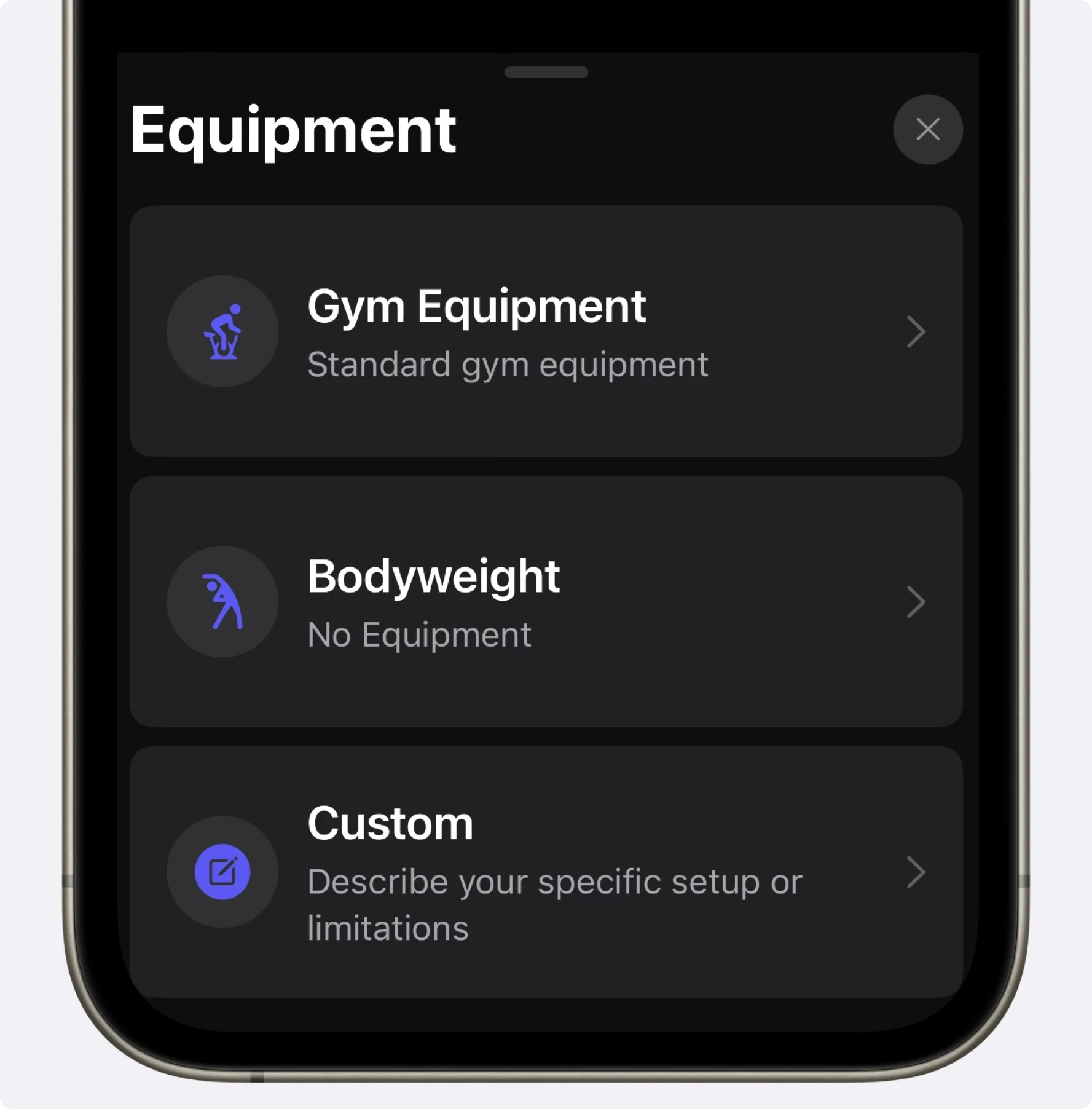
3. Specify Available Equipment
From fully-equipped gyms to minimal home setups
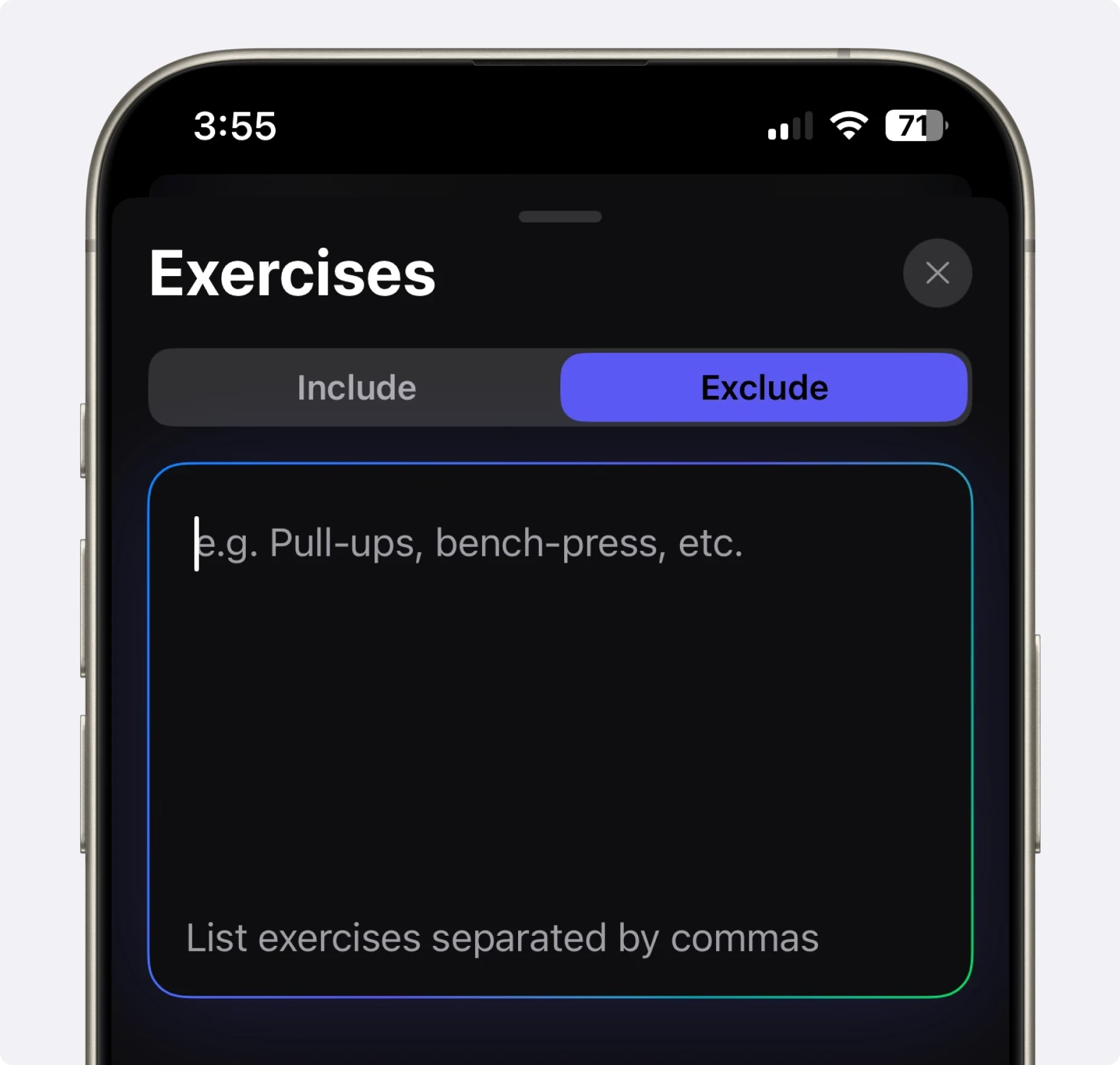
4. Customize Exercise Selection
Include favorites and exclude problematic movements
5. Add Special Considerations
Add relevant constraints. If a restriction is medical or injury-related, use appropriate professional guidance to review the draft.
Review the returned workouts and exercise notes for the sets, rep targets and rest periods you intend to use. Resolve missing details before training; the existence of a generated plan does not prove optimal programming.
Beyond Basic Workout Routine Creation
A saved routine connects the exercise list with a place to record what you actually complete:
Progressive Programming
Choose a progression rule, record completed sets and compare similar sessions before changing targets. For example, build repetitions within a chosen range before trying a small load increase. See progressive overload for examples.
Seamless Tracking Integration
Once generated, your routine integrates directly with Setgraph's powerful tracking system, allowing you to log sets, reps, weights, and notes in real-time during workouts.
Program Creator for Different Training Styles
The workout routine generator accommodates various training approaches:
Split Routines - Organizing workout days by muscle groups or movement patterns
Full-Body Programs - Balanced sessions that hit major muscle groups in each workout
Upper/Lower Splits - Alternating between upper and lower body focus
Push/Pull/Legs - Organizing movements by mechanical function
Sport-Specific Training - Prioritizing exercises that enhance performance in your chosen activity
Create, Review and Save a Routine
Getting started with your custom routine couldn't be easier:
Open the plan-creation option available in your Setgraph app.
Choose Guided or Custom and provide your training details.
Review exercise choices, workout notes, workload and session length.
Save the plan to your workouts. A program can group those workouts; each workout organizes its exercises.
Record completed sets and use exercise history to decide your next-session targets.
Frequently Asked Questions About Setgraph's Workout Routine Generator
Can I use the workout routine generator if I only have equipment at home?
Yes. Describe the home equipment you can use under Custom, or select Bodyweight. Check the draft for movements requiring equipment you do not have, then adjust them before training. If time is limited, the short-workout guide can help you think through session trade-offs.
How does Setgraph's routine generator accommodate beginners who are new to working out?
Beginner is an available experience input, but you still need to check exercise difficulty and workload. Use manageable starting loads and get instruction for unfamiliar movements. A generated plan does not prevent beginner errors or assess your technique. See beginner training concepts.
How do I tell the generator about my specific fitness goals?
State your primary goal clearly, along with your experience, schedule and equipment. For example, say whether you want strength or muscle growth. The goal guides the request, but you should still review the proposed training details.
Can I edit my workout routine after the AI has generated it?
Saved plans use workout lists and exercise notes. You can review and edit that routine as your needs change; check the editing options in your app rather than assuming every generated detail is a separately adjustable programming field.
What is an automated workout generator?
A workout generator proposes a routine from inputs such as your goal, schedule and equipment. Setgraph saves the returned workouts and exercise notes into its organization system. That is different from automatically changing a program after every logged session.
Are automated workout routines as effective as a plan from a personal trainer?
An AI draft can be convenient, but equivalent results to an individually coached plan are not established here. A qualified trainer can observe technique and respond to circumstances the generator cannot assess. Learn the principles in progressive overload and strength versus hypertrophy, then review the draft.
Start with a routine that fits your equipment and time, save the reviewed workouts, and log your first session. For help choosing a structure, explore our workout guides.
More Than a Routine Builder: Your Personal Exercise Generator
You can request particular equipment, body areas and exercise preferences. Review the resulting movements carefully, especially if symptoms or an injury affect exercise choice; a text prompt does not establish a safe substitution.
Use Training Principles to Review the Draft
The ACSM’s 2026 resistance-training guidance emphasizes regular participation and tailoring the program to the person’s goals and circumstances. Use those principles to review the routine’s exercise choices and workload; the guidance is not a validation of an AI-generated plan.
To get the most from your generated plan, pair it with the right training principles: master progressive overload for muscle growth, understand the difference between strength and hypertrophy, and if you're short on time, build around efficient 20-minute workouts.
Keep Progression Under Review
A 2017 meta-analysis found an association between weekly set volume and muscle growth across the studied programs. It does not show that more work is always better or that Setgraph automatically chooses the right volume. Review your planned work alongside performance, effort and recovery.
Example: save a dumbbell-row target in the exercise notes, record the reps and load you actually complete, then compare the next session under similar conditions. Change the target only when your chosen progression rule supports it.
What an automated workout still needs from you
A useful routine still needs a few consistent habits:
Record what you actually completed.
Keep rest periods and technique reasonably consistent when comparing sessions.
Review the plan when your schedule or equipment changes; shorter sessions require deliberate trade-offs.
