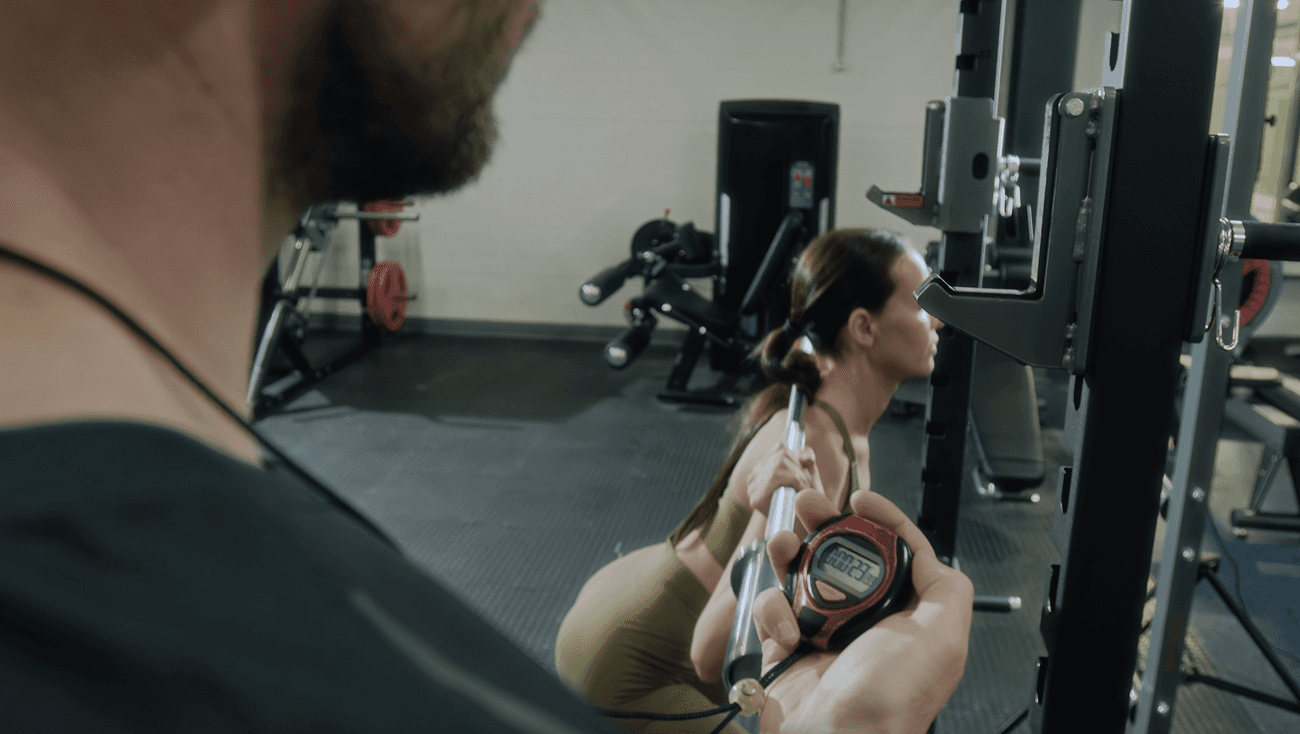
Track Timed Sets with Duration-Based Workout Logging
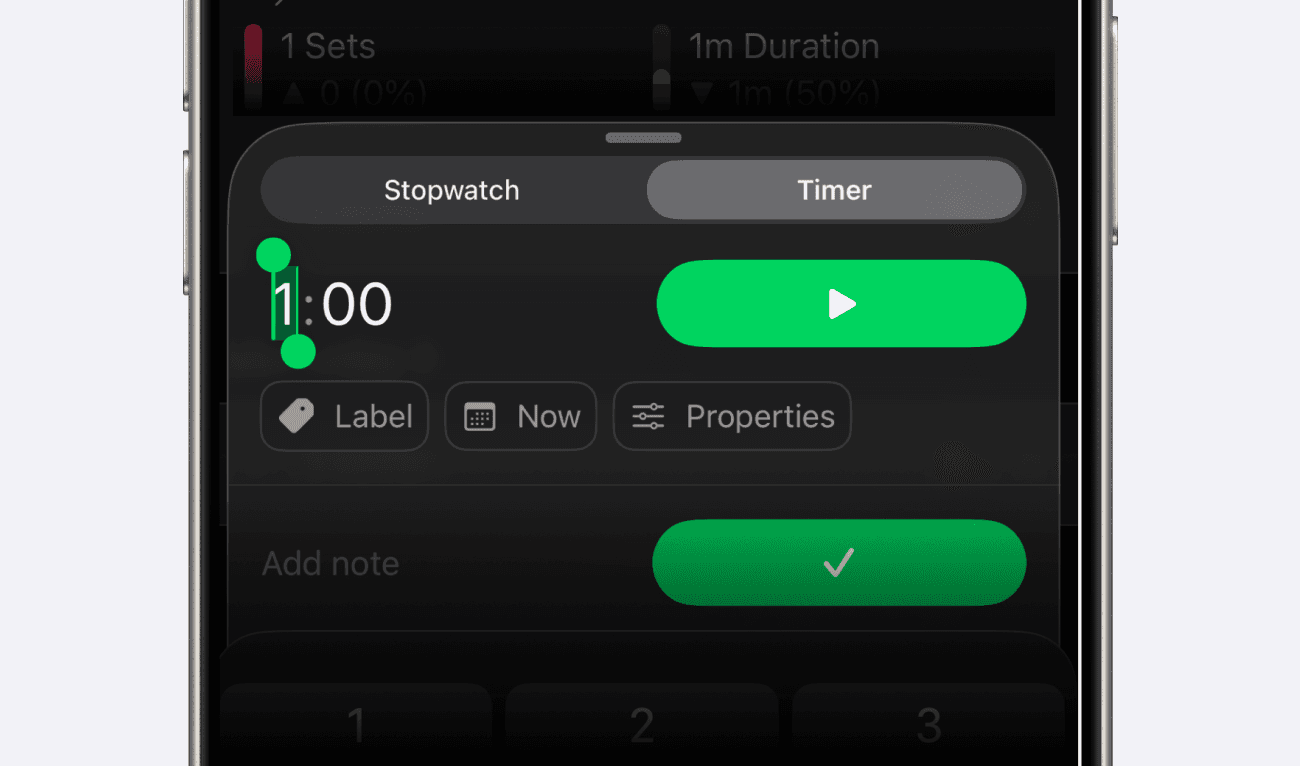
Setgraph’s iOS duration update added timed-set logging and Exercise Properties. You can choose the metrics that match each movement rather than forcing every exercise into reps and weight.
Whether you’re logging planks, wall sits, stretching, cardio intervals, or traditional strength training, workouts now adapt to the way you train.
Duration Tracking
Exercises can now track Duration in addition to reps and weight.
You’ll see a new inline duration field directly inside the set recording screen, with two built-in timer modes:
Stopwatch Mode: track elapsed time live
Countdown Timer: set a target duration before starting
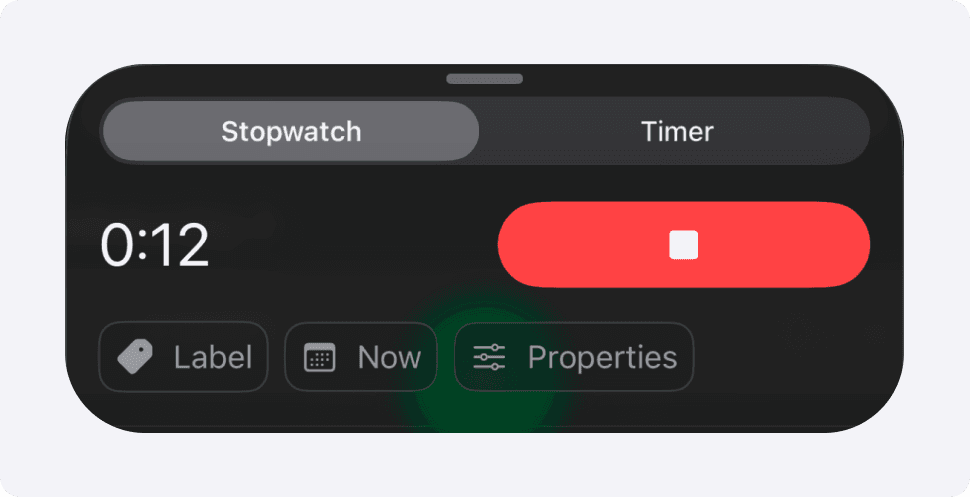
The iOS duration update connects timed-set values with:
Workout recording
Rest timers
History
Analytics
CSV exports
Apple Watch support
Duration values are validated and formatted automatically for clean, consistent tracking.
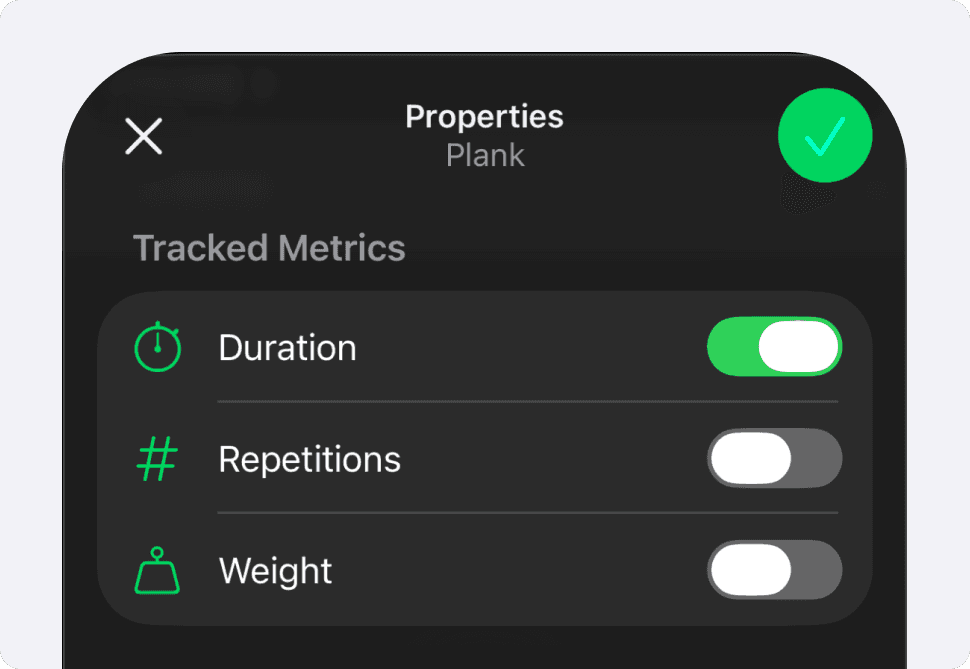
Exercise Properties with Duration enabled for a plank; reps and weight are off.
Exercise Properties
Every exercise now supports customizable tracking properties.
You can independently enable or disable:
Reps
Weight
Duration
This allows exercises to behave exactly how they should:
Planks → Duration only
Push-ups → Reps only
Dumbbell Press → Reps + Weight
Timed Carries → Weight + Duration
At least one tracking property must remain enabled for each exercise.
We’ve also added a dedicated Properties button directly on the record-set screen for quick access while training.
Faster Logging for Timed Exercises
For an exercise that tracks only duration, Timer mode can focus the target-duration input when you open set recording. Stopwatch mode measures elapsed time instead. Stop the running timer before recording the completed set.
A rest timer can start after a duration set according to your rest-timer settings, just as it can after a rep-based set.
Smarter History + Analytics
Workout history now adapts dynamically based on each exercise’s enabled properties.
When duration is enabled, history shows timed-set values with the duration accent color. Record highlights can use a different color, so color alone is not the definition of the metric.
We also added:
A Duration stat in Daily Summary, based on recorded set durations
Duration analytics displayed in minutes
A 1RM tab only when both weight and reps are enabled
Apple Watch Support
The iOS 26.4.3 release notes include duration on Apple Watch. Timed-set recording is supported in that release context; this does not imply that every iPhone feature has a matching Watch workflow.
Example: Record Two Timed Holds
Open a plank exercise and select Properties. Enable Duration, leaving at least one property on.
Choose Timer for a target or Stopwatch for elapsed time. Record only the time you actually complete.
For example, record a 30-second hold and then a 25-second hold as separate sets, with a rest between them.
The logged duration totals 55 seconds, about 0.92 minutes. It excludes rest and setup time; it is not your full session duration or a measure of training quality.
CSV Export Improvements
On iOS, set CSV exports include duration in seconds and a formatted duration column. That lets you inspect recorded timed sets outside the app. Export access and other platforms should be checked separately; these columns do not make the file a complete account backup.
This update lays the foundation for more flexible workout tracking across strength training, cardio, HIIT, mobility, recovery, and beyond.
Update to the latest version of Setgraph and try Duration Tracking today.