Setgraph AI Introduces Personalized Workout Plans
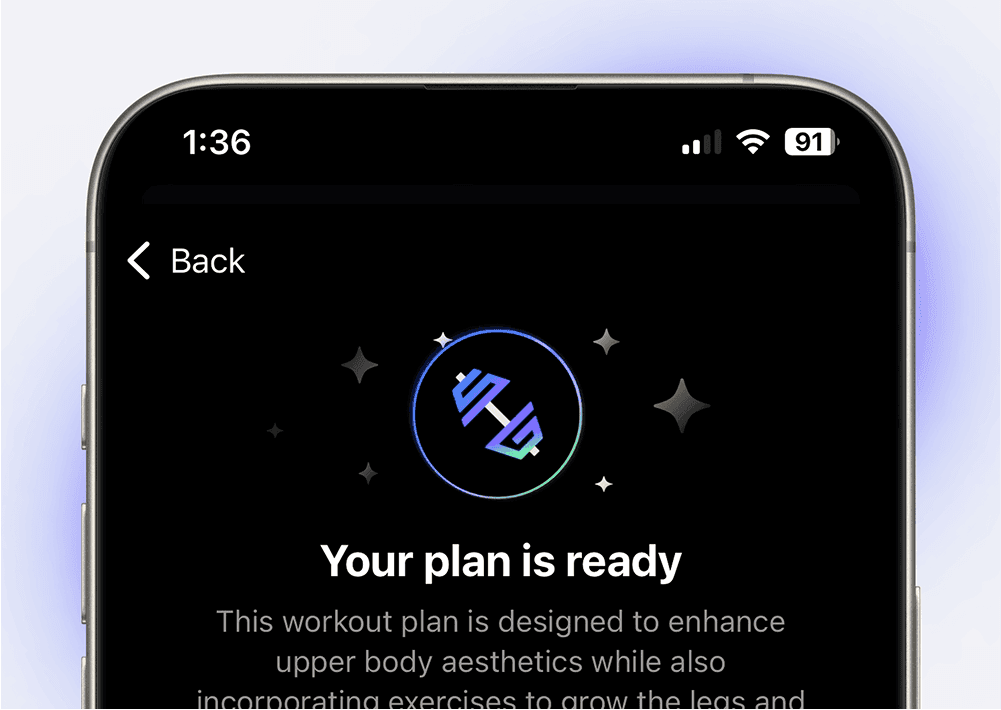
Setgraph AI introduced a way to draft a workout plan from your goals, experience, schedule and equipment. This guide explains the inputs in the iOS planning flow and how to review the result. Supplying a preference helps shape a draft; it does not guarantee that every exercise, workload or progression will suit you.
If you’d like a step-by-step guide on using this feature, be sure to check out our detailed tutorial.
Schedule
Choose the days you can train, such as Monday, Wednesday and Friday, and the time available per session. These details are sent with your request. After generation, check that the proposed days match your availability and allow time for warm-ups, rests and equipment changes. A schedule input does not certify balanced workload or prevent overtraining.
Muscle Groups: Focusing on Your Target Areas
For a physique-focused request, select the muscle groups you want to emphasize. Current iOS labels include Grow and Strengthen; older versions used Define. Excluding a muscle group is a planning preference, not a guarantee that other exercises will avoid loading it. If you have an injury or movement restriction, use guidance from an appropriate clinician rather than relying on an AI exclusion.
Equipment: Customizing Workouts to Your Resources
Choose standard gym equipment, bodyweight, or describe a custom setup. For example: “Adjustable dumbbells up to 20 kg each and a flat bench; no cable machine.” Check the generated exercise list against that setup before saving. Replace any exercise that needs equipment you do not have.
Exercises
Use Include and Exclude to name exercises you want considered or avoided. For example, include a squat variation you already know and exclude a deadlift variation you do not want in this plan. Review the output to confirm that it follows those requests; the input is not proof that the generated plan will satisfy every constraint.
Additional Information: Personalizing the Plan Further
The additional-information box accepts details such as preferred training style, session priorities or a need for simpler exercise choices. Be specific: “Keep the exercise list stable across the week and explain suggested rest periods.” Do not treat a note about pain or a previous injury as medical clearance for the resulting plan.
Objective: Defining Your Training Goals
For a performance-focused request, state what you want to improve, such as bench-press strength. The objective gives the generator more context. Review whether its exercise choices and proposed workload relate to that objective; measurable improvement still depends on the training you complete and how you respond.
Activity: Building Around Your Sport or Lifestyle
Select or describe the sport or activity you train for. Include existing sport practice in your schedule so you can review the combined workload. For example, a cyclist requesting strength work can mention hard riding days and the available gym sessions. A generated strength plan still needs to fit around the actual sport training.
Review, Save and Log the Plan
Read the complete proposal before saving. Check the days, equipment, exercise names, notes, sets and rep targets, and any progression or rest guidance it supplies. Ask for clarification or revise missing details. Setgraph can save generated workouts as workout lists with exercises and notes; this is separate from importing a plan written in another app. During training, log what you actually complete, then use that history to decide whether to repeat, reduce or progress the next session.
