Free Workout Tracking Apps Compared: Features and Access Limits
Which free workout tracking app fits your training?
A workout tracking app gives you a convenient place to record your training and review what you’ve done. Instead of searching through notebook pages, you can use your exercise history to compare weights, reps, and training consistency over time.
Free plans vary considerably. Some apps offer ongoing workout logging, while others limit routines, restrict additional tools, or provide only a temporary trial. The most useful option is one that includes the features you need for your regular training.
For a reusable lifting log, start by comparing Strong, Hevy, Caliber, JEFIT and, on Android, FitNotes. For guided sessions, compare Nike Training Club and Home Workout by Leap. Strava and adidas Running focus on outdoor activities; MyFitnessPal combines an exercise diary with food logging. Fitbod is a trial-based option. Setgraph is included as another strength-logging option, with access determined by the current in-app offer.
Published by Setgraph, the developer of one of the apps discussed. This is a documentation-based comparison, not a hands-on speed test or a rating of training results. Source pages were checked on 2 October 2026; app offers and platform features can change.

Comparison: 12 apps, their free access and limits
App | Main job | Free access or entry offer | Important boundary |
|---|---|---|---|
Exercise-first strength logging | Available on iOS and Android; the in-app offer determines access | This comparison does not establish a universal free logging allowance or PRO entitlement | |
Reusable lifting templates | Ongoing workout logging; up to three saved templates | Unlimited templates, all charts and plate/warm-up calculators are PRO tools | |
Follow-along sessions | Free trainer-led workouts and multi-week programs | Guided sessions rather than a like-for-like barbell set-log replacement | |
A plan plus a lifting log | Free app with coach-designed plans, custom exercises and history | Individual coaching is an upgrade, not free personal check-ins | |
Lifting with social sharing | Workout logging, four routines and seven custom exercises | Free history/statistics range is three months; PRO adds longer ranges and guided Trainer features | |
Android training record | Free, ad-free logging, custom exercises and CSV export | Android only; Supporter adds extra exercise-type and unit options | |
Routines and exercise instructions | Basic includes custom routines, logging/history and exercise instructions | Elite adds advanced analytics, video demonstrations, watch support and ad removal | |
Runs, rides and activity sharing | Activity recording and social activity feed | Full segment leaderboards, route creation and advanced training tools require a subscription | |
Food and exercise diary | Food/exercise logging, recipes, measurements and partner-app connections | Barcode scanning and file export are Premium; meal planning is Premium+ | |
Generated lifting sessions | Time-limited trial, not an ongoing free logging plan | Current help describes a seven-day subscription trial that renews unless canceled | |
GPS activities and guided runs | Activity recording; adidas also advertises free guided running plans | Adidas also publishes Premium plan descriptions; use the terms shown for your plan and region | |
Guided home exercise | Free download; Android lists ads and in-app purchases | A download is not proof that every routine is free; exact unlocked content varies by offer |
A saved routine is a reusable template; it is not the same as a completed workout. Likewise, a free download, an ongoing free tier and a trial are different offers. The table separates these rather than giving every app a single “free” label.
Strength-training logs
Setgraph: exercise and session history
Setgraph’s workout log describes recording sets and reviewing previous exercise performance. It can support a routine you already follow without making the app itself the program. Official listings are available for iOS and Android. The iOS release notes document CSV export; that does not establish export access on Android or a free entitlement on every account.
Choose it for the exercise-history workflow if it fits your training. Check the actual membership screen for the logging access and tools offered to your account. This guide does not promise unlimited free logging, a universal trial duration, complete offline behavior or cross-platform synchronization.
Strong: three reusable templates in the free version
Strong suits lifters who want reusable routines and exercise history. Its free template limit is three saved templates, not three completed workouts. Strong PRO adds unlimited templates, all charts, body measurements and calculators. You can continue using the free version and retain access to workout data after PRO ends.
A three-day A/B or full-body setup may fit within the template cap; a four-day split with four distinct saved sessions will exceed it. Strong documents CSV export on iOS and Android, but exported CSV files cannot be imported back into Strong.
Caliber: coach-designed plans without free personal coaching
Caliber’s free app combines coach-designed routines, customizable exercises, workout history, demonstration videos and progress tools. This is useful if you want a plan and a record of what you complete in the same app. Its individual coaching service is an upgrade. The free app should not be described as including personal coach check-ins or AI-generated form assessment.
Hevy: social logging with explicit free limits
Hevy’s feature guide lists four free routines, seven custom exercises and a three-month history/statistics range. Logging and social features are available in the free tier; PRO adds longer statistics ranges, additional measurements and Hevy Trainer. These limits matter if you rotate many routines or need long-term charts.
Hevy documents workout and measurement exports. It also supports Apple Watch and Wear OS, but a watch feature does not prove that every phone feature works offline. If you prefer a private record, review its visibility controls before sharing workouts.
FitNotes: free, ad-free Android logging
FitNotes is an Android-only logger. Its standard exercise types record weight/reps and distance/time; Supporter adds other metric combinations. Custom exercises let you name the exact variations you use.
Its data settings distinguish CSV exports for spreadsheets from backup files used to restore the app. Optional Google Drive backup is not the same as automatically merging changes between two devices. This makes it a concrete option for Android users who want a local training record and a separate backup workflow.
JEFIT: a Basic routine builder and exercise library
JEFIT Basic includes free/custom routines, exercise logging and history, community access, and a library of over 1,400 exercises with instructions. Elite separately lists professionally designed plans, advanced analytics, video demonstrations, watch support and an ad-free experience. Do not assume every demonstration or program shown in marketing is part of Basic.
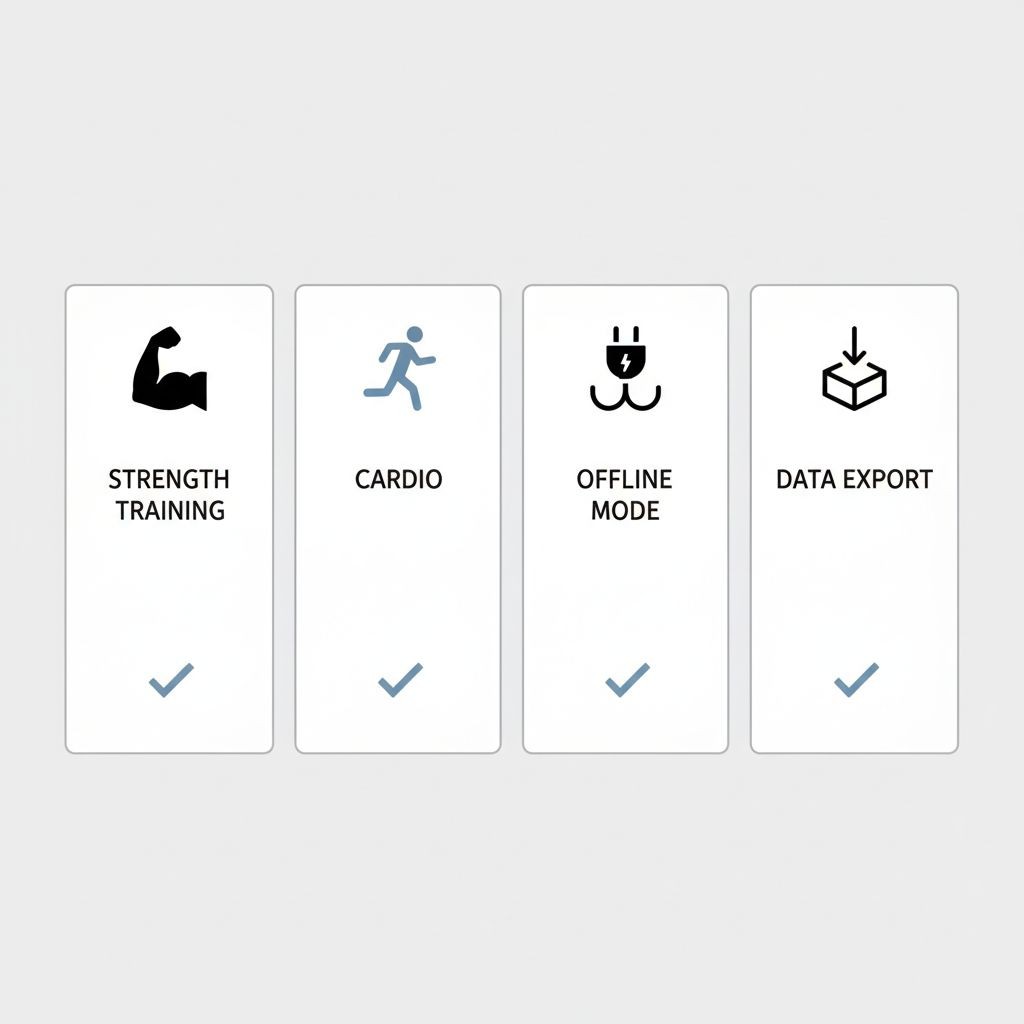
Illustration of features to check, not confirmed availability for every app or plan.
Guided workouts, outdoor activity and nutrition
Nike Training Club: free guided sessions
Nike Training Club offers free trainer-led workouts and programs, including strength, bodyweight, yoga and conditioning options. Choose it when you want to follow a session rather than build every workout yourself. Its content is useful for exercise guidance, but a demonstration cannot assess your own technique or guarantee injury prevention. Test the specific session you need before relying on downloaded or offline access.
Strava: recording runs and rides
Strava offers free activity recording and sharing. It is a candidate when distance, pace and routes matter more than sets and barbell loads. Its subscription feature list places full segment leaderboards, route creation, offline route maps and advanced training analysis in the paid offering. Do not treat that whole list as free.
Strava’s export help describes original activity files, GPS-based exports and a bulk account archive through its website. A GPS route file and a strength-workout CSV are different records; compare the fields you need before switching tools.
MyFitnessPal: food logging alongside exercise
MyFitnessPal Free includes food and exercise logging, recipes, measurements and partner-app connections. Premium includes barcode scanning and data export; Premium+ adds meal planning and grocery tools. This distinction matters if nutrition is the main reason you want one app.
MyFitnessPal also documents Workout Routines with sets, reps and weight on supported mobile versions. That help page separately identifies enhanced Self-Guided workouts as an iOS Premium feature, and its Premium feature page lists exclusive routine content. Do not assume every routine or guided feature is free, or that its nutrition focus means it cannot record sets.
Fitbod: evaluate the trial separately from free plans
Fitbod’s current trial help describes seven days of access after opting into a subscription, with automatic renewal unless canceled. Its cancellation page describes three free workouts, so the offer actually shown at signup is the one to review. Canceling renewal does not end the remaining access period immediately. After the trial or paid access expires, past workouts remain viewable, while starting and logging new workouts requires renewed access.
Fitbod generates workout suggestions from inputs such as equipment and training history. Its recovery estimates are programming inputs, not a medical assessment or a guarantee against overtraining. Its offline documentation permits offline generation and logging but identifies connection-dependent media, history and other features.
adidas Running: GPS tracking and guided running plans
adidas Running records activities such as running, walking and cycling and provides run statistics, challenges and voice guidance. Adidas currently advertises free guided running plans, including beginner and more advanced options. Adidas also publishes Premium plan descriptions, so do not assume every training plan requires payment or every region has the same offer.
Choose it for outdoor activity and guided running rather than detailed barbell progression. GPS accuracy depends on the phone, signal and environment; this comparison has not measured it. A running plan does not guarantee a safe progression for every runner.
Home Workout by Leap: identify the exact app
Here, “Home Workout” means Leap’s Home Workout – No Equipment on Android and Home Workout – No Equipments on iOS. Naming the developer matters because other apps use similar titles. These listings describe guided home routines; the Android listing includes ads and in-app purchases, and the iOS listing includes in-app purchases.
The developer offers bodyweight sessions, while the current iOS description also mentions equipment-based options. Treat free download as entry access, then inspect the unlocked workouts rather than assuming all customization or routines are included.
How to choose without losing your training history
If you already have a lifting plan: enter one typical session and check that all exercise types, units and notes fit. Count the distinct saved routines and custom exercises you need against the published limits.
If you want instruction: try a guided session or an attributed coach-designed plan. An exercise video and personalized feedback from a qualified coach are different services.
If you mix lifting and running: decide whether a simple time/distance entry is enough or you need GPS routes. Separate apps can make sense; only expect data sharing when a specific integration is documented.
If you need offline logging: save a sample session without a connection, reopen it and confirm later backup or synchronization. Downloading a video, generating a plan and syncing an account may have different requirements.
If you may switch apps: create an export early and inspect its dates, units, exercises and set details. Verify that the destination can import that format. Keep a restorable backup when the app offers one.
A practical free-plan test
Before moving your whole routine, record one exercise with three work sets, correct one value, add a note and find the session in history. Then save the next workout template you would actually need. This exposes a routine cap more usefully than a generic star rating. If you start a trial, check the renewal date and cancellation deadline before confirming it.
Frequently asked questions
Which option offers an ongoing free lifting log?
Strong, Hevy, Caliber, JEFIT Basic and FitNotes describe free logging options. Their boundaries differ: Strong limits saved templates, Hevy limits routines/custom exercises and history ranges, JEFIT separates Basic from Elite, and FitNotes is Android-only with optional Supporter features. Fitbod belongs in the trial category.
Can I export my workouts?
Strong, Hevy and FitNotes document export workflows; Strava provides activity and account exports through its website. MyFitnessPal lists file export under Premium. Setgraph’s iOS release notes document CSV export, without establishing an Android or universal free-access claim. Export, backup and import are separate features.
Do free apps include personal coaching?
Not necessarily. Nike offers trainer-led content and Caliber offers coach-designed plans, but individual assessment and feedback are separate services. Caliber explicitly offers one-to-one coaching as an upgrade. Do not equate generated recommendations or instructional videos with a coach reviewing your training.
Which app should I try first?
Choose by task: FitNotes for an Android log with a documented backup/export workflow; Strong for a small set of reusable templates; Hevy for lifting plus social features; Caliber or JEFIT for plans and exercise instructions; Nike Training Club for guided sessions; Strava or adidas Running for outdoor activity; MyFitnessPal for a food-and-exercise diary. Compare Setgraph if its exercise-history workflow suits you, and Fitbod if you want to evaluate generated sessions during a trial.
For Setgraph’s current app options, open Setgraph. Choose the app whose actual access and logging workflow fit your training, then keep a consistent record of what you complete.
