Track Your Workout Streak and Build Lasting Habits
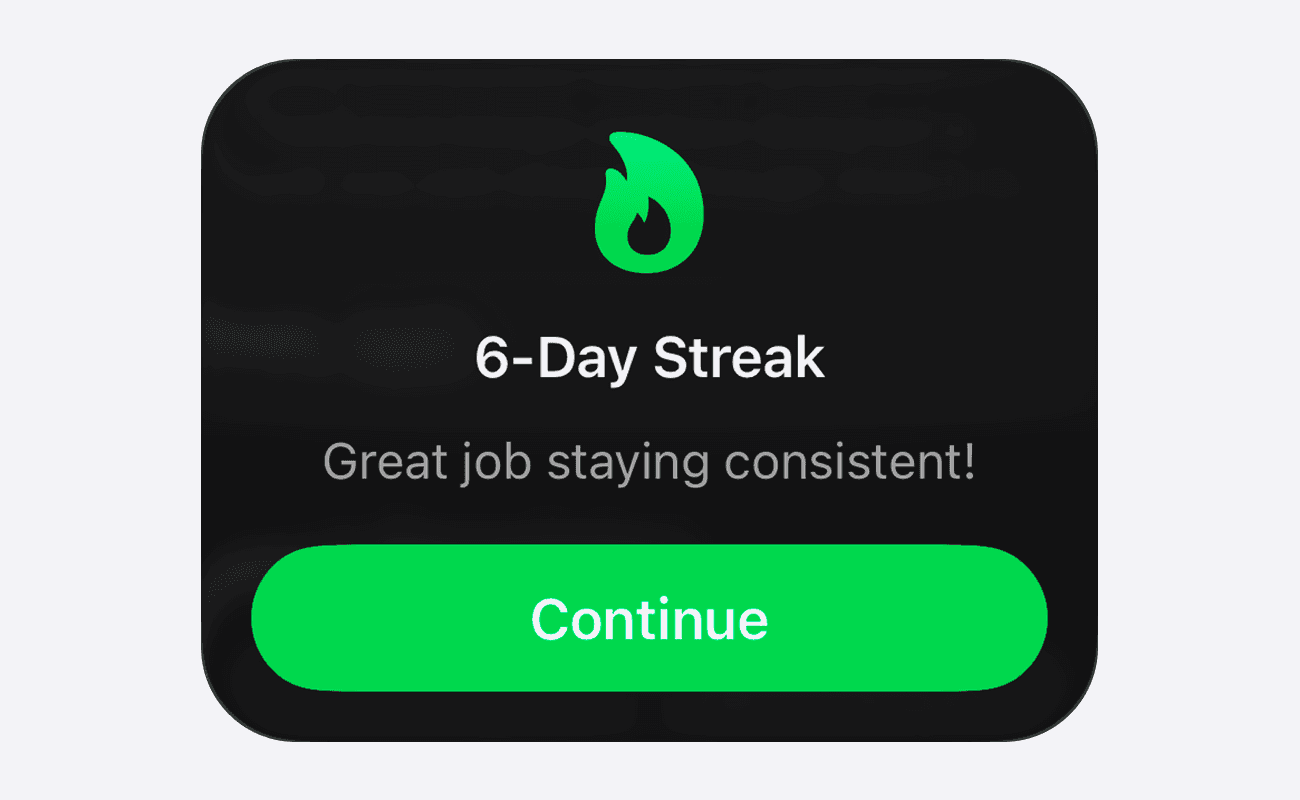
Workout Streaks in Setgraph for iOS help you review training consistency, including workout days and rest-day allowances. The calendar and dashboard show a habit record; a streak is not a measure of recovery or a reason to train through pain.
Stay Consistent With Workout Streaks
The streak uses dates from sets logged in Setgraph and workouts available through Apple Health when access is authorized. It evaluates workout days alongside recent frequency, your goal and rest-day allowances. Multiple workouts on one date do not become multiple workout days.
Your current streak is displayed prominently on the new Streak Dashboard, making it easy to see how you're doing at a glance.
Rest Days That Work With Your Schedule
Life happens, and missing a workout shouldn't automatically erase your progress.
The iOS streak system starts with three extra Rest Days. These can be used automatically when recent workout frequency falls below the streak threshold; a rest day does not necessarily spend an extra day. The system also uses your recent training pattern and workout goal, so check the dashboard’s allowance rather than assuming every skipped date consumes one.
You'll also see how many Rest Days you have available and how many you've used directly from the Streak Dashboard.
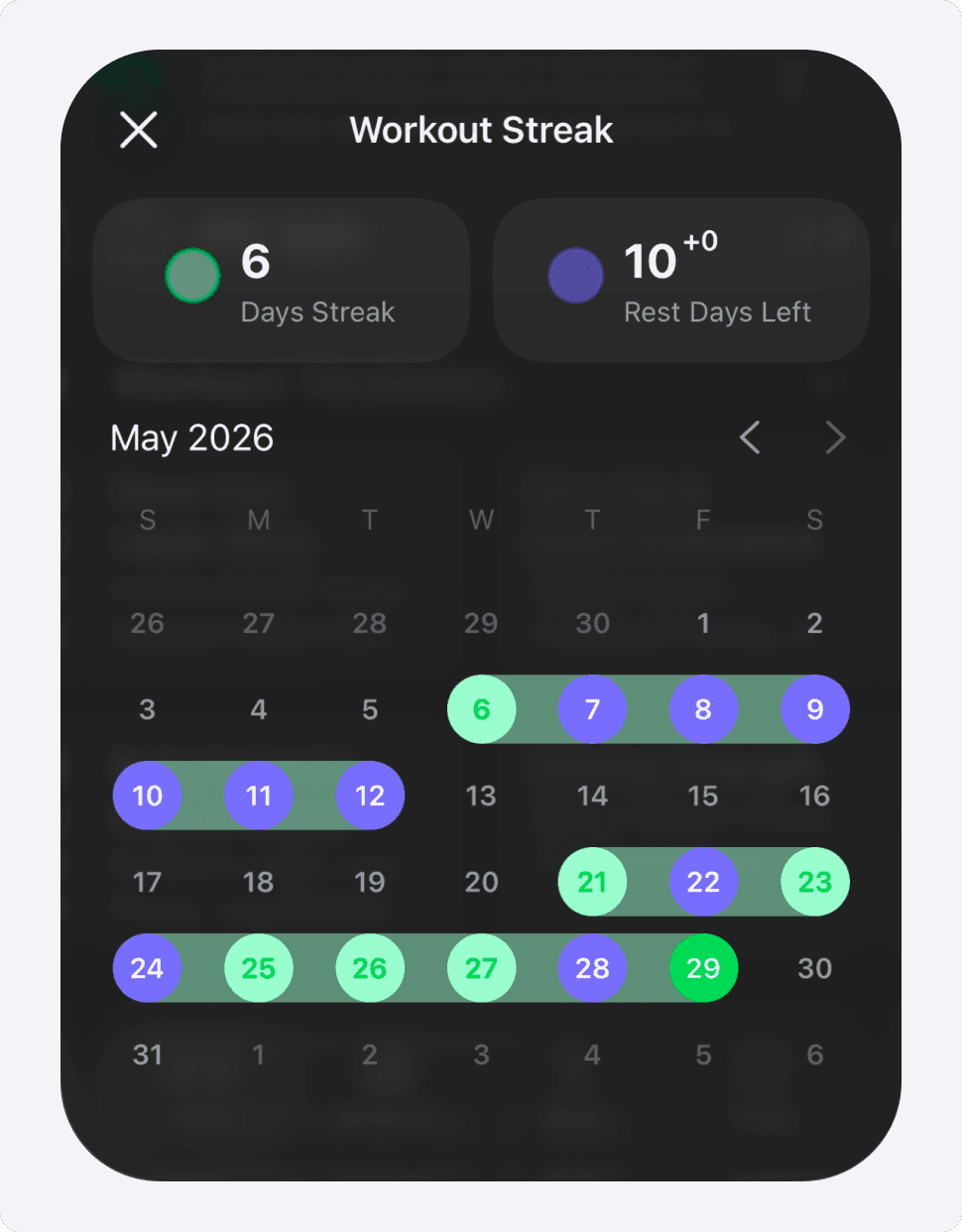
New Streak Calendar
Track your consistency over time with the new Streak Calendar.
The iOS calendar can display up to five years of available workout-day history. It uses color coding to distinguish:
Workout Days
Streak Days
Rest Days
It's a simple way to visualize your habits and see the bigger picture of your fitness journey.
Personalized Streak Goals
Not everyone works out every day, and that's okay.
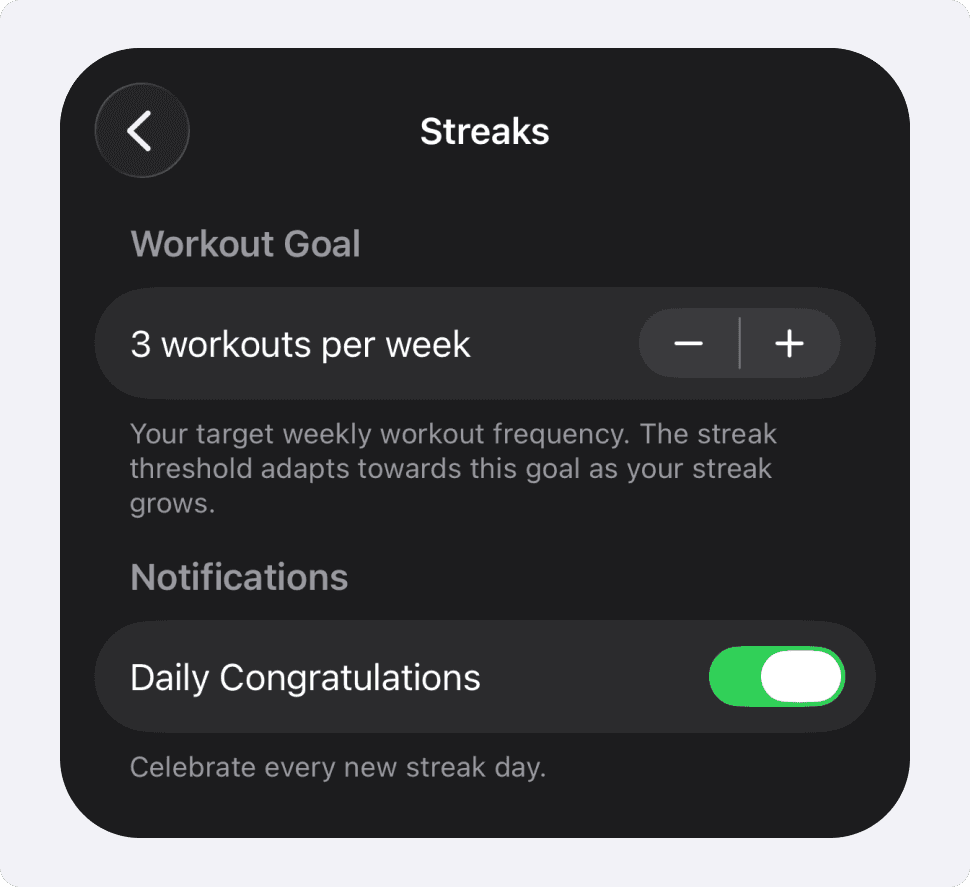
Choose a realistic workout goal, such as three days per week. You can adjust it in Settings → Streaks under Workout Goal. The streak threshold adapts toward that goal as the streak grows; this is a consistency calculation, not a personalized training prescription.
Celebrate Your Progress
Starting a streak, reaching milestones, and maintaining momentum should feel rewarding.
Workout Streaks now include:
In-app streak-start celebrations
Milestone celebrations
Daily congratulations
Confetti for celebrations when enabled
To turn off streak celebrations in current iOS versions:
Open Setgraph Settings
Select Streaks
Turn off Daily Congratulations
With Daily Congratulations off, streak-start, milestone and daily celebrations are all silenced. The iOS 26.5.2 release changed this behavior; there is no milestone-only option in the setting described here.
Learn How Rest Days Work
If you're ever unsure how Rest Days affect your streak, you'll find a built-in explanation directly in the app that walks you through the system and helps you understand exactly how your streak is calculated.
Smarter Reminders
If you use inactivity reminders, review the app’s notification settings and iOS notification permission. Reminder delivery is separate from the in-app Daily Congratulations setting.
Use the dashboard to review your habit and plan realistic rest. A missed workout is context for your next decision, not a reason to add unplanned work just to protect a streak.
Update to the latest version and start your streak today.
