Fitbod vs Ladder: Generated Workouts or Coach-Led Plans?

Choose Fitbod if you want workouts generated around your equipment and logged training. Choose Ladder if you want a coach-led weekly plan, spoken guidance and a team. Both include progress-tracking tools, so a separate logging app is optional.
This comparison is published by Setgraph, a workout-tracker maker. It uses current official feature descriptions, not a controlled hands-on test. The practical question is which planning style you prefer and whether its records meet your needs.
Fitbod vs Ladder at a glance
Decision | Fitbod | Ladder |
|---|---|---|
Who shapes the session? | Algorithm-generated sessions that you can edit | Coach-created weekly team plans |
Best reason to shortlist | Changing equipment or a preference for generated suggestions | Following a coach and a consistent team program |
Tracking | Workout log, saved sessions and subscriber reports | Integrated reps, weights, PR alerts and notes |
What to check personally | Whether the suggestions and saved-workout options fit your plan | Whether a team’s schedule, equipment and coaching style fit you |
Sources: Fitbod FAQ, saved workouts and Ladder features.

How Fitbod Actually Works
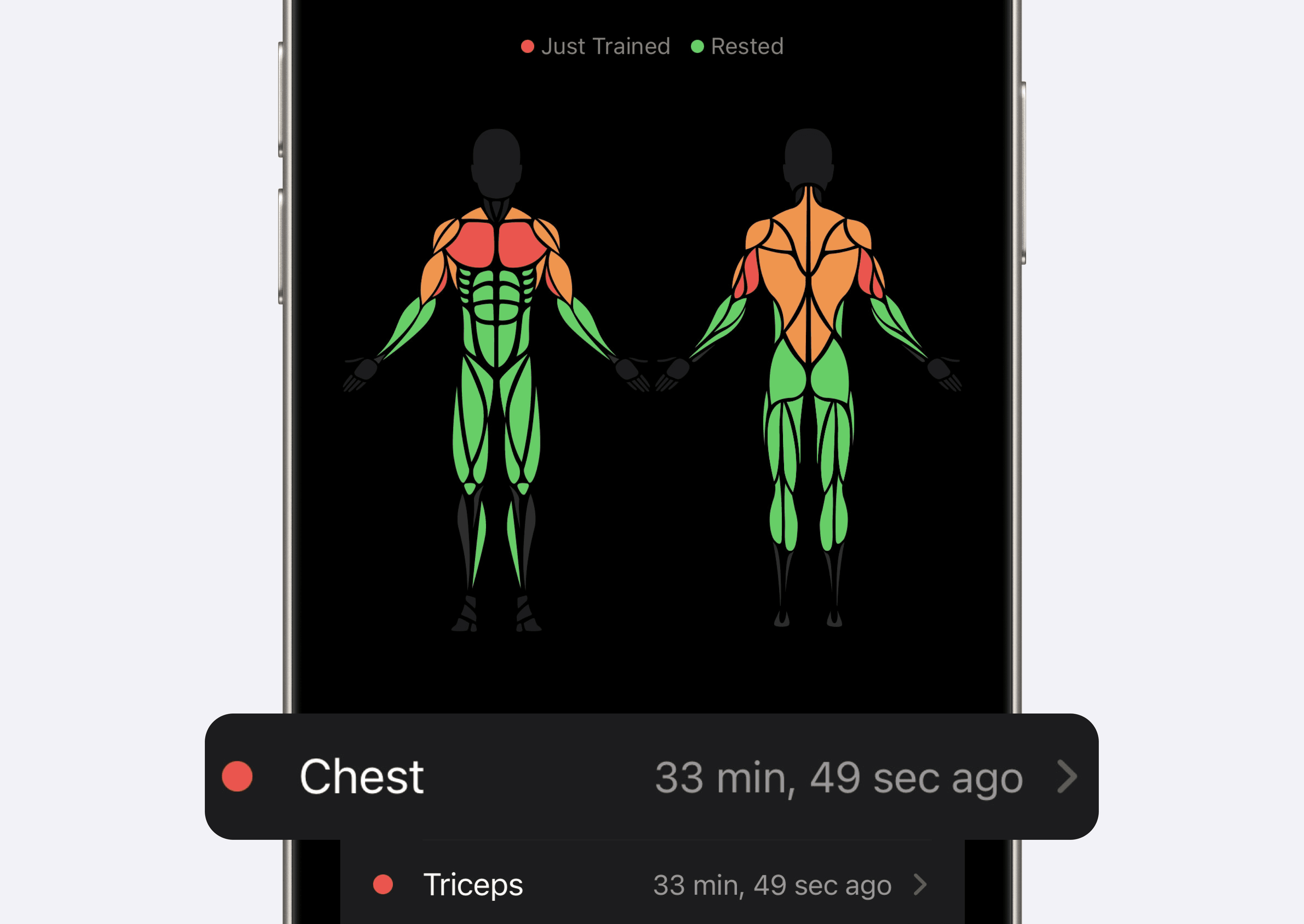
Fitbod uses your profile, equipment and training history to suggest exercises, sets, reps and loads. You can adjust the session. Its recovery indicator is an estimate based on logged activity; it cannot establish that a muscle is physically recovered or that a painful movement is safe.
For a lifter with changing equipment, that generation workflow can reduce the planning work. For a lifter running fixed exercises, Saved Workouts lets you repeat a template and choose how to update the suggested work. You do not have to accept random exercise changes to use Fitbod.
When comparing progress, keep the exercise, technique and equipment reasonably consistent. A higher load or more reps can be useful context, but you do not need to beat the previous workout every session. See progressive overload basics.
How Ladder Actually Works
Ladder provides weekly plans from coaches, with video demonstrations, audio guidance and team interaction. Its current feature page also describes rep and weight tracking, PR alerts and training notes.
That format is worth trying if you prefer following a coach’s sequence instead of assembling each day yourself. It is not an individual in-person coaching assessment, and a team’s style will not suit everyone.
Look at the actual team before judging flexibility. Ladder advertises options for home and gym training. Check the equipment, weekly sessions and available substitutions against your schedule; a structured plan does not automatically require uninterrupted access to a full gym.
Who Should Choose Fitbod
Fitbod fits you if:
You want generated suggestions rather than a coach’s weekly sequence
Your equipment changes and you want to update it in the app
You are willing to review and edit suggestions when needed
You want to reuse saved sessions as well as generate new ones
If you already have a detailed program, try entering or saving one of its sessions before deciding whether Fitbod adds value. A plain log may be enough if you do not want suggestions.
Who Should Choose Ladder
Ladder fits you if:
You prefer a coach-led weekly structure
Spoken cues and a team appeal to you
A specific team fits the equipment and time you have
You want planning and progress recording together
If you frequently rewrite the day’s workout, compare that workflow with a self-directed log. This is a preference question rather than proof that Ladder cannot accommodate changes.
Do you need a separate workout log?
Not automatically. Fitbod offers subscriber reports based on logged workout history. Its trial guide says past workouts remain viewable after a cancelled trial expires, although new logging requires a subscription. Ladder includes rep and weight tracking, PR alerts and notes. If these records already answer what you lifted last time and how a lift has changed, duplicating every entry may add work without helping.
A separate log can still suit someone who moves among programs and wants a consistent personal recording format. Before switching, check history access and export on your exact platform. Export capability is not the same as a compatible import into another app.
How to Apply This in Setgraph
Setgraph is worth comparing when your priority is keeping exercise-level records while choosing your own program. Its iOS listing describes exercise history, set logging, lists, timers and charts. It also offers generated starting plans. Specific features, access and offers should be checked in the installed app; iOS documentation does not establish Android parity.
A simple comparison task: record one familiar exercise, then reopen its previous sets and note how easy it is to find the load and reps. Use the same task in the apps you are considering. This is a task for you to try, not a timing test conducted for this article.
Setgraph’s recovery view is an estimate, not an assessment of injury or readiness. A generated plan also needs review for your equipment, experience and tolerance. See Setgraph’s logging workflow and the AI plan announcement.
Making your decision
Start with Fitbod for generated suggestions or Ladder for a coach-led weekly plan. Keep using their built-in tracking if it serves you. Compare a dedicated log such as Setgraph only when you have a specific recording need that your current setup does not meet.
FAQ
Is Fitbod better than Ladder?
Fitbod suits people who want generated workout suggestions; Ladder suits people who prefer a coach-led weekly plan. Choose the planning style and equipment fit you prefer.
Which app is better for beginners, Fitbod or Ladder?
Either may be useful if the selected workout fits your experience and equipment. Compare the demonstrations and guidance, and get qualified instruction when you are unsure about a movement.
Can I use Fitbod or Ladder for progressive overload?
Yes. Fitbod uses logged performance in its recommendations and offers saved workouts. Ladder combines coach-led plans with rep and weight tracking. Review comparable exercise records over time; an increase is not required every session.
Do I need a separate app to track my workouts if I use Fitbod or Ladder?
No. Both include tracking. A separate log is optional if you prefer its recording format or want to keep records across different programs. Check export and import compatibility before moving history.
What is the main difference between Fitbod and Ladder?
Fitbod generates adaptable workout suggestions; Ladder provides weekly plans from coaches with audio guidance and a team. Both support recording training progress.
For a dedicated logger comparison, see Strong versus Setgraph.