Workout Logging Apps: Seven Options and a Practical Selection Checklist
What Makes a Great Workout Logging App
A workout tracker is useful when it makes your own training record easy to maintain. Compare logging, exercise organization, history, export and device requirements before committing. This guide is published by Setgraph, one of the apps discussed. It compares documented features and practical selection criteria; it does not report a controlled hands-on test or establish a universal winner.
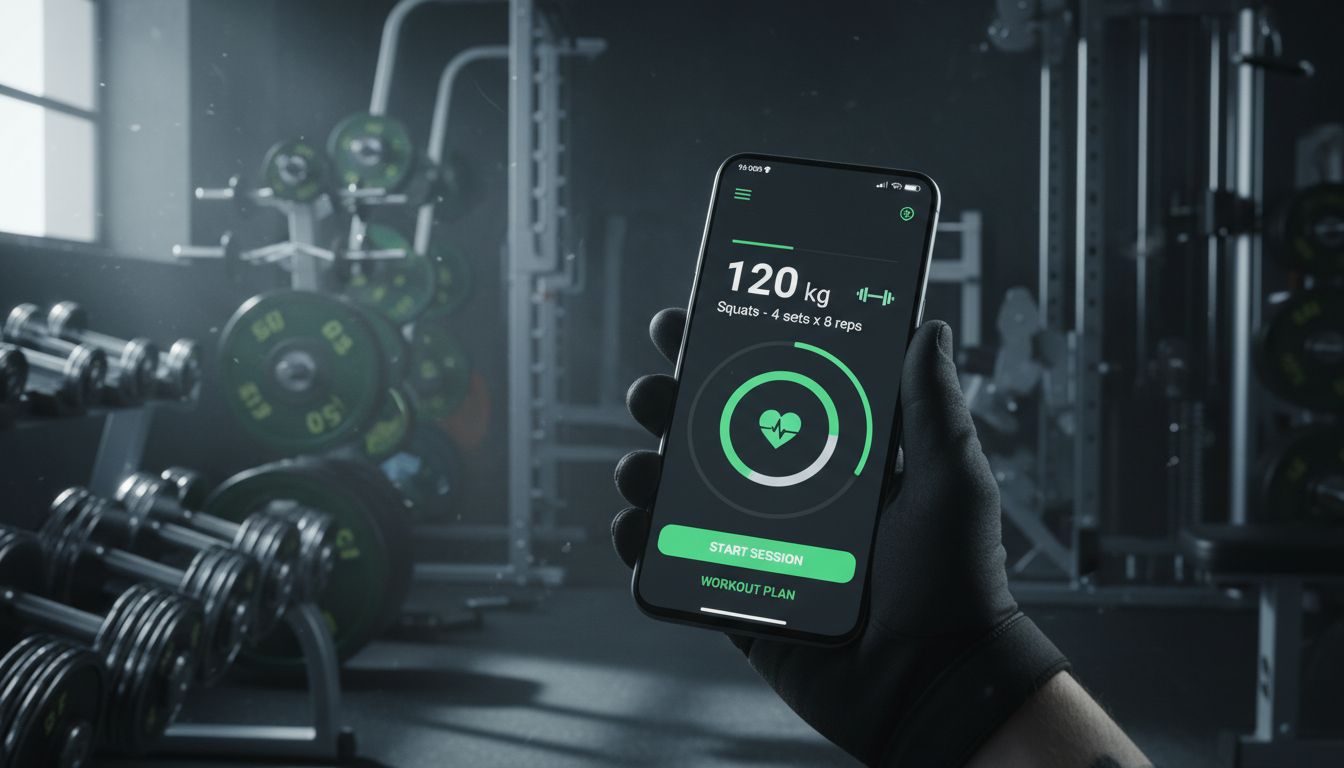
Imagine you have just completed 225 lb for eight repetitions and want to record it during a rest interval. Check whether you can enter the load and reps, correct a mistake and find the record again without losing your place. This is a sample evaluation task, not a measured speed result.
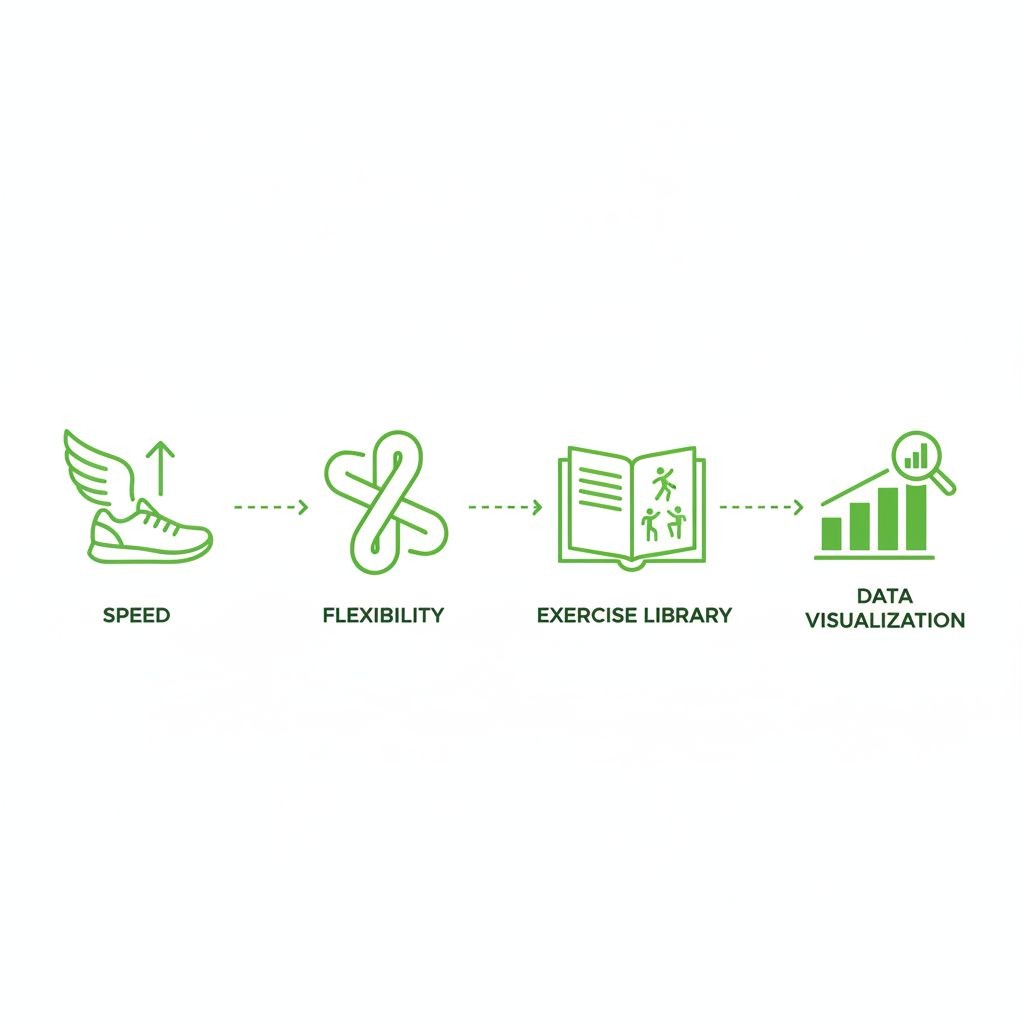
Flexibility is the other half of the equation. Some people follow strict programs with every set and rep planned weeks in advance. Others walk into the gym and decide what feels right that day. A great fitness tracker accommodates both approaches without forcing you into a rigid structure. You shouldn’t need to create a full workout plan just to log a few sets of bench press.
The exercise library deserves special attention. Apps with comprehensive databases save you from typing “incline dumbbell press” every single time. Even better are those with form videos and muscle group filters. But here’s what most reviews miss: the ability to create custom exercises matters just as much. Not every gym has the same equipment, and not everyone does conventional movements.
Data visualization separates good apps from great ones. Raw numbers in a spreadsheet tell you what happened. Charts showing your bench press progression over three months tell you a story. Look for apps that display volume trends, personal records, and strength gains in ways that actually motivate you to keep showing up.
If your gym has unreliable connectivity, test the specific offline actions you need. Recording a set, loading a video and synchronizing another device are separate tasks.
Top Workout Tracker Apps Compared
The seven profiles below summarize documented roles and access boundaries. Use them to choose which workflow to try.
Strong is a lifting log with reusable workout templates. Its free version permits three templates; Strong PRO adds unlimited templates, additional charts, measurements and calculators. CSV export is documented on iOS and Android; this page does not establish that export is premium-only.
Hevy combines workout logging with routines and a social feed. Hevy’s documented free limits include four saved routines, seven custom exercises and a three-month statistics range. These limits should not be confused with a cap on completed workouts or deletion of older workout records. See Hevy’s access limits.
Setgraph is an exercise-focused lifting log. Its iOS listing describes swipe-based set entry, exercise history, routine organization, rest timers and Smart Plates. Setgraph is available on iOS and Android. Check the access and offer terms shown for your account and platform; a free download does not mean every feature is free, and any trial depends on the offer shown.
JEFIT offers workout planning, exercise guidance, logging and progress metrics. Its official site describes custom plans with exercise order, rest times and supersets. Check which tools are included in the current Basic or Elite access shown to you.
FitNotes is a free, ad-free Android workout log. Its optional paid Supporter app unlocks additional exercise types and exercise-specific units. Its settings documentation explains CSV export and backup options, including Google Drive backups. A restorable backup is different from a CSV and from automatic multi-device synchronization.
Gymaholic describes iPhone and Apple Watch workout tracking and 3D exercise demonstrations on its official site. Check current device requirements and access terms for the tasks you need. This comparison does not measure the quality of its Watch experience against other apps.
Caliber offers a free workout app with plans, logging and exercise guidance, alongside an optional upgrade to one-to-one human coaching. Coaching should not be confused with the included self-guided app tools.
Tools for Strength Training and Weightlifting
Strength training demands specific features that general fitness apps often overlook. You need to track progressive overload, manage different rep ranges, and monitor rest times between sets.
Strong offers reusable templates and workout logging. Its PRO documentation lists additional charts, a plate calculator and a warm-up calculator. Check the settings and access for each tool rather than treating the feature list as a free or platform-universal bundle.
Illustrative record: five sets of eight bench-press repetitions at 185 lb. When reviewing it later, include context such as technique and effort before deciding how it relates to the next session. An estimated 1RM is only an estimate, not an instruction to attempt that load.
Setgraph’s iOS listing describes assigning an exercise to multiple workout lists and accessing its history. Compare that organization with your program and check the history and other access terms for your account; the workflow is not claimed to be unique.
Powerlifters should check whether a tool serves training logs, meet results, or competition planning. Those are different tasks; a results database should not be described as an attempt-selection app without evidence.
Compare Ongoing Free Logging Options
A free tier may cover the record you need, but compare the actual limits. Strong, Hevy, JEFIT and FitNotes have documented free capabilities with different optional upgrades.
Hevy’s documented free limits include four saved routines, seven custom exercises and a three-month statistics range. These limits should not be confused with a cap on completed workouts or deletion of older workout records. Review the free-versus-PRO feature table.
FitNotes is a free, ad-free Android workout log. Its optional paid Supporter app unlocks additional exercise types and exercise-specific units. Read the developer’s feature documentation.
Strong’s free version permits three saved templates. Strong PRO expands templates and selected tools; its help center says existing workout data remains available without PRO. Check the particular chart or calculator you need.
JEFIT Basic includes logging, history, an exercise library and free/custom routines. Elite lists selected programs, advanced analytics and an ad-free experience. These are feature boundaries, not a recommendation to upgrade based on how seriously you train.
A general activity or health dashboard is a different kind of record from a set-by-set lifting log. Check the fields you need, such as load, repetitions, duration or distance, rather than assuming that recording “a workout” covers them all.
Exercise Libraries and Instruction
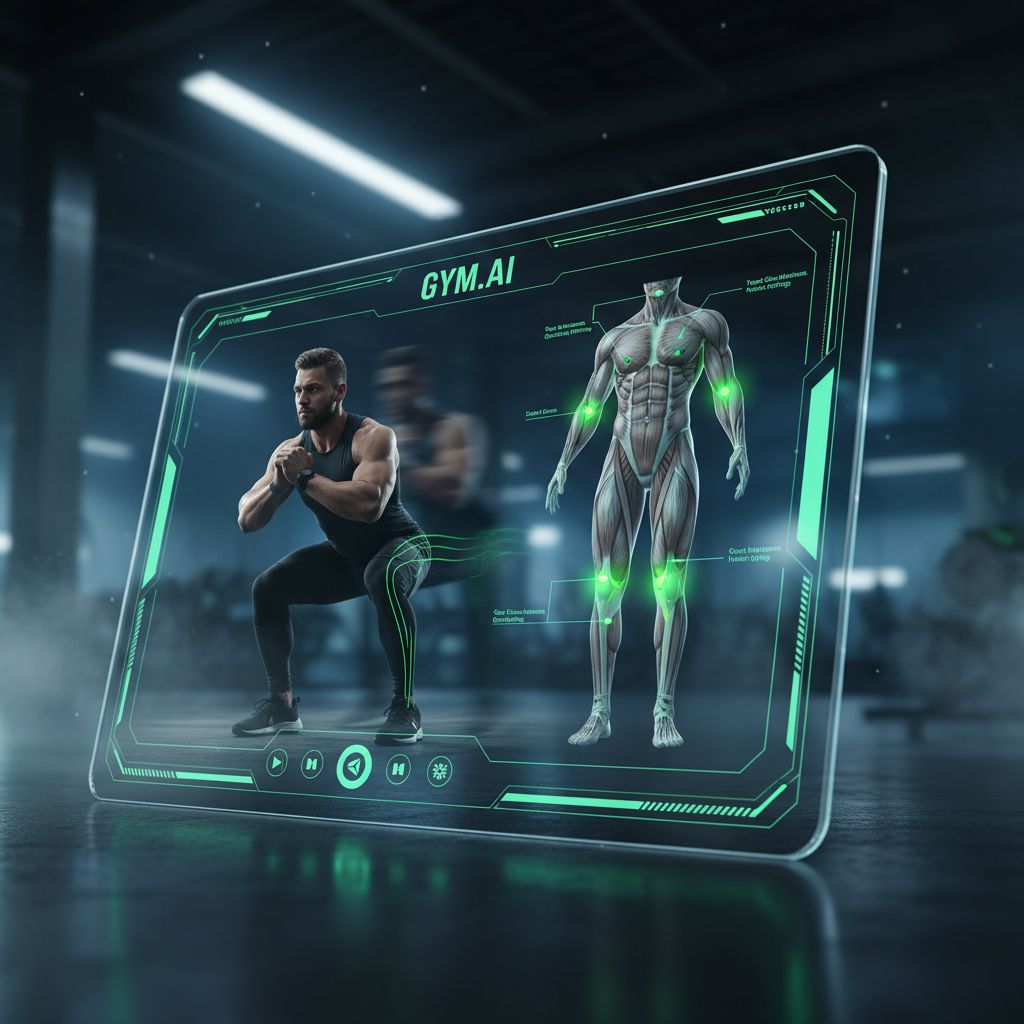
Exercise instructions and demonstrations can provide useful reference cues. They do not assess your own technique or establish that a movement is suitable for you.
JEFIT lists exercise instructions and a routine builder. Check the movements and equipment you use, and distinguish the instruction included in Basic from Elite’s video demonstrations.
Hevy’s exercise-library documentation describes exercises with instructions and demonstrations, plus the ability to create custom entries. A custom exercise is separate from the developer’s existing library.
Gymaholic’s official site describes 3D exercise animations and Apple-device tracking. View the particular movement and check device requirements before deciding whether that presentation helps you.
Caliber’s free app includes exercise instructions and demonstrations, while one-to-one coaching is an optional upgrade. Check what an individual coaching service actually includes instead of assuming a human coach reviews every free-app workout.
Use instructions as a reference and seek qualified technique help when you need it. This guide does not rank app demonstrations against every specialized coaching or video resource.
Workout Trackers with Social and Community Features
Some people thrive on social accountability and motivation. Others prefer to train in solitude. The best apps accommodate both preferences.
Hevy documents workout sharing and social tools. Before sharing a session, check its current visibility settings and what other people can see. Choose whether those tools are useful to you.
JEFIT’s FAQ describes shared workouts, groups, messaging and privacy settings. Check the current options rather than assuming an interface or community will feel the same to every user.
Strong’s help center documents sharing individual workouts or templates through links. Review what the recipient can access before using that feature; the absence of a social-feed claim here is not proof that an app lacks other sharing tools.
Setgraph’s iOS release notes describe sharing workout folders by link. That feature should be evaluated separately from any claim about social feeds or user preferences.
Strava documents free activity recording and sharing. For a lifting session, check whether its record contains the exact set, rep and load detail you need; this guide does not establish an overall social-app winner.
Integration with Wearables and Fitness Platforms
Your workout data becomes more valuable when it connects with your broader health ecosystem. Integration capabilities vary widely across apps.
Setgraph’s iOS listing describes Apple Health and Fitness integration. For any other app or device, verify the exact supported connection, fields and direction of transfer; iOS availability alone does not establish an integration.
Check Android health-data connections in each app’s current documentation and on your device. A backup to Google Drive is not a Google Fit integration, and app availability does not prove a shared health-data connection.
Gymaholic advertises Apple Watch tracking, and other apps have their own watch tools. Check the tasks, phone requirements and supported versions individually. This guide has not measured which Watch experience is most polished.
When connecting nutrition and exercise records, review the actual partner-app connection and any effect on displayed calorie targets. Do not assume every app connects to MyFitnessPal or that an exercise estimate is a precise measurement.
Fitbit, Garmin, and other wearable platforms have varying levels of integration. Check each app’s specific compatibility before assuming it will work with your device. Some integrations are one-way (workout data flows to the wearable platform) while others are bidirectional.
Export and restore serve different purposes. Strong and FitNotes document CSV export. Setgraph supports CSV export on iOS. Android export support, entitlement requirements, and the precise exported fields should be checked separately. Keep an original export and confirm the destination app accepts that exact format before migrating.
Choosing the Right App for Your Fitness Goals
Your training style should drive your app choice more than feature lists or marketing claims.
For strength-focused sessions: check load, reps, sets, notes and comparable history. If a calculator matters to you, verify its units, settings and access.
For structured splits: compare how exercise lists and routines represent your program. Setgraph’s iOS listing describes assigning exercises to multiple lists; verify the relevant tools on your platform.
For mixed or timed sessions: check duration, rounds, distance and load fields as appropriate. A large exercise library does not prove that the app supports your entire session format.
If you need a program: compare documented plan options and any optional coaching. Review the chosen program’s experience, equipment and schedule requirements; a generated plan is not automatically suitable for every beginner.
If sharing matters: investigate Hevy’s routine and social tools. Check its four-routine, seven-custom-exercise and statistics-range free limits against your intended use.
If analysis matters: identify the metric, time range and export fields you actually need. Verify those details separately from an app’s general claim to offer analytics.
If you want an Android log: FitNotes supports weight/repetition and distance/time exercise types. Its optional Supporter app adds further types and exercise-specific units.
Consider an upgrade only when a particular tool meets a need your current setup does not cover. Training frequency alone does not establish that paid features will improve results.
How to Get Started with Workout Logging
Start with a small sample record so you can learn the entry and editing controls before depending on the app.
Start simple. Pick 3-5 exercises you do regularly and just track those for the first week. Don’t worry about logging every warm-up set, every accessory movement, or perfect rest times. Focus on your main lifts: squat, bench, deadlift, overhead press, or whatever compounds form the foundation of your training.
Log your working sets only at first. If you warm up with the bar, 95 pounds, and 135 pounds before your working sets at 185 pounds, just log the 185-pound sets. You can add warm-up tracking later if you want that detail.
If you already follow a program, use it as your reference. If you choose exercises during a session, record what you completed accurately. A logging workflow is not a substitute for appropriate programming.
Check units, exercise fields and any timer settings before using defaults. Different apps expose different controls; do not assume one default setup suits every routine.
Review comparable sessions at a cadence that fits your program. One unusually strong or weak session does not establish a long-term trend.
Pre-filled values can reduce repeated typing, but they are a reference, not a requirement to beat last session. Follow your program’s progression rules and keep technique and effort comparable; a repeat or easier session can be appropriate.
Check which entry shortcuts the app actually provides. Try the same record-and-edit task with a shortcut and with ordinary entry, then choose the method you can use accurately.
For those looking to build effective workout routines from scratch, understanding core training principles helps you make better decisions about exercise selection and progression schemes.
Data Privacy and Workout Data Ownership
Your workout data reveals patterns about your schedule, location, and physical capabilities. Understanding how apps handle this information matters.
Check whether records stay on the device, are stored in an account, or can be backed up to a cloud service. Review the applicable privacy policy and settings rather than assuming every tracker handles data the same way.
Read the privacy policy and check where your chosen backup is stored. FitNotes documents local backups, sharing backups to cloud storage and an optional automatic Google Drive backup. Choosing a local log does not by itself mean that no copy can exist in the cloud.
An export can give you an independent archive of your records. Confirm the format and included fields, and keep the original file. Export availability does not by itself settle legal ownership or prove that another app can import the record.
Review account deletion and data-retention instructions before moving important records. Export or back up what you need first, and verify the new copy before deleting anything.
A connected app may transfer information to another service. Check the recipient, fields and direction of transfer, along with any permission controls and privacy policy.
For an outdoor route, review location permissions and route visibility. For a gym log, check which location permissions, if any, the specific task needs.
Choose storage and backup settings deliberately. A local record, an automatic cloud backup and a shared export have different recipients and risks; none should be called “maximum privacy” without examining the actual setup.
Offline Functionality and Data Syncing
If your training location has poor connectivity, test the actions you need before the next session.
Offline access is task- and platform-specific. Before relying on an app at the gym, test opening a saved session, recording and editing a set without connectivity, then reconnect and confirm the record is preserved. Do not assume offline logging also covers video, account access, export or synchronization.
If you use more than one device, test with nonessential sample records. Record or edit a sample while offline, reconnect, and check both devices before relying on the synchronization behavior.
After reconnecting, confirm when a record becomes visible on the other device. This guide does not establish a universal synchronization speed.
Treat synchronization and backup as separate safeguards. Check how recent the available restore copy is and what a restore would replace before using it.
Review the actual synchronization and backup controls the app provides. Do not assume every app offers a manual-sync switch or the same automatic behavior.
Free Access, Trials and Optional Upgrades
A free tier provides ongoing access to specified tools; a trial expires. Before relying on an app, check saved-routine limits, graph-history access, custom exercises, export and any renewal terms. Compare the limits against your own routine rather than assuming every feature is included.
Setgraph is available on iOS and Android. Check the access and offer terms shown for your account and platform; a free download does not mean every feature is free, and any trial depends on the offer shown.
Frequently Asked Questions About Workout Tracker Apps
Which workout logging app is best for beginners vs advanced lifters?
If you need guidance, first choose an appropriate program and instructions. A logging app can record it, but does not assess your individual technique or guarantee that a generated session suits you.
If you already know your program, compare how the app records, edits and retrieves that routine. Experience level alone does not decide which interface or access tier you need.
Can I export my workout data if I want to switch apps?
Check export and import separately. Strong documents CSV export but says those files cannot be imported back into Strong. FitNotes explains that a CSV is not a restore backup.
Setgraph supports CSV export on iOS. Android export support, entitlement requirements, and the precise exported fields should be checked separately. See the iOS App Store release history for documented export support.
Do these apps work offline at the gym without WiFi?
Offline access is task- and platform-specific. Before relying on an app at the gym, test opening a saved session, recording and editing a set without connectivity, then reconnect and confirm the record is preserved. Do not assume offline logging also covers video, account access, export or synchronization.
What’s the difference between free and paid versions of workout trackers?
Compare specific boundaries: Strong lists three free templates, Hevy lists four free routines and a three-month statistics range, and FitNotes has optional Supporter capabilities. A trial is different from an ongoing free tier.
Choose paid tools only when a specific capability is useful to your record. A subscription does not establish better motivation or training results.
How do workout logging apps integrate with wearable devices?
Check direct watch actions and health-data synchronization separately. Entering a set on a watch, displaying a timer and transferring a completed activity are different capabilities, with different device and phone requirements.
Integration quality varies. Some apps offer full Watch functionality; others provide basic data sync only. Check specific compatibility with your wearable before assuming integration works.
Which app has the best exercise library and form videos?
JEFIT documents exercise instructions, Hevy documents instructions and demonstrations, and Gymaholic advertises 3D animations. Compare the movements you need; this guide does not establish the best or largest current library.
Demonstrations can provide cues, but they cannot assess your individual execution. Seek qualified help when you cannot perform a movement confidently.
Can I track cardio and other activities beyond weightlifting?
Check the activity fields you need: repetitions and load, duration, distance, or a recorded GPS route. An app that records one type does not necessarily support the others in the same way.
FitNotes documents both weight/repetition and distance/time exercise types. For outdoor route recording, compare the appropriate activity tracker separately rather than assuming the same set-log workflow covers every sport.
If an exercise-focused log fits your needs, explore Setgraph and verify the features and access on your device. See try Setgraph.
Making Your Choice
Choose a log you can maintain accurately and review during training. Use a small sample to check the workflow before moving your main history.
If ongoing free access is essential, compare the verified limits above with your routine. FitNotes has optional Supporter features, and Hevy has routine, custom-exercise and statistics limits; neither should be described as every feature free.
Prioritize the tasks you actually repeat. A short feature list is not proof of usability, and a long list is not proof of quality; try the relevant workflow.
Training history can help you review trends when sessions are comparable. It does not prove that logging caused the result. Keep a usable archive or restore backup where supported so you are not relying on a single copy.
The perfect workout tracker doesn’t exist. Every app makes tradeoffs between simplicity and features, free and paid, social and private. Understanding your priorities helps you choose the right tradeoffs for your training style and goals.
