Exercise Tracking App for iPhone: 6 Best Picks for Every Workout Style
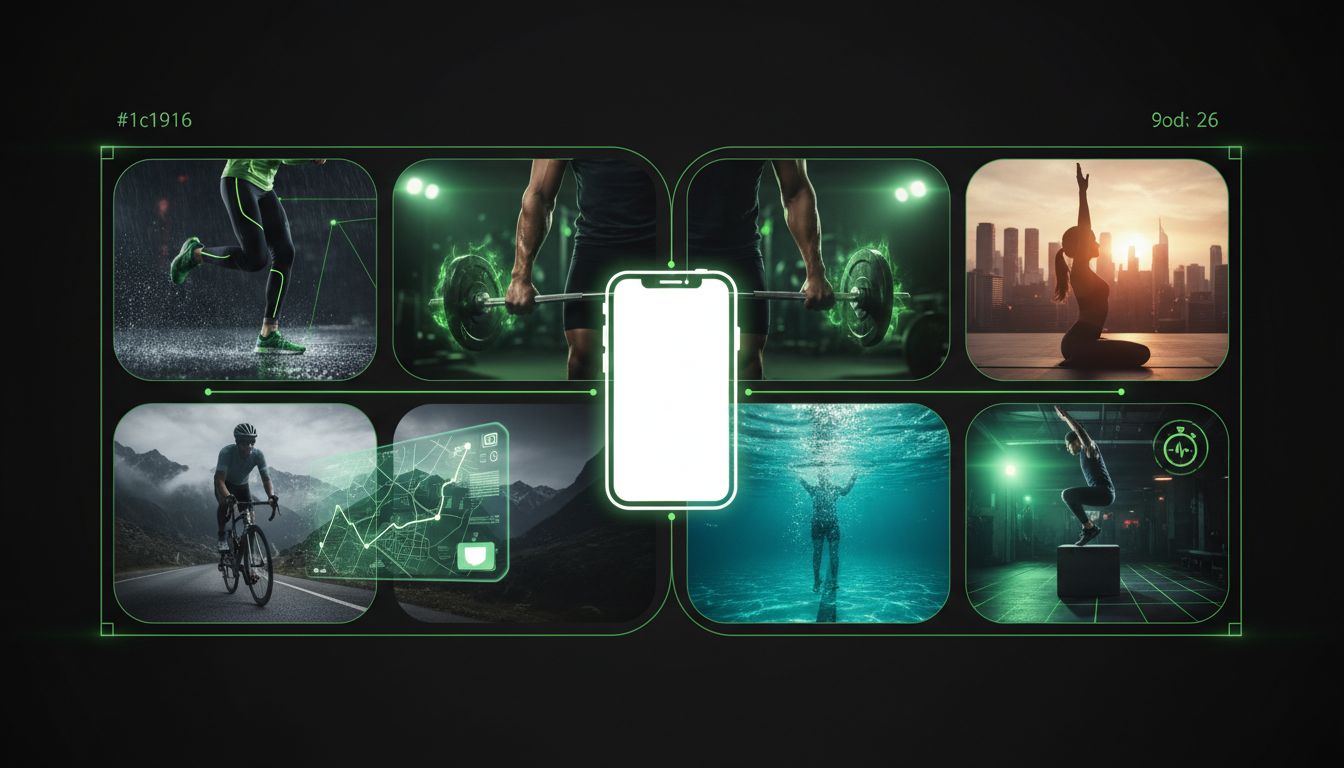
If you're comparing an exercise tracking app iPhone users can actually stick with, start with the workout style you do most often. Apple says compatible third-party workout apps can sync to Fitness on iPhone and contribute to your Move ring, so your options are broader than Apple Fitness alone. For broader training habits, Fitness & Workout Tips | Setgraph is a useful companion read because it covers rest periods and workout optimization. (support.apple.com)
Best exercise tracking apps for iPhone
1. Apple Fitness
Best for: iPhone and Apple Watch users who want one place for activity rings, workout metrics, and Fitness+ content.
Apple Fitness shows activity details, Trends, Awards, route maps, pace, distance, heart rate, calories burned, and goal-based or custom workouts. Apple also says the Fitness app includes sharing features and Fitness+ content in the same experience, which makes it feel more like a central health dashboard than a narrow workout log. (apps.apple.com)
That combination makes Apple Fitness a strong choice if you already use Apple hardware and want your workouts, rings, and progress data to live in one place. It is especially useful if you care about activity trends over time, not just single-session logging. (apps.apple.com)
2. Setgraph
Best for: lifters who want fast logging, clear progression, and a gym-first workflow.
Setgraph says most users can log a complete set in under 3 seconds, and the app highlights real-time comparisons against your previous session. Its site also emphasizes a workout planner, an AI workout generator that adapts to your goals, schedule, equipment, and experience level, rest timers, notes, and Apple Watch integration. That makes it a strong fit if progressive overload matters more to you than cardio stats or class libraries. (setgraph.app)
Before you download, you can also skim Setgraph - Workout Tracker Gym Log App and Setgraph App Reviews (2025): User Ratings for Tracking Sets, Reps & Workouts to see how the product is presented and how lifters describe it. (setgraph.app)
3. Strong
Best for: people who want a simple gym log with solid stats.
Strong’s App Store page says the app includes cardio and strength exercises, custom routines, an Apple Watch app that works with or without the iPhone, a built-in countdown timer, graphs for volume and 1RM progression, cloud sync, and Apple Health support for body measurements. It is a practical middle ground if you want more structure than Apple Fitness, but less setup than a full training platform. (apps.apple.com)
Strong is especially appealing for barbell routines, but it can adapt to many training styles because it keeps the interface focused on logging rather than menus. If you want a straightforward workout tracker that gets out of the way, it belongs near the top of the shortlist. (apps.apple.com)
4. Hevy
Best for: lifters who like routines, calendars, graphs, and a social layer.
Hevy’s App Store page says you can plan lifting routines, log workouts, use a calendar, follow friends, copy routines, create custom exercises, mark set types like warmup or drop sets, analyze muscle group graphs, and calculate one-rep max. It also supports iPhone, iPad, Apple Watch, and iMessage, and it exports workouts into the Health app. (apps.apple.com)
If you want a tracker that feels organized and social at the same time, Hevy is an easy one to test. The built-in routine tools make it a better fit for people who train on a schedule and like seeing their lifting history laid out clearly. (apps.apple.com)
5. Nike Training Club
Best for: people who want guided workouts more than set-by-set logging.
Nike Training Club includes gym workouts, home workouts, strength, conditioning, HIIT, yoga, pilates, recovery, mindfulness, and weeks-long programs, plus Apple Watch support to monitor heart rate and calories from your wrist. Nike also says you can log completed workouts in the app, which keeps your training history in one place. (apps.apple.com)
That makes NTC a good fit if you want coaching, variety, and structure rather than a detailed lifting ledger. It is one of the strongest free options for people who want to follow a plan instead of building every workout from scratch. (apps.apple.com)
6. Strava
Best for: runners, cyclists, hikers, and anyone who likes social motivation.
Strava records runs, rides, hikes, yoga, and 50+ sport types, and its App Store page says it provides training log insights, AI Athlete Intelligence, Apple Watch support, and Health app export. It is not a pure gym log, but for cardio and outdoor exercise it is one of the most recognizable tracking apps on iPhone. (apps.apple.com)
For people who like community accountability, Strava is hard to beat. It is built around sharing, challenges, routes, and social motivation, not just private logs, which is why so many endurance athletes use it as their default tracker. (apps.apple.com)
How to choose the right app for your routine
The easiest way to narrow the field is to match the app to your workout style.
Apple Fitness: Best if you want Activity rings, workout metrics, and Fitness+ in the same Apple-first dashboard. (apps.apple.com)
Setgraph or Strong: Best if you care about fast set logging, rest timers, and progression data. (setgraph.app)
Hevy: Best if you like lifting calendars, routine planning, graphs, and friend features. (apps.apple.com)
Nike Training Club: Best if you want trainer-led workouts and a large library of workout types. (apps.apple.com)
Strava: Best if you want social cardio tracking with routes and training insights. (apps.apple.com)
Price can narrow the choice quickly. Apple Fitness is free to use, but Fitness+ is subscription-based. Hevy, Strong, and Strava are free downloads with in-app purchases or subscription tiers, while Nike Training Club is free. If you do not want to pay until you know the app fits your routine, that narrows the field fast. (apps.apple.com)
If you want help building the actual plan, Create Your Own Workout Plan – Free AI Generator shows one way an app can tailor sessions around goals, schedule, and equipment. For lifters who want fundamentals alongside tracking, Core Principles & Techniques for Every Lifter is a practical companion read. (setgraph.app)
FAQ
Does an exercise tracking app work without Apple Watch?
Yes. Apple says compatible third-party workout apps can sync to Fitness on iPhone and contribute to your Move ring, and you can still use Apple Fitness on iPhone. If you forget to start a workout, Apple also says you can add it manually in the Health app afterward. (support.apple.com)
Can I sync workouts to Apple Health?
Usually yes if the app supports HealthKit or Health integration. Hevy, Strong, and Strava all say they export to or support Apple Health, and Apple’s support docs explain how compatible third-party apps can share data with Fitness and Health. (apps.apple.com)
Which app is best for strength training?
If your main goal is to log sets quickly and watch your numbers improve, Setgraph and Strong are the strongest pure logging picks, with Hevy close behind if you want calendars and social features. That is an inference from their feature sets, not a formal ranking. (setgraph.app)
Which app is best for beginners?
For beginners who want guidance first and logging second, Nike Training Club is a sensible starting point because it offers beginner-friendly workouts, home options, and weeks-long programs. If you just want a simple habit of recording sets, Strong and Setgraph are easier to keep up with. (apps.apple.com)
Final take
If you want one exercise tracking app for iPhone, pick Apple Fitness for the most Apple-native experience, Setgraph or Strong for fast gym logging, Hevy for structured lifting, Nike Training Club for guided workouts, and Strava for cardio and social motivation. The best app is the one that fits how you already train, because consistency matters more than feature count. (apps.apple.com)
Article created using Lovarank


