Best Free Apps to Track Workouts: Top Picks for 2025

Tracking your training consistently is one of the fastest ways to get stronger, fitter, and avoid stalled progress. The right app turns guesswork into data: workouts logged, progress visualized, and trends you can act on. Below you'll find a tested list of the best free apps to track workouts, who each app suits best, and practical tips for choosing and using them so you spend less time tapping and more time training.
Why use a workout-tracking app?
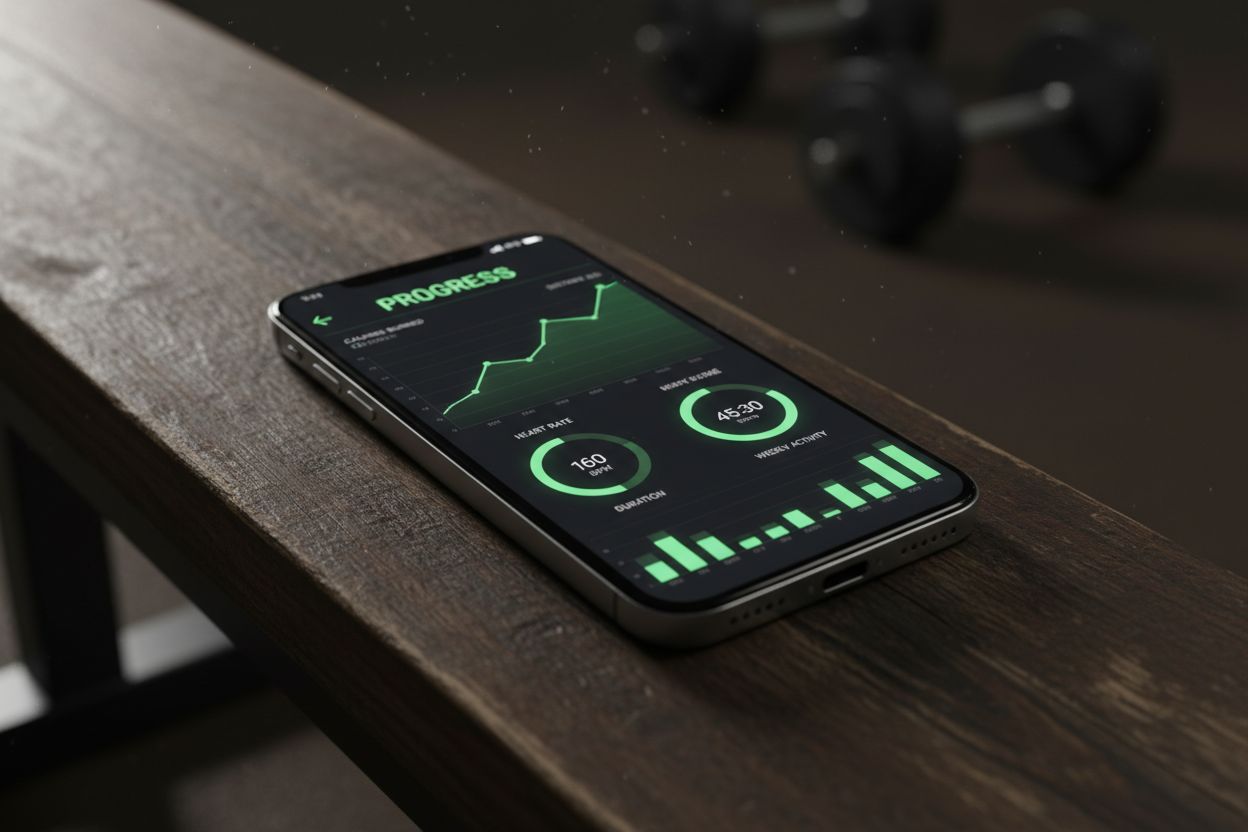
Tracking workouts does three things that matter more than motivation: it creates an objective record, it highlights progress (or lack of it), and it improves session consistency. Good apps also make logging fast, reduce mental load when planning, and let you export or back up training history.
What to expect from a solid free app:
Quick logging (ideally <10 seconds per set)
Exercise library or the ability to add custom movements
Basic analytics: PRs, volume, frequency
Reliable cross-device sync or local backup
Compatibility with Apple Health/Google Fit or common wearables (nice to have)
If you want deeper analytics (periodization tools, auto-coaching) you’ll often pay for premium tiers—but the best free apps still cover the essentials.
How we evaluated these apps
We focused on features that matter to real training: logging speed, accuracy of history, offline support, integrations, and how many useful features are available without paying. Recommendations emphasize practical use cases (strength, cardio, home workouts, outdoor runs) and include platform availability. Where possible we note common limitations of free tiers so you know what to expect.
Best free apps to track workouts (by use case)
1) Strong — Simple, fast logging for strength training
Strong is built around quick set-by-set logging and a clean interface that keeps you in the workout. The free version includes a solid workout log and progress charts.
Key features
Fast set logging for reps, weight, rest and notes
Log supersets and circuits
Basic workout templates
PR tracking and simple charts
Pros
Extremely quick to use during workouts
Clear personal records and progress
Minimal clutter in the free version
Cons
Advanced analytics and cloud backup require subscription
Fewer exercise demos than some competitors
Best for: lifters who prioritize fast logging and clear PRs
Platforms: iOS, Android
Pricing: Functional free tier; premium unlocks cloud sync and advanced features.
2) Hevy — Community-driven gym log with social features
Hevy blends a friendly interface with an exercise database and community sharing. The free version includes logging, plans and a visible feed.
Key features
Intuitive workout builder and calendar
Exercise library with basic demos
Community feed to share workouts and get inspiration
Pros
Easy to plan and follow routines
Social features for motivation
Cons
Some analytics locked behind premium
Occasional in-app guided prompts in free version
Best for: beginners and intermediate gym-goers who want social motivation
Platforms: iOS, Android
Pricing: Generous free features; premium adds detailed analytics and export.
3) JEFIT — Huge exercise database and structured programs
JEFIT appeals to users who want lots of exercise variations and pre-built programs. The free tier includes extensive exercise listings and program templates.
Key features
Large exercise database with animations
Pre-made programs and routine builder
Workout log and history
Pros
Great for routine variety and exercise reference
Workout templates for many goals
Cons
Interface can feel cluttered compared to minimal apps
Ads in the free version
Best for: users who prefer structured programs and lots of exercise options
Platforms: iOS, Android, Web
Pricing: Free with ads; premium removes ads and adds advanced stats.
4) Nike Training Club — Guided workouts and free plans
Nike Training Club (NTC) offers professionally produced workouts across strength, mobility, yoga, and HIIT. It’s less of a pure logging tool and more of a guided workout library with some tracking.
Key features
Hundreds of coached workouts across levels
Training plans for specific goals
Workout completion tracking and calendar
Pros
High-quality videos and structured programs
Good free content
Cons
Limited set-by-set strength logging
Not designed as a deep training diary for progressive overload
Best for: users who prioritize coached sessions and variety
Platforms: iOS, Android
Pricing: Mostly free; premium content occasionally available.
5) Strava — Best for outdoor cardio and community tracking
Strava is the go-to for runners and cyclists. Its free tier provides robust GPS tracking, segments, and a large athlete community.
Key features
Accurate GPS route mapping and elevation tracking
Segment leaderboards and social features
Basic training logs and activity history
Pros
Excellent for outdoor workouts (running, cycling)
Strong community and challenge features
Cons
Strength training logging is basic
Advanced analysis behind subscription
Best for: runners, cyclists and outdoor athletes who want social motivation
Platforms: iOS, Android, Web
Pricing: Useful free tier; subscription adds deeper analytics and safety features.
6) MapMyRun / MapMyFitness — GPS tracking with broad sports support
MapMyRun (MapMyFitness suite) offers reliable GPS tracking and a simple workout diary for multiple sports.
Key features
Route mapping, pace and distance tracking
Workout history and basic notes
Connects to many wearables and apps
Pros
Good GPS accuracy and cross-activity support
Free version works well for logging runs and walks
Cons
Ads in free tier, many advanced features are premium
Best for: runners and general cardio logging across devices
Platforms: iOS, Android, Web
Pricing: Free tier; MVP subscription for advanced metrics.
7) FitNotes — Lightweight, fully free gym log (Android)
FitNotes is a no-frills, small-footprint app focused purely on logging. It’s one of the few options with a completely free, ad-free experience.
Key features
Simple set/reps/weight logging
Custom exercise creation and quick templates
Export to CSV for backups
Pros
Extremely lightweight and fast
No ads; free and reliable
Cons
Android-only; minimal visual polish
No built-in exercise demos or videos
Best for: Android users who want a fast, privacy-respecting gym log
Platforms: Android
Pricing: Free
8) Google Fit — Simple logging and cross-device sync
Google Fit is a lightweight tracker focused on steps, cardio, and basic activity logging. It integrates with many third-party apps and wearables.
Key features
Activity recognition and heart-point tracking
Integrations with many apps and devices
Simple workout logging
Pros
Free and well-integrated on Android
Good baseline metrics for overall activity
Cons
Not a dedicated strength log
Limited depth for gym programming
Best for: users who want a free activity hub that syncs across devices
Platforms: Android, iOS (limited)
Pricing: Free
9) FitOn — Free guided workouts with tracking
FitOn offers a huge library of trainer-led workouts and allows you to track completed sessions and build weekly plans.
Key features
Video workouts across strength, cardio, yoga and HIIT
Community challenges and celebrity trainers
Basic workout history and calendar
Pros
High-quality classes free of charge
Motivating community features
Cons
Not optimized for progressive strength logging
Premium tier unlocks some personalization
Best for: people who prefer guided classes and logged workout completion
Platforms: iOS, Android, Web
Pricing: Mostly free; premium for extra content.
10) MyFitnessPal — Nutrition-focused with workout logging
MyFitnessPal is primarily a nutrition tracker but includes workout logging and syncs with many activity apps. It’s a solid companion for those who measure calories and macros alongside training.
Key features
Comprehensive food database and calorie tracking
Manual workout logging and integrations (e.g., Garmin, Fitbit)
Pros
Excellent for tracking diet alongside training
Large ecosystem of integrations
Cons
Workout logging is basic compared to dedicated gym apps
Best for: anyone who needs combined nutrition and workout tracking
Platforms: iOS, Android, Web
Pricing: Free tier; premium subscription for deeper nutrition insights.
How these apps compare on common practical points
Offline use: FitNotes and many strength-first apps allow offline logging. GPS-based apps (Strava, MapMyRun) require GPS but can cache data.
Data export: FitNotes supports CSV export; many others offer limited export or require premium.
Integrations: Google Fit, Apple Health and MyFitnessPal often act as the hub to connect multiple apps and wearables.
Ads and nags: Free versions may include ads or frequent upgrade prompts—expect this from large networked apps.
Choosing the right app for you
Ask yourself these three quick questions:
What’s your primary activity? (strength, running, HIIT, mixed)
Do you need guided workouts or a logging-first tool?
How important are data export and offline use?
Decision guide (quick):
Pure strength logging: Strong or FitNotes (Android)
Guided classes and variety: Nike Training Club or FitOn
Outdoor runs/cycling: Strava or MapMyRun
Nutrition plus workouts: MyFitnessPal
Balance of social and training plans: Hevy
If you want a modern simple gym log with clear guidance and training resources, check out Setgraph — a lightweight workout tracker and gym log app built specifically for logging sets and tracking progress: Setgraph - Workout Tracker Gym Log App.
For tips on improving training consistency and planning, Setgraph also maintains useful articles and guides: Fitness & Workout Tips | Setgraph and a dedicated training guide: Setgraph Training Guide | Maximize Your Workout.
Migration, backup and privacy tips
Back up regularly: If the app supports CSV or cloud export, export your data quarterly. FitNotes and some web-connected apps make this easy.
Use a central hub: Sync apps to Apple Health or Google Fit so your workouts are preserved if you change apps.
Check permissions: Free apps sometimes request wide permissions; only grant what’s necessary and review privacy policies.
Test offline: If you train in a low-signal gym, test how the app behaves without internet before relying on it.
FAQs
Q: Can I track progressive overload with a free app?
A: Yes — apps that log sets, weights and reps (Strong, FitNotes, Hevy) let you review PRs and incremental increases. Exporting to CSV can help you run custom analyses if an app doesn’t show advanced charts.
Q: Are GPS apps accurate for pace and distance?
A: GPS accuracy depends on device, environment and settings. Strava and MapMyRun are reliable for most users; validate by comparing a known distance (track laps) if accuracy is critical.
Q: Do free apps keep my data if I uninstall?
A: That depends. Local-only apps may lose data unless you export first. Cloud-backed apps usually keep history on their servers — check the app’s backup and export options.
Q: Which app is best for a beginner who lifts at home with no equipment?
A: Nike Training Club and FitOn provide guided no-equipment workouts and clear progressions. For logging, Hevy or Strong are good for tracking progress even without weights.
Final recommendations
If you want a single recommendation: choose the app that matches your primary activity. For straightforward strength logs, Strong (or FitNotes on Android) keeps logging fast and data-focused. For guided workouts and variety, Nike Training Club or FitOn deliver high-quality classes for free. Outdoor athletes will find Strava or MapMyRun best for route tracking and community features.
Want a focused, no-friction gym log with helpful articles and training guides? Learn more about Setgraph and its approach to workout tracking: Setgraph App Reviews (2025): User Ratings for Tracking Sets, Reps & Workouts. You can also read about optimizing training with practical tips at Optimize Your Training | Expert Tips and Workout Guides.
Tracking is only as useful as the actions you take from the data. Pick one app, commit to logging for 8–12 weeks, and use the trends to nudge one variable at a time—more weight, better form, extra recovery—and you’ll see results.
If you want help matching an app to your exact routine (home vs gym, powerlifting vs cardio), tell me your training split and devices and I’ll recommend the two best free options for your setup.
Article created using Lovarank


