6 Best Apps to Log Workouts in 2026 for Every Training Style
Picking apps to log workouts is really about friction. If logging takes too long, you stop using it. The best app should make set entry fast, show you what you did last time, and help you plan what comes next. The six options below cover the main use cases, from minimalist Android logs to AI-guided strength training.
Quick comparison of the best apps to log workouts
App | Best for | Standout features |
|---|---|---|
Setgraph | Fast logging and straightforward strength tracking | Workout planner, AI workout generator, workout log app, workout tracker, notes, activity calendar, swipe logging, rest timer, 1RM calculator. (setgraph.app) |
Strong | A clean cross-platform gym log | iPhone, Android, Apple Watch, free accounts forever, CSV export, Apple Health, workout scheduling, advanced charts, muscle heat map, custom timers. (strong.app) |
Hevy | Logging plus social motivation and coach tools | iOS and Android, workout logging, progress tracking, social feed, leaderboards, routines, custom exercises, coach tools, rest timer, supersets. (hevyapp.com) |
JEFIT | Planning-heavy users who want a big exercise library | 1,500+ exercises, templates, rest timers, supersets, drop sets, volume and PR tracking, mobile, watch, web, free to start, no ads. (jefit.com) |
Fitbod | AI-guided strength training | Personalized workouts based on goals, recovery, equipment, coaching cues, video demos, offline mode, PR tracking, monthly and annual memberships. (fitbod.me) |
FitNotes | Simple Android logging | Android-only, free to use, no ads, local storage, optional Google Drive backup, CSV export, logs weight, reps, distance, and time. (fitnotesapp.com) |
1. Setgraph
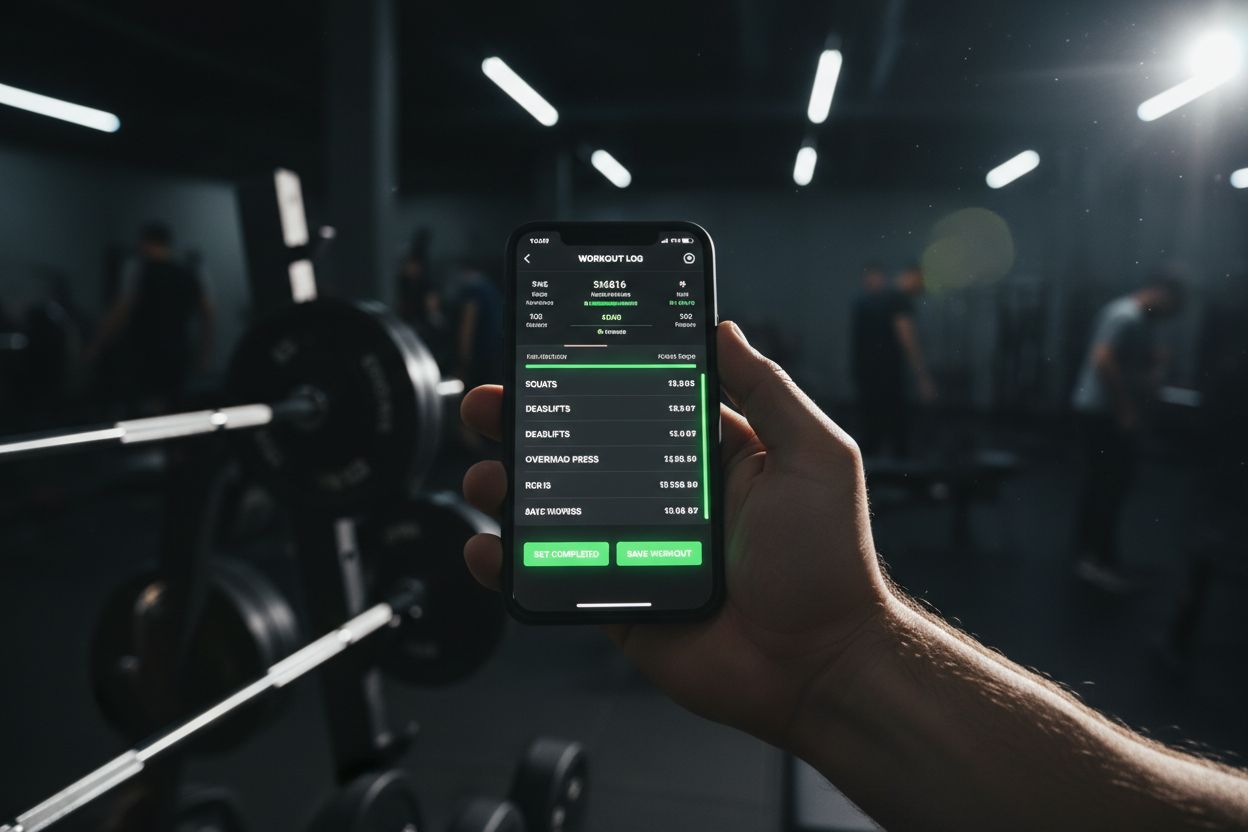
Setgraph is a good fit if you want a focused log that keeps workout entry fast. Its official pages describe it as a workout tracker and gym log app with workout planning, an AI workout generator, notes, an activity calendar, swipe logging, a rest timer, and a 1RM calculator. If you want to see the logging flow in detail, the workout log feature page is the best place to start, and the workout planner page shows how structured routines and AI planning fit together. (setgraph.app)
If your training is built around percentages, the 1RM calculator is especially useful. And if you want to understand how users describe the experience in practice, the Setgraph app reviews page is a useful follow-up.
Best for: lifters who want quick manual logging, simple progression tracking, and planning in one place.
Watch out for: if you want a big social feed or a coach platform, some other apps lean harder into that.
2. Strong
Strong is one of the cleanest options if you want a gym log that stays out of the way. The company says Strong is available on iPhone, Android, and Apple Watch, with free accounts forever, data export anytime, and features that include supersets, custom exercises, CSV export, Apple Health, workout scheduling, advanced charts, body part measurements, custom timers, and more. (strong.app)
That combination makes Strong a strong pick for people who care about portability and a simple interface. It is especially appealing if you want one app that works across devices without forcing you into a more complicated coaching system.
Best for: lifters who want a straightforward cross-platform workout log with solid data tools.
Watch out for: it is purpose-built for tracking, so it may feel lighter than apps that generate more of the plan for you.
3. Hevy
Hevy sits in the middle ground between simple logging and community-driven training. The product page says it is a gym workout tracker and planner for iOS and Android, and its feature list includes workout logging, progress tracking, social features, automatic rest timers, warm-up set calculator, plate calculator, RPE, supersets, custom exercise notes, exercise library, custom exercises, workout folders, widgets, and coach tools. (hevyapp.com)
Hevy is a good fit if you want to keep your workouts organized but also like the idea of following others, sharing routines, or working with a coach. Its structure is broad enough for bodybuilding, powerlifting, calisthenics, and regular gym use, according to the product page. (hevyapp.com)
Best for: people who want workout logging plus social motivation and coaching features.
Watch out for: the extra community layer can feel like more app than some lifters want.
4. JEFIT
JEFIT is the best choice on this list if you want planning depth. The official site says you can choose from 1,500+ exercises or start from ready-made programs like 5x5, PPL, or full-body. It also says you can build custom routines, use templates, log sets, weights, supersets, drop sets, and notes, then track volume, PRs, 1RM, and muscle-group heat maps. JEFIT works on mobile, watch, and web, and its planner page says it is free to start and has no ads. (jefit.com)
That makes JEFIT especially useful if you like structured training blocks or want a broad exercise database without giving up logging features. It is one of the more complete all-in-one options for people who like to plan the week before they walk into the gym.
Best for: lifters who want templates, a large exercise database, and deeper progress tracking.
Watch out for: the sheer number of options can feel like overkill if you just want a fast set log.
5. Fitbod
Fitbod is the most guided option here. Its FAQ says the app personalizes workouts based on your fitness level, performance history, recovery status, available equipment, and training goals. You can choose workout duration, Fitbod tracks PRs, estimated strength, volume trends, and streaks, and every exercise includes a professionally recorded video demo plus written coaching cues. The FAQ also says workouts can be done offline and that subscriptions are available monthly or annually. (fitbod.me)
If you do not want to build every session yourself, Fitbod does a lot of the thinking for you. It is especially useful for people who want a strength-focused app that can adapt to their equipment and time constraints.
Best for: beginners, busy lifters, and anyone who wants the app to suggest the next workout.
Watch out for: it is more of a guided training platform than a bare-bones log.
6. FitNotes
FitNotes is the minimalist pick for Android users. The official site says it is a clean, simple, powerful workout tracking app only available on Android, and that it is free to use with no ads ever. Its privacy policy says workout data is stored locally unless you enable automatic backup, and the app documentation supports CSV export and Google Drive backup. The Google Play listing says you can log weight and reps, or distance and time, which makes it useful for both lifting and cardio-style work. (fitnotesapp.com)
FitNotes is a strong choice if you want a no-nonsense training log that does not get in the way. It is also a good option if you care about keeping your data local and backing it up yourself.
Best for: Android users who want a simple, free, ad-free log.
Watch out for: it is not the best fit if you want heavy social features or AI-driven programming.
How to choose the right app
The right choice depends on how much help you want from the app.
Choose Setgraph if you want fast logging, a clear workout planner, and quick strength-focused tracking. (setgraph.app)
Choose Strong if you want a clean log with exports and support across iPhone, Android, and Apple Watch. (strong.app)
Choose Hevy if you like social motivation, shared routines, and coach tools. (hevyapp.com)
Choose JEFIT if planning is as important as logging, especially if you like templates and a large exercise library. (jefit.com)
Choose Fitbod if you want workouts generated around your goals, recovery, and equipment. (fitbod.me)
Choose FitNotes if you want a free, ad-free Android log that keeps things simple. (fitnotesapp.com)
If portability matters, Strong says you can export your data any time, and FitNotes supports CSV export and optional Google Drive backup. (strong.app)
How to log workouts so the app actually helps
The app is only useful if your logging habits are consistent. A few small rules make a big difference:
Log the same exercises under the same names whenever possible.
Record sets, reps, load, and rest so your history is actually useful.
Use notes for form cues, pain points, or equipment changes.
Check progress weekly instead of judging one session in isolation.
Back up or export your data if the app supports it.
The goal is not to collect every possible metric. The goal is to make the next workout easier to run and easier to improve.
FAQ
Which app is easiest to start with?
If you want the fewest moving parts, Setgraph and Strong are both simple starting points for logging workouts, while Fitbod is better if you want the app to choose more of the training for you. (setgraph.app)
Which apps are actually free?
Strong says accounts are free forever. JEFIT says it is free to start and has no ads. FitNotes says it is free to use and no ads ever. Hevy also says you can get the app for free on iOS and Android. (strong.app)
Can I log bodyweight workouts or cardio?
Yes. FitNotes logs weight, reps, distance, and time. Fitbod supports bodyweight training and can include conditioning and warm-up movements. JEFIT can be organized by equipment and goals, and Setgraph’s planner can build structured routines for the gym or at home. (play.google.com)
If you want a simple short list, start with Setgraph for fast logging, Strong for a clean free cross-platform log, and Fitbod if you want the app to handle more of the programming. Then read the Setgraph app reviews if you want a closer look at how one focused workout log feels in real use.
Article created using Lovarank