How to Track Weightlifting: A Simple System for Better Progress

If you want better results in the gym, one of the simplest upgrades is to track weightlifting consistently. A good log turns a hard session into a clear next step, so you are not guessing whether you need more load, another rep, or simply better rest. CDC and ACSM guidance both point in the same direction, keep the log simple enough to use regularly and record the training variables that actually change your next workout. (cdc.gov)
Why tracking weightlifting matters
Tracking makes progress visible. It shows whether you are adding load, adding reps, holding technique steady under fatigue, or repeating the same workout week after week. That matters because ACSM’s 2026 resistance-training update emphasizes that consistency beats perfection, and it ties training choices to the goal, with heavier loading and fewer sets commonly used for strength and higher weekly volume used for muscle growth. (acsm.org)
A log also makes problem solving easier. If a lift stalls, your notes can tell you whether the issue was poor rest, a new exercise order, or a jump in workload. ACSM’s trainer crosswalk specifically lists repetitions, sets, load, rest periods, RPE, and repetition-max testing as part of goal-based programming. (chapters.acsm.org)
What to track in every session

The best lifting log is short. CDC’s physical activity diary uses a simple weekly layout, and its fitness log says you can add details such as how heavy your weights were. For weightlifting, you usually only need a few fields that help you make the next session better. (cdc.gov)
Exercise name, so you know exactly what you did.
Sets and reps, because CDC defines a repetition as one complete movement and suggests 8 to 12 reps as one set for muscle-strengthening activity, with more than one set if you want more benefit. (cdc.gov)
Weight used, because load is one of the core training variables ACSM says matters for goal-based programming. (chapters.acsm.org)
Rest time between sets, because rest periods are another variable ACSM includes when matching training to a goal. (chapters.acsm.org)
RPE or a short effort note, because ACSM materials use perceived exertion as an intensity marker. (chapters.acsm.org)
One short note on form, setup, pain, or equipment changes.
If a field does not help you decide what to do differently next time, skip it. A log that you can finish in 30 seconds will always beat a beautiful spreadsheet you never open.
How to track weightlifting step by step

1. Pick your format
Notebook, spreadsheet, or app all work. The best choice is the one you can use quickly between sets and still understand a month later. CDC even provides simple diary-style logging templates, which is a good reminder that you do not need a complex system to start. If you want a fast digital option, Setgraph workout log app says you can log quickly from the workout screen, repeat previous sets, or pull from workout history to save time. (cdc.gov)
2. Build a template around your actual training
Start with only the fields you will use every session: date, exercise, sets, reps, load, rest, and one note. That structure matches the variables ACSM highlights for goal-based programming and keeps the log useful instead of noisy. (chapters.acsm.org)
Here is a simple example:
If you train with a split, use the same fields on each day. That makes it much easier to compare push days, pull days, leg days, or full-body sessions without rewriting the system every week.
3. Log as you go
Write the set down right after you finish it. Waiting until the end of the session makes it easy to forget the exact weight, the reps you got on set three, or how hard the top set felt. If you train with timers, Setgraph’s official pages highlight a built-in rest timer and set reminders, which can help you keep rest consistent. (setgraph.app)
4. Review the session before you leave
Before you walk out of the gym, compare today with last time. Did the bar move faster? Did you get one more rep? Did the same weight feel easier? If you use percentage-based loading, Setgraph’s 1RM calculator estimates your one-rep max from your hardest set and can turn that number into percentage targets. (setgraph.app)
Match the log to your training goal
What you track should match what you care about most. ACSM’s 2026 update pairs strength work with heavier loads and 2 to 3 sets per exercise, while muscle growth is associated with higher weekly volume, roughly 10 sets per muscle group. CDC also recommends at least 2 days of muscle-strengthening activity each week for adults. (acsm.org)
Goal | Track most closely | How progress looks |
|---|---|---|
Strength | Load, top sets, rest times, estimated 1RM | More weight at the same reps, or the same weight for more reps |
Muscle growth | Weekly sets per muscle group, reps, load, RPE | More quality work over time with steady form |
General fitness | Session frequency, exercise variety, consistency | Fewer missed workouts and a repeatable routine |
If you like a structured plan, Setgraph’s workout planner says it creates personalized workout plans based on your goals, schedule, and equipment. That is useful when you want your tracking system and your program to line up. (setgraph.app)
Simple tracking templates you can copy
The CDC diary format is a good model because it keeps the layout weekly and easy to complete. You can use the same idea for full-body training, push-pull-legs, or a strength block. (cdc.gov)
Beginner full-body template
Push, pull, legs template
For each day, keep the same core fields, then add the lifts that matter most for that session.
Push day: bench press, overhead press, incline press, triceps work
Pull day: row, pulldown, pull-up, curl work
Leg day: squat, hinge, single-leg work, calves
Strength-focused template
If your main goal is getting stronger, track the top set first, then any back-off sets.
Muscle-focused template
If your goal is size, use the log to count quality work across the week.
These templates work because they are easy to repeat. The goal is not to document every detail of the gym. The goal is to make the next workout better than the last one.
Notebook, spreadsheet, or app?
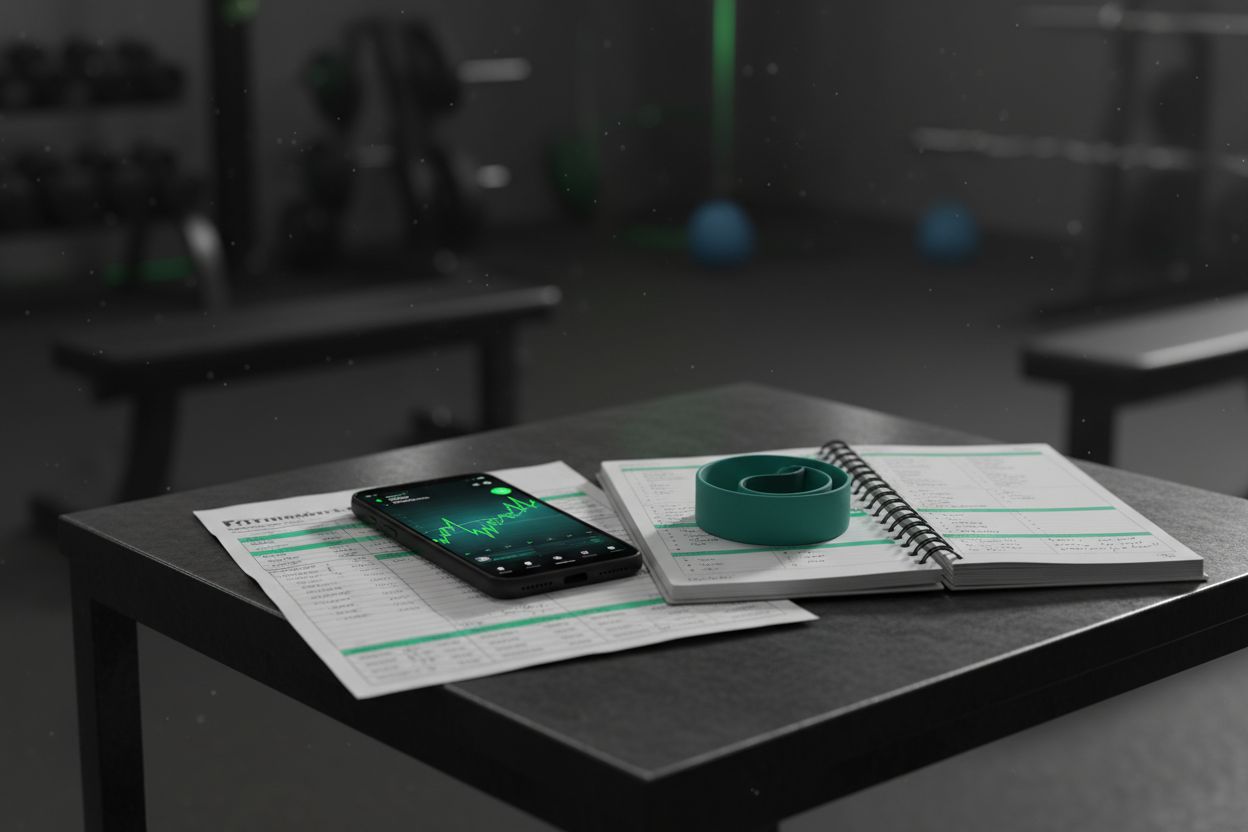
There is no single best format. The right choice depends on how much analysis you want after the workout and how fast you need to log in the gym.
Notebook: best if you want the lowest friction and do not care about charts.
Spreadsheet: best if you like sorting by exercise, week, or personal record.
App: best if you want automatic progress views, session history, and reminders.
Setgraph’s workout tracker highlights daily summaries of reps, sets, volume, and load with stacked graphs, so it is a good example of the kind of feedback an app can give you without extra math. (setgraph.app)
If you want a quick gym-floor workflow, app features matter more than fancy dashboards. Fast set entry, a clean layout, and a timer can keep you focused on the bar instead of on your phone. Setgraph’s official pages also emphasize quick logging and a rest timer, which are two features that help reduce friction mid-workout. (setgraph.app)
Common mistakes to avoid
The biggest mistake is overcomplicating the log. If you need to scroll through too many fields, you will stop using it. Another common mistake is changing exercise selection, load, and rest all at once, which makes it impossible to tell what drove the result. ACSM’s programming guidance keeps returning to the same core variables, reps, sets, load, rest periods, RPE, and progression, because those are the numbers that actually describe training. (chapters.acsm.org)
Logging only your best set and ignoring the rest of the session.
Forgetting rest times, which makes comparisons noisy.
Changing templates every few workouts, which breaks continuity.
Never reviewing the previous week, which turns the log into a scrapbook instead of a tool.
Skipping notes about form or fatigue, which are often the clue you need later.
If you are returning after a long break or have a chronic condition, CDC recommends talking with your doctor before moving into more vigorous activity. (cdc.gov)
FAQ
What should a beginner record?
Start with exercise, sets, reps, weight, rest, and one short note. CDC’s logs show that a simple weekly record can still capture useful details, and the muscle-strengthening guidance focuses on repetitions, sets, and effort. (cdc.gov)
Should I track every set?
Not always. If every set helps you make a decision next week, track it. If accessory work is mostly there for volume or practice, you can keep those notes shorter and focus on the working sets that matter most.
Do I need to track 1RM?
If you train for strength or use percentage-based loading, yes, it is helpful. Setgraph’s 1RM estimator uses weight and reps from your hardest set, then turns that into percentage targets. (setgraph.app)
What is the easiest way to track weightlifting?
Use the format you can complete in the gym. For many lifters that means a notebook or a quick app with fast entry and a rest timer. Setgraph’s official pages highlight both of those features. (setgraph.app)
How often should I review my log?
Weekly is a strong default. The CDC diary is built around a week, and weekly review makes it easier to notice trends before they turn into plateaus. (cdc.gov)
Start with one workout
The best way to track weightlifting is the way you can repeat every week. Pick one workout, keep the log lean, and compare today with the last time you trained the same movement. If you can answer one simple question after every session, what should I do better next time, your tracking system is doing its job.
A good first checklist looks like this:
Record the exercise name.
Log the working sets, reps, and weight.
Note the rest time.
Add one short note about effort or form.
Review the log before your next session.
If you want a digital setup, Setgraph’s official pages show how fast logging, progress graphs, a 1RM calculator, and plan generation can all fit into the same workflow. (setgraph.app)
Article created using Lovarank

