Progressive Overload Tracker: 9 Smart Ways to Log, Compare, and Keep Getting Stronger

If your workouts are starting to blur together, a progressive overload tracker gives you something better than memory. It shows whether you are actually doing more over time, which is the whole point. ACSM describes progression as adjusting load, volume, rest period, and frequency over time, and a basic training log should capture at least the date, exercise, weight, sets, and reps. (myjourney.exerciseismedicine.org)
1. Log the numbers that matter
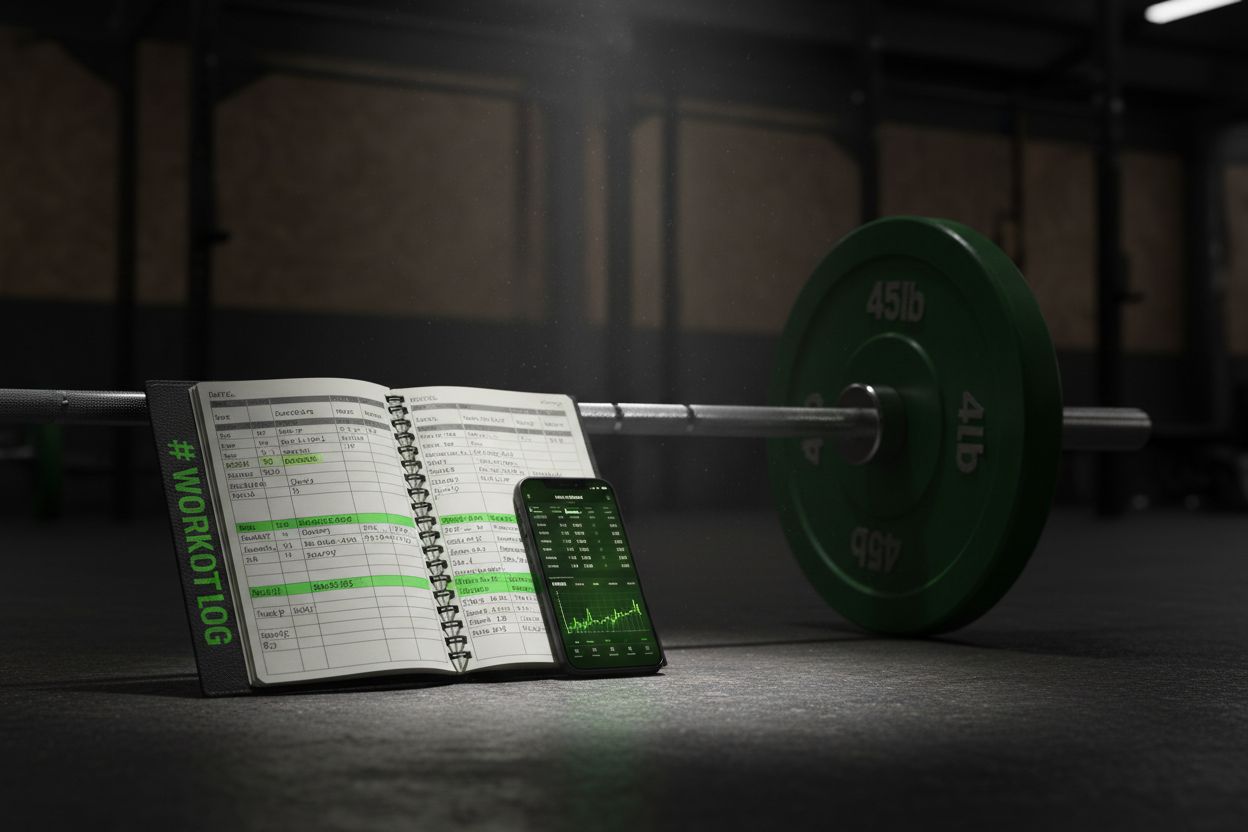
Any tracker worth using should make the basics easy to record, because if the data are inconsistent, last week’s workout is not comparable with this week’s. At minimum, log the date, exercise, load, sets, and reps. If you want better context, add a brief note about effort, rest time, or form changes, since ACSM says progression comes from changes in load, volume, rest, and frequency, and RPE has been shown to be a valid way to monitor resistance-exercise intensity. (wbpcn.ca)
Date and exercise name keep the history readable. (wbpcn.ca)
Sets, reps, and load show the actual work done. (wbpcn.ca)
Effort notes help explain why the same weight felt different from one session to the next. (pubmed.ncbi.nlm.nih.gov)
If you want a faster version of that workflow, Setgraph’s workout log feature says you can swipe to log reps and weight, repeat a previous set, or pull directly from workout history. (setgraph.app)
2. Use a tracker that compares one session to the next
A log becomes a tracker when it turns raw entries into a comparison you can actually act on. Setgraph’s workout tracker feature says it can show daily aggregates of weight per rep, total reps, sets, and volume in stacked graphs, which is the kind of view that makes trends much easier to spot. Its homepage also describes real-time comparisons with the last session across reps, weight per rep, volume, and sets. (setgraph.app)
When you can see the previous session beside the current one, you do not have to guess whether you are progressing. A single extra rep, a small load jump, or a little more total volume becomes obvious instead of hidden in old notes. That is especially useful when you train the same lift more than once a week.
3. Pick a progression model before you start
There is no single best way to progress, which is why a good tracker should support multiple progression models. ACSM says progression can be managed by changing load, volume, rest, and frequency, and it recommends a 2 to 10 percent load increase when a lifter can complete the current workload for one to two extra reps over the target on two consecutive sessions. (myjourney.exerciseismedicine.org)
Double progression: keep the weight fixed inside a rep range, add reps first, then raise the load when you hit the top of the range. This fits the one-variable-at-a-time idea from beginner progression guidance. (wbpcn.ca)
Linear progression: add a small amount of weight on a regular schedule while reps stay the same, which works well when the lift is still advancing predictably. (myjourney.exerciseismedicine.org)
Rep progression: keep the weight stable and add reps before touching the load, which makes small wins easier to see in a tracker. (wbpcn.ca)
Volume progression: add sets only if recovery stays good and technique remains solid. ACSM treats volume as one of the main variables that drives progression. (myjourney.exerciseismedicine.org)
A tracker that supports any of those patterns will be more useful than one that only cares about personal records. (setgraph.app)
4. Track effort, not just load
Weight alone does not tell the full story. A set can look identical on paper and still feel very different depending on sleep, stress, rest time, or how close you were to failure. That is why effort data matter. A 2022 meta-analysis found that RPE provides a valid measure of exercise intensity and physiological exertion during resistance exercise, so it can be a practical part of a training log. (pubmed.ncbi.nlm.nih.gov)
A simple way to use effort data is to add one short note after the session:
Harder than usual if the set felt grindy.
About the same if it matched the last session.
Easier than usual if you likely have room to progress soon.
If your tracker supports notes, use them. Setgraph’s workout log feature says it lets you add context with notes, which is exactly the kind of low-friction detail that makes later comparisons more useful. (setgraph.app)
5. Use charts to catch stalls early
The most helpful visual in a progressive overload tracker is not a flashy dashboard, it is a simple trend line. ACSM describes load and volume as core progression variables, and the more clearly you can see weight, reps, sets, and volume over time, the easier it is to tell whether your program is actually moving forward. (myjourney.exerciseismedicine.org)
Setgraph’s feature pages describe stacked graphs, session comparisons, and exercise history as part of the tracking experience, which is useful because you can review a lift without rebuilding the story in your head. (setgraph.app)
Good charts help with practical questions:
Are you adding load but losing reps?
Are your reps climbing while the weight stays fixed?
Is volume rising without the main lift getting stronger?
Those patterns matter more than a single good day.
6. Keep a 1RM reference when strength is the goal
Your 1RM is not the whole picture, but it is a helpful anchor when strength is the goal. Setgraph’s 1RM calculator says that when you log a new one-rep set that beats your current best, you can save it as your new max and refresh the percentage table and X-RM numbers. That gives you a fast benchmark for load selection instead of guessing the right starting point. (setgraph.app)
ACSM also frames load prescription around percentages of 1RM in its resistance-training guidance, so this kind of feature fits naturally into percentage-based programming. (myjourney.exerciseismedicine.org)
A 1RM reference is especially useful for:
Main barbell lifts
Percentage-based blocks
Checking whether a back-off set is actually light enough
If your training is mostly accessories and higher-rep work, you may use 1RM less often, but the reference still helps on the big movements.
7. Keep the workout plan stable enough to compare
The more consistent the plan, the easier it is to tell whether the tracker is showing real progress. The latest ACSM resistance-training update says the biggest gains come from consistency, not complexity, and that load and volume should be tailored to the person’s goals. It also highlights that strength, hypertrophy, and power use different loading emphases. (acsm.org)
That is where planning tools help. Setgraph’s workout planner says it can build structured routines and workout splits for full body, upper/lower, or push, pull, legs, and that its AI workout generator adapts to goals, schedule, and equipment. A stable plan makes the progress log easier to interpret because you are comparing like with like. (setgraph.app)
A practical rule:
Keep the main lift pattern the same long enough to compare it.
Change the plan only when the comparison stops being useful.
8. Use the tracker to break plateaus

Progress stalls are normal. The key is knowing whether the stall comes from the load, the rep target, or fatigue. ACSM says to increase load only when the current workload can be performed for one to two extra reps over the desired number on two consecutive sessions, and beginner progression guidance recommends changing one variable at a time instead of everything at once. (myjourney.exerciseismedicine.org)
If reps are stalling, keep the load the same and try to add a rep next time. (wbpcn.ca)
If the set feels unusually hard, hold the load and manage fatigue before forcing a jump. ACSM treats rest and volume as progression variables for a reason. (myjourney.exerciseismedicine.org)
If you beat the target rep range with room to spare on two sessions in a row, add a small load increase. (myjourney.exerciseismedicine.org)
A tracker is valuable here because it stops you from making emotional decisions based on one bad workout.
9. Pick the format you will actually keep using
Choosing between an app, spreadsheet, or notebook is less important than choosing a format you can keep using. A paper log can work if it consistently captures date, exercise, weight, sets, and reps, but a dedicated tracker removes more friction by preserving history and showing trends automatically. (wbpcn.ca)
When you compare tools, look for these basics:
fast set entry
history you can revisit
trend charts
notes or comments
support for multiple exercises or custom movements
a way to compare the current workout with the last one
optional 1RM or estimated max tools if strength is your goal
Setgraph’s public pages describe quick logging, workout history, notes, stacked graphs, a 1RM calculator, and a workout planner, so it covers the core features that make a progressive overload tracker genuinely useful. (setgraph.app)
The best progressive overload tracker is the one that tells you, in a few seconds, whether you should add weight, add reps, or hold steady. If it does that cleanly, it is doing the job. (wbpcn.ca)
Article created using Lovarank