Best App to Log Workouts in 2024: 7 Top Trackers Compared
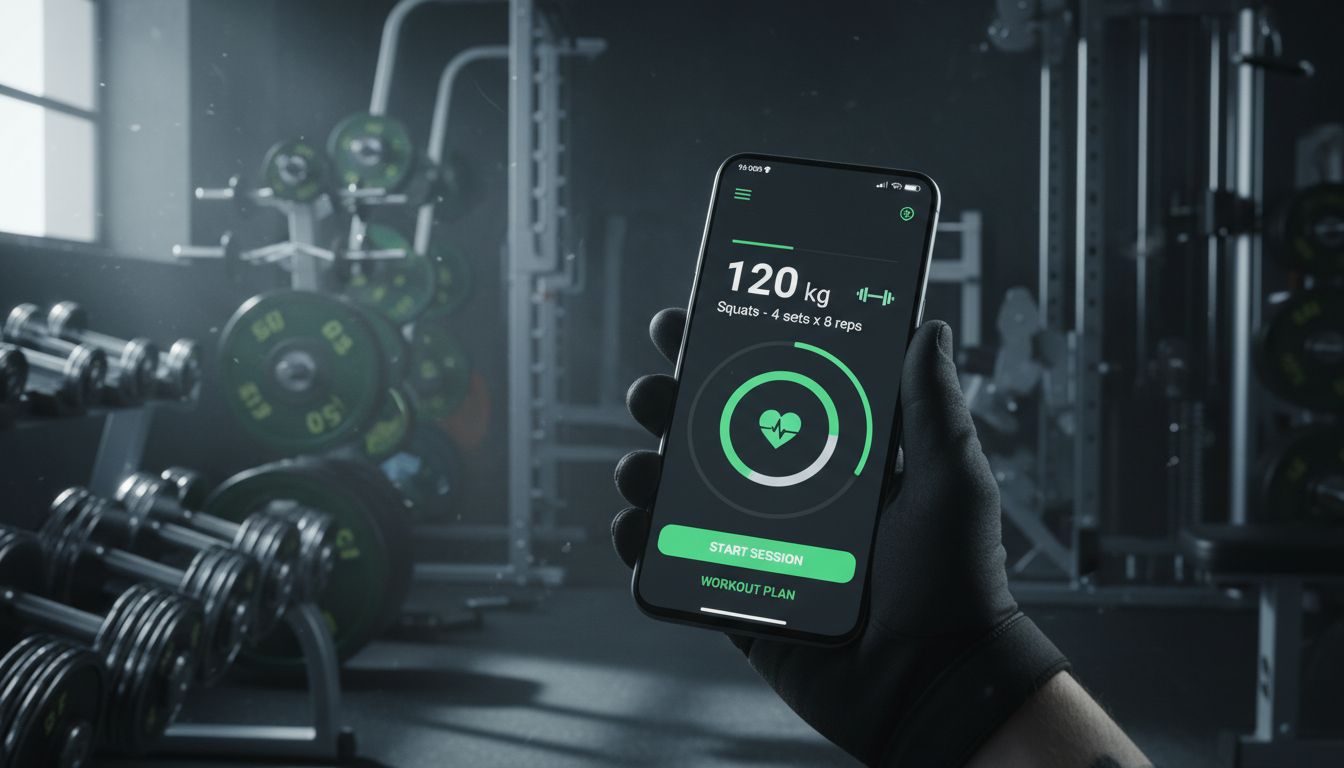
What Makes a Great Workout Logging App
A workout tracker is only as good as the data you actually put into it. I've tested dozens of gym log apps over the years, and the ones that stick around share a few critical traits that separate them from the digital clutter gathering dust on your phone.
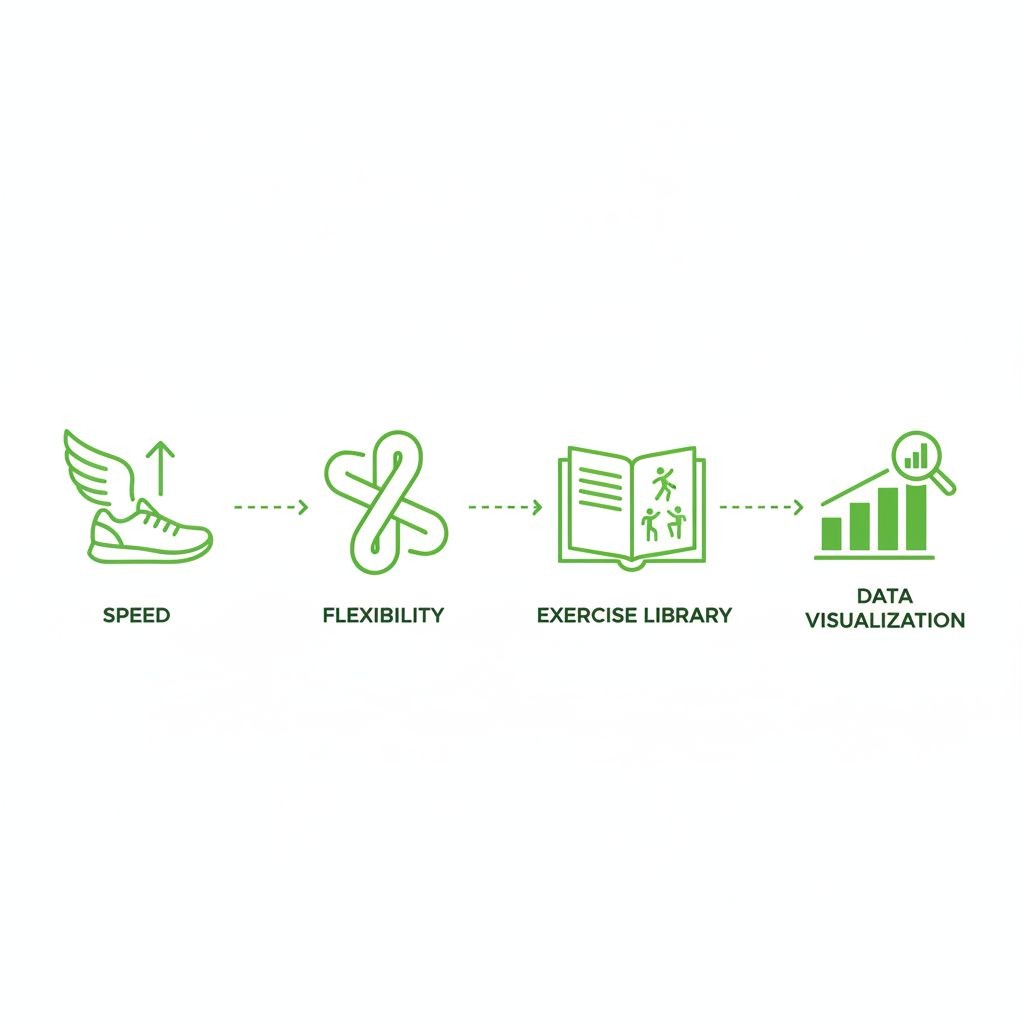
Speed matters more than you'd think. When you're between sets with 90 seconds on the clock, you don't want to navigate through five screens just to log 225 pounds for 8 reps. The best workout tracker apps let you record sets in seconds, not minutes. This usually means pre-filled data from your last session, swipe gestures for quick logging, and minimal tapping.
Flexibility is the other half of the equation. Some people follow strict programs with every set and rep planned weeks in advance. Others walk into the gym and decide what feels right that day. A great fitness tracker accommodates both approaches without forcing you into a rigid structure. You shouldn't need to create a full workout plan just to log a few sets of bench press.
The exercise library deserves special attention. Apps with comprehensive databases save you from typing "incline dumbbell press" every single time. Even better are those with form videos and muscle group filters. But here's what most reviews miss: the ability to create custom exercises matters just as much. Not every gym has the same equipment, and not everyone does conventional movements.
Data visualization separates good apps from great ones. Raw numbers in a spreadsheet tell you what happened. Charts showing your bench press progression over three months tell you a story. Look for apps that display volume trends, personal records, and strength gains in ways that actually motivate you to keep showing up.
[INFOGRAPHIC: Feature comparison matrix showing speed of logging, customization options, exercise library size, and data visualization capabilities across top apps]
Offline functionality is non-negotiable for serious lifters. Gym WiFi is notoriously unreliable, and cellular signals often die in basement weight rooms. Apps that require constant internet connectivity will leave you scrambling to remember your sets when you get home.
Top Workout Tracker Apps Compared
Let's cut through the marketing fluff and look at what these apps actually deliver when you're standing in front of a squat rack.
Strong has earned its reputation among serious lifters. The interface feels intuitive from day one, with a clean design that prioritizes function over flash. You can log sets with just a few taps, and the app automatically fills in your previous weight and reps as a starting point. The free version covers basic tracking, but the paid tier ($4.99/month or $29.99/year) unlocks features like plate calculator, custom exercises, and detailed analytics. Strong works offline and syncs across devices when you reconnect.
Hevy takes a different approach by emphasizing community features alongside workout logging. It's completely free with no ads, which immediately sets it apart. The social feed lets you follow other lifters, share workouts, and get motivation from people hitting similar goals. The exercise library includes over 300 movements with instructional videos. Hevy also offers Wear OS integration, letting you log sets directly from your smartwatch. The tradeoff? Some advanced analytics require the premium version ($9.99/month).
Setgraph focuses on speed and simplicity for strength training enthusiasts. The app's core philosophy centers on getting you in and out quickly. You create exercises once, then access them whenever needed without pre-planning entire workouts. This flexibility works perfectly for lifters who don't follow rigid programs. The AI workout generator creates personalized training plans based on your goals, schedule, and available equipment. Smart Plates feature helps you calculate weight adjustments without mental math between sets. After a five-day free trial period, you'll need either an annual subscription or lifetime membership for continued access.
JEFIT packs an enormous exercise database with over 1,400 movements, complete with animations and instructions. The workout planner lets you build detailed programs with specific rest times, supersets, and progression schemes. The free version includes most features, though you'll see ads. Premium ($12.99/month or $69.99/year) removes ads and adds advanced analytics. JEFIT's community features include workout sharing and progress comparisons with other users.
FitNotes appeals to Android users who want a straightforward, no-nonsense tracker. It's completely free with no premium tier or ads. The interface looks dated compared to newer apps, but it's incredibly functional. You can track cardio alongside strength training, export data to CSV files, and customize everything from exercise categories to measurement units. The lack of cloud sync means your data stays on your device, which some users prefer for privacy.
Gymaholic brings a polished iOS experience with detailed workout analytics and progress tracking. The app includes a comprehensive exercise library with 3D muscle maps showing which muscles each movement targets. Premium features ($9.99/month or $59.99/year) include AI-powered workout recommendations and advanced statistics. The Apple Watch integration is particularly well-executed, making it easy to log sets without pulling out your phone.
Caliber pairs you with a real human coach who designs your program and adjusts it based on your progress. This hybrid approach costs significantly more ($99-199/month depending on coaching level) but provides personalized guidance that pure tracking apps can't match. The app itself handles workout logging, form video submissions, and communication with your coach.
Best App for Strength Training and Weightlifting
Strength training demands specific features that general fitness apps often overlook. You need to track progressive overload, manage different rep ranges, and monitor rest times between sets.
Strong dominates this category for good reason. The app was built specifically for weightlifters, and it shows in every detail. The rest timer starts automatically after you log a set, with customizable durations for different exercises. You can set default rest times globally or override them for specific movements. The plate calculator tells you exactly which plates to load on each side of the bar, accounting for the bar weight and available plate denominations.
The workout history view displays your sets in a clear, scannable format. You can instantly see that you did 5 sets of 8 reps at 185 pounds last week, making it easy to decide whether to add weight or reps this session. The 1RM calculator estimates your one-rep max based on your working sets, giving you a benchmark for strength progression.
Setgraph deserves mention here for its unique approach to exercise organization. Instead of forcing you to create full workout plans, you can simply add exercises to your library and access them whenever needed. This works brilliantly for intermediate and advanced lifters who auto-regulate their training based on how they feel each day. The set history follows the exercise, not the workout, so you always have complete context regardless of which training split you're running.
For powerlifters specifically, apps like OpenPowerlifting and Powerlifting AI offer specialized features for meet preparation and attempt selection. But for general strength training and bodybuilding, Strong and Setgraph provide the best balance of functionality and usability.
Best Free Workout Logging Apps
You don't need to spend money to track your workouts effectively. Several excellent apps offer robust free tiers that cover everything most lifters need.
Hevy stands out as the best completely free option. No ads, no artificial limitations, and no constant upselling. You get unlimited workout logging, a massive exercise library, routine planning, and social features without paying a cent. The premium tier exists for advanced analytics and custom exercise creation, but the free version handles 95% of what most people need.
FitNotes (Android only) takes the free approach even further by being entirely free forever with no premium tier. The developer built it as a passion project and continues maintaining it without monetization. You get full workout tracking, cardio logging, data export, and complete customization. The interface won't win design awards, but it's fast and functional.
Strong's free version provides solid basic tracking. You can log unlimited workouts and exercises, though you're limited to three active workout routines at a time. The rest timer works, and you get basic progress charts. For beginners or casual gym-goers, this might be all you ever need. The paid features become more valuable as your training gets more sophisticated.
JEFIT offers a generous free tier with the full exercise database, workout planning, and progress tracking. You'll see ads between screens, but they're not intrusive enough to disrupt your workout flow. The premium version mainly removes ads and adds detailed analytics that serious lifters appreciate but beginners can live without.
Google Fit and Apple Health provide basic workout logging built into your phone's operating system. They're completely free and integrate seamlessly with other health data. However, they lack the specialized features that dedicated strength training apps offer. You can log that you did a workout, but tracking specific sets, reps, and weights requires more manual effort.
Apps with Best Exercise Libraries and Form Videos
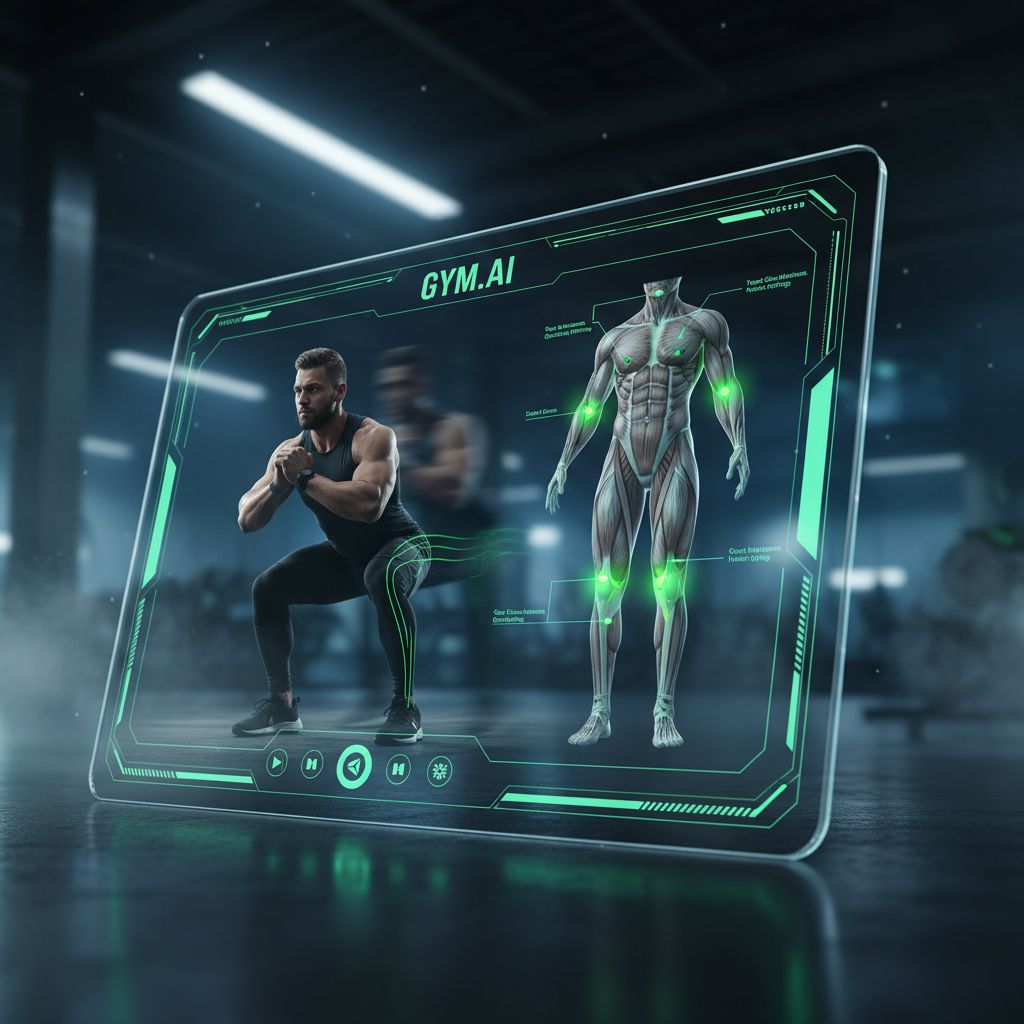
A comprehensive exercise library saves time and helps you discover new movements to add variety to your training. Form videos take it a step further by teaching proper technique.
JEFIT's library of 1,400+ exercises with animations sets the standard here. Each movement includes step-by-step instructions, muscle group targeting, and equipment requirements. The animations show proper form from multiple angles, though they're not as detailed as dedicated form tutorial videos. You can filter exercises by muscle group, equipment type, or movement pattern to find exactly what you need.
Hevy includes over 300 exercises with instructional videos. The quality varies since some come from the community, but popular movements have professional demonstrations. The app lets users submit new exercises, which expands the library but requires some judgment about form accuracy.
Gymaholic's 3D muscle maps provide a unique visual approach. When you select an exercise, the app highlights which muscles it targets on an anatomical model. This helps you understand not just how to perform the movement, but why it belongs in your program. The exercise library includes detailed written instructions alongside video demonstrations.
Caliber's exercise library comes with the added benefit of coach oversight. Your assigned coach can review your form videos and provide specific feedback on your technique. This personalized guidance costs significantly more than other apps, but it's valuable for lifters who want to perfect their form or work around injuries.
For pure exercise education, dedicated platforms like ExRx.net or YouTube channels from respected coaches provide more comprehensive form instruction than any workout tracker app. The best approach combines a tracking app with separate form resources. Log your workouts in Strong or Setgraph, but learn proper technique from specialized sources.
Workout Trackers with Social and Community Features
Some people thrive on social accountability and motivation. Others prefer to train in solitude. The best apps accommodate both preferences.
Hevy built its entire platform around community features. You can follow other users, see their workouts in your feed, and leave comments or reactions. The social aspect creates accountability without being pushy. You can share specific workouts publicly while keeping others private. The community also shares workout routines, letting you try programs that worked for other lifters with similar goals.
JEFIT's community features include workout sharing, progress comparisons, and discussion forums. You can join challenges, compete on leaderboards, and connect with training partners. The social elements feel more like a traditional fitness forum than a social media feed. Some users love this; others find it cluttered.
Strong keeps social features minimal, which many users appreciate. You can share individual workouts via link, but there's no built-in social feed or follower system. This design choice reflects the app's focus on personal progress rather than social comparison.
Setgraph takes a similar approach, prioritizing individual tracking over social features. You can share workout summaries with trainers or training partners, but the app doesn't push you toward building a social presence. This works well for lifters who want to focus on their own progress without the distraction of social feeds.
Strava dominates the social fitness space for runners and cyclists, but it's less useful for strength training. You can log gym sessions, but the platform doesn't handle sets, reps, and weights well. The social features work better for endurance activities than resistance training.
Integration with Wearables and Fitness Platforms
Your workout data becomes more valuable when it connects with your broader health ecosystem. Integration capabilities vary widely across apps.
Apple Health integration is standard for iOS apps. Strong, Hevy, Gymaholic, and Setgraph all sync workout data to Apple Health, where it combines with data from your Apple Watch, sleep tracking, and nutrition apps. This creates a comprehensive health picture without manual data entry.
Google Fit integration works similarly for Android users. FitNotes, JEFIT, and Hevy sync with Google Fit, letting you see workout data alongside steps, heart rate, and other health metrics.
Apple Watch support varies in quality. Gymaholic offers the most polished Watch experience, with full workout logging from your wrist. Strong's Watch app lets you log sets and start rest timers without pulling out your phone. Hevy supports Wear OS watches for Android users, providing similar functionality.
MyFitnessPal integration helps users who track both workouts and nutrition. Several apps sync workout data to MyFitnessPal, which adjusts your calorie targets based on exercise expenditure. However, the calorie burn estimates from strength training are notoriously inaccurate, so take these adjustments with skepticism.
Fitbit, Garmin, and other wearable platforms have varying levels of integration. Check each app's specific compatibility before assuming it will work with your device. Some integrations are one-way (workout data flows to the wearable platform) while others are bidirectional.
Data export capabilities matter for long-term data ownership. FitNotes lets you export complete workout history to CSV files, giving you permanent access to your data. Strong offers similar export functionality in the premium version. Hevy provides data export through their web interface. Setgraph currently doesn't offer CSV export, which limits your ability to analyze data in external tools or migrate to other platforms.
Choosing the Right App for Your Fitness Goals
Your training style should drive your app choice more than feature lists or marketing claims.
For powerlifters and strength athletes: Strong provides the best combination of simplicity and power. The focus on progressive overload, detailed set tracking, and rest timer functionality aligns perfectly with strength-focused training. The plate calculator alone saves mental energy between heavy sets.
For bodybuilders following structured splits: Setgraph's flexible approach to workout organization works brilliantly here. You can set up your Push/Pull/Legs or Upper/Lower split without rigid scheduling. The ability to access exercise history regardless of which workout you're in helps you track progressive overload across different training blocks.
For CrossFit and functional fitness: JEFIT's massive exercise library covers the variety of movements in CrossFit programming. The ability to track both strength work and metcons in one place keeps your training data centralized. However, dedicated CrossFit apps like SugarWOD or Wodify might serve you better if you train at a box that uses those platforms.
For beginners without a program: Setgraph's AI workout generator or Caliber's coaching approach provides the structure beginners need. Starting with a proven program beats wandering around the gym doing random exercises. As you gain experience, you can transition to more flexible tracking.
For general fitness and variety: Hevy's free tier and community features make it easy to try different workout styles without commitment. The social aspect provides motivation, and the exercise library helps you learn new movements.
For data enthusiasts: Strong's premium analytics or JEFIT's detailed statistics satisfy the urge to analyze every aspect of your training. If you love spreadsheets and graphs, these apps provide the data visualization you crave.
For minimalists: FitNotes strips away everything except core tracking functionality. If you just want to log sets and reps without social features, AI recommendations, or flashy interfaces, this straightforward approach might be perfect.
Consider your training consistency too. If you work out sporadically, a free app makes more sense than a monthly subscription. If you're in the gym five days a week year-round, investing in a premium app pays dividends through better features and motivation.
How to Get Started with Workout Logging
The biggest mistake new users make is trying to log everything perfectly from day one. This leads to frustration and abandoned apps.
Start simple. Pick 3-5 exercises you do regularly and just track those for the first week. Don't worry about logging every warm-up set, every accessory movement, or perfect rest times. Focus on your main lifts: squat, bench, deadlift, overhead press, or whatever compounds form the foundation of your training.
Log your working sets only at first. If you warm up with the bar, 95 pounds, and 135 pounds before your working sets at 185 pounds, just log the 185-pound sets. You can add warm-up tracking later if you want that detail.
Don't pre-plan workouts unless you already follow a structured program. Many people download a workout tracker, spend an hour building the perfect workout plan, then never actually use it. Instead, log your workouts as you do them. After a few weeks, patterns emerge and you can formalize them into saved routines if desired.
Use the app's default settings initially. Every app lets you customize rest times, weight increments, exercise order, and dozens of other variables. Ignore all that complexity at first. The defaults work fine for most people. Customize later when you understand what you actually need.
Review your data weekly, not daily. Checking your progress after every workout creates noise and anxiety. Strength gains happen over weeks and months, not days. Look at your numbers once a week to spot trends and adjust your training.
Take advantage of pre-filled data. Most apps automatically fill in your previous weight and reps when you start a new set. This speeds up logging and provides a clear target to beat. If you did 185 pounds for 8 reps last week, you know you need to hit at least 9 reps or add weight this week.
Learn the quick-logging features. Swipe gestures, keyboard shortcuts, and voice input can dramatically speed up data entry. Spend five minutes learning these shortcuts and you'll save hours over the life of your training.
For those looking to build effective workout routines from scratch, understanding core training principles helps you make better decisions about exercise selection and progression schemes.
Data Privacy and Workout Data Ownership
Your workout data reveals patterns about your schedule, location, and physical capabilities. Understanding how apps handle this information matters.
Most workout trackers collect and store your data on their servers. This enables cloud sync across devices and backup if you lose your phone. However, it also means the company has access to your complete training history. Read the privacy policy to understand what they do with this data.
Some apps sell anonymized user data to third parties for research or marketing purposes. Others use your data to improve their algorithms and features. A few, like FitNotes, keep everything local on your device with no cloud storage at all.
Data export capabilities determine whether you truly own your workout history. Apps that let you export to CSV or other standard formats give you permanent access to your data. You can analyze it in spreadsheets, migrate to different apps, or keep it archived indefinitely. Apps without export functionality essentially hold your data hostage.
Account deletion policies vary. Some apps let you delete your account and all associated data with a few taps. Others require emailing support and waiting for manual processing. A few make deletion deliberately difficult to prevent users from leaving.
Third-party integrations create additional privacy considerations. When you connect your workout tracker to Apple Health, Google Fit, or MyFitnessPal, you're sharing data with multiple companies. Each has its own privacy policy and data handling practices.
Location tracking is common in fitness apps, ostensibly to detect which gym you're at or track outdoor runs. Check whether you can disable location services while still using core tracking features. Many apps work fine without location access.
For maximum privacy, choose apps with local data storage, no required account creation, and robust export capabilities. FitNotes checks all these boxes. For cloud-based apps, read the privacy policy and understand the tradeoffs you're making for convenience.
Offline Functionality and Data Syncing
Gym WiFi is terrible. Basement weight rooms kill cellular signals. Your workout tracker needs to work regardless of connectivity.
Strong, Setgraph, FitNotes, and Gymaholic all function completely offline. You can log entire workouts without internet access, and the data syncs automatically when you reconnect. This is the minimum acceptable standard for a workout tracker.
Hevy and JEFIT also work offline for basic logging, though some features like exercise library browsing or social feeds require connectivity. The core functionality remains available without internet.
Caliber requires internet for coach communication and video uploads, but basic workout logging works offline. Your logged sets sync to your coach when you reconnect.
Conflict resolution matters when you use the same app on multiple devices. If you log a workout on your phone while offline, then log a different workout on your tablet, the app needs to merge these changes intelligently when both devices sync. Most modern apps handle this well, but occasional sync conflicts can occur.
Data sync speed varies. Some apps sync instantly when you reconnect, while others queue changes and sync in batches. For most users, this difference is imperceptible. It only matters if you frequently switch between devices mid-workout.
Backup frequency affects how much data you could lose if your phone dies. Apps that sync after every logged set provide better protection than those that sync once per workout or once per day. Check your app's sync settings and adjust if needed.
Manual sync options give you control over when data uploads. This helps if you're on a limited data plan or want to preserve battery life. Most apps sync automatically by default but let you switch to manual sync in settings.
Pricing Models: Free vs Premium Features
Workout tracker pricing ranges from completely free to $200+ per month for coaching apps. Understanding what you get at each tier helps you make informed decisions.
Completely Free: Hevy and FitNotes offer full functionality without payment. Hevy monetizes through optional premium features, while FitNotes operates as a passion project. These apps prove you don't need to spend money for effective workout tracking.
Freemium with Ads: JEFIT provides robust free tracking with ads between screens. Premium ($12.99/month or $69.99/year) removes ads and adds advanced analytics. The free version works fine if ads don't bother you.
Free Trial then Subscription: Setgraph offers five days of free usage to explore features, then requires either an annual subscription or lifetime membership. This model works well for committed lifters who want long-term access without recurring payments.
Limited Free Version: Strong restricts free users to three active workout routines and basic analytics. Premium ($4.99/month or $29.99/year) unlocks unlimited routines, plate calculator, custom exercises, and detailed charts. The free version suffices for beginners; serious lifters benefit from premium.
Premium Only: Gymaholic requires a subscription ($9.99/month or $59.99/year) for full access after a trial period. The app justifies this with polished design, comprehensive features, and regular updates.
Coaching Tier: Caliber charges $99-199/month for personalized coaching alongside app access. This premium tier targets users who want human guidance, not just tracking tools.
Consider your commitment level before paying. If you're trying strength training for the first time, start with a free app. If you've been lifting consistently for years, a premium app's advanced features might be worth the investment.
Lifetime purchases often provide better value than annual subscriptions if you plan to use the app for multiple years. Calculate the break-even point: a $100 lifetime purchase beats a $30/year subscription after four years.
Family plans and student discounts exist for some apps. Check the app's website or contact support if you're eligible for reduced pricing.
Frequently Asked Questions About Workout Tracker Apps
Which workout logging app is best for beginners vs advanced lifters?
Beginners benefit most from apps with built-in workout programs and exercise libraries. Setgraph's AI workout generator or Caliber's coaching approach provides the structure new lifters need. The guidance helps you learn proper programming without analysis paralysis.
Advanced lifters typically prefer flexible apps that don't force rigid structures. Strong and Setgraph excel here by letting you track progressive overload without prescriptive programming. You know what you're doing; you just need efficient data logging and analysis.
Can I export my workout data if I want to switch apps?
Data portability varies significantly. FitNotes and Strong (premium) offer comprehensive CSV export of your complete workout history. Hevy provides export through their web interface. This lets you migrate to different apps or analyze data in spreadsheets.
Setgraph currently doesn't support CSV export, which limits your ability to move data to other platforms. Some apps offer no export functionality at all, effectively locking your data into their ecosystem. Always check export capabilities before committing to an app long-term.
Do these apps work offline at the gym without WiFi?
Yes, all major workout trackers function offline. Strong, Setgraph, FitNotes, Hevy, JEFIT, and Gymaholic let you log complete workouts without internet connectivity. Data syncs automatically when you reconnect to WiFi or cellular.
Some features require internet: browsing exercise libraries, accessing social feeds, or uploading form videos. But core workout logging works everywhere, including basement gyms with zero signal.
What's the difference between free and paid versions of workout trackers?
Free versions typically limit advanced features while providing solid basic tracking. Common restrictions include limited workout routines, basic analytics, and ads. Premium tiers add detailed progress charts, unlimited customization, plate calculators, and priority support.
For casual gym-goers, free versions suffice. Serious lifters who train consistently benefit from premium features that enhance motivation and provide deeper insights into progress.
How do workout logging apps integrate with wearable devices?
Most apps sync with Apple Health or Google Fit, which aggregate data from various wearables. This creates a unified health dashboard without manual data entry. Direct Apple Watch or Wear OS support lets you log sets from your wrist, eliminating the need to pull out your phone between sets.
Integration quality varies. Some apps offer full Watch functionality; others provide basic data sync only. Check specific compatibility with your wearable before assuming integration works.
Which app has the best exercise library and form videos?
JEFIT's 1,400+ exercise database with animations sets the standard for variety. Hevy's 300+ exercises include video demonstrations. Gymaholic's 3D muscle maps provide unique visual learning.
However, dedicated form resources like YouTube channels from respected coaches often provide better technique instruction than any workout tracker. Use your tracking app for logging; learn form from specialized sources.
Can I track cardio and other activities beyond weightlifting?
Most strength-focused apps include basic cardio tracking. You can log running, cycling, or rowing with duration and distance. However, dedicated cardio apps like Strava or Runkeeper provide better features for endurance training.
FitNotes handles both strength and cardio well in a single app. JEFIT includes cardio tracking alongside strength work. For serious runners or cyclists who also lift, using separate specialized apps for each activity type often works better than trying to do everything in one app.
If you're ready to start tracking your workouts with a fast, flexible app designed specifically for strength training, try Setgraph and experience how simple workout logging can be.
Making Your Choice
The best workout tracker is the one you'll actually use consistently. A simple app you open every workout beats a feature-rich platform you abandon after two weeks.
Start with a free option to establish the habit of logging workouts. Hevy or FitNotes provide everything you need without financial commitment. After a few months of consistent tracking, you'll understand which features matter to you and whether premium apps justify their cost.
Prioritize speed and simplicity over feature lists. An app that lets you log sets in seconds encourages consistent use. One that requires extensive navigation or setup creates friction that kills motivation.
Your workout data becomes more valuable over time. Months and years of training history reveal patterns, identify plateaus, and prove that progressive overload works. Choose an app with data export capabilities so you own this valuable information regardless of what happens to the app company.
The perfect workout tracker doesn't exist. Every app makes tradeoffs between simplicity and features, free and paid, social and private. Understanding your priorities helps you choose the right tradeoffs for your training style and goals.
Article created using Lovarank


