
Hit Your Next PR.

Fastest workout tracker app. Log now & track strength.

Hit Your Next PR.

Fastest workout tracker app. Log now & track strength.

Hit Your Next PR.

Fastest workout tracker app. Log now & track strength.

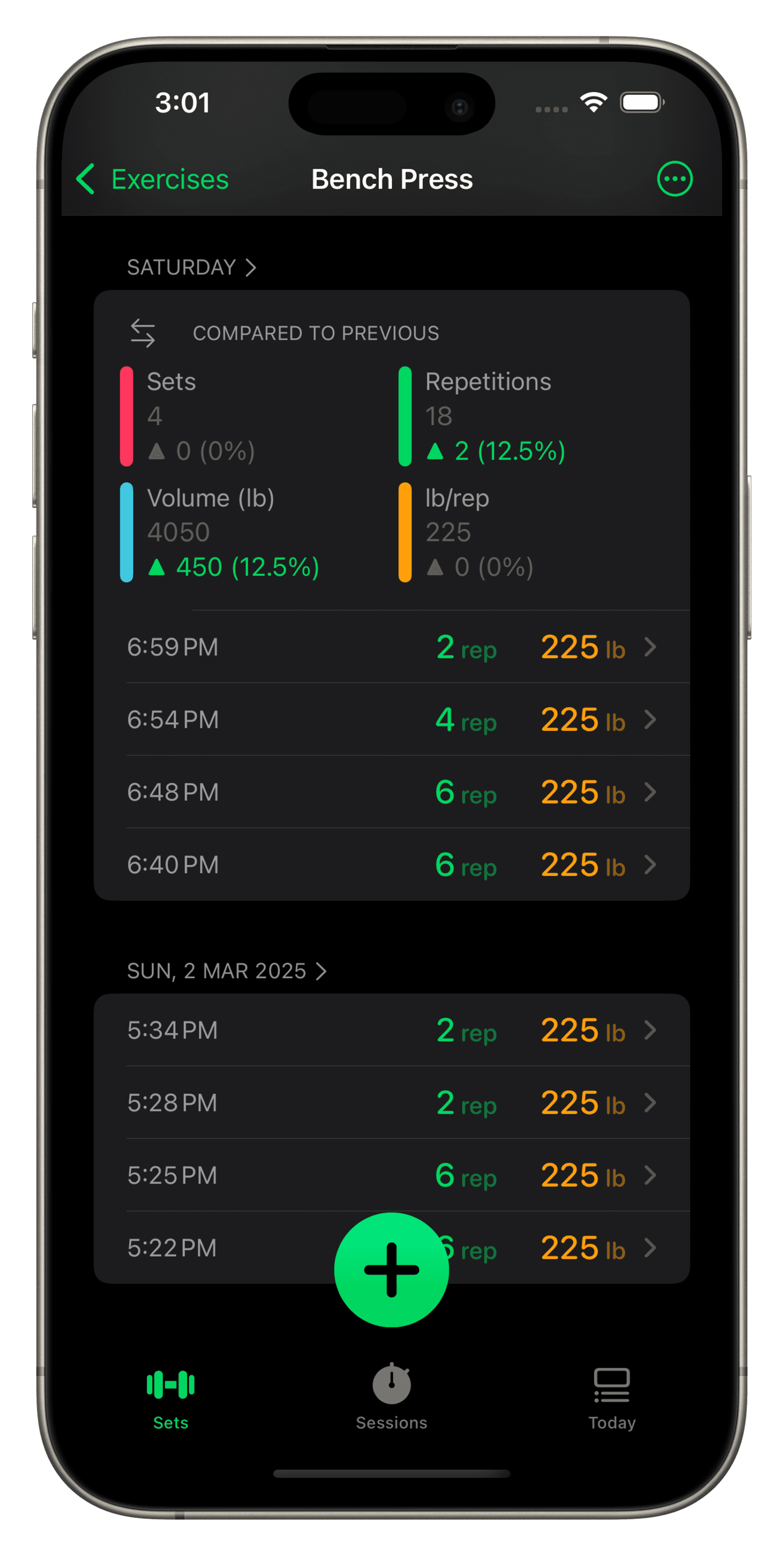
A smartphone screen displaying the Setgraph workout tracking app, focused on deadlift exercise data. The interface shows the date "Thu, 1 Nov 2018" with comparisons to previous sessions. Metrics include "Sets," "Repetitions," "Volume (lb)," and "lb/rep," alongside progress percentages in green and orange. Below, detailed session logs list times, repetitions, and weights in pounds for each set. A green "+" button and "New Session" option appear at the bottom. The app includes a navigation header with "Exercises" on the left and additional menu options on the right.

Progress in every exercise.

When recording a set, get a real-time comparison of your last session with percentage improvements in rep, weight/rep, volume, and sets to ensure you’re achieving progressive overload every session.
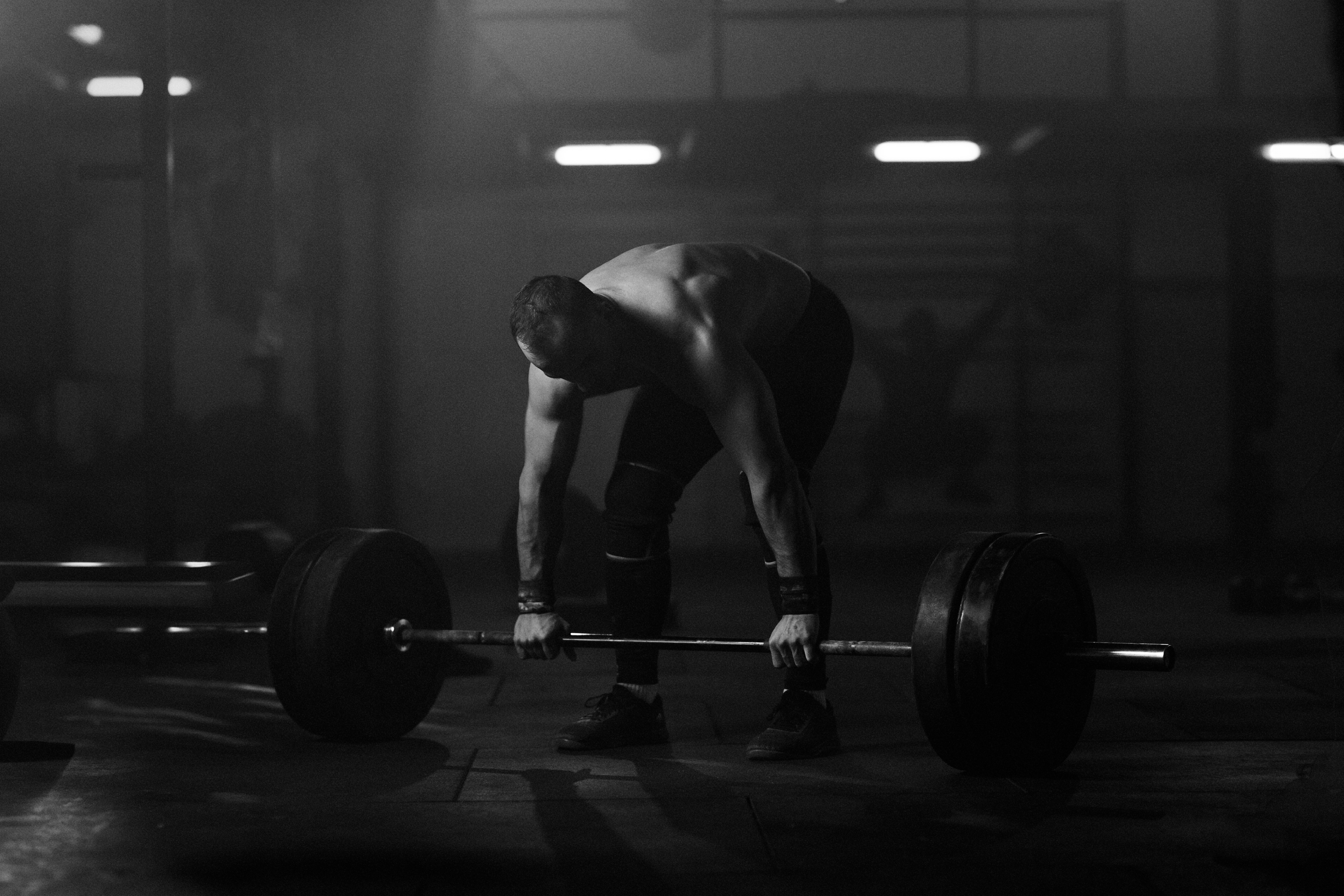
Athlete preparing for a deadlift with a heavily loaded barbell

Best Workout Log App

Fueled By Your Dedication

Athlete preparing for a deadlift with a heavily loaded barbell

Best Workout Log App

Fueled By Your Dedication

Athlete preparing for a deadlift with a heavily loaded barbell

Best Workout Log App

Fueled By Your Dedication

50,000,000+

Sets recorded


543,000+

Sessions completed

Plan.

Plan.

Plan.

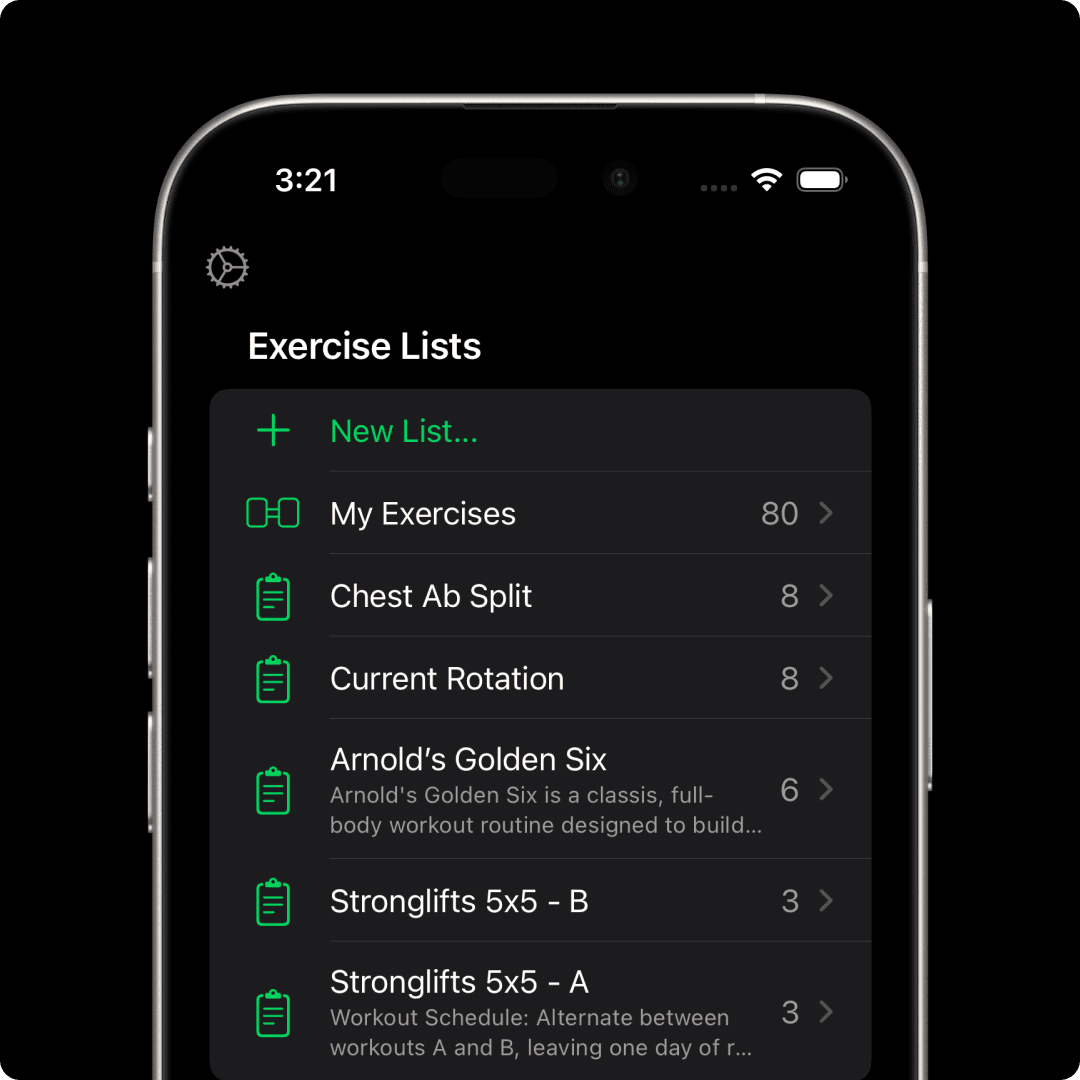
Build structured routines that match your goals. Create reusable lists for every program. Add notes, cues, and instructions so your plan is always clear when you need it.
A smartphone screen displaying  the Setgraph workout tracking app focused on "Abdominal Crunch." The upper section lists past sets with timestamps, repetitions, and weights, such as "8 reps, 90 lb." Below, an input interface allows users to adjust repetitions and weights using "+" and "-" buttons or a keypad. The current set is set to "8 reps" at "90 lb," ready to be recorded with a green "Record Set" button. The sleek design provides a seamless way to log workouts.

Need direction?

Need direction?

Need direction?

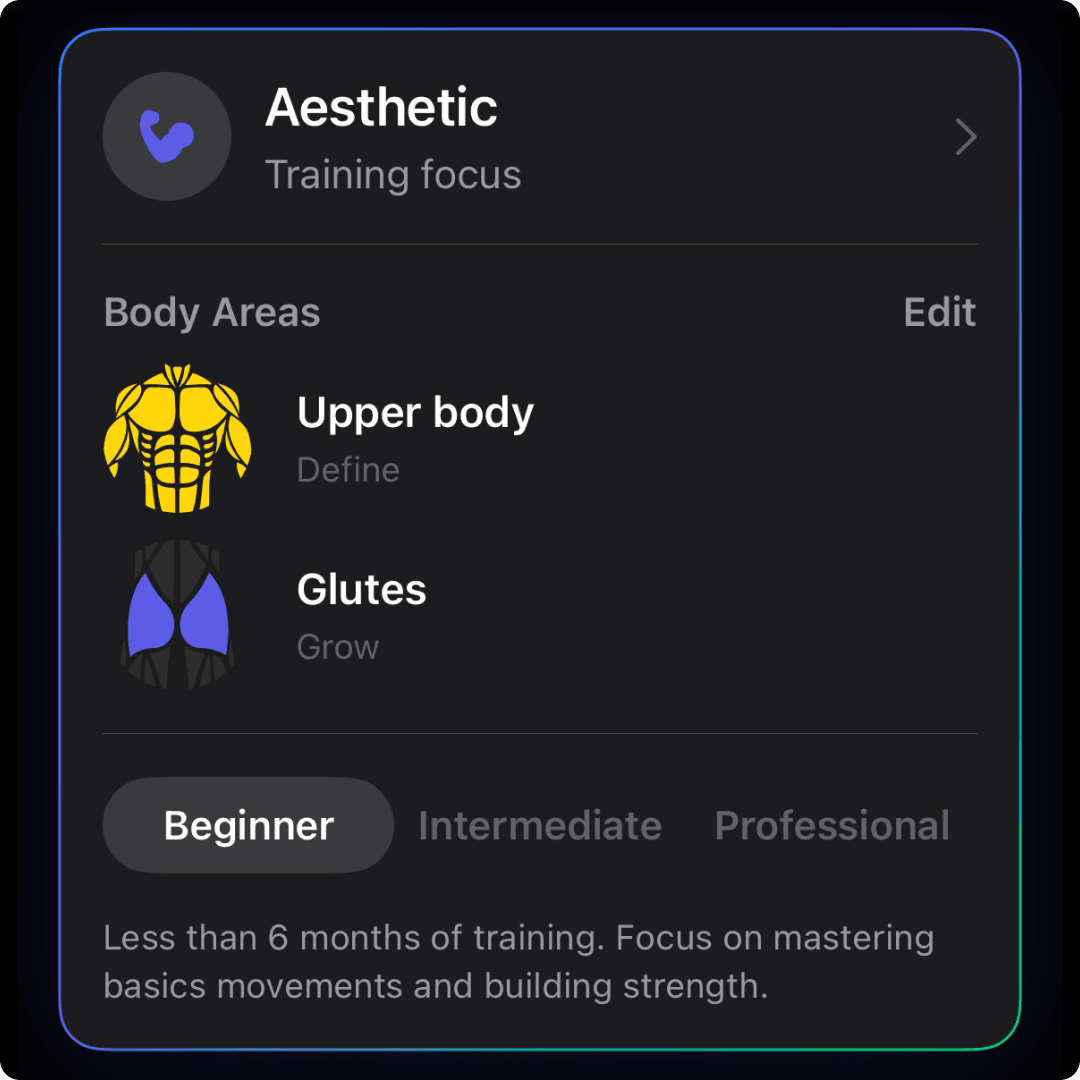
Setgraph’s AI adapts to you, your goals, schedule, equipment, and experience level. Whether you're chasing muscle growth, refining technique, or boosting athletic performance, your plan stays tailored and flexible.

Log.

Log.

Log.

Record sets your way. Swipe to log reps and weight, pull straight from history, or add context with notes. Whether you track every set or just personal bests, Setgraph supports your style.
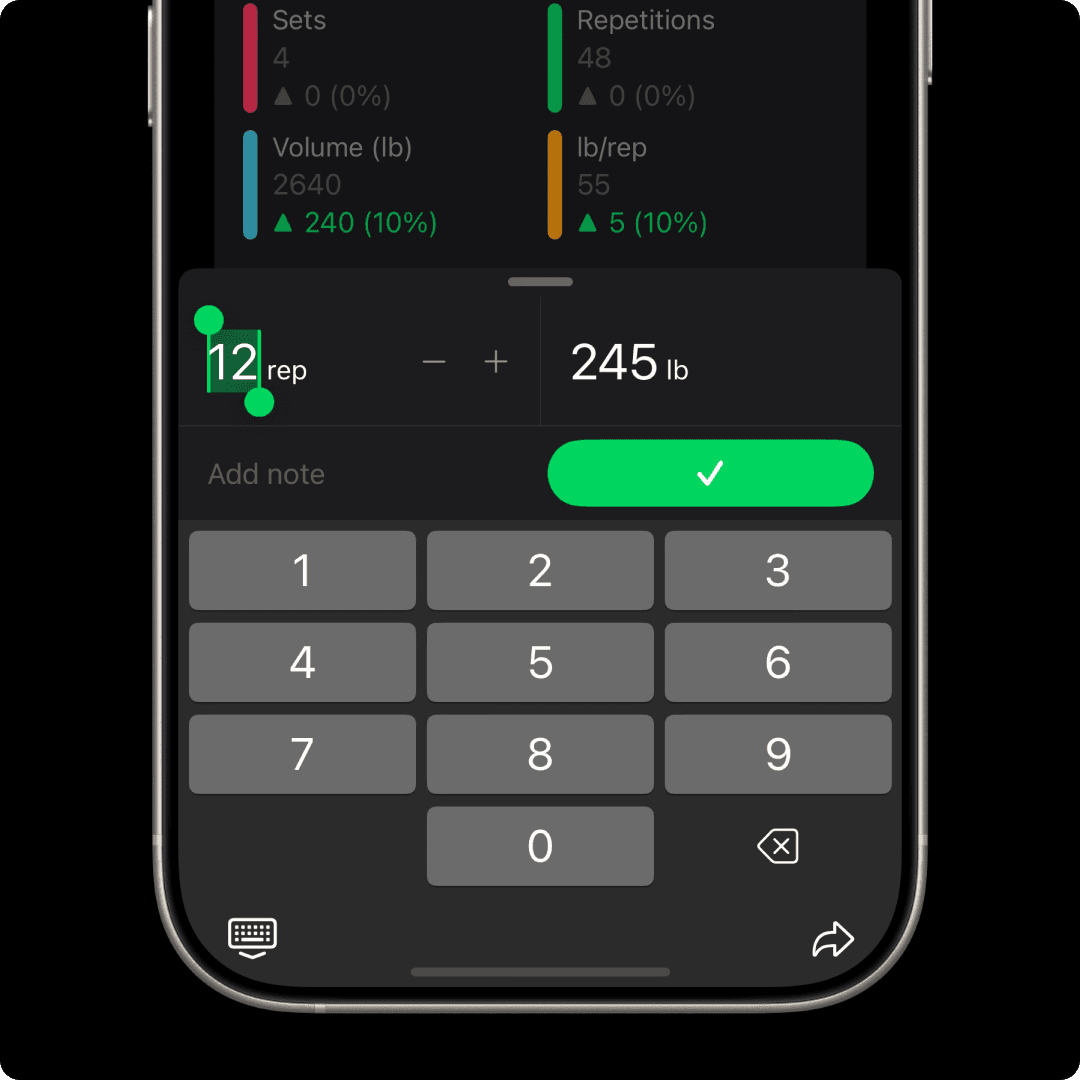
A smartphone screen displaying  the Setgraph workout tracking app focused on "Abdominal Crunch." The upper section lists past sets with timestamps, repetitions, and weights, such as "8 reps, 90 lb." Below, an input interface allows users to adjust repetitions and weights using "+" and "-" buttons or a keypad. The current set is set to "8 reps" at "90 lb," ready to be recorded with a green "Record Set" button. The sleek design provides a seamless way to log workouts.

Track.

Track.

Track.

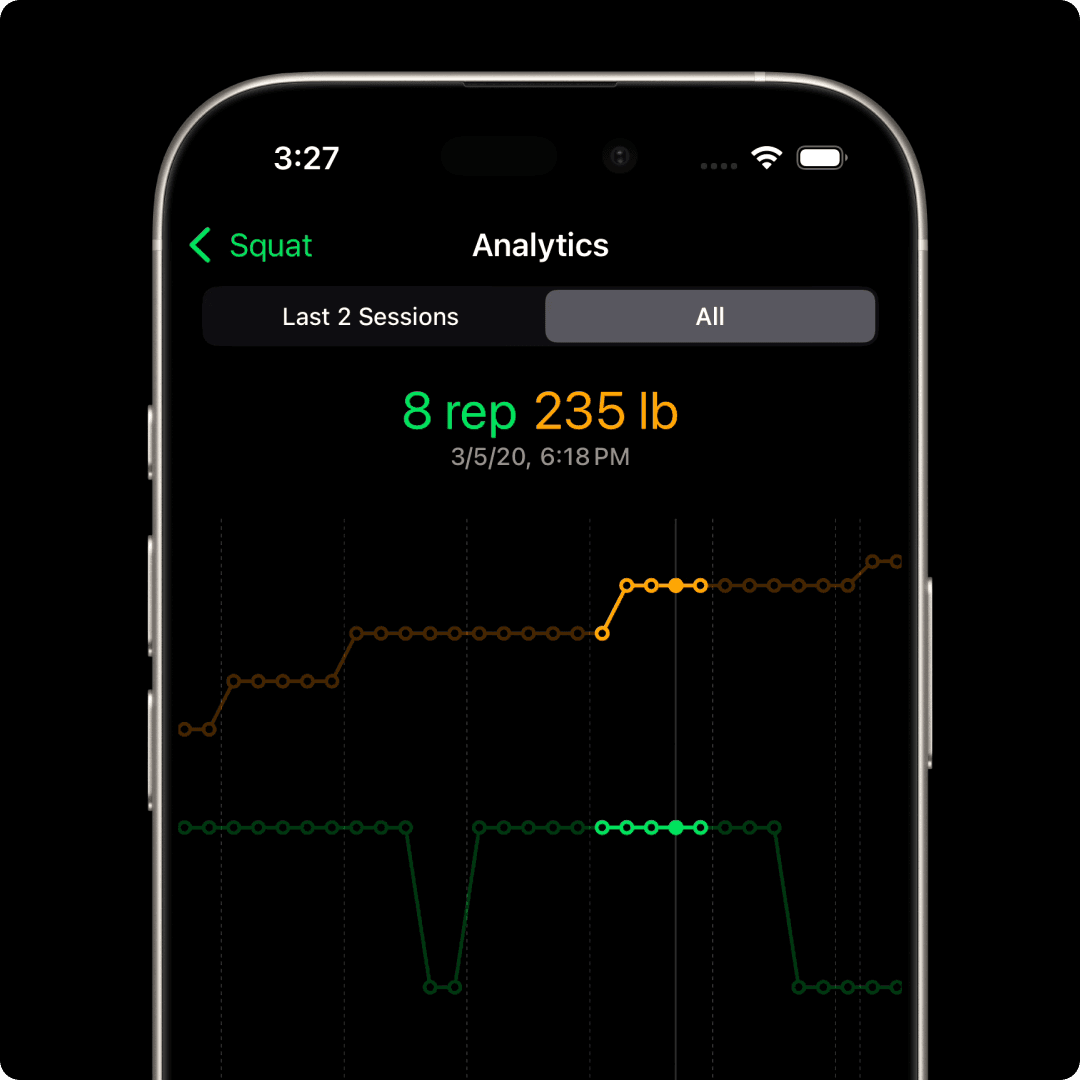
Reveal the story behind your training. Correlation charts and other tools help you see how weight and reps evolve over time, giving you deeper insight into your progress.

Over 10,000+ 5-star reviews

Over 10,000+ 5-star reviews

Questions? Answers.

Questions?
Answers.

What is Setgraph?
What is Setgraph?
What is Setgraph?
How can I get started?
How much does Setgraph cost?
Is there a difference between iOS and Android?
Do I need any equipment for Setgraph?
What is the difference between the iPhone and Apple Watch experience?
Can I make a request or suggestion?
row of dumbbells on rack
iOS download link
Android Download Link
row of dumbbells on rack
iOS download link
Android Download Link