
Organiza tus entrenamientos y series

Realiza un seguimiento de cada serie sin esfuerzo con la mejor aplicación de seguimiento de entrenamiento. Obtén información en tiempo real sobre tu progreso y mejora tu entrenamiento de fuerza con herramientas potentes.
Organiza tus entrenamientos y series

Realiza un seguimiento de cada serie sin esfuerzo con la mejor aplicación de seguimiento de entrenamiento. Obtén información en tiempo real sobre tu progreso y mejora tu entrenamiento de fuerza con herramientas potentes.

Organiza tus entrenamientos y series

Realiza un seguimiento de cada serie sin esfuerzo con la mejor aplicación de seguimiento de entrenamiento. Obtén información en tiempo real sobre tu progreso y mejora tu entrenamiento de fuerza con herramientas potentes.
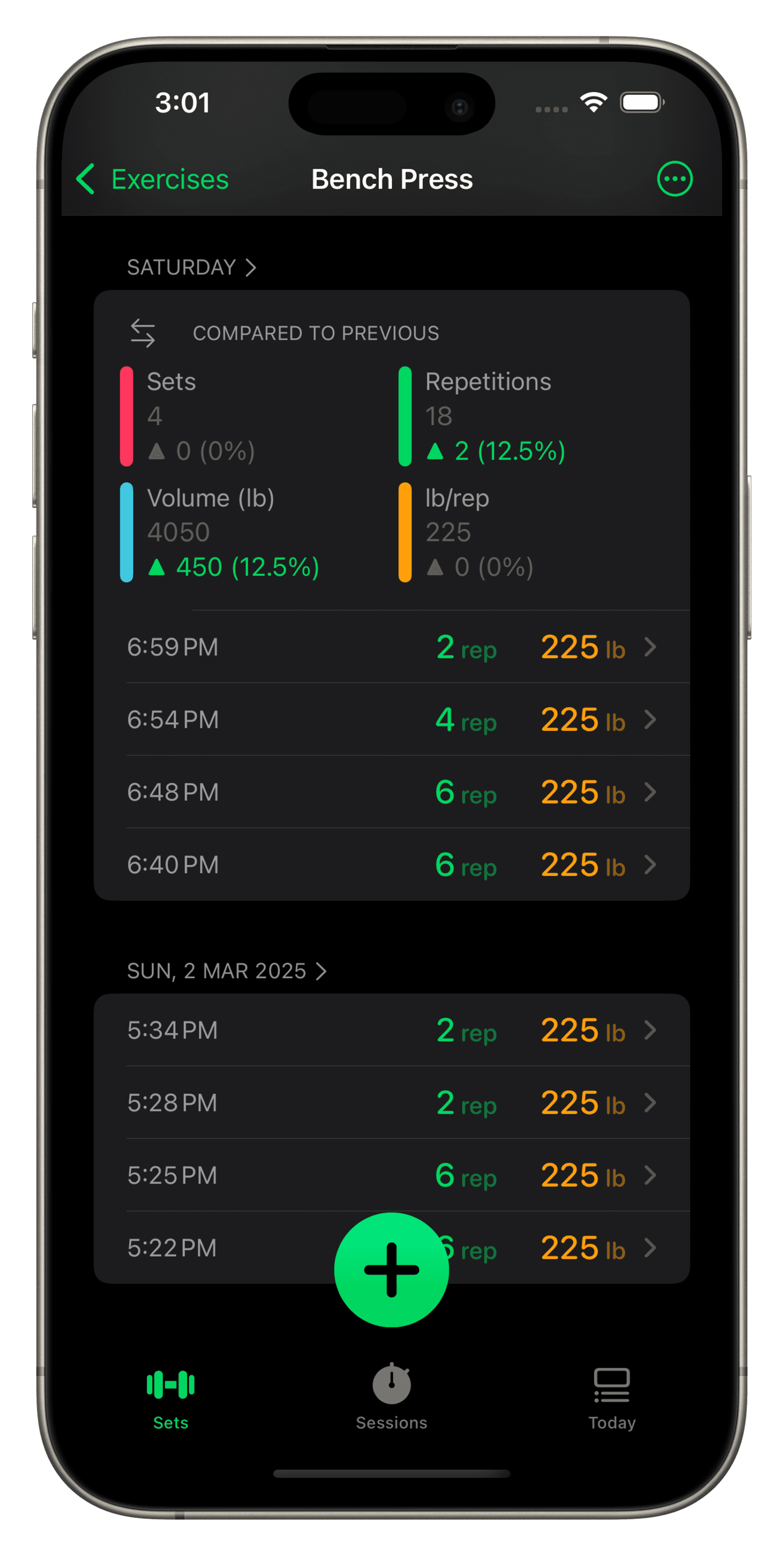
Una pantalla de smartphone que muestra la aplicación de seguimiento de entrenamientos Setgraph, centrada en los datos del ejercicio de peso muerto. La interfaz muestra la fecha "jue, 1 de noviembre de 2018" con comparaciones a sesiones anteriores. Las métricas incluyen "Conjuntos," "Repeticiones," "Volumen (lb)," y "lb/repetición," junto con porcentajes de progreso en verde y naranja. A continuación, los registros detallados de las sesiones enumeran tiempos, repeticiones y pesos en libras para cada conjunto. Un botón verde "+" y la opción "Nueva Sesión" aparecen en la parte inferior. La aplicación incluye un encabezado de navegación con "Ejercicios" a la izquierda y opciones de menú adicionales a la derecha.

Progresa en cada ejercicio.

Al registrar una serie en el rastreador de entrenamiento, obtenga una comparación en tiempo real de su última sesión con mejoras porcentuales en repeticiones, peso/repeticiones, volumen y series para asegurarse de lograr una sobrecarga progresiva en cada sesión.
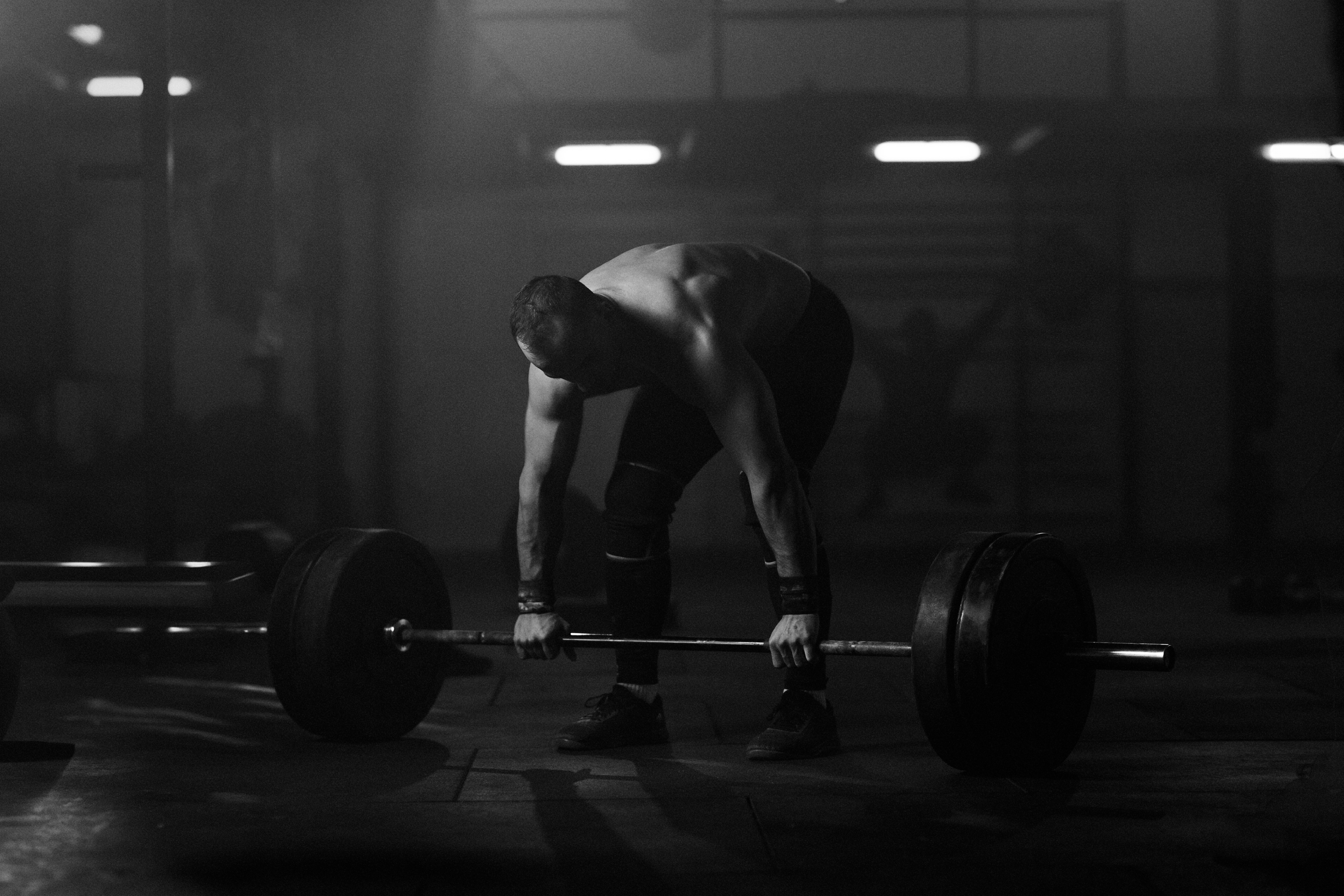
Athlete preparing for a deadlift with a heavily loaded barbell

Mejor aplicación de registro de entrenamiento

Impulsado por tu dedicación

Athlete preparing for a deadlift with a heavily loaded barbell

Mejor aplicación de registro de entrenamiento

Impulsado por tu dedicación

Athlete preparing for a deadlift with a heavily loaded barbell

Mejor aplicación de registro de entrenamiento

Impulsado por tu dedicación

50.000.000+

Conjuntos grabados


543,000+

Sesiones completadas

Plan.

Plan.

Plan.

Build structured routines that match your goals. Create reusable lists for every program. Add notes, cues, and instructions so your plan is always clear when you need it.
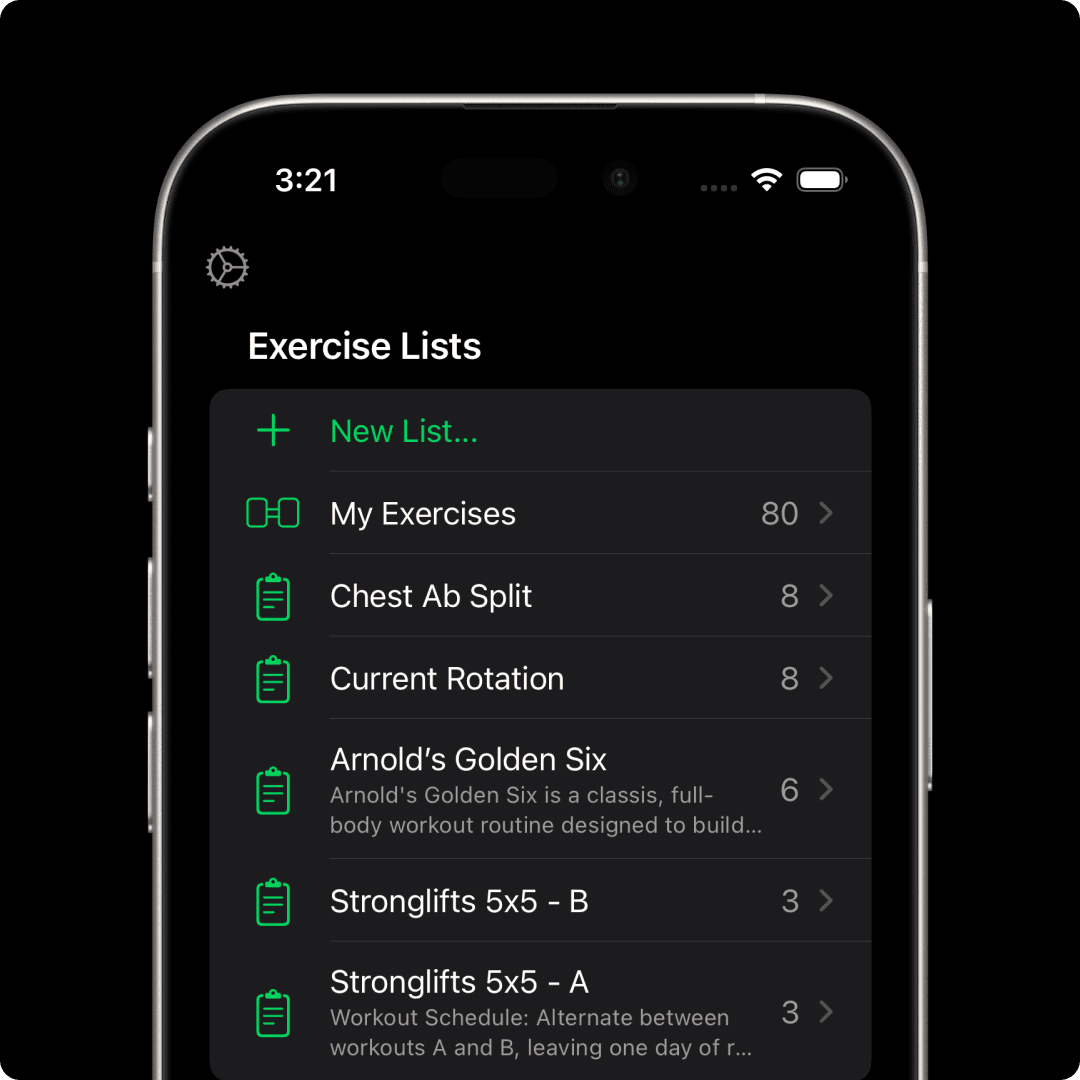
A smartphone screen displaying  the Setgraph workout tracking app focused on "Abdominal Crunch." The upper section lists past sets with timestamps, repetitions, and weights, such as "8 reps, 90 lb." Below, an input interface allows users to adjust repetitions and weights using "+" and "-" buttons or a keypad. The current set is set to "8 reps" at "90 lb," ready to be recorded with a green "Record Set" button. The sleek design provides a seamless way to log workouts.

Need direction?

Need direction?

Need direction?

Setgraph’s AI adapts to you, your goals, schedule, equipment, and experience level. Whether you're chasing muscle growth, refining technique, or boosting athletic performance, your plan stays tailored and flexible.

Log.

Log.

Log.

Record sets your way. Swipe to log reps and weight, pull straight from history, or add context with notes. Whether you track every set or just personal bests, Setgraph supports your style.
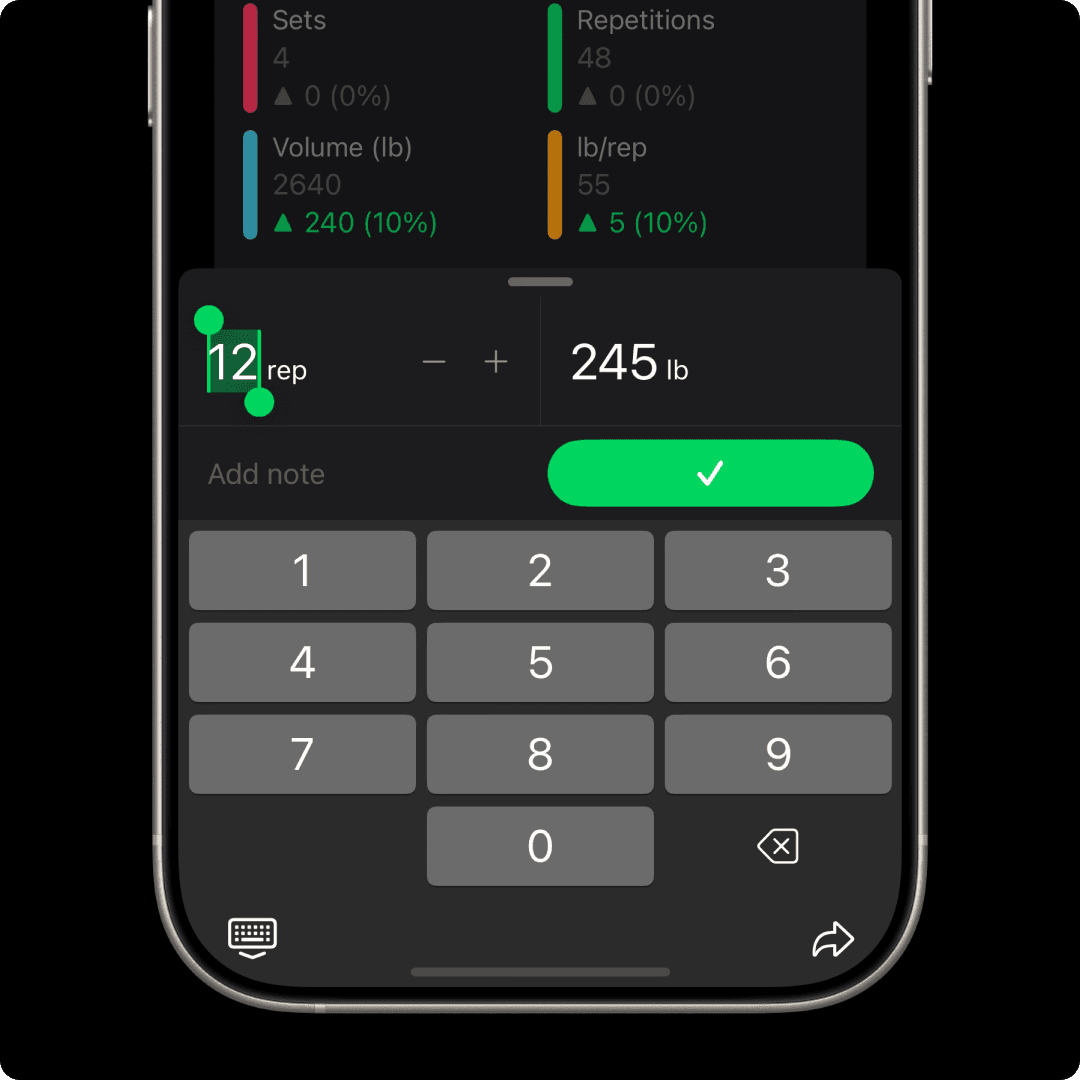
A smartphone screen displaying  the Setgraph workout tracking app focused on "Abdominal Crunch." The upper section lists past sets with timestamps, repetitions, and weights, such as "8 reps, 90 lb." Below, an input interface allows users to adjust repetitions and weights using "+" and "-" buttons or a keypad. The current set is set to "8 reps" at "90 lb," ready to be recorded with a green "Record Set" button. The sleek design provides a seamless way to log workouts.

Track.

Track.

Track.

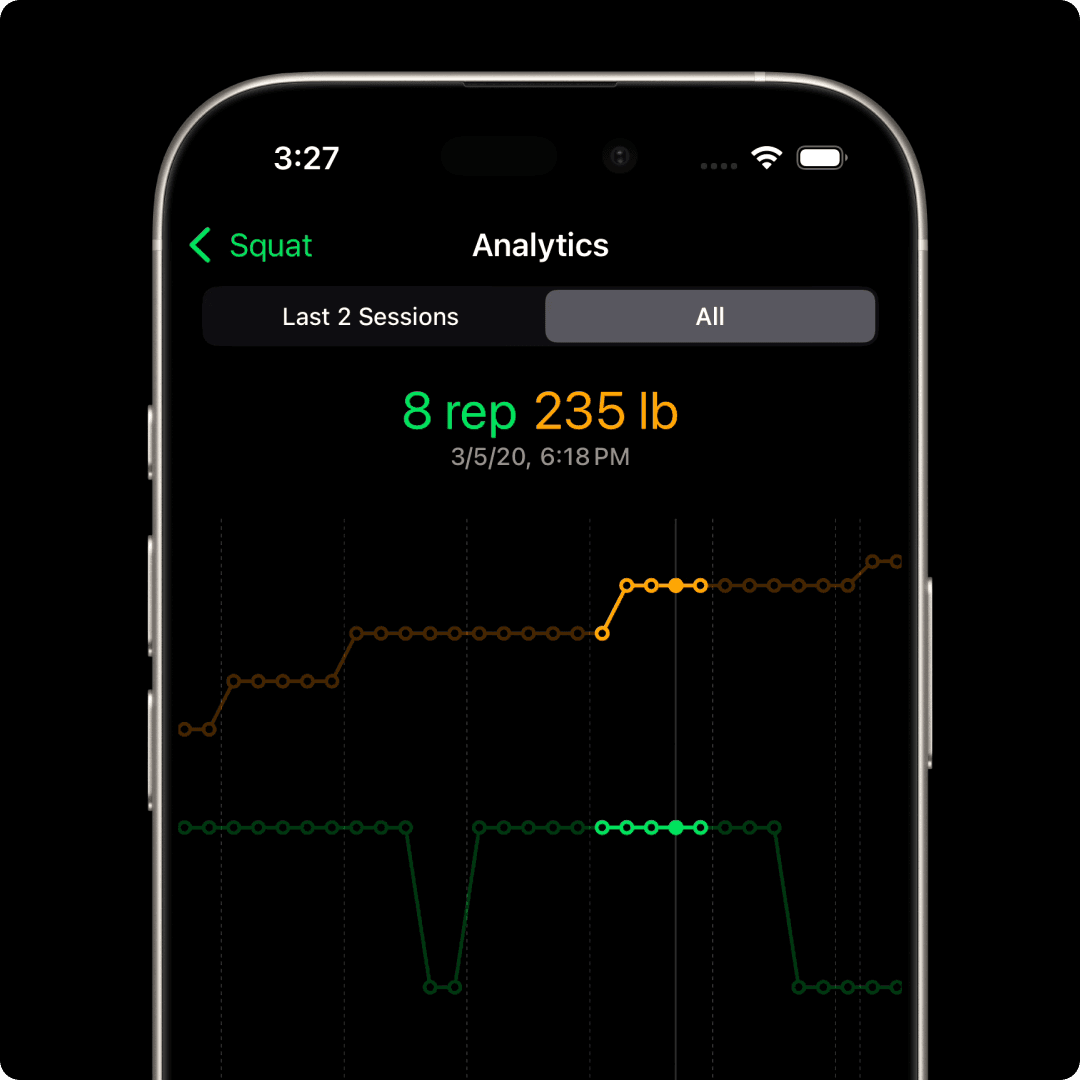
Reveal the story behind your training. Correlation charts and other tools help you see how weight and reps evolve over time, giving you deeper insight into your progress.

6,000+

6,000+

¿Preguntas? Respuestas.

¿Preguntas?
Respuestas.

¿Qué es Setgraph?
¿Qué es Setgraph?
¿Qué es Setgraph?
¿Cómo puedo empezar?
¿Cuánto cuesta Setgraph?
¿Hay una diferencia entre iOS y Android?
¿Necesito algún equipo para Setgraph?
¿Cuál es la diferencia entre la experiencia del iPhone y la del Apple Watch?
¿Puedo hacer una solicitud o sugerencia?
fila de pesas en estante
enlace de descarga de iOS
Enlace de descarga de Android
fila de pesas en estante
enlace de descarga de iOS
Enlace de descarga de Android