Best Apps for Keeping Track of Workouts in 2024: 10 Tested & Ranked
Why You Need a Workout Tracking App
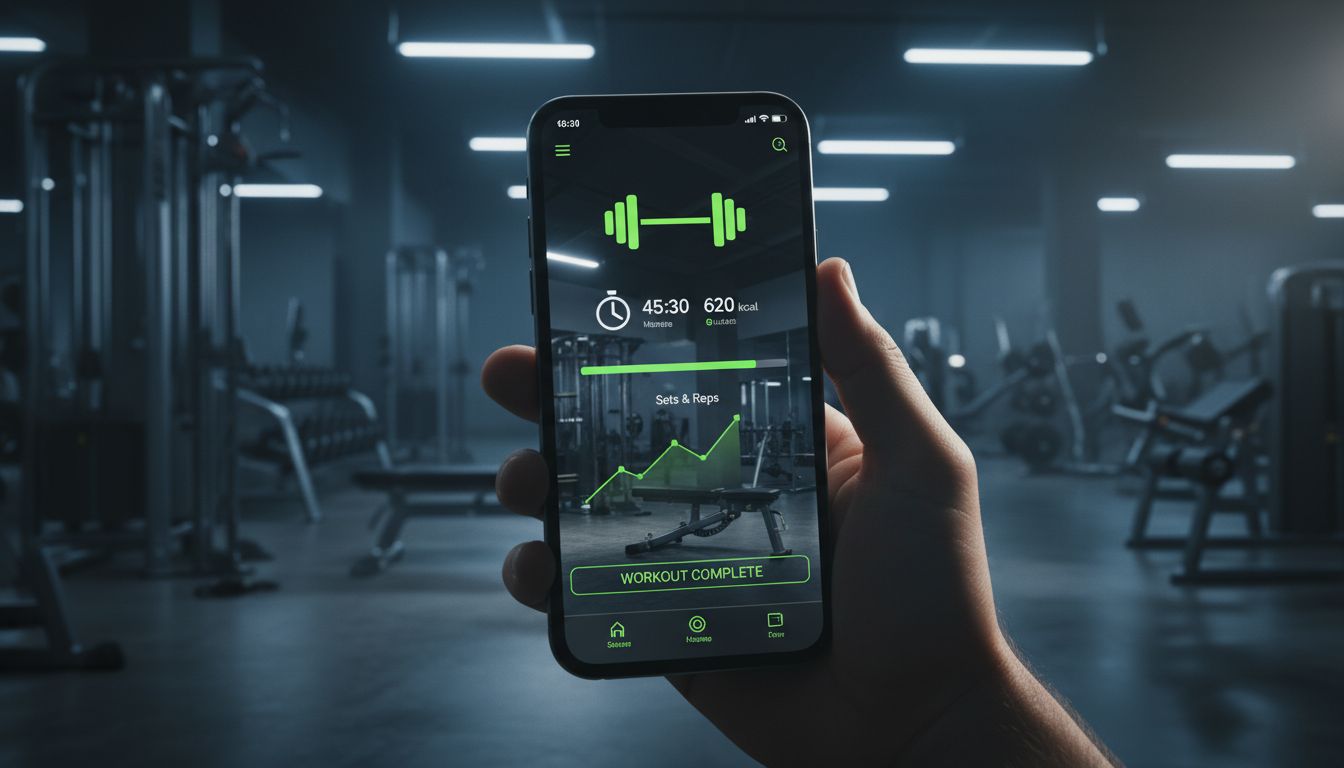
Remembering what you lifted last Tuesday shouldn't require mental gymnastics. Yet most gym-goers rely on memory, scribbled notes, or that crumpled piece of paper stuffed in their gym bag. The result? Inconsistent progress, repeated plateaus, and workouts that feel more like guesswork than structured training.
A workout tracker app changes this completely. When you can see that you benched 185 pounds for 8 reps last week, you know exactly what to aim for today. Maybe you'll push for 9 reps, or bump up to 190 pounds. This concept—progressive overload—is the foundation of strength gains, and it's nearly impossible to execute without accurate records.
Beyond tracking sets and reps, modern fitness tracker apps offer features that would've seemed futuristic a decade ago. AI-generated workout plans, rest timers with notifications, integration with smartwatches, progress photos, and detailed analytics that reveal patterns you'd never spot on your own. Some apps even calculate your estimated one-rep max or suggest deload weeks based on your training volume.
The right gym log app becomes your training partner, accountability system, and progress journal rolled into one. Whether you're a powerlifter chasing PRs, a bodybuilder perfecting your split, or someone just trying to stay consistent, having your workout history in your pocket transforms how you train.
How We Evaluated the Best Workout Tracking Apps
We didn't just download apps and skim their features. Each workout planner in this guide was tested during actual training sessions over several weeks. Here's what we prioritized:
Ease of Use During Workouts: Can you log a set in under 10 seconds? Apps that require multiple taps or confusing navigation got dinged. Your rest period shouldn't be spent fighting with your phone.
Core Tracking Features: We evaluated how well each app handles the basics—logging exercises, tracking weight and reps, viewing history, and organizing workouts. Some apps excel at strength training but fumble cardio tracking, while others do the opposite.
Customization Options: Can you create your own exercises? Adjust rest timers per movement? Organize workouts by muscle group or training split? Flexibility matters because everyone trains differently.
Platform Availability: We noted whether apps work on iOS, Android, or web browsers. Apple Watch and wearable integration earned bonus points.
Pricing Structure: We compared free versions against premium tiers. Some apps lock essential features behind paywalls, while others offer generous free plans.
Data and Analytics: The best exercise tracker apps don't just store data—they help you understand it. We looked for progress charts, volume calculations, personal records tracking, and insights that actually inform training decisions.
Offline Functionality: Gym WiFi is notoriously unreliable. Apps that require constant internet connection created frustrating experiences.
Top 10 Best Apps for Keeping Track of Workouts
1. Setgraph - Best for Strength Training Simplicity
Setgraph takes a refreshingly straightforward approach to workout logging. Instead of forcing you into rigid templates, it lets you track exactly what matters to you—whether that's every single set or just your personal records.
The app's structure is brilliantly simple. You create exercises once (Bench Press, Squat, etc.), then log sets for them whenever you train. No need to pre-plan entire workouts if that's not your style. Just open the app, find your exercise, see what you did last time, and aim to beat it.
For those who prefer structure, Setgraph's Workout feature organizes exercises into training days (Push Day, Leg Day, etc.). The same exercise can appear in multiple workouts, but you'll always see your complete set history regardless of which workout you're accessing it from. This prevents the fragmented data problem that plagues other apps.
The AI workout generator creates personalized training plans based on your goals, schedule, and available equipment. It's particularly useful for beginners who need direction or experienced lifters wanting to try a new split.
Smart Plates is a standout feature—it calculates which plates to load on the bar for your target weight, eliminating mental math mid-workout. The rest timer includes Live Activity support on iOS, so you can see your countdown without opening the app.
Pricing: Free for the first five days, then requires membership (annual subscription or lifetime purchase). Check in-app for current regional pricing.
Best For: Lifters who want fast logging, flexible organization, and don't need cardio tracking.
Platform: iOS
Key Limitation: No CSV export for data backup.
2. Strong - Best Overall for Weightlifters
With over 1.2 million downloads and a 4.9 rating, Strong has earned its reputation as the go-to strength training app. The interface feels intuitive from day one—you can start logging workouts within minutes of downloading.
Strong excels at routine management. Create templates for your training split, then start a workout with one tap. The app automatically suggests your previous weights and reps, making progressive overload effortless. Rest timers are customizable per exercise, and the app tracks your volume, personal records, and workout duration automatically.
The plate calculator shows exactly which weights to load, and the exercise library includes hundreds of movements with instructional videos. Progress charts visualize your strength gains over time, making it easy to spot trends or plateaus.
Pricing: Free version allows unlimited workouts but limits exercise tracking. Strong Pro ($4.99/month or $29.99/year) unlocks unlimited exercises, advanced analytics, and cloud backup.
Best For: Serious weightlifters following structured programs.
Platform: iOS and Android
3. JEFIT - Best Free Workout Tracker
JEFIT proves you don't need to spend money for comprehensive workout tracking. The free version is remarkably generous, offering exercise logging, progress tracking, and access to a database of over 1,400 exercises with animations.
The app includes pre-built workout routines for various goals (strength, hypertrophy, fat loss) and experience levels. You can also create custom routines and share them with the JEFIT community. The social features let you connect with other users, though you can ignore this aspect entirely if you prefer.
Progress tracking includes body measurements, photos, and detailed workout statistics. The rest timer is reliable, and the interface, while not the prettiest, is functional and gets the job done.
Pricing: Free with ads. Elite membership ($12.99/month or $69.99/year) removes ads and adds advanced analytics.
Best For: Budget-conscious lifters who want solid tracking without subscription fees.
Platform: iOS and Android
4. Hevy - Best for Social Motivation
Hevy combines workout tracking with social networking, creating a fitness-focused community that can boost motivation. You can follow friends, share workouts, and even compete on leaderboards.
The tracking interface is clean and modern. Logging sets feels smooth, with smart suggestions based on your history. The app automatically calculates volume, tracks personal records, and generates progress charts. Exercise library is extensive, and you can add custom movements easily.
What sets Hevy apart is how it makes training social without being intrusive. You can keep your workouts private or share them with followers. Seeing friends hit PRs or complete challenging workouts creates accountability that solo apps can't match.
Pricing: Free version is fully functional. Hevy Pro ($9.99/month or $59.99/year) adds advanced analytics and removes the workout limit.
Best For: People motivated by community and friendly competition.
Platform: iOS and Android
5. Fitbod - Best AI-Powered Workout Planner
Fitbod uses machine learning to generate personalized workouts based on your available equipment, fitness level, and recovery status. The algorithm considers which muscles you've trained recently and adjusts recommendations to prevent overtraining.
Each workout adapts to your performance. If you crush your sets, Fitbod increases difficulty. Struggling? It scales back. This dynamic programming removes the guesswork from training design.
The exercise library includes detailed instructions and videos. Progress tracking is comprehensive, with charts showing strength gains, volume trends, and muscle group distribution. The app even suggests when to deload based on accumulated fatigue.
Pricing: Free trial available. Subscription costs $12.99/month or $79.99/year.
Best For: People who want intelligent workout programming without hiring a coach.
Platform: iOS and Android
6. Nike Training Club - Best Free All-Around Fitness App
Nike Training Club offers over 190 free workouts spanning strength, endurance, yoga, and mobility. While not primarily a logging app, it excels at guided workouts with video demonstrations and audio coaching.
The app includes programs ranging from 2-6 weeks, targeting specific goals like building strength or improving mobility. Workouts adapt to your equipment availability—bodyweight only, dumbbells, or full gym access.
Tracking is more basic than dedicated weightlifting apps. You can log completed workouts and track streaks, but detailed set-by-set logging isn't the focus. Think of it as a workout library with light tracking rather than a comprehensive gym log app.
Pricing: Completely free (Nike removed the premium tier in 2020).
Best For: People wanting guided workouts across multiple fitness disciplines.
Platform: iOS and Android
7. Strava - Best for Cardio and Running
Strava dominates the running and cycling world for good reason. GPS tracking is accurate, the interface is polished, and the social features create genuine community.
Every run or ride gets mapped with detailed stats—pace, elevation, heart rate (with compatible devices), and segment times. Segments are specific route sections where you can compare your performance against other Strava users, turning ordinary routes into competitive challenges.
The social feed showcases friends' activities, creating accountability and motivation. You can give kudos (likes), comment, and join clubs based on location or interests.
Strength training tracking exists but feels like an afterthought. Strava is built for endurance athletes, not weightlifters.
Pricing: Free version is robust. Summit subscription ($11.99/month or $79.99/year) adds advanced analytics and training plans.
Best For: Runners, cyclists, and endurance athletes.
Platform: iOS, Android, and web
8. MyFitnessPal - Best for Combining Nutrition and Exercise
MyFitnessPal's strength is nutrition tracking, but it includes workout logging that integrates with your calorie goals. Log a workout, and the app adjusts your daily calorie target accordingly.
The exercise database is massive, covering everything from weightlifting to yoga to household chores. Logging is straightforward—search for an activity, enter duration or sets/reps, and it estimates calories burned.
The real power comes from seeing how training affects your nutrition needs. If you're cutting weight, you can see whether you're maintaining a deficit. Bulking? Track whether you're eating enough to support muscle growth.
Workout tracking alone is basic compared to dedicated fitness tracker apps. But for people who want nutrition and exercise in one place, MyFitnessPal delivers.
Pricing: Free with ads. Premium ($9.99/month or $49.99/year) removes ads and adds meal planning features.
Best For: People tracking both nutrition and workouts.
Platform: iOS, Android, and web
9. Caliber - Best for Personalized Coaching
Caliber pairs you with a real human coach who designs your workouts and provides feedback. The app handles workout logging, but the coaching relationship is the main attraction.
Your coach creates customized programs based on your goals, experience, and equipment. As you log workouts, they monitor your progress and adjust programming. You can message your coach anytime with questions about form, nutrition, or training strategy.
The app itself is clean and functional. Logging workouts is smooth, and you can upload form check videos for coach review. Progress tracking includes photos, measurements, and strength metrics.
Pricing: Starts at $99/month for coaching plus app access.
Best For: People wanting professional coaching with app-based tracking.
Platform: iOS and Android
10. Boostcamp - Best for Following Popular Programs
Boostcamp specializes in implementing proven strength programs like 5/3/1, Starting Strength, and nSuns. Instead of building these programs yourself, Boostcamp provides them ready to use with proper progression schemes.
The app handles all the math—calculating training maxes, determining working weights, and progressing loads according to program specifications. You just show up and lift what the app tells you.
Progress tracking is solid, with charts showing strength gains and volume accumulation. The interface is straightforward, prioritizing functionality over flashy design.
Pricing: Free for basic programs. Premium ($9.99/month or $59.99/year) unlocks all programs and advanced features.
Best For: Lifters following established strength programs.
Platform: iOS and Android
Best Workout Tracker for Strength Training
For pure strength training, Setgraph and Strong lead the pack. Both apps understand that lifters need fast logging, clear history, and minimal friction during workouts.
Setgraph wins on flexibility. You're not forced into pre-planning workouts or following rigid structures. Create exercises, log sets, organize however makes sense for your training. The Smart Plates feature and Live Activity rest timer show thoughtful design for actual gym use. The AI workout generator helps when you need programming guidance, but the app never forces you down a specific path.
Strong offers more polish and cross-platform availability. The routine templates work beautifully for people following structured splits. Progress charts are more detailed, and the exercise library is more extensive. The free version's exercise limit is frustrating, but Strong Pro is reasonably priced.
Both apps lack comprehensive cardio tracking, which is fine—they're built for the weight room. If you're primarily a lifter, either choice will serve you well. Setgraph suits people who value simplicity and speed. Strong appeals to those wanting more analytics and a proven track record.
Best App for Cardio and Running Workouts
Strava dominates cardio tracking, particularly for running and cycling. The GPS accuracy is excellent, the route mapping is detailed, and the social features create genuine motivation.
What makes Strava special is how it transforms solo cardio into a community experience. Segments turn your regular running route into a competition against other users. The social feed keeps you accountable—it's harder to skip a run when you know your friends will notice.
The free version is genuinely useful, unlike some apps that cripple basic features. You get GPS tracking, route mapping, basic analytics, and full social features. Summit subscription adds deeper analytics and training plans, but most runners will find the free tier sufficient.
For gym-based cardio (treadmill, rowing, cycling), Strava works but feels less essential. The magic happens outdoors where GPS tracking and segment competition shine.
Nike Training Club deserves mention for people wanting guided cardio workouts. The HIIT and endurance sessions are well-designed, and having video demonstrations removes uncertainty about proper form.
Best Free Workout Tracking Apps
JEFIT offers the most comprehensive free experience for weightlifting. You get unlimited workout logging, exercise tracking, and access to the full exercise database. The ads are present but not intrusive, and the core functionality isn't crippled.
Nike Training Club is completely free with no premium tier at all. Over 190 guided workouts covering strength, cardio, yoga, and mobility. The catch? It's not designed for detailed set-by-set logging. Think of it as a workout library rather than a training log.
Hevy's free version is surprisingly generous. You can log workouts, track progress, and use social features without paying. The workout limit (you can only save a certain number of routines) is the main restriction, but for people following simple programs, it's not a dealbreaker.
Strava gives runners and cyclists professional-grade tracking for free. GPS tracking, route mapping, segments, and social features all work without subscription. Summit adds nice-to-have features, but the free tier is genuinely useful.
The pattern? Free apps either monetize through ads (JEFIT), use freemium models with reasonable free tiers (Hevy, Strava), or are marketing tools for larger brands (Nike Training Club).
Key Features to Look for in a Workout Tracker
Fast Logging Interface
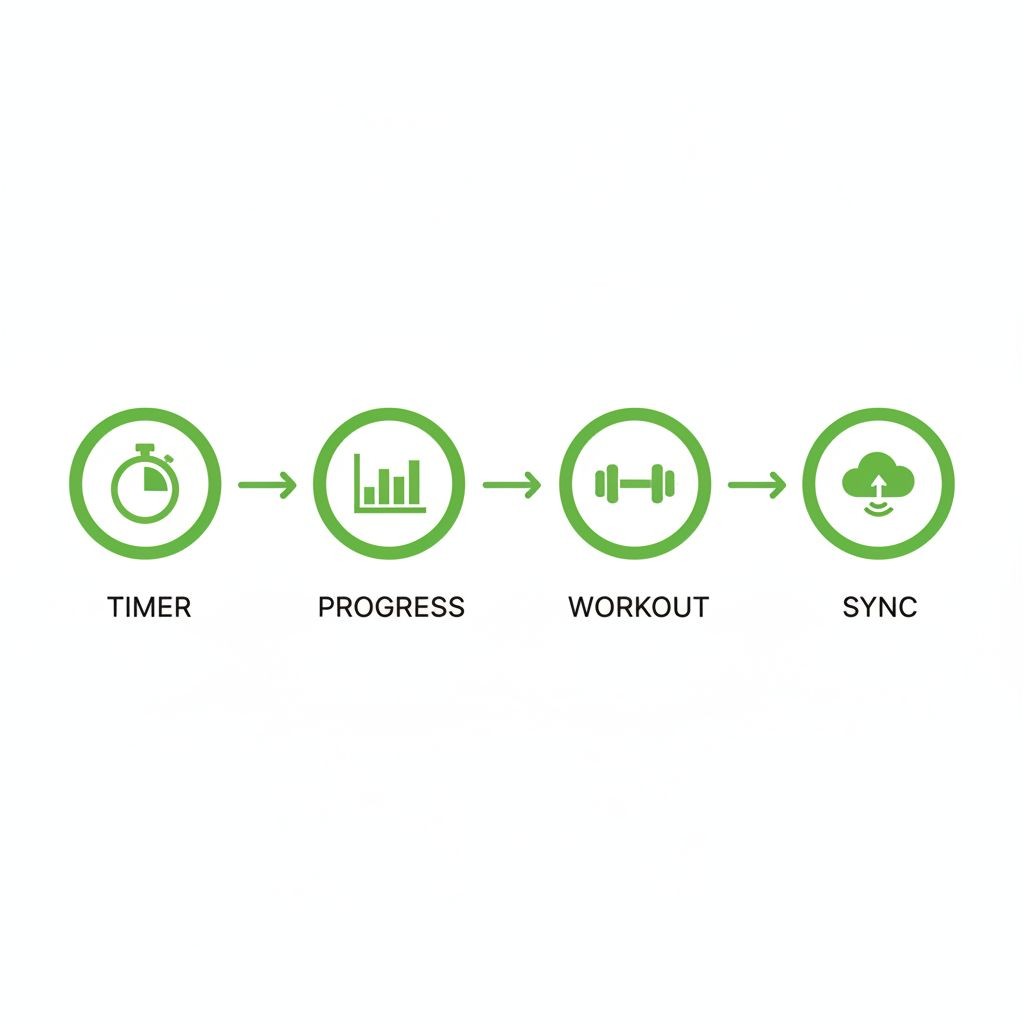
You're between sets with 90 seconds of rest. Can you log your previous set in under 10 seconds? Apps requiring multiple screens or confusing navigation waste time and break workout flow. Look for one-tap logging, smart suggestions based on previous sets, and minimal required inputs.
Exercise History and Progress Tracking
Seeing what you lifted last week is table stakes. Better apps show trends over months, calculate volume progression, and highlight personal records automatically. Progress charts should be easy to read and actually useful for identifying plateaus or overtraining.
Customization Options
Can you create custom exercises? Adjust rest timers per movement? Organize workouts by muscle group, training split, or however makes sense for you? Rigid apps that force you into their system create frustration.
Offline Functionality
Gym WiFi is terrible, and cellular data is spotty in basement weight rooms. Apps requiring constant internet connection are unusable when you need them most. Offline mode with cloud sync when you're back online is essential.
Platform Availability
Do you use iPhone, Android, or both? Some apps are iOS-only (Setgraph, for example), while others work across platforms. Web access is convenient for planning workouts on a computer. Apple Watch or wearable integration is valuable if you use those devices.
Rest Timer with Notifications
A good rest timer runs in the background and notifies you when it's time for your next set. Great rest timers let you customize duration per exercise and include quick-repeat options. Live Activity support on iOS means you can see the countdown without opening the app.
Data Export and Privacy
Your workout data is valuable. Can you export it if you switch apps? Some apps lock you in with no export options (Setgraph currently doesn't offer CSV export, for instance). Privacy policies matter too—understand what data is collected and how it's used.
Integration with Other Platforms
Does the app sync with MyFitnessPal for nutrition tracking? Connect to Strava for cardio? Import data from your smartwatch? Integration prevents data silos and creates a complete fitness picture.
Beginner-Friendly vs. Advanced Features
Beginners need guidance—exercise libraries with videos, pre-built programs, and simple interfaces. Advanced users want customization, detailed analytics, and the ability to track complex periodization schemes. The best apps serve both audiences without overwhelming newcomers or limiting experienced users.
[INFOGRAPHIC: Decision tree showing how to choose a workout app based on primary training type (strength/cardio/mixed), experience level (beginner/intermediate/advanced), and budget (free/paid)]
Comparison Table: Features and Pricing
App | Best For | Platforms | Free Version | Paid Price | Offline Mode | Wearable Support |
|---|---|---|---|---|---|---|
Setgraph | Strength training simplicity | iOS | 5-day trial | Annual/Lifetime* | Yes | Apple Watch |
Strong | Overall weightlifting | iOS, Android | Limited exercises | $4.99/mo | Yes | Apple Watch, Wear OS |
JEFIT | Free tracking | iOS, Android | Full features with ads | $12.99/mo | Yes | Limited |
Hevy | Social motivation | iOS, Android | Workout limit | $9.99/mo | Yes | Apple Watch |
Fitbod | AI programming | iOS, Android | Trial only | $12.99/mo | Yes | Apple Watch, Wear OS |
Nike Training Club | Guided workouts | iOS, Android | Fully free | N/A | Yes | Apple Watch |
Strava | Running/cycling | iOS, Android, Web | Robust features | $11.99/mo | GPS only | Most wearables |
MyFitnessPal | Nutrition + exercise | iOS, Android, Web | Basic tracking | $9.99/mo | Limited | Some wearables |
Caliber | Personal coaching | iOS, Android | No | $99/mo | Yes | Apple Watch |
Boostcamp | Popular programs | iOS, Android | Basic programs | $9.99/mo | Yes | Apple Watch |
*Check in-app for current regional pricing
How to Choose the Right Workout App for Your Goals
If You're Primarily a Weightlifter
Start with your training style. Following a structured program like 5/3/1 or PPL? Boostcamp implements these programs correctly with automatic progression. Prefer flexible training where you decide what to do each day? Setgraph or Strong give you that freedom with fast logging.
Experience level matters. Beginners benefit from apps with exercise libraries and video demonstrations (Strong, JEFIT). Advanced lifters often prefer minimal interfaces that don't waste time (Setgraph).
Budget is straightforward. JEFIT offers the best free experience for weightlifting. If you're willing to pay, Strong Pro at $30/year is excellent value. Setgraph requires membership after the trial but offers lifetime purchase options.
If You're a Runner or Cyclist
Strava is the obvious choice. The free version handles everything most people need—GPS tracking, route mapping, segments, and social features. Competitive runners might want Summit for advanced analytics, but start with free.
For treadmill running or indoor cycling, Strava loses some appeal since GPS doesn't apply. Nike Training Club offers guided treadmill workouts, though tracking is basic.
If You Do Mixed Training
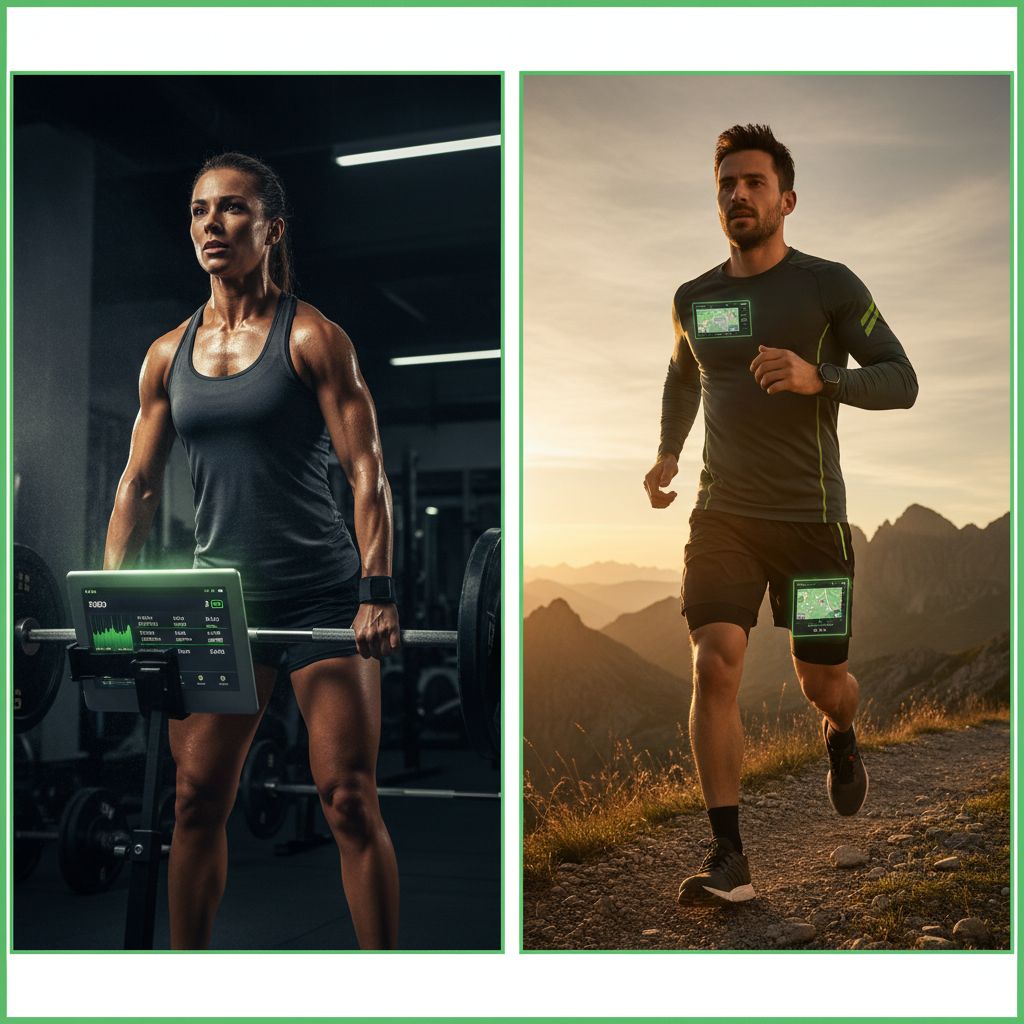
Combining strength training and cardio? You'll likely need two apps. Strong or Setgraph for weightlifting, Strava for outdoor cardio. They don't integrate directly, but that's fine—each excels at its specialty.
Fitbod handles both strength and cardio, but the cardio tracking is basic compared to dedicated running apps. It works if you do occasional cardio as conditioning rather than serious running training.
If You're on a Budget
Free apps have improved dramatically. JEFIT for strength training and Strava for cardio give you professional-grade tracking without spending money. Nike Training Club adds guided workouts across multiple disciplines.
The limitation? Free apps often lack advanced analytics, cloud backup, or premium features. But for most people, free versions provide everything needed to track workouts and make progress.
If You Want Coaching
Caliber pairs you with a real coach for $99/month. Expensive, but cheaper than in-person training. You get customized programming, form checks, and accountability.
Fitbod offers AI-generated programming for $80/year. Not as personalized as human coaching, but the algorithm adapts to your performance and recovery.
For people following established programs, Boostcamp implements proven systems correctly. It's not coaching, but it removes the guesswork from program execution.
Platform Considerations
iPhone users have more options. Setgraph is iOS-only but offers features like Live Activity rest timers that Android apps can't match yet. Strong works on both platforms but feels more polished on iOS.
Android users should focus on cross-platform apps: Strong, JEFIT, Hevy, Fitbod, Strava. All work well on Android with regular updates.
Want web access for planning workouts on your computer? Strava and MyFitnessPal offer full web interfaces. Most strength training apps are mobile-only.
Frequently Asked Questions About Workout Tracking Apps
Do I really need a workout tracking app, or can I just use a notebook?
Notebooks work, and some lifters prefer them. The advantages of apps: automatic calculations (volume, estimated 1RM), progress charts, rest timers, exercise libraries, and cloud backup. You won't lose your training history if your notebook gets lost. Apps also make it easier to spot trends—seeing a volume chart is more informative than flipping through pages of handwritten sets.
The disadvantage? Apps require your phone at the gym, which can be distracting. If you have the discipline to use your phone only for tracking, apps are superior. If you'll end up scrolling social media between sets, a notebook might keep you more focused.
Which app is best for beginners who don't know what exercises to do?
Fitbod generates complete workouts based on your goals and equipment. The AI handles exercise selection, sets, reps, and progression. Nike Training Club offers guided workouts with video demonstrations—you just follow along.
Setgraph's AI workout generator creates personalized plans for beginners who need structure. Boostcamp implements proven beginner programs like Starting Strength correctly.
Avoid apps that assume you already know what you're doing. Strong and JEFIT are powerful but don't provide much guidance on program design.
Can these apps work offline at the gym?
Most strength training apps work offline: Setgraph, Strong, JEFIT, Hevy, and Fitbod all function without internet. They sync your data when you're back online.
Strava requires GPS signal for outdoor activities but can track treadmill runs offline. Nike Training Club downloads workouts for offline use.
MyFitnessPal requires internet for most features since it's primarily a nutrition app with cloud-based food database.
How much should I expect to pay for a good workout tracker?
Free options like JEFIT and Hevy are genuinely useful. You can track workouts effectively without spending money.
Paid apps range from $30-80/year for premium features. Strong Pro ($30/year) and Boostcamp Premium ($60/year) offer good value. Fitbod ($80/year) is pricier but includes AI programming.
Setgraph offers annual subscription or lifetime purchase—check in-app for current pricing in your region.
Coaching apps like Caliber ($99/month) are expensive but include human coaching, not just software.
Which apps integrate with Apple Watch or other wearables?
Setgraph, Strong, Hevy, Fitbod, and Nike Training Club all support Apple Watch. You can log sets, start rest timers, and view workout data from your wrist.
Strava integrates with virtually every fitness wearable—Apple Watch, Garmin, Fitbit, Polar, Wahoo, and more. It's the most connected app in the fitness ecosystem.
MyFitnessPal syncs with many wearables to import workout data automatically.
Android users with Wear OS watches can use Strong and Fitbod. Options are more limited than iOS.
Can I export my workout data if I want to switch apps?
Strong allows CSV export of your complete workout history. JEFIT and Hevy also support data export.
Setgraph currently doesn't offer CSV export, which is a limitation if you want to back up data externally or switch apps later.
Strava lets you export individual activities or bulk export your entire history.
Always check export options before committing to an app long-term. Your workout data is valuable, and you should be able to take it with you.
Which app is best for tracking specific workout types like CrossFit or powerlifting?
For powerlifting: Strong and Boostcamp handle the big three lifts (squat, bench, deadlift) with proper progression tracking. Setgraph works well for tracking meet prep cycles.
For CrossFit: WodBoard and SugarWOD are specialized CrossFit apps. General apps like Strong can track CrossFit workouts but lack WOD-specific features.
For bodybuilding: Setgraph, Strong, and Hevy all excel at tracking hypertrophy training with multiple exercises per muscle group.
For Olympic weightlifting: Strong and JEFIT work, but specialized apps like Everkinetic might serve you better.
Do these apps help with progressive overload?
Yes, that's their primary purpose. Seeing your previous sets makes progressive overload straightforward—you know exactly what to beat.
Strong and Setgraph highlight personal records automatically. Fitbod adjusts workout difficulty based on your performance. Hevy shows volume trends over time.
The key is consistency. Log every workout, and the app will show you whether you're actually progressing or spinning your wheels.
If you're serious about strength training and want a tool that grows with you, exploring options like Setgraph can transform how you approach progressive overload. The app's focus on simplicity means you spend less time managing your tracker and more time actually lifting.
Making Your Choice
The best workout tracker app is the one you'll actually use consistently. A simple app you log every workout beats a feature-rich app you abandon after two weeks.
Start with your primary training type. Weightlifters should try Setgraph, Strong, or JEFIT. Runners need Strava. People wanting guided workouts should explore Nike Training Club or Fitbod.
Most apps offer free trials or free versions. Download two or three, test them during actual workouts, and see which interface feels natural. The right app disappears into the background, letting you focus on training rather than fighting with software.
Your workout data tells the story of your fitness journey. Choose an app that makes logging effortless, provides insights that inform your training, and supports your specific goals. The difference between random workouts and structured progress often comes down to having the right tracking system in place.
Article created using Lovarank


