Workout Tracking Guide 2024: Methods, Apps & How to Track Progress
What is Workout Tracking and Why It Matters
Workout tracking is the practice of recording your exercise sessions—sets, reps, weights, distances, times, or any other metrics that matter for your training. Think of it as keeping a detailed journal of your fitness journey, except instead of just writing about how you felt, you're capturing concrete data that shows whether you're actually getting stronger, faster, or more capable.
The concept isn't new. Bodybuilders and powerlifters have been logging their workouts in notebooks for decades. What's changed is how we track. Digital tools have made the process faster, more detailed, and significantly more useful for analyzing patterns and progress.
Here's why tracking matters: your memory is terrible at remembering workout details. You might think you remember what weight you used for squats last week, but research shows people consistently overestimate or underestimate their past performance. Without accurate records, you're essentially guessing at what constitutes progress.
Progressive overload—the principle of gradually increasing stress on your muscles—is the foundation of strength training. You can't progressively overload if you don't know what you did last time. It's that simple.
Beyond the practical benefits, tracking creates accountability. When you see your workout history staring back at you, skipping sessions becomes harder to justify. The data doesn't lie about consistency.
Benefits of Tracking Your Workouts
The advantages of workout tracking extend far beyond just remembering numbers.
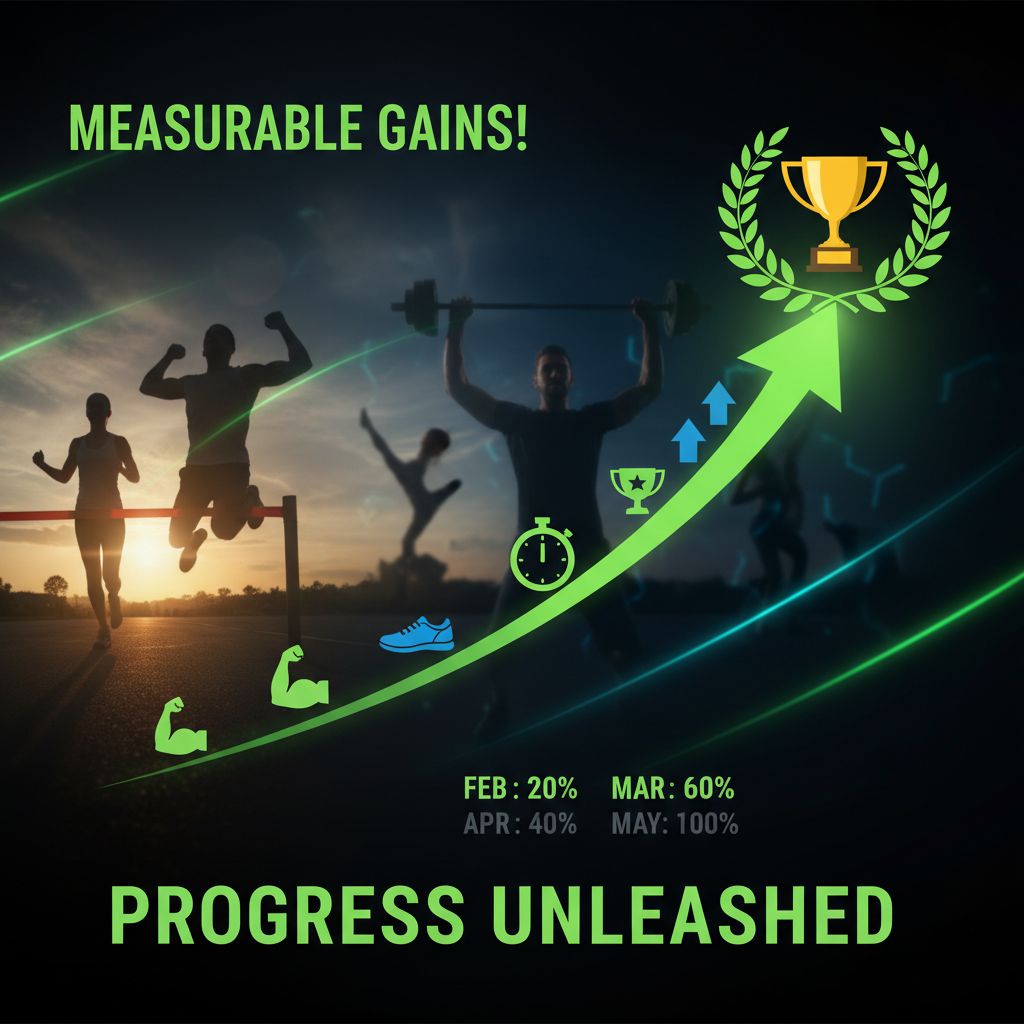
Measurable Progress: Nothing motivates like seeing concrete improvement. When you can look back three months and see you've added 50 pounds to your deadlift or shaved two minutes off your 5K time, that's tangible proof your effort is working. This visible progress keeps you coming back when motivation wanes.
Smarter Training Decisions: Data reveals patterns you'd never notice otherwise. Maybe you consistently struggle with bench press on Mondays after heavy shoulder work on Fridays. Or perhaps your squat numbers drop when you sleep less than seven hours. These insights let you optimize your training schedule and recovery.
Injury Prevention: Tracking helps you spot warning signs before they become problems. A sudden drop in performance might indicate overtraining or an emerging injury. Gradual increases in volume and intensity—clearly visible in your logs—reduce injury risk compared to random, unplanned jumps in training load.
Accountability and Consistency: Your workout log becomes a commitment device. Missing workouts creates visible gaps in your data. This psychological pressure (the good kind) helps maintain consistency, which matters more than any single workout.
Goal Achievement: Specific goals require specific tracking. Training for a powerlifting meet? You need to know your one-rep maxes and how they're trending. Trying to build your chest? Track volume (sets × reps × weight) for chest exercises over time. Goals without measurement are just wishes.
A 2019 study in the Journal of Medical Internet Research found that people who tracked their workouts were significantly more likely to stick with their fitness programs long-term compared to those who didn't track.
Different Methods of Workout Tracking
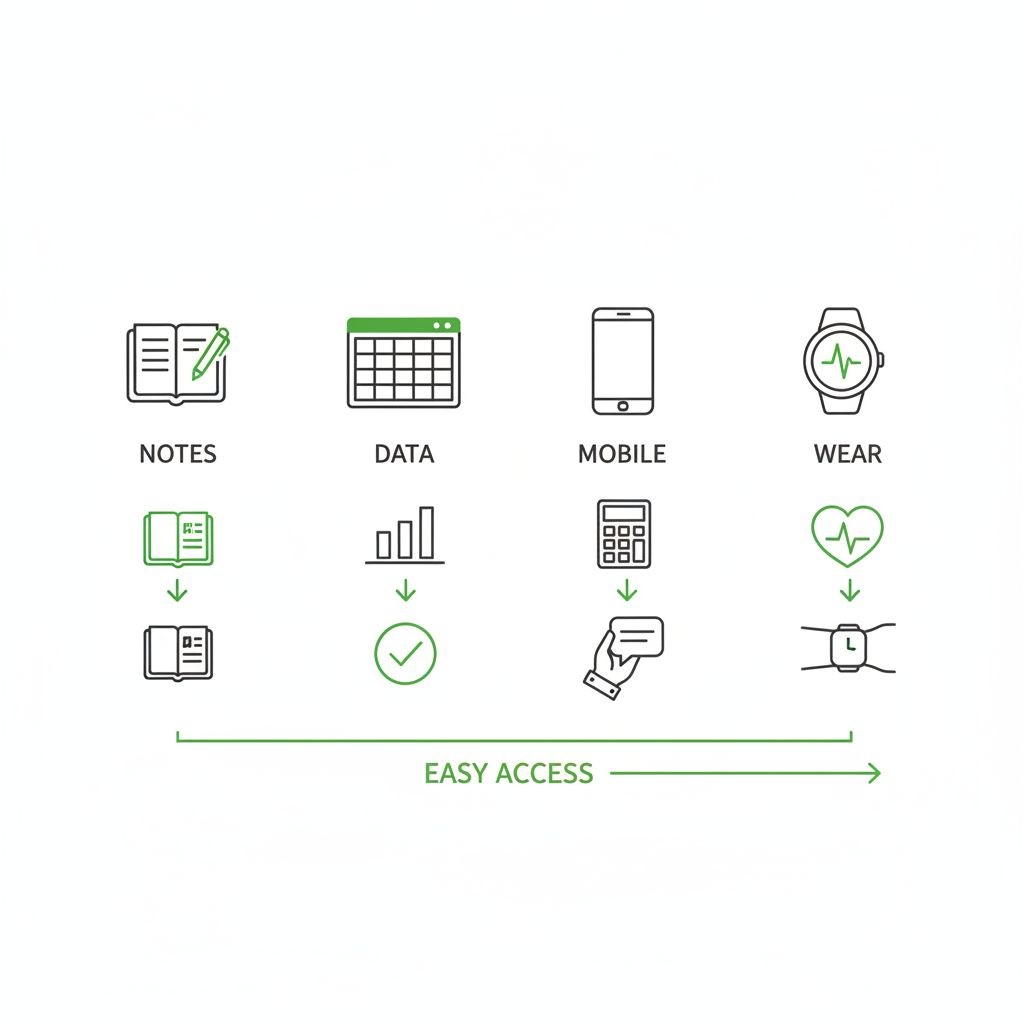
You have several options for tracking workouts, each with distinct advantages and limitations.
Paper Notebooks
The old-school approach still has devoted followers. You write down exercises, sets, reps, and weights in a physical notebook.
Pros: No battery required, no learning curve, complete customization, no subscription fees, and some people find the physical act of writing helps them remember and process information better.
Cons: Easy to lose or damage, difficult to analyze trends without manually creating charts, takes up space in your gym bag, and you can't easily search through months of data to find specific information.
Best for: Minimalists, people who prefer analog tools, or those who find digital devices distracting during workouts.
Spreadsheets
Google Sheets or Excel spreadsheets offer a middle ground between paper and dedicated apps.
Pros: Highly customizable, free (with Google Sheets), can create custom formulas and charts, works on any device with a browser, and you own your data completely.
Cons: Requires setup time, can be clunky to use on a phone during workouts, no built-in exercise database or form videos, and you need to manually create any analysis or visualizations you want.
Best for: Data enthusiasts who enjoy customization, people with specific tracking needs not met by apps, or those who already use spreadsheets for other aspects of life.
Dedicated Workout Tracker Apps
Purpose-built apps designed specifically for logging workouts have become the most popular option.
Pros: Fast data entry during workouts, automatic calculations (like estimated 1RM), built-in exercise libraries with instructions, progress charts and analytics, rest timers, cloud backup, and the ability to access your complete history from anywhere.
Cons: Most require subscriptions for full features, you're dependent on the app continuing to exist, potential privacy concerns with health data, and learning curve for each app's specific interface.
Best for: Most people, especially those who want convenience, automatic analysis, and don't mind paying for quality tools.
Wearable Devices
Smartwatches and fitness trackers can automatically log certain workout data.
Pros: Automatic tracking of heart rate, calories, and duration, convenient for cardio activities, no manual entry required during workouts.
Cons: Limited for strength training (can't automatically track sets, reps, or weights), expensive hardware required, battery life concerns, and data often lives in proprietary ecosystems.
Best for: Cardio-focused athletes, people who want passive tracking, or as a supplement to other tracking methods for strength training.
[INFOGRAPHIC: Comparison table showing workout tracking methods (paper notebook, spreadsheet, dedicated app, wearable device) with ratings for ease of use, cost, data analysis capabilities, and best use cases]
Key Metrics to Track for Different Fitness Goals
What you track should align with what you're trying to achieve. Tracking everything is overwhelming and unnecessary.
Strength Training and Powerlifting
Essential metrics:
Exercise name
Weight lifted
Reps completed
Number of sets
Date
Advanced metrics:
Estimated 1RM (one-rep max)
Total volume (sets × reps × weight)
Rest time between sets
Rate of perceived exertion (RPE)
Bar speed or velocity (for advanced lifters)
For powerlifting specifically, focus intensely on your competition lifts (squat, bench press, deadlift) and track accessory work more loosely.
Bodybuilding and Hypertrophy
Essential metrics:
Exercise name
Weight and reps
Sets performed
Total weekly volume per muscle group
Advanced metrics:
Time under tension
Muscle group frequency (how often you train each muscle per week)
Body measurements (chest, arms, waist, thighs)
Progress photos
Body weight trends
Bodybuilders care more about total volume and muscle stimulation than absolute strength numbers.
General Fitness and Weight Loss
Essential metrics:
Workout duration
Exercises completed
Basic intensity (light, moderate, hard)
Consistency (days per week)
Advanced metrics:
Heart rate zones
Calories burned (rough estimate)
Body weight trends
Energy levels and sleep quality
Non-scale victories (fitting into clothes, climbing stairs easier)
Cardio and Endurance Training
Essential metrics:
Distance covered
Time/duration
Pace or speed
Type of activity
Advanced metrics:
Heart rate data
Elevation gain
Splits (time per mile/kilometer)
Perceived exertion
Weather conditions (for outdoor training)
CrossFit and HIIT
Essential metrics:
Workout name (WOD)
Time to completion or rounds completed
Weights used
Modifications made
Advanced metrics:
Benchmark workout times (Fran, Murph, etc.)
Movement-specific PRs
Recovery time between sessions
The key is tracking enough to measure progress without making the tracking process so burdensome that you stop doing it.
Best Workout Tracking Apps and Tools
The workout tracking app market is crowded, but a few stand out for specific use cases.
For Strength Training: Setgraph
Setgraph focuses on what matters most for lifters: quickly logging sets and seeing your progression. The app's design philosophy centers on speed—you can swipe to log a set without even opening the full exercise screen.
Key features include organizing exercises by muscle groups, creating custom workout routines for different training splits, and accessing your complete set history for any exercise regardless of which workout plan you're following. The AI workout generator creates personalized plans based on your goals, schedule, and available equipment.
What makes Setgraph different is its flexibility. You don't need to pre-plan workouts to use it effectively. If you show up at the gym and decide what to do on the fly, you can still track everything efficiently. The app also includes Smart Plates, which helps you quickly calculate which plates to load on the bar.
Setgraph offers a five-day free trial to explore features, followed by subscription options for continued access.
For Comprehensive Tracking: Strong
Strong has built a reputation as the digital replacement for workout notebooks, with over 5 million users. The interface is clean and intuitive, making it easy to log workouts quickly during gym sessions.
The free version covers basic tracking needs, while the PRO subscription adds advanced analytics including one-rep max calculations, body measurements, and detailed progress charts.
For Beginners: JEFIT
JEFIT includes a massive exercise database with instructional videos, making it ideal for people still learning proper form. The app also features pre-built workout routines you can follow if you're not ready to create your own.
For Runners: Strava
While not strength-focused, Strava dominates the running and cycling world. The social features—seeing friends' activities, giving kudos, competing on segment leaderboards—create community motivation that keeps people consistent.
For CrossFit: Beyond the Whiteboard
Designed specifically for CrossFit athletes, this app tracks benchmark WODs, lets you log complex workouts with multiple movements, and includes features for tracking gymnastics skills and Olympic lifting.
When evaluating apps, consider: ease of use during workouts (can you log quickly?), data export options (can you get your data out if you switch apps?), cost structure (one-time purchase vs. subscription), and whether it tracks the metrics that matter for your specific goals.
How to Choose the Right Workout Tracker
Picking the right tracking method depends on several factors.
Consider your training style: If you follow structured programs with planned workouts, you need something that handles workout templates well. If you train more intuitively, you need fast, flexible logging without mandatory pre-planning.
Evaluate your tech comfort level: Some people love diving into detailed analytics and customization. Others want to open an app, log three numbers, and get back to training. Neither approach is wrong—choose tools that match your preferences.
Think about your budget: Free options exist for every tracking method. Paid apps typically offer better user experience and features, but only you can decide if those improvements justify the cost. Consider that even a $50/year app costs less than a single personal training session.
Check data portability: Can you export your workout history? If the app shuts down or you want to switch, you don't want to lose years of data. Apps that allow CSV export or have open APIs score points here.
Test the logging speed: During your workout, you want to spend 10 seconds logging a set, not two minutes navigating menus. Try the app with a real workout before committing.
Privacy matters: Fitness apps collect sensitive health data. Read privacy policies. Understand what data gets shared, sold, or used for advertising. Some apps are more respectful of user privacy than others.
Integration capabilities: If you use a fitness watch, nutrition app, or other health tools, check whether your workout tracker integrates with them. Centralized data provides better insights.
For most people starting out, I recommend trying a dedicated app with a free trial. The convenience and automatic analysis justify the small learning curve. You can always switch to spreadsheets or notebooks later if you prefer.
Getting Started with Workout Tracking
Starting to track workouts feels overwhelming if you overthink it. Here's a practical approach.
Week 1: Track the basics
Don't try to log everything perfectly from day one. Start with just three pieces of information:
Exercise name
Weight used
Reps completed
That's it. No fancy metrics, no detailed notes, no stress about perfect form. Just get in the habit of recording these three things for each exercise.
Week 2-4: Add structure
Once basic logging feels natural, add:
Number of sets
Rest times (if relevant to your goals)
Brief notes about how the workout felt
If you follow a consistent routine, set up workout templates now. Most apps let you create a "Leg Day" or "Push Workout" that you can reuse each week, saving setup time.
Month 2: Start analyzing
Now that you have 4-6 weeks of data, look for patterns:
Which exercises are progressing well?
Where are you stuck?
Are you training each muscle group with adequate frequency?
Do certain workout days consistently feel harder?
Use these insights to adjust your training.
Common beginner mistakes to avoid:
Tracking too much too soon: You don't need to log your heart rate, sleep quality, nutrition, stress levels, and 15 different workout metrics from day one. Start simple.
Inconsistent naming: If you call an exercise "Bench Press" one day, "Barbell Bench" the next, and "BB Bench Press" the third time, you'll fragment your data. Pick one name and stick with it.
Forgetting to track: The best tracking system is the one you actually use. Set a reminder if needed, or make logging part of your workout ritual (like chalking your hands before deadlifts).
Perfectionism: Missed logging a workout? Just start again with the next one. Don't let one gap derail the entire habit.
For complete beginners who don't have a workout plan yet, many apps (including Setgraph) offer AI-generated workout plans. These give you a structured starting point while you learn what works for your body and schedule.
Analyzing Your Workout Data for Better Results
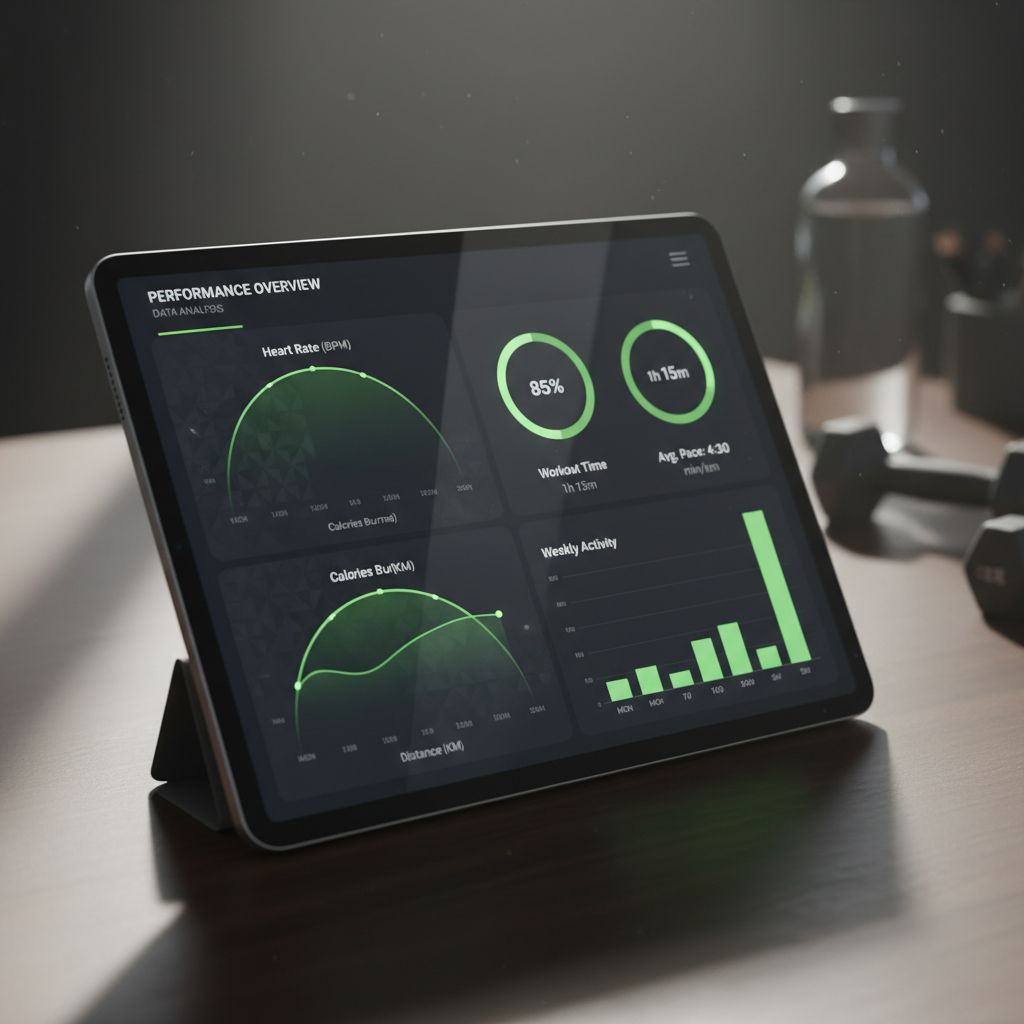
Collecting data is pointless if you never look at it. Here's how to turn your workout logs into actionable insights.
Weekly review (5 minutes)
Every Sunday (or whatever day works), glance at the past week:
Did you hit your planned workout frequency?
Did you progress on any lifts (more weight, reps, or sets)?
Were there any unexpected struggles?
This quick check keeps you accountable and aware.
Monthly deep dive (20-30 minutes)
Once a month, analyze trends:
Volume progression: Calculate total volume (sets × reps × weight) for major muscle groups. Volume should generally trend upward over time, though not every single week.
Strength progression: Are your working weights increasing? For beginners, expect weekly progress. Intermediate lifters might see monthly gains. Advanced lifters progress over longer timeframes.
Sticking points: Which exercises haven't progressed in 4+ weeks? These need attention—maybe you need more volume, better recovery, form corrections, or different exercise variations.
Frequency analysis: Are you training each muscle group often enough? Research suggests 2-3 times per week per muscle group optimizes hypertrophy for most people.
What to look for in your data:
Consistent progress: You should see some form of improvement over 4-8 week periods. This might be more weight, more reps, more sets, better form, or faster completion times.
Recovery patterns: Do you consistently struggle on certain days? Maybe you need more rest before that session, or you're doing too much volume earlier in the week.
Plateau indicators: If multiple exercises stall simultaneously, you might be under-recovering (not enough sleep, food, or rest days) or need a deload week.
Injury warning signs: Sudden performance drops, especially on one side of the body or in one specific movement, might indicate an emerging injury. Address these early.
When to adjust your program:
No progress on any lifts for 4+ weeks despite good effort and recovery
Consistent fatigue or declining performance (might need a deload)
Boredom or loss of motivation (sometimes you need new exercises or a different training style)
Life changes (new job, moved, schedule changed) requiring different workout frequency or duration
Your workout data should inform decisions, not dictate them. If the numbers say you should be able to lift more but you feel terrible, trust your body. Data is a tool, not a tyrant.
Common Workout Tracking Mistakes to Avoid
Even experienced lifters make these tracking errors.
Mistake 1: Tracking inconsistently
Logging workouts for two weeks, stopping for a month, then starting again creates fragmented data that's hard to analyze. Consistency matters more than perfection. Even rough tracking beats no tracking.
Mistake 2: Obsessing over daily fluctuations
You won't set PRs every workout. Some days you'll lift less than last week. That's normal. Focus on monthly trends, not daily variations. Strength isn't linear.
Mistake 3: Ignoring context
Your workout data doesn't exist in a vacuum. If you slept four hours, ate one meal, and had a stressful day at work, of course your workout suffered. Note these contextual factors when they're relevant.
Mistake 4: Tracking without purpose
Some people track dozens of metrics but never look at the data or use it to make decisions. If you're not going to analyze and apply the information, you're wasting time. Track what matters for your goals.
Mistake 5: Letting tracking interfere with training
If you spend more time fiddling with your app than actually lifting weights, you've lost the plot. Tracking should take 30-60 seconds per exercise, maximum. If it takes longer, simplify your system.
Mistake 6: Comparing yourself to others
Your workout data is about YOUR progress. Comparing your squat numbers to someone who's been training for 10 years while you've been at it for 6 months is demoralizing and pointless. Compare yourself to your past self.
Mistake 7: Never reviewing the data
Logging workouts creates a false sense of productivity. The value comes from periodically reviewing your logs and adjusting your training based on what you learn. Schedule monthly reviews.
Mistake 8: Tracking form breakdowns as PRs
Lifting 225 pounds with terrible form isn't a PR worth celebrating. If you had to compromise technique to hit a number, that's not real progress. Some lifters note form quality in their logs to avoid this trap.
Advanced Workout Tracking Features and Techniques
Once you've mastered basic tracking, these advanced approaches can optimize your training further.
Velocity-Based Training (VBT)
VBT uses devices to measure bar speed during lifts. The concept: as you fatigue, bar velocity decreases even if you can still complete reps. By tracking velocity, you can:
Determine optimal training loads for different adaptations (strength vs. power vs. hypertrophy)
Know when to stop a set (when velocity drops below a threshold)
Monitor fatigue more precisely than RPE alone
VBT requires additional equipment (devices like PUSH bands or Tendo units) and is primarily useful for intermediate to advanced lifters.
Rate of Perceived Exertion (RPE) Tracking
RPE measures how hard a set feels on a scale from 1-10, where 10 is absolute maximum effort. Tracking RPE alongside weight and reps provides context:
225 lbs × 5 reps at RPE 7 means you had about 3 more reps in the tank
225 lbs × 5 reps at RPE 10 means that was your absolute max for that day
This helps you understand whether you're truly progressing or just pushing harder. If you lifted the same weight for the same reps but RPE dropped from 9 to 7, you got stronger even though the numbers look identical.
Periodization Tracking
Advanced lifters following periodized programs (linear, undulating, block periodization) need to track:
Which phase of the program they're in
Volume and intensity trends across phases
Performance on key indicator lifts
Deload weeks and their effects
This requires more sophisticated tracking than "I did 3 sets of 10 today."
Body Composition Tracking
Integrating body measurements with workout data reveals whether your training produces desired physical changes:
Weekly body weight (same day, same time, same conditions)
Monthly measurements (chest, waist, arms, thighs)
Progress photos (same lighting, same poses, same time of day)
Body fat percentage (if you have reliable measurement methods)
Correlating these with training volume and intensity helps optimize your program for body composition goals.
Integration with Wearables and Other Apps
Advanced trackers sync data across multiple platforms:
Heart rate data from smartwatches
Sleep quality from sleep trackers
Nutrition data from food logging apps
Step counts and daily activity
This holistic view helps identify recovery issues, overtraining, or lifestyle factors affecting performance.
Custom Metrics and Formulas
Some lifters create custom tracking metrics:
Tonnage (total weight moved in a workout or week)
Intensity (average percentage of 1RM across all sets)
Volume load per muscle group
Training density (work done per unit of time)
Spreadsheet users can calculate these automatically. Some advanced apps offer custom formula fields.
Privacy and Data Security Considerations
As tracking becomes more sophisticated, privacy matters more. Your workout data reveals:
Daily routines and schedules
Location (if you log which gym)
Health information
Physical capabilities
Best practices:
Read app privacy policies before signing up
Understand what data gets shared with third parties
Use apps that offer data export (so you're not locked in)
Consider local-only tracking options if privacy is paramount
Be cautious about social features that broadcast your location or schedule
Some apps sell anonymized user data to researchers or fitness companies. This isn't necessarily bad, but you should know it's happening.
Tracking for Non-Strength Activities
While this guide focuses heavily on strength training, tracking applies to other fitness activities:
Yoga and flexibility: Track poses mastered, hold times, flexibility measurements (how close to touching toes, etc.)
Sports performance: Track sport-specific metrics (shooting percentage, sprint times, vertical jump height)
Cardio: Distance, time, pace, heart rate zones, perceived exertion
HIIT: Work-to-rest ratios, rounds completed, modifications needed
The principles remain the same: track consistently, review periodically, adjust based on data.
Making Workout Tracking Work for You
Workout tracking isn't magic. It won't build muscle or burn fat by itself. But it transforms random gym sessions into a structured training program with measurable progress.
The best tracking system is the one you'll actually use consistently. For some people, that's a simple notebook. For others, it's a sophisticated app with charts and analytics. Neither is superior—what matters is that it fits your life and supports your goals.
Start simple. Track exercises, weights, and reps. Once that becomes habit, add complexity if it serves you. Review your data monthly. Make adjustments based on what you learn. Stay consistent.
Your workout logs become a record of your dedication and progress. Years from now, you'll look back at where you started and see how far you've come. That's powerful motivation to keep going.
If you're ready to start tracking your workouts with a tool designed specifically for lifters, check out Setgraph. The app focuses on what matters most: quickly logging your sets and seeing your progression over time, without unnecessary complexity getting in your way.
The iron doesn't lie, and neither does your workout data. Start tracking today, and watch your progress compound over time.
Article created using Lovarank


