How to Track Workouts on iPhone: A Complete Guide for Lifters
Why iPhone Workout Tracking Matters for Your Progress
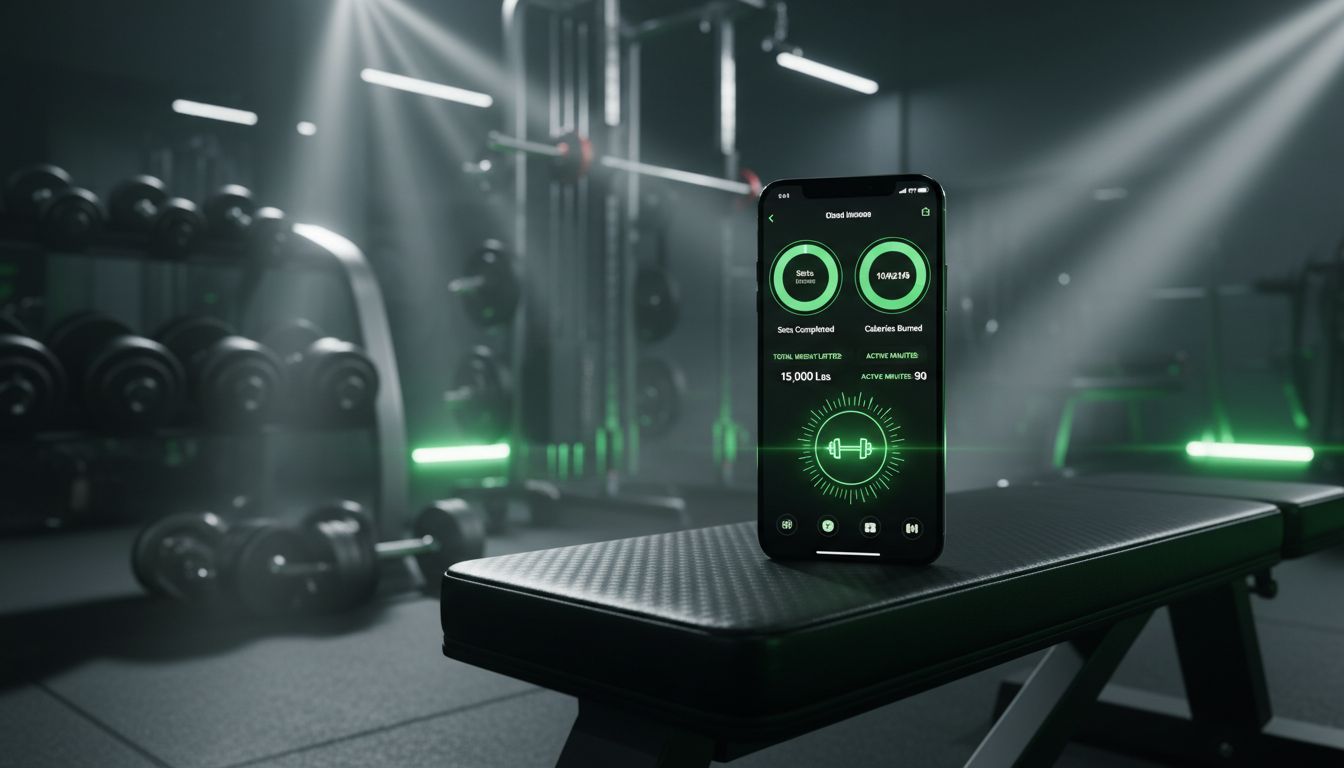
Your iPhone is already in your gym bag. You're probably using it to play music between sets or check your form in selfie mode. But if you're not tracking your workouts, you're leaving gains on the table.
The difference between someone who makes consistent progress and someone who spins their wheels often comes down to one thing: data. When you track your workouts on iPhone, you create a record of what actually works for your body. Did you hit 225 for 5 reps last week? You'll know whether to push for 6 reps or add weight this week. Without tracking, you're guessing.
This guide walks through every method for tracking workouts on iPhone, from Apple's built-in Health app to specialized strength training tools. Whether you're a beginner who just wants to remember what you did last session or an experienced lifter chasing progressive overload, you'll find an approach that fits.
Understanding Your iPhone's Built-In Fitness Tools
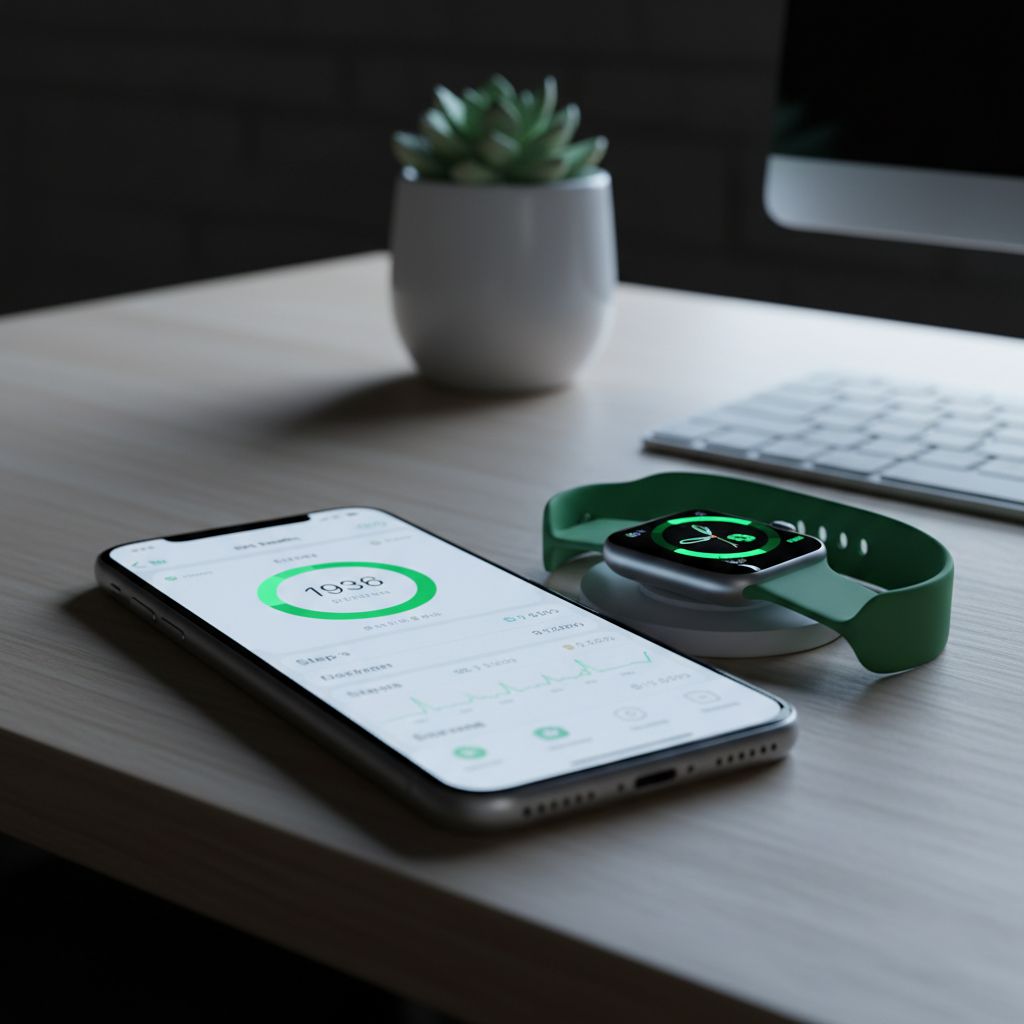
Before downloading anything, your iPhone already has workout tracking capabilities through the Health app and Fitness app (if you have an Apple Watch). These tools work well for certain types of training, but they have limitations for serious strength work.
The Health App Approach
The Health app serves as a central hub for all your fitness data. It automatically collects step counts, flights climbed, and other movement data. For workouts, it can store information from other apps and your Apple Watch.
To access workout data in Health:
Open the Health app
Tap "Browse" at the bottom
Select "Activity"
Choose "Workouts"
You'll see a timeline of logged activities, but the detail level depends on what's feeding data into Health. The app itself doesn't provide a way to log individual exercises, sets, or reps during strength training.
Apple Fitness+ and the Workout App
If you own an Apple Watch, the Workout app lets you start tracked sessions. You can select "Strength Training" as an activity type, and your watch will monitor heart rate, calories, and duration.
The problem? There's no way to log specific exercises, weights, or rep counts. The watch knows you worked out for 45 minutes and burned 300 calories, but it has no idea whether you benched 185 or 225, hit a PR, or struggled through your sets.
For cardio-focused training or general activity tracking, this works fine. For strength training where progressive overload matters, you need more detail.
Step 1: Choose Your Tracking Method
Before you start logging workouts on iPhone, decide what level of detail you need. This determines which tools make sense.
Basic tracking captures workout duration and maybe exercise names. This works if you just want a record that you trained and roughly what you did.
Intermediate tracking logs exercises, sets, and reps. You can see what you did last session and aim to beat it. Most lifters benefit from at least this level.
Advanced tracking includes weight, rest times, RPE (rate of perceived exertion), tempo, and detailed notes. Competitive lifters and those following specific programs often need this depth.
Your training style also matters. Someone who does the same routine every Monday, Wednesday, and Friday has different needs than someone who trains intuitively based on how they feel that day.
Step 2: Set Up a Dedicated Workout Tracking App
While Apple's built-in tools handle general fitness, dedicated workout apps excel at strength training. The setup process varies by app, but most follow a similar pattern.
Creating Your Exercise Library
Most apps come with pre-loaded exercise databases containing hundreds of movements. You can usually add custom exercises too, which matters if you do variations not in the standard list.
Here's the key insight many people miss: you only need to create each exercise once. If you bench press, you add "Bench Press" to your library one time. Every future session, you just find that exercise and log new sets. The app maintains a complete history.
Some apps organize exercises by muscle group (chest, back, legs) or movement pattern (push, pull, squat, hinge). Pick whatever makes finding exercises fastest during your workout.
Building Workout Templates (Optional)
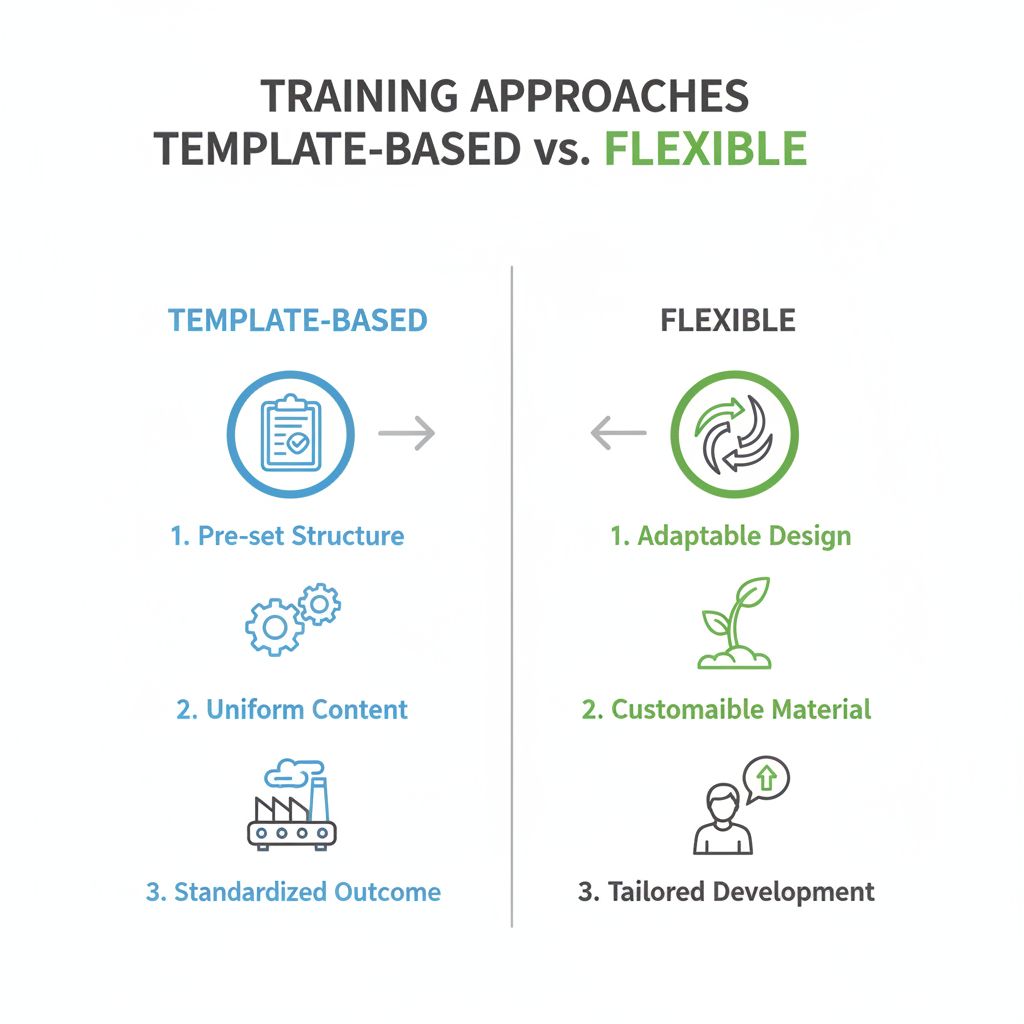
If you follow a consistent routine, creating workout templates saves time. A "Push Day" template might include bench press, overhead press, and tricep work. When you start that workout, all exercises are already loaded.
But templates aren't required. Many lifters prefer flexibility. They might know they're training chest today but decide which exercises to do based on equipment availability or how they feel. For this approach, you just pull up exercises from your library as needed.
[INFOGRAPHIC: Comparison chart showing "Template-Based Training" vs "Flexible Training" with pros/cons of each approach]
Step 3: Log Your First Workout Session
The actual logging process should be fast. You're between sets, catching your breath, and you have maybe 60-90 seconds to record what you just did.
Here's a typical flow:
Select your exercise from your workout template or exercise library
View your previous performance - most apps show your last session's sets automatically
Log your current set - enter reps and weight
Start your rest timer if the app includes one
Repeat for each set
The best apps pre-fill information from your last set. If you did 185 lbs for 8 reps last time, those numbers appear automatically. You just confirm or adjust. This speed matters when you're tired and want to focus on training, not data entry.
Some apps let you log sets with a swipe gesture instead of tapping through multiple screens. These micro-optimizations add up over a 60-minute workout.
Step 4: Track Progressive Overload
Logging workouts only helps if you actually use the data. The point is progressive overload - gradually increasing the stress on your muscles over time.
Your iPhone workout tracker should make it obvious whether you're progressing. Before starting an exercise, glance at your history:
Last session: 3 sets of 8 reps at 135 lbs
Goal this session: 3 sets of 9 reps at 135 lbs, or 3 sets of 8 at 140 lbs
Some apps calculate your estimated one-rep max (1RM) based on your logged sets. This helps you see strength gains even when you're working in different rep ranges. Maybe you did 225 for 3 reps last month and 205 for 8 reps this month - both might represent similar strength levels.
The key metric is total volume (sets × reps × weight). If that number trends upward over weeks and months, you're getting stronger.
Step 5: Use Notes and Context Features
Numbers tell part of the story, but context matters too. The best workout tracking apps on iPhone let you add notes at multiple levels.
Workout-level notes capture overall session quality. "Felt strong today, slept 8 hours" or "Low energy, only got 5 hours sleep" helps you identify patterns. Maybe you consistently perform better on certain days or after specific meals.
Exercise-level notes record technique cues or program instructions. If you're doing a specific tempo (3 seconds down, 1 second up), note it. If your coach wants you doing paused reps, write that down.
Set-level notes document anything unusual about individual sets. "Last rep was a grinder" or "Form broke down" gives you information your future self will appreciate.
These notes become valuable when you review your training history. You might notice you always struggle with bench press on Fridays, or that your squat depth improves when you do a specific warm-up.
Integrating with Apple Health and Other Apps
Most quality workout apps sync with Apple Health, creating a unified fitness record. This integration means:
Your strength training data appears alongside cardio, steps, and sleep
Other apps can access your workout history (with your permission)
You maintain a complete record even if you switch tracking apps
To enable Health integration:
Open your workout tracking app
Go to Settings
Find "Apple Health" or "Health Integration"
Toggle on the data types you want to share
Some apps also sync with fitness platforms like Strava or MyFitnessPal. If you track nutrition or do cardio training outside the gym, these connections create a complete picture.
Advanced Features Worth Considering
Once you're comfortable with basic workout tracking on iPhone, several advanced features can enhance your training.
Rest Timers with Live Activities
Modern iOS versions support Live Activities - persistent notifications that stay on your lock screen. Some workout apps use this for rest timers. You finish a set, start the timer, and lock your phone. The countdown appears right on your lock screen without opening the app.
This seems minor until you're doing heavy squats and don't want to fumble with your phone between sets.
Smart Plate Calculators
If you've ever stood at a barbell trying to figure out which plates add up to 275 lbs, you'll appreciate plate calculators. You enter your target weight, and the app tells you exactly which plates to load on each side.
Some apps account for different bar weights (standard 45 lb bars, women's 35 lb bars, specialty bars) and let you specify which plates you have available.
AI Workout Planning
Several apps now include AI-generated workout plans. You input your goals, available training days, and equipment access. The AI creates a structured program.
This helps beginners who don't know where to start or experienced lifters who want to try a new training style. The AI considers progressive overload principles and proper exercise selection.
Exercise Video Libraries
Built-in video demonstrations help with form, especially for complex movements. Instead of searching YouTube mid-workout, you tap the exercise name and watch a quick clip showing proper technique.
Common Mistakes to Avoid
After helping hundreds of lifters set up workout tracking systems, I've seen the same mistakes repeatedly:
Tracking too much too soon. Don't try to log every exercise, every set, with detailed notes from day one. Start simple - maybe just track your main compound lifts. Add detail gradually.
Inconsistent logging. Tracking three workouts, skipping two weeks, then starting again creates useless data. The value comes from consistent records over time. Even a simple log beats a detailed system you abandon.
Ignoring the data. Some people meticulously log every set but never review their history. The point isn't creating a database - it's using information to train smarter.
Letting perfect be the enemy of good. Maybe you forgot to log one exercise, or you estimated the weight instead of checking. That's fine. Approximate data beats no data.
Not backing up your data. If your tracking app doesn't sync to the cloud, you risk losing months or years of training history if your phone dies. Check that your data is backed up somewhere.
Choosing the Right App for Your Training Style
The "best" workout tracking app depends on how you train. Here's how to match apps to training styles:
For structured program followers: Look for apps with robust workout templates and program notes. You want to see your entire week's plan at a glance and easily follow prescribed sets and reps.
For intuitive trainers: Prioritize apps with fast exercise lookup and minimal required fields. You should be able to find an exercise and log sets in seconds without navigating through templates.
For powerlifters and strength athletes: Focus on apps that calculate 1RM, track personal records prominently, and let you log attempts (successful and failed). Percentage-based programming features help too.
For bodybuilders: Look for muscle group organization, volume tracking, and the ability to log different rep ranges and techniques (drop sets, supersets, rest-pause).
For lifters who want a fast, simple approach focused on progressive overload, Setgraph offers a streamlined experience. The app organizes exercises by muscle group or custom workouts, shows your complete set history for each movement, and includes features like Smart Plates and rest timers with Live Activities. You can track as much or as little detail as you want - from just logging PRs to recording every set with notes.
Making Workout Tracking a Habit
The technical setup is easy. The hard part is actually logging workouts consistently. Here's what works:
Log immediately after each set. Don't wait until the end of your workout to record everything from memory. You'll forget details or get the order wrong.
Keep your phone accessible. Use an armband, keep it in your pocket, or set it on nearby equipment. If you have to walk across the gym to your locker between every set, you won't track consistently.
Start with your main lifts. If tracking everything feels overwhelming, just log your primary exercises. Bench, squat, deadlift, overhead press - whatever matters most to your goals.
Review your progress weekly. Spend five minutes each week looking at your training data. Are you adding reps or weight? Identify one or two exercises where you'll push for progress next week.
Use rest timers. The timer serves double duty - it ensures adequate recovery and reminds you to log your set. When the timer goes off, you know it's time to record and prepare for the next set.
Beyond Basic Logging: Using Data to Train Smarter
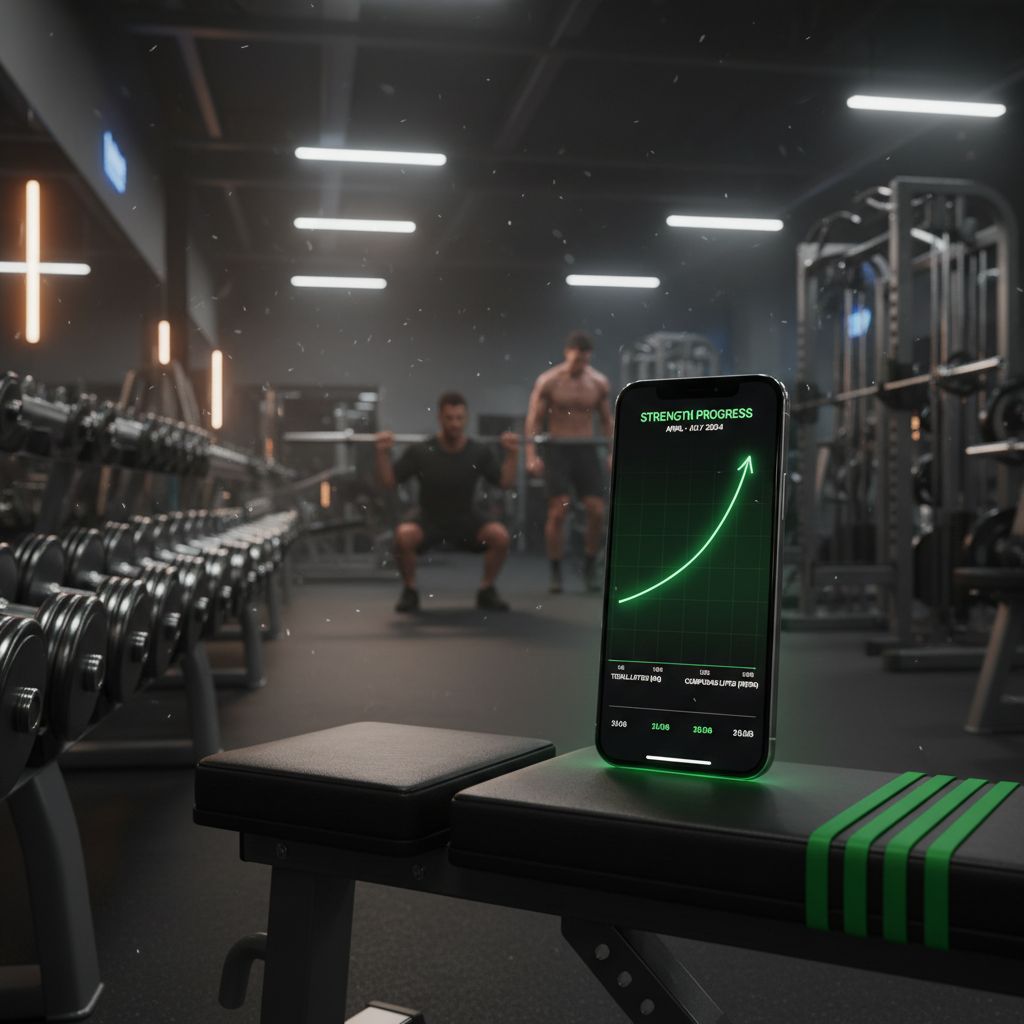
Once you have several weeks of workout data on your iPhone, you can identify patterns that improve your training.
Look for exercises where you consistently stall. If your bench press hasn't moved in six weeks but everything else is progressing, that exercise needs attention. Maybe you need more frequency, different rep ranges, or accessory work to address weak points.
Compare performance across different times or conditions. Do you lift better in the morning or evening? After certain meals? With more or less rest between sessions? Your workout log contains these answers.
Track deload weeks and recovery periods. When you intentionally reduce volume or intensity, note it. Later, you can see how these recovery periods affected your subsequent progress.
Monitor volume landmarks. Many lifters find they make best progress within certain volume ranges. Too little and you don't grow. Too much and you can't recover. Your training log helps you find your sweet spot.
Troubleshooting Common Tracking Issues
"I forget to log sets during my workout"
Set your rest timer to remind you. When it goes off, log your previous set before starting the next one. Make logging part of your rest period routine.
"The app is too slow between sets"
Look for apps with quick-log features or swipe gestures. Some apps let you repeat your previous set with one tap, which works great when you're doing multiple sets at the same weight.
"I don't know what to name exercises"
Use whatever makes sense to you. "Bench Press" and "Flat Barbell Bench" both work. You can always rename exercises later. Don't let naming decisions prevent you from logging.
"I train with different equipment at different gyms"
Create separate exercise entries if needed. "Bench Press - Gym A" and "Bench Press - Gym B" if the equipment feels significantly different. Or just note equipment variations in your workout notes.
"I can't track everything I do"
You don't have to. Track what matters most. Many successful lifters only log their main compound movements and train accessories by feel.
The Long-Term Value of Workout Data
After six months or a year of consistent tracking, you'll have something valuable: a complete record of your training journey. You can look back and see exactly what you were lifting when you started, how you progressed, and what approaches worked.
This historical data becomes especially useful when you hit plateaus or need to modify your training due to injury or life circumstances. You can reference what worked in the past and adapt those principles to your current situation.
Some lifters maintain workout logs for years or even decades. They can tell you exactly what they were benching in 2018 or how their squat progressed during a specific training cycle. This level of detail isn't necessary for everyone, but it's only possible if you start tracking now.
Your iPhone makes this easier than ever. No paper notebooks to lose, no spreadsheets to maintain manually. Just consistent logging, session after session, building a database of your strength journey.
Getting Started Today
You don't need the perfect system to start tracking workouts on iPhone. Pick an app that looks straightforward, add a few exercises you plan to do in your next workout, and start logging. You can always switch apps or adjust your approach later.
The important thing is beginning. Every workout you don't track is information lost forever. You can't remember exactly what you lifted three weeks ago, and you definitely won't remember six months from now.
Start simple, stay consistent, and use the data to push your progress forward. Your future self - the one setting PRs and wondering how far you've come - will thank you for starting today.
Article created using Lovarank


